
1. Introduction
The Coast ZITHION-X AA USB-C Rechargeable Batteries are designed to provide a sustainable and efficient power solution for your electronic devices. Each ZITHION-X AA battery is engineered to replace up to 1,000 single-use batteries, significantly reducing waste and offering long-term cost savings. These lithium-ion batteries feature proprietary ZX Optimized Voltage™ technology, ensuring stable, device-safe output that mimics the performance of alkaline batteries, preventing issues like flickering or overheating. With built-in USB-C charging, powering up your batteries is convenient and straightforward.
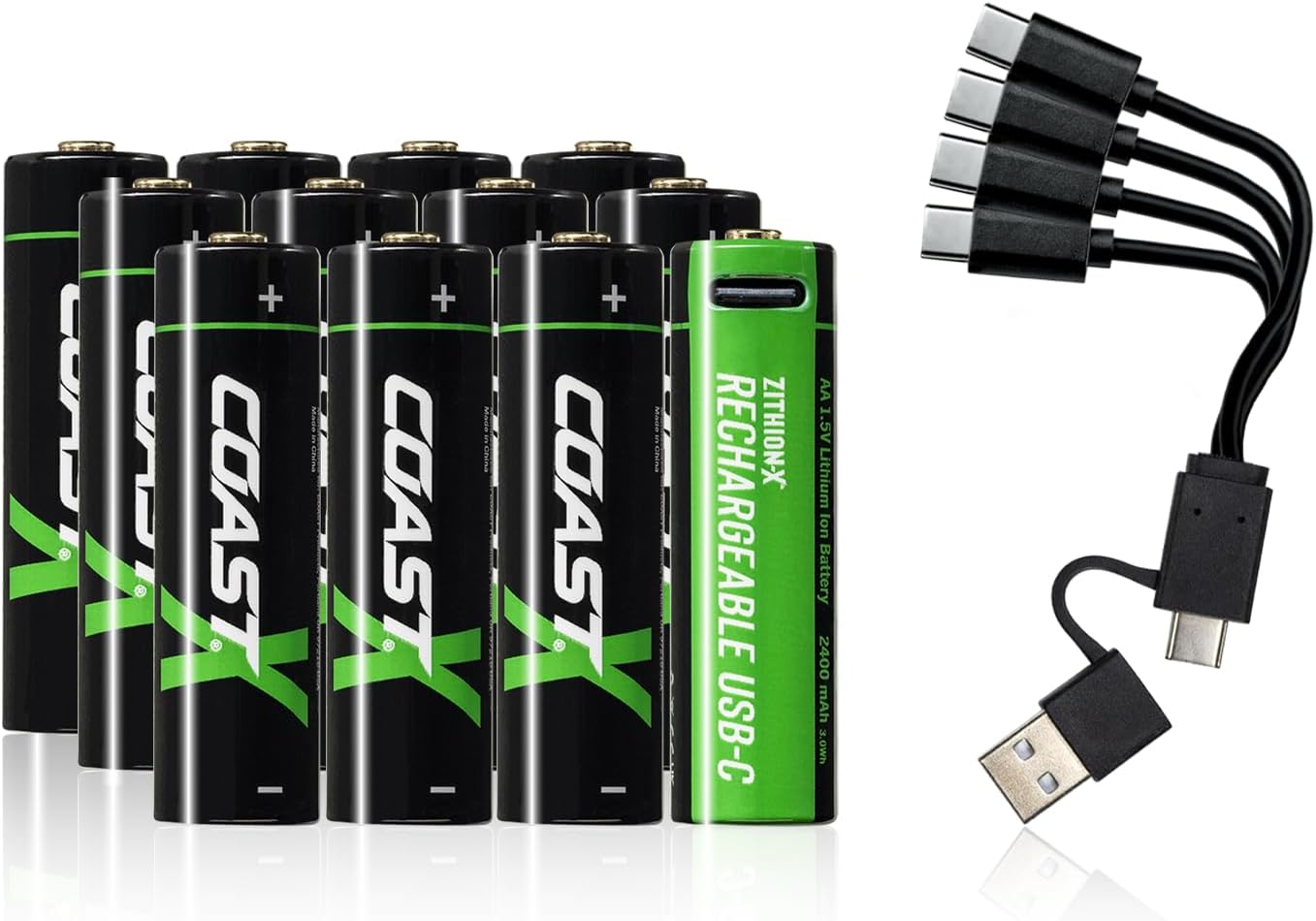
Image: A pack of Coast ZITHION-X AA USB-C rechargeable batteries with their included multi-USB-C charging cable.
2. Product Features
The Coast ZITHION-X AA batteries offer several key features:
- 1 ZITHION-X AA = 1,000 SINGLE USE BATTERIES: Each ZITHION-X AA rechargeable battery replaces up to 1,000 single-use batteries—cutting waste and saving money.
- LONG-LASTING RUNTIMES: Built to perform, with power output designed to mimic alkaline batteries for extended runtimes across a wide range of devices.
- FAST USB-C CHARGING: Recharge quickly with a USB-C port built right into the battery—average charge time is just 2.5 hours for AA.
- DEVICE-SAFE PERFORMANCE: ZX Optimized Voltage ensures steady, flicker-free power that prevents overheating and protects sensitive electronics.
- UNIVERSAL COMPATIBILITY: Engineered for seamless use in everyday devices—no special settings, adapters, or chargers needed.
- LEAK-RESISTANT DESIGN: Internal safeguards help prevent corrosion and protect your gear during use and storage.
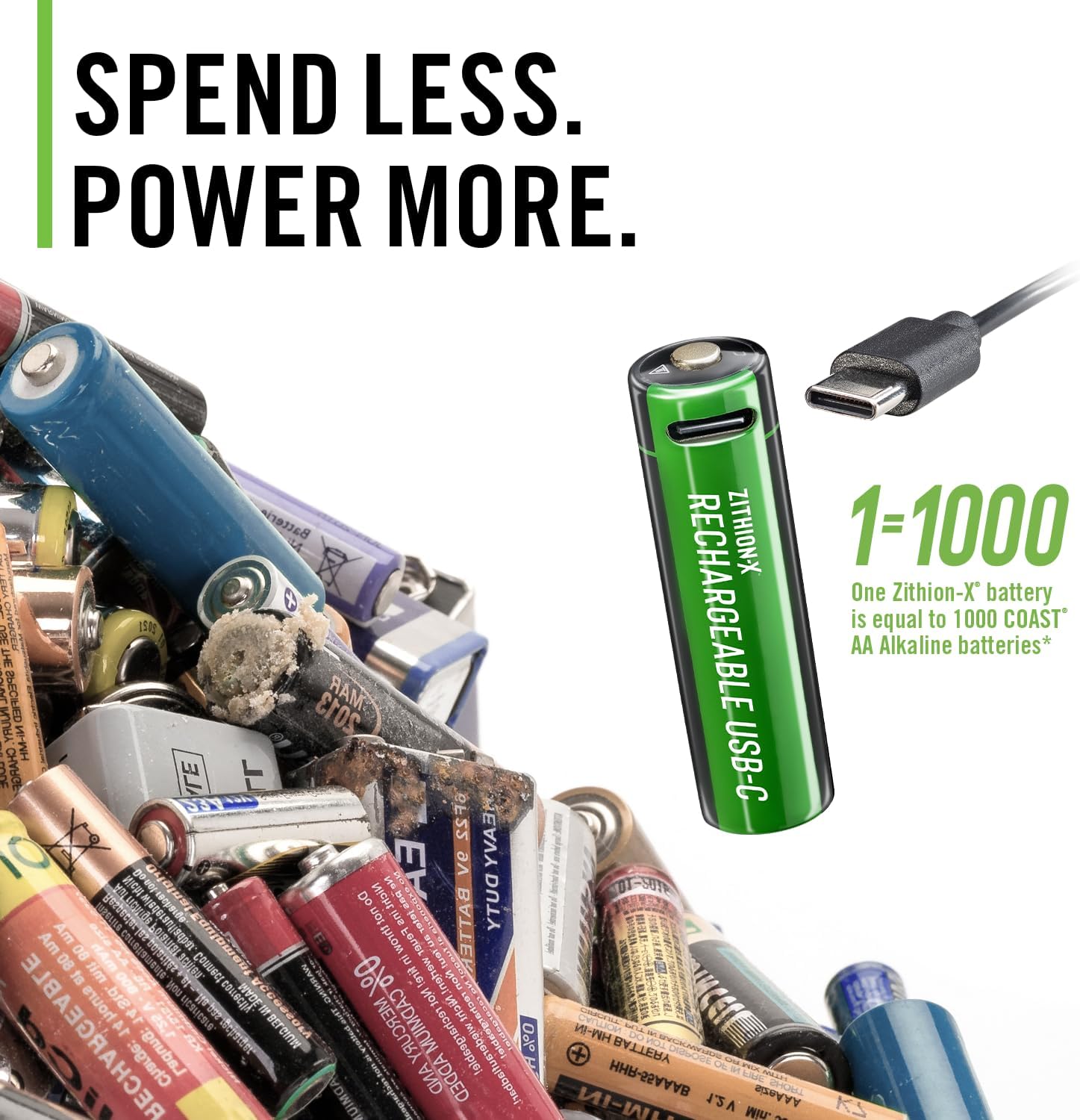
Image: Illustrates the environmental and cost benefits of using rechargeable batteries over single-use ones.

Image: Demonstrates the secure and leak-resistant design of the batteries when inserted into a device.
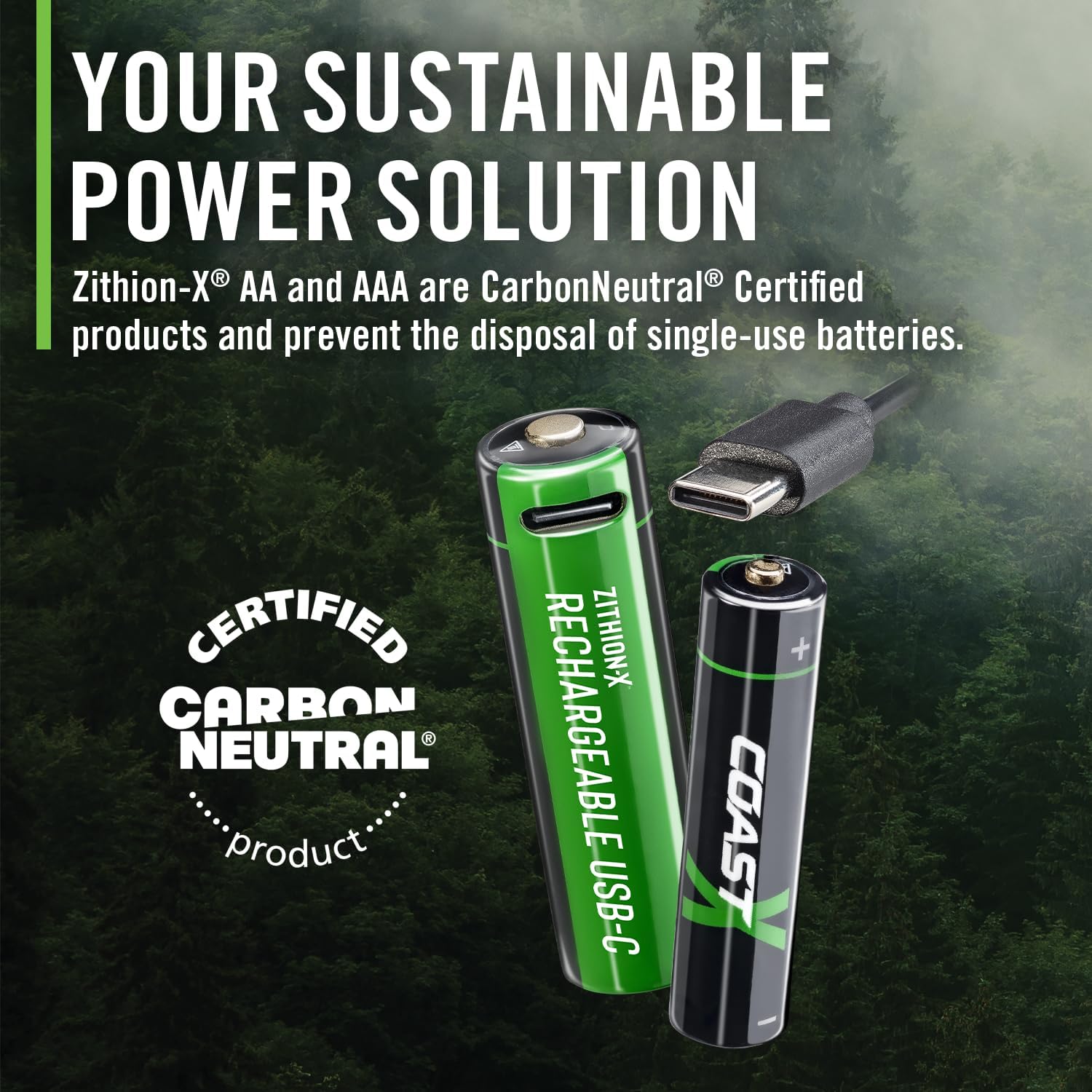
Image: Highlights the universal compatibility and ZX Optimized Voltage™ technology for various devices.
3. Setup
Before first use, it is recommended to fully charge your Coast ZITHION-X AA batteries. The batteries come with a multi-USB-C charging cable that allows you to charge multiple batteries simultaneously.
Initial Charging
- Locate the USB-C port on the top of each battery.
- Connect the provided multi-USB-C charging cable to the USB-C port on each battery you wish to charge.
- Plug the USB-A end of the charging cable into a compatible USB power source (e.g., wall adapter, computer USB port, power bank).
- The charging indicator on the battery will illuminate to show charging status.
- Allow approximately 2.5 hours for a full charge. The indicator light will change or turn off when charging is complete.

Image: Shows the process of connecting multiple batteries to the USB-C charging cable for simultaneous charging.
4. Operating Instructions
Coast ZITHION-X AA batteries are designed for universal compatibility, meaning they can be used in most devices that require standard AA alkaline batteries without special adapters or settings.
Inserting Batteries
- Ensure the device is turned off before inserting or removing batteries.
- Open the battery compartment of your device.
- Observe the polarity markings (+ and -) inside the compartment.
- Insert the Coast ZITHION-X AA batteries according to the correct polarity. The positive (+) end of the battery should align with the positive terminal in the device, and the negative (-) end with the negative terminal.
- Close the battery compartment securely.
- Turn on your device to confirm proper installation.

Image: Demonstrates the correct way to insert a Coast ZITHION-X battery into an electronic device.

Image: Shows a Coast ZITHION-X battery being placed into a headlamp, illustrating practical application.
5. Maintenance
Proper maintenance ensures the longevity and optimal performance of your Coast ZITHION-X AA batteries.
Charging Guidelines
- Recharge batteries when device performance begins to diminish.
- Always use the provided USB-C charging cable or a certified USB-C cable.
- Avoid overcharging; disconnect batteries once fully charged.
- Charge batteries in a well-ventilated area, away from flammable materials.
Storage
- Store batteries in a cool, dry place, away from direct sunlight and extreme temperatures.
- If storing for extended periods, charge batteries to approximately 50% capacity.
- Use the included storage case to protect batteries from short circuits and physical damage.

Image: Displays the included storage case, emphasizing its role in protecting the batteries during storage.
6. Troubleshooting
If you encounter issues with your Coast ZITHION-X AA batteries, refer to the following common troubleshooting steps:
| Problem | Possible Cause | Solution |
|---|---|---|
| Battery not charging | Loose cable connection, faulty USB power source, damaged battery port. | Ensure cable is securely connected. Try a different USB port or power adapter. Inspect the battery's USB-C port for debris or damage. |
| Device not powering on with battery | Incorrect battery polarity, battery not fully charged, device malfunction. | Check battery polarity (+/-) in the device. Ensure battery is fully charged. Test the device with a known working battery. |
| Short runtime after full charge | Battery degradation, high-drain device. | Battery capacity naturally decreases over many charge cycles. For high-drain devices, consider having spare charged batteries. |
7. Specifications
| Attribute | Detail |
|---|---|
| Brand | Coast |
| Model Number | 30984 |
| Battery Cell Type | Lithium Ion |
| Voltage | 1.5 Volts |
| Battery Capacity | 2400 mAh |
| Item Weight | 11.7 ounces (for 12-pack) |
| Package Dimensions | 5.16 x 2.76 x 1.61 inches |
| Average AA Charge Time | 2.5 hours |
| Recommended Uses | Camera, Clock, Drone, Gaming Controller, TV Remote |
8. Warranty and Support
Warranty Information
Coast ZITHION-X AA USB-C Rechargeable Batteries come with a Lifetime Warranty. Please refer to the official Coast website or your purchase documentation for full warranty terms and conditions.
Customer Support
For further assistance, technical support, or warranty claims, please contact Coast customer service through their official website or the contact information provided with your product packaging. Always provide your product model number and purchase details when seeking support.


