
Introduction
This manual provides detailed instructions for the installation, care, and maintenance of your BoxWave ClearTouch Crystal Screen Protector. This product is designed to protect the screen of your OPTIKA TB-3WA (10") device from scratches and dust while maintaining visual clarity.

Image: BoxWave ClearTouch Crystal Screen Protector installed on a compatible device.
Package Contents
Each BoxWave ClearTouch Crystal (2-Pack) package contains the following items:
- Two (2) ClearTouch Crystal Screen Protectors
- One (1) ClearTouch Applicator Card
- One (1) Microfiber Cleaning Cloth
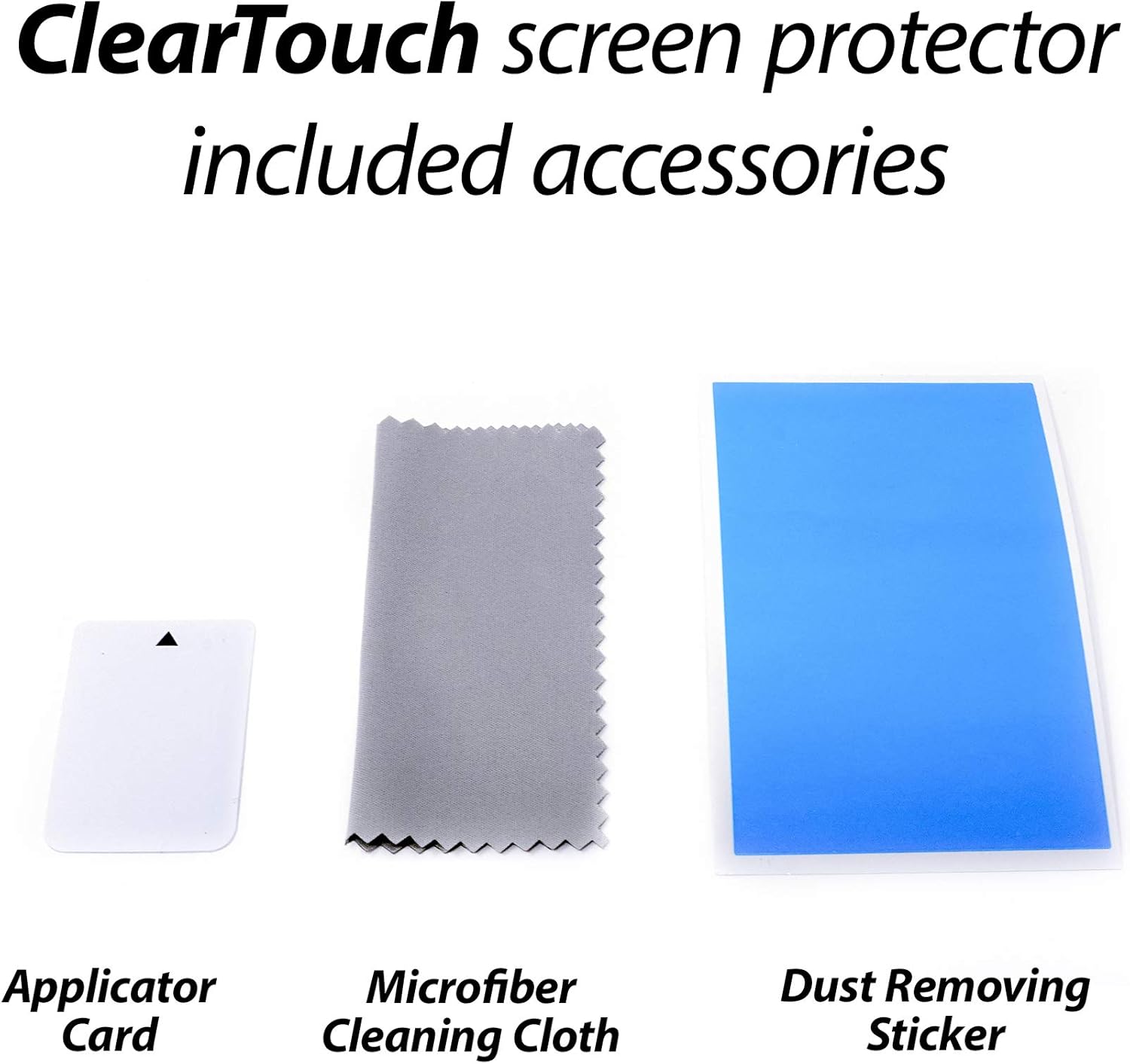
Image: Included accessories with the ClearTouch Crystal Screen Protector.
Installation Guide
Follow these steps carefully for optimal installation of your screen protector.
Preparation
- Clean Your Device Screen: Use the included microfiber cleaning cloth to thoroughly clean the screen of your OPTIKA TB-3WA (10"). Ensure there are no dust particles, smudges, or fingerprints. A clean, dust-free environment is recommended for installation.
- Identify Screen Protector Layers: The screen protector typically has protective films on both sides. Identify the side that will adhere to your device screen.
Application
- Peel Back Protective Film: Carefully peel back a small portion of the protective film from the adhesive side of the screen protector (usually labeled "Step 1" or similar). Avoid touching the adhesive surface.
- Align the Protector: Align the exposed adhesive edge of the screen protector with one edge of your device screen. Ensure precise alignment with the device's cutouts (e.g., camera, sensors) if applicable.
- Apply Gradually: Slowly lower the rest of the screen protector onto the device screen while simultaneously peeling off the remaining protective film. Use the ClearTouch Applicator Card to gently smooth out any air bubbles as you go, pushing them towards the edges.
- Remove Top Protective Film: Once the screen protector is fully adhered, carefully peel off the top protective film (usually labeled "Step 2" or similar).
Post-Application
After installation, some small air gaps or bubbles may be present. The special low-tack adhesive requires a short period to fully adhere around the edges. These air gaps are expected to clear out within approximately 2 days of regular use.
Usage Benefits
The BoxWave ClearTouch Crystal Screen Protector is designed to enhance your device experience:
- Clarity: Offers ultra-high 99% visual transparency, ensuring vibrant colors and an unobstructed view of your device's display.
- Protection: Made from high-grade thermoplastics, it provides a protective barrier against scratches and dust, safeguarding your screen.
- Touch Sensitivity: Maintains the original touch sensitivity of your device screen.

Image: Demonstration of the screen protector's high definition clarity.
Care and Maintenance
To ensure the longevity and performance of your screen protector:
- Cleaning: Use the provided microfiber cleaning cloth or a similar soft, lint-free cloth to wipe the screen protector. For stubborn smudges, slightly dampen the cloth with water or a screen-safe cleaner. Avoid harsh chemicals or abrasive materials.
- Avoid Sharp Objects: While the protector shields against scratches, extreme pressure or sharp objects can still damage it.
- Residue-Free Removal: The glueless adhesive ensures that no sticky residue is left behind if the screen protector is removed.
Troubleshooting
Common issues and their resolutions:
- Bubbles After Installation: Small bubbles are common immediately after application. As mentioned in the installation guide, the low-tack adhesive allows these to dissipate over approximately 2 days of normal use. For larger bubbles, gently lift the nearest edge of the protector and reapply, using the applicator card to push the air out.
- Dust Under the Protector: If dust particles are trapped, carefully lift the screen protector from the nearest edge. Use a dust-removing sticker (not included, but commonly found in screen protector kits) or a piece of tape to gently dab the dust off the adhesive side of the protector and the device screen. Reapply the protector.
- Misalignment: If the protector is misaligned, carefully lift it from one corner and re-align it. The glueless adhesive allows for repositioning without leaving residue.
Product Specifications
| Feature | Detail |
|---|---|
| Brand | BoxWave |
| Model | ClearTouch Crystal (2-Pack) |
| Compatible Device | OPTIKA TB-3WA (10") |
| Material | Polyethylene Terephthalate |
| Screen Surface Description | Glossy |
| Item Weight | 2.5 ounces |
Support Information
For further assistance, questions, or support regarding your BoxWave ClearTouch Crystal Screen Protector, please contact BoxWave Corporation directly. Refer to your purchase documentation or the BoxWave website for contact details.
Return Policy: This product is subject to a 30-day return policy for refunds or replacements, as per the seller's terms.