1. Introduction
Thank you for choosing the Heat Press Nation Signature Series 16" x 20" Auto-Open Heat Press. This manual provides essential information for the safe and efficient operation, setup, and maintenance of your heat press. Please read this manual thoroughly before operating the machine and retain it for future reference.
This heat press is designed for applying heat transfers to various materials, including garments, using controlled heat and pressure. Its auto-open feature and slide-out drawer enhance user convenience and workflow efficiency.
2. Important Safety Instructions
WARNING: To reduce the risk of fire, electric shock, or injury, read and understand all instructions before use.
- Always connect the heat press to a grounded electrical outlet with the correct voltage and amperage as specified on the product label.
- Do not operate the heat press with a damaged cord or plug. If the cord or plug is damaged, contact customer support.
- Keep hands and body clear of the heating platen during operation. The platen reaches high temperatures and can cause severe burns.
- Ensure the heat press is placed on a stable, heat-resistant surface capable of supporting its weight (approximately 116 pounds).
- Do not leave the heat press unattended while it is powered on or operating.
- Allow the machine to cool completely before cleaning or performing any maintenance.
- This heat press utilizes UL-certified parts, ensuring adherence to rigorous safety and quality standards.
- In case of malfunction or unusual operation, immediately turn off the power switch and unplug the unit. Do not attempt repairs yourself.
3. Package Contents
Verify that all items are present in the package:
- Heat Press Nation Signature Series 16" x 20" Auto-Open Heat Press Unit
- Power Cord
- User Manual
4. Product Components
Familiarize yourself with the main parts of your heat press:


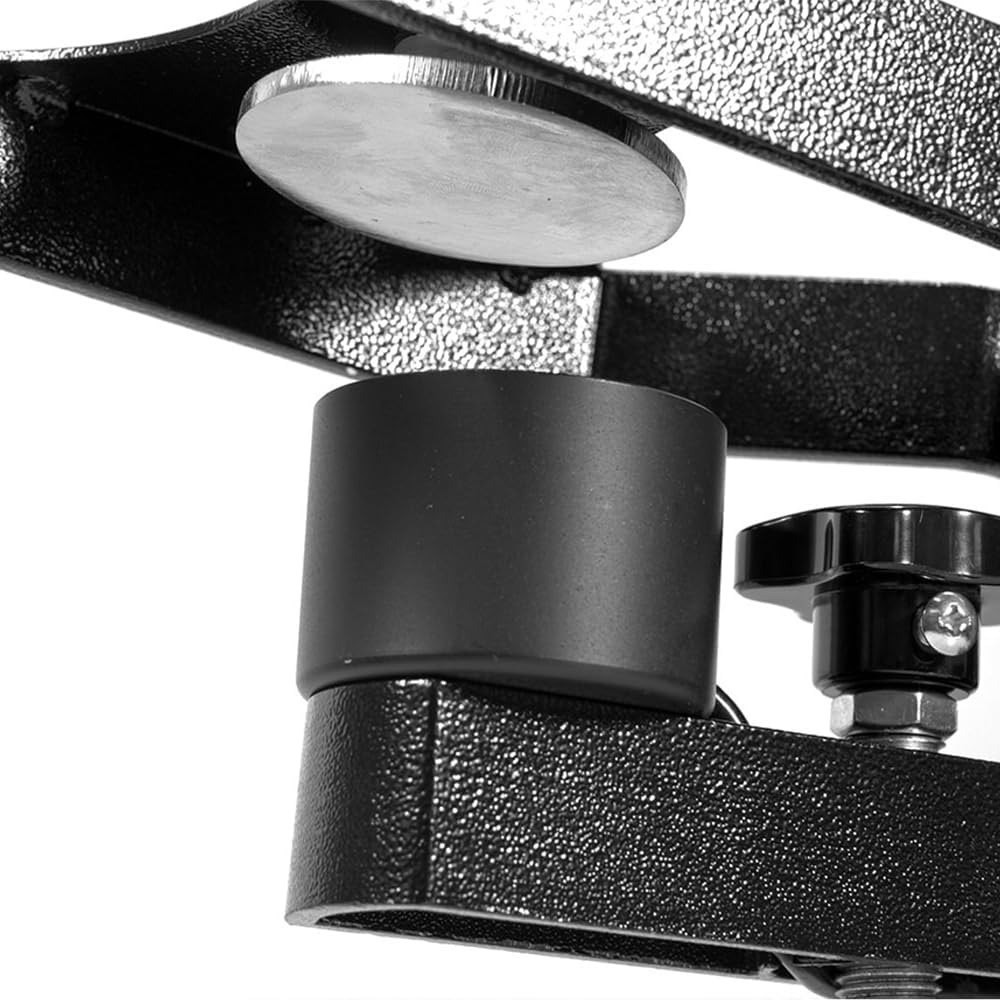


Key Features:
- Drawer Style Lower Platen: Facilitates easy loading and unloading of materials.
- Gas Shock Opening Mechanism: Ensures smooth and assisted opening of the upper platen.
- Upgraded Time/Temperature Gauge: Provides accurate digital control and display of heat and time settings.
- Magnetic Auto-Open Release: Automatically opens the press when the timer completes, preventing over-curing.
- Secondary Leverage Handle: Aids in closing the press with appropriate pressure.
- Steel and Aluminum Construction: Provides durability and stability.
- Dual Fuse Protection: Enhances electrical safety.
5. Setup
5.1 Unpacking
- Carefully remove the heat press from its packaging.
- Inspect the unit for any signs of damage during transit. If damage is found, contact customer support immediately.
- Remove all packing materials and protective films.
5.2 Placement
- Place the heat press on a sturdy, level, and heat-resistant workbench or table. The surface must be able to support the machine's weight (116 lbs) and withstand high temperatures.
- Ensure there is adequate clearance around the machine for ventilation and safe operation, especially for the slide-out drawer and the opening platen.
- Position the machine near a grounded electrical outlet.
5.3 Power Connection
- Ensure the power switch on the rear of the machine is in the 'OFF' (O) position.
- Plug the power cord securely into the heat press and then into a grounded electrical outlet.
6. Operating Instructions
6.1 Powering On and Initial Settings
- Flip the power switch on the rear of the machine to the 'ON' (I) position. The digital gauge will illuminate.
- The digital gauge displays the current temperature (PV) and the set temperature (SV), along with the current time and set time.
- To set the desired temperature and time, refer to the specific instructions for your digital controller. Generally, you will press a 'SET' button, use arrow keys to adjust values, and press 'SET' again to confirm.
- Allow the heat press to preheat until the PV (current temperature) reaches the SV (set temperature). This may take several minutes.
6.2 Adjusting Pressure
The pressure is adjusted by turning the pressure adjustment knob, typically located on top of the upper platen or near the handle mechanism. Turn clockwise for more pressure, counter-clockwise for less. Test the pressure by closing the press on a blank garment; it should require firm but manageable effort to close.
6.3 Pre-Pressing (Optional but Recommended)
Before applying a transfer, it is often beneficial to pre-press your garment for 5-10 seconds. This removes moisture and wrinkles, creating a smooth surface for the transfer. For quick pre-pressing without waiting for the full timer, some models feature a red button on the side that allows for a momentary press.
6.4 Applying a Heat Transfer
- Pull the slide-out lower platen fully towards you.
- Carefully place your material (e.g., T-shirt) onto the lower platen, ensuring it is flat and smooth.
- Position your heat transfer material onto the garment as desired.
- Push the lower platen back into the pressing position.
- Lower the upper platen using the handle until it locks into place. The timer will begin counting down.
- Once the set time expires, the magnetic auto-open feature will automatically release and lift the upper platen.
- Pull the slide-out lower platen towards you and carefully remove the pressed item.
7. Maintenance
Regular maintenance ensures the longevity and optimal performance of your heat press.
7.1 Cleaning
- Always ensure the heat press is unplugged and completely cool before cleaning.
- Wipe down the exterior surfaces with a soft, damp cloth. Avoid abrasive cleaners.
- For the heating platen, if any residue from transfers accumulates, use a specialized platen cleaner or a soft cloth with a small amount of mineral spirits (ensure good ventilation). Do not use sharp objects to scrape the platen.
- Clean the silicone pad on the lower platen with a damp cloth.
7.2 General Care
- Periodically check all bolts and screws for tightness.
- Ensure the slide-out drawer mechanism operates smoothly. Keep the tracks free of debris.
- Store the heat press in a dry, dust-free environment when not in use.
8. Troubleshooting
This section addresses common issues you might encounter. For problems not listed here, or if solutions do not resolve the issue, contact Heat Press Nation customer support.
| Problem | Possible Cause | Solution |
|---|---|---|
| Heat press does not power on. | Power cord not plugged in; power switch off; tripped circuit breaker. | Ensure power cord is securely plugged in. Turn power switch to 'ON'. Check and reset the circuit breakers on the machine and your electrical panel. |
| Machine not reaching set temperature. | Incorrect temperature setting; faulty heating element or sensor. | Verify temperature setting on the digital gauge. Allow sufficient preheating time. If issue persists, contact customer support. |
| Uneven heat distribution. | Faulty heating element; worn platen pad. | Ensure the platen pad is in good condition. Contact customer support if uneven heating persists. |
| Press does not auto-open. | Magnetic release mechanism issue; timer not set correctly. | Verify the timer is set and functioning. Check for any obstructions around the magnetic release. Contact customer support if the issue continues. |
| Difficulty closing the press or insufficient pressure. | Pressure adjustment too loose; material too thick. | Adjust the pressure knob clockwise to increase pressure. Ensure the material being pressed is within the machine's capacity. |
9. Specifications
| Feature | Detail |
|---|---|
| Model | Signature Series 16x20 Auto-Open |
| Platen Size | 16 inches x 20 inches |
| Upper Temperature Rating | Up to 400°F (204°C) |
| Wattage | 1600 Watts |
| Product Dimensions (L x W x H) | 31 x 16 x 34 inches |
| Item Weight | 116 pounds |
| Material | Metal (Steel and Aluminum Construction) |
| Color | Black, White |
| Power Supply | Standard 120V AC (check product label for exact requirements) |
10. Warranty and Support
Heat Press Nation stands behind the quality of its products. For specific warranty details, please refer to the warranty card included with your purchase or visit the official Heat Press Nation website.
Should you require technical assistance, parts, or have any questions regarding the operation or maintenance of your heat press, Heat Press Nation offers dedicated customer support. Live technicians are available in the US to assist you, and a comprehensive stock of parts is maintained to ensure timely service.
Contact Information: Please refer to your product registration or the Heat Press Nation website for the most current contact details for customer service and technical support.


