
Introduction
The Monster Adventurer Max is a portable Bluetooth speaker designed for robust audio performance and versatility. It features 100W powerful stereo sound, IPX7 waterproofing, and comes with two wireless microphones for interactive use. This manual provides essential information for operating and maintaining your device.

Image: The Monster Adventurer Max speaker, two wireless microphones, and a detachable shoulder strap.
Package Contents
Ensure all items are present in the package:
- Monster Adventurer Max Bluetooth Speaker (x1)
- USB-C Charging Cable (x2)
- AUX Cable (x1)
- Wireless Microphones (x2)
- Microphone Batteries (x4)
- Baldric (Shoulder Strap) (x1)
- Quick Start Guide (x1)
Product Overview
Speaker Controls

Image: Top panel of the speaker showing control buttons.
- Power On / Off: Press and hold to power the speaker on or off.
- Bluetooth Mode: Press to switch to Bluetooth pairing mode.
- Volume + / Next Track: Short press for volume up, long press for next track.
- MFB (Multi-Function Button):
- Short press to Play/Pause music.
- Press and hold to switch between Indoor/Outdoor audio modes.
- Volume - / Previous Track: Short press for volume down, long press for previous track.
Speaker Ports

Image: Rear panel of the speaker showing input/output ports.
- USB-C Charging Port: For charging the speaker.
- Reset Button: Use a thin object to press for factory reset.
- AUX-in Port: For connecting external audio devices via AUX cable.
- MIC-in Port: For connecting wired microphones (if applicable, though wireless are included).
- USB-in Port: For playing music from a USB drive.
- SD Card Slot: For playing music from a Micro SD card.
Wireless Microphones
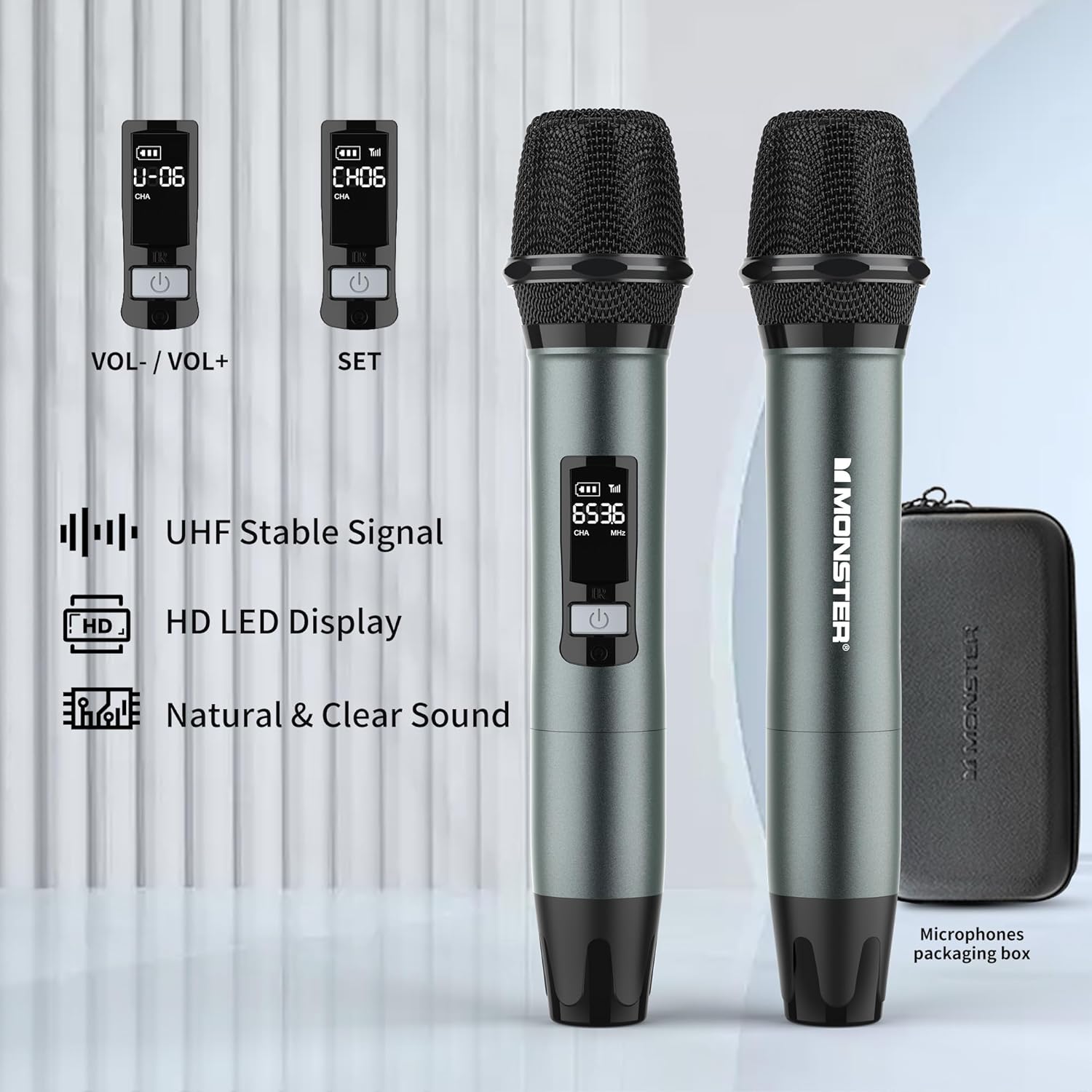
Image: Two wireless microphones with their LED displays showing channel and volume information.
- Power Button: Press and hold to turn on/off.
- Volume Controls: Typically located under a removable cap or cover.
- SET Button: For channel adjustment (refer to Quick Start Guide for detailed instructions).
- HD LED Display: Shows battery level, channel, and frequency.
Setup
1. Charging the Speaker
- Connect one end of the provided USB-C charging cable to the speaker's USB-C charging port.
- Connect the other end to a compatible USB power adapter (not included).
- The charging indicator light will illuminate. A full charge typically takes approximately 3 hours.
- The speaker can be used while charging.

Image: The speaker being charged via its USB-C port.
2. Installing Microphone Batteries
- Unscrew the bottom cap of each wireless microphone.
- Insert two AA batteries into each microphone, observing the correct polarity (+/-).
- Securely screw the bottom cap back onto the microphone.
3. Powering On/Off
- Speaker: Press and hold the Power button on the speaker's top panel for a few seconds.
- Microphones: Press and hold the Power button on each microphone.
Operating Instructions
1. Bluetooth Pairing
- Power on the Monster Adventurer Max speaker. It will automatically enter Bluetooth pairing mode (indicated by a flashing Bluetooth indicator light).
- On your smartphone or other Bluetooth device, enable Bluetooth and search for available devices.
- Select "Monster Adventurer Max" from the list.
- Once paired, the Bluetooth indicator light will become solid, and you will hear a confirmation tone.
- The speaker maintains a stable connection up to 100 feet (30 meters).

Image: The speaker wirelessly connected to a smartphone via Bluetooth 5.3.
2. Multiple Playback Modes
The speaker supports various audio input methods:
- Bluetooth 5.3: For wireless audio streaming from compatible devices.
- AUX Input: Connect an external audio source using the provided AUX cable to the AUX-in port.
- Micro SD Card: Insert a Micro SD card into the SD card slot to play stored music.
- USB Input: Insert a USB drive into the USB-in port to play stored music.
- Microphone Input: Use the included wireless microphones or connect a wired microphone to the MIC-in port.
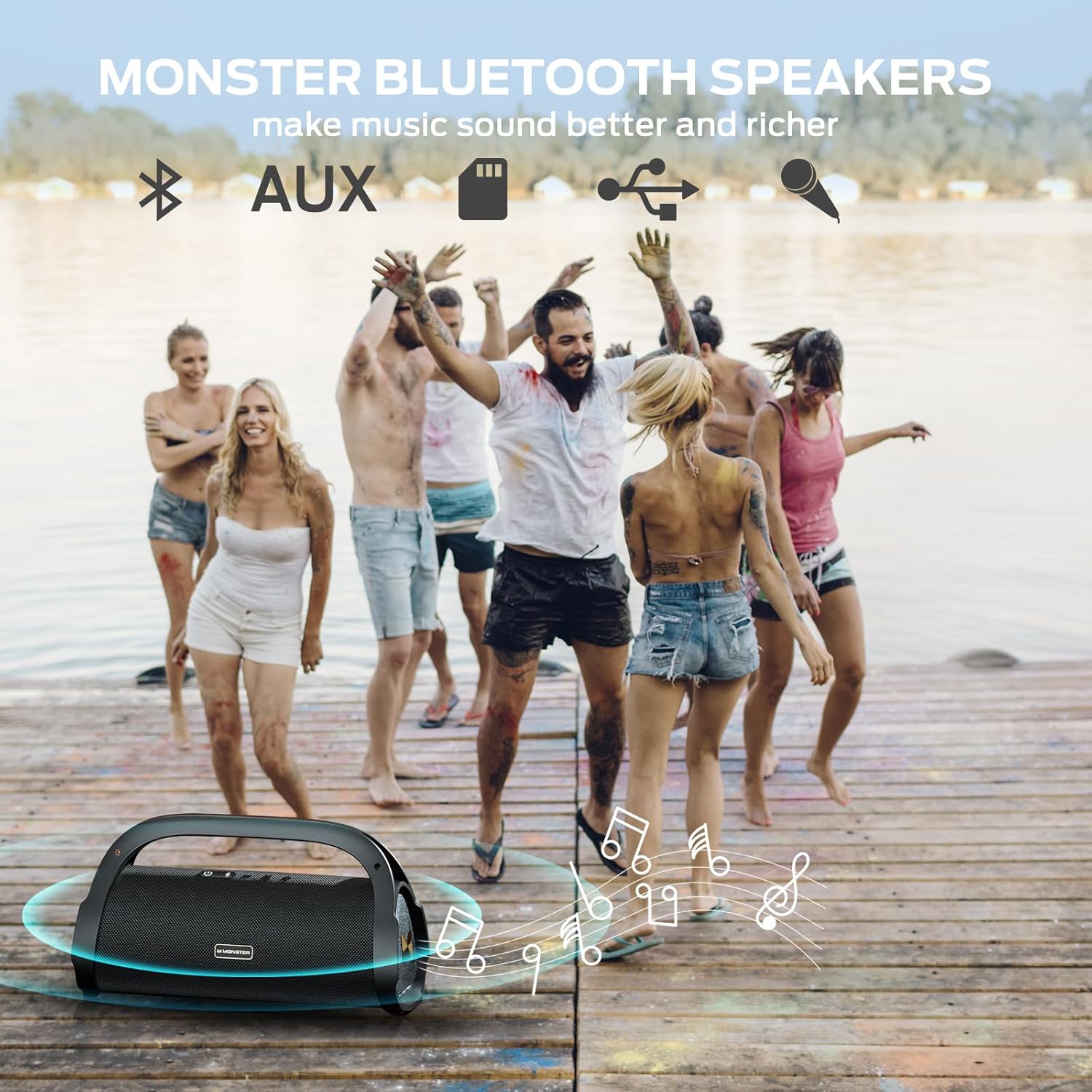
Image: A group of people enjoying music outdoors, symbolizing the speaker's versatile playback options.
3. Using Wireless Microphones
After installing batteries and powering on the microphones, they will automatically connect to the speaker. You can use them for karaoke, announcements, or other vocal applications.
- Volume Adjustment: Adjust microphone volume directly on the microphone itself (refer to the Quick Start Guide for specific location, often under a removable cap).
- Channel Adjustment: If interference occurs, use the SET button on the microphone to change channels.

Image: Two children using the wireless microphones for karaoke with the speaker.
4. Sound Modes (Indoor/Outdoor)
The speaker features optimized sound profiles for different environments:
- Press and hold the MFB (Multi-Function Button) on the speaker to toggle between Indoor and Outdoor sound modes.
- The Outdoor mode is designed to project sound more effectively in open spaces.
Maintenance
1. Cleaning
- Wipe the speaker and microphones with a soft, damp cloth.
- Do not use abrasive cleaners, alcohol, or chemical solvents.
- Ensure all ports are dry before charging or connecting cables, especially after exposure to water.
2. Waterproofing (IPX7)
The speaker is IPX7 rated, meaning it can be submerged in up to 1 meter of water for 30 minutes. While designed for outdoor use and water exposure:
- Always ensure the port cover is securely closed before exposing the speaker to water.
- Avoid prolonged submersion or exposure to high-pressure water jets.
- After exposure to water, dry the speaker thoroughly before charging.

Image: The speaker floating in water, highlighting its IPX7 waterproof capability.
3. Battery Care
- Charge the speaker regularly to maintain battery health, even if not used frequently.
- Avoid completely draining the battery for extended periods.
- Store the speaker in a cool, dry place when not in use.
Troubleshooting
| Problem | Possible Cause | Solution |
|---|---|---|
| Speaker does not power on. | Low battery; Power button not pressed correctly. | Charge the speaker for at least 30 minutes. Press and hold the Power button firmly for 3-5 seconds. |
| No sound from speaker. | Volume too low; Device not paired; Incorrect input mode. | Increase speaker and device volume. Re-pair Bluetooth device. Ensure correct input mode (Bluetooth, AUX, USB, SD). |
| Bluetooth pairing fails. | Speaker not in pairing mode; Device too far; Interference. | Ensure speaker is in pairing mode (flashing Bluetooth light). Move device closer. Turn off other Bluetooth devices. Try resetting the speaker. |
| Microphones not working. | Low/dead batteries; Microphone not powered on; Channel interference. | Replace microphone batteries. Power on microphones. Use the SET button on the microphone to change channels. |
| Poor sound quality. | Low battery; Source audio quality; Environmental factors. | Charge speaker. Use high-quality audio files. Adjust speaker position. Switch between Indoor/Outdoor sound modes. |
If issues persist, refer to the included Quick Start Guide or contact customer support.
Specifications
| Feature | Detail |
|---|---|
| Brand | Monster |
| Model Name | Monster Adventurer Max |
| Model Number | M159 MIC |
| Connectivity Technology | Bluetooth 5.3, AUX, USB, Micro SD Card |
| Power Output | 100W (120W Peak) |
| Waterproof Rating | IPX7 |
| Battery Life | Up to 24 hours (at 50% volume) |
| Charging Time | Approx. 3 hours for full charge |
| Product Dimensions | 13.54"D x 5.63"W x 7.52"H |
| Item Weight | 11.28 pounds (5.13 Kilograms) |
| Microphones Included | 2 Wireless Microphones |
| Compatible Devices | Smartphone and other Bluetooth-enabled devices |
Customer Support
For further assistance, technical support, or warranty inquiries, please refer to the contact information provided in your Quick Start Guide or visit the official Monster support website.