
OKPRO S-168XBJ
OKPRO Solar Flood Lights Outdoor User Manual
Model: S-168XBJ
1. Introduction
Thank you for choosing the OKPRO Solar Flood Lights Outdoor. This product is designed to provide efficient and reliable outdoor lighting using solar power, featuring a motion sensor and multiple lighting modes. This manual provides essential information for the safe and effective use of your new solar flood lights. Please read it thoroughly before installation and operation.

Image: Two OKPRO Solar Flood Lights Outdoor, showcasing their octagonal design, integrated LED panels, and central motion sensors.
2. Safety Information
- Ensure the installation surface is stable and can support the weight of the light fixture.
- Do not disassemble or modify the product. Unauthorized modifications may void the warranty and pose safety risks.
- Keep the solar panel clean to ensure optimal charging efficiency.
- Avoid direct eye exposure to the LED light when it is on, as it is very bright.
- This product is designed for outdoor use only. Do not install indoors.
- Keep out of reach of children.
3. Package Contents
Your OKPRO Solar Flood Lights Outdoor package includes the following items:
- 2 x OKPRO Solar Flood Lights Outdoor (Model: S-168XBJ)
- 1 x Remote Control
- Mounting Screws and Wall Plugs
- User Manual (this document)

Image: A detailed diagram illustrating the components of the solar flood light, including its dimensions, sensor locations, and the accompanying remote control and mounting hardware.
4. Specifications
| Feature | Specification |
|---|---|
| Brand | OKPRO |
| Model Number | S-168XBJ |
| Light Source | 168 LED Beads |
| Color Temperature | 6500K (White Light) |
| Brightness | 30000 Lumen |
| Wattage | 300 watts (equivalent) |
| Power Source | Solar Powered (1 Lithium Ion battery included) |
| Material | Durable ABS Plastic |
| Water Resistance | IP66 Waterproof |
| Special Features | Motion Sensor, Adjustable Height, Energy Efficient, Remote Control |
| Product Dimensions | 7.87"L x 1.18"W x 13.58"H (approx.) |
| Item Weight | 2.07 pounds |
5. Setup and Installation
5.1 Initial Charge
Before first use, it is crucial to charge the solar panel for 8-12 hours under direct sunlight. This ensures the internal battery is sufficiently charged for optimal performance.
5.2 Choosing an Installation Location
Select a location that receives direct and unobstructed sunlight for the majority of the day. Avoid areas shaded by buildings, trees, or other obstacles, as this will significantly reduce charging efficiency and affect the light's performance.

Image: A close-up view of the upgraded solar panel, emphasizing its design for boosted efficiency.
5.3 Mounting Instructions
- Mark Drilling Points: Hold the light fixture against the desired wall or pole surface. Use a pencil to mark the positions for the mounting screws.
- Drill Holes: Drill holes at the marked positions using an appropriate drill bit for your wall material. Insert the wall plugs if necessary.
- Secure the Light: Align the light's mounting bracket with the drilled holes. Insert and tighten the mounting screws to secure the light firmly to the surface.
- Adjust Angle: The light features a 180° adjustable bracket. Adjust the angle of the light and the solar panel to ensure maximum sun exposure for charging and optimal light coverage for illumination.
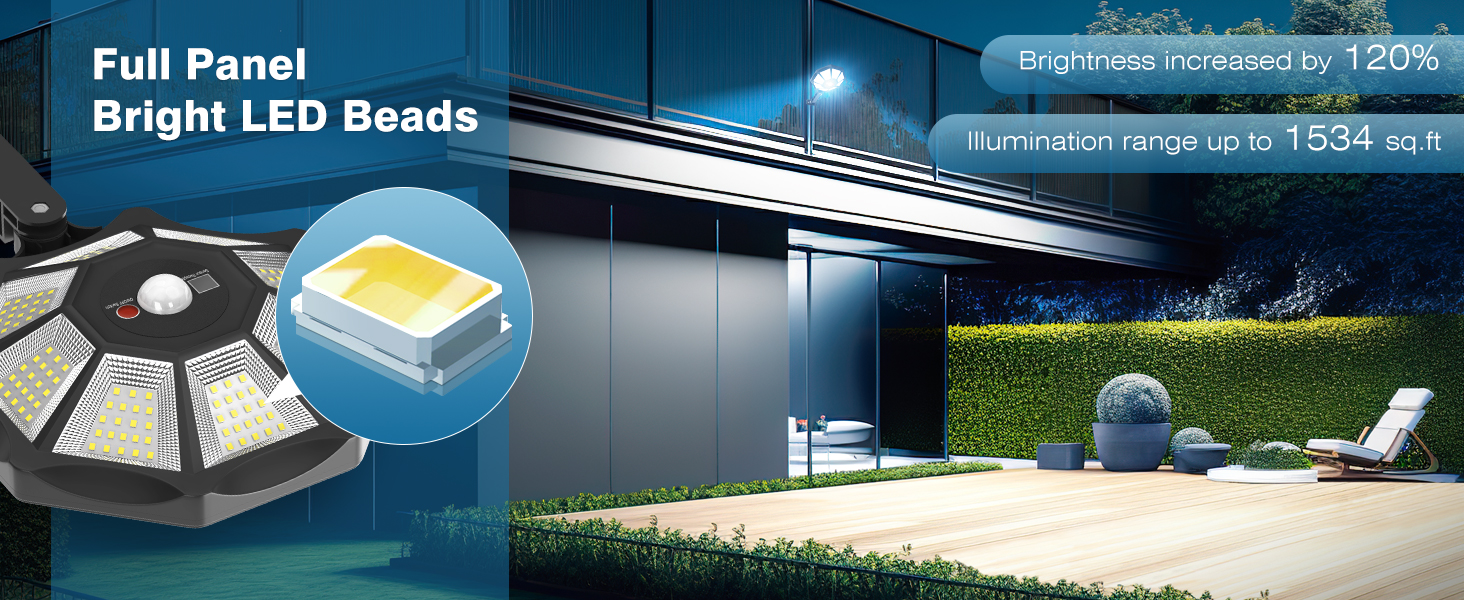
Image: Illustration demonstrating the 180-degree free adjustment capability of the light's mounting bracket, allowing for flexible positioning.
6. Operating Instructions
The OKPRO Solar Flood Lights feature an intelligent radar sensor chip and can be controlled via the included remote.
6.1 Powering On/Off
Locate the ON/OFF switch on the light unit. Press it to activate the light. Alternatively, use the ON/OFF buttons on the remote control.
6.2 Lighting Modes
The light offers three distinct operating modes, selectable via the remote control:
- Mode 1 (Motion Sensor Full Brightness): When motion is detected, the light illuminates at 100% brightness. It automatically turns off when no motion is detected for a period.
- Mode 2 (Motion Sensor Dim to Bright): When motion is detected, the light illuminates at 100% brightness. After 30 seconds of no motion, it automatically dims to 30% brightness.
- Mode 3 (Constant Dim Brightness): The light automatically turns on at night and stays on at 50% brightness continuously until dawn or battery depletion.
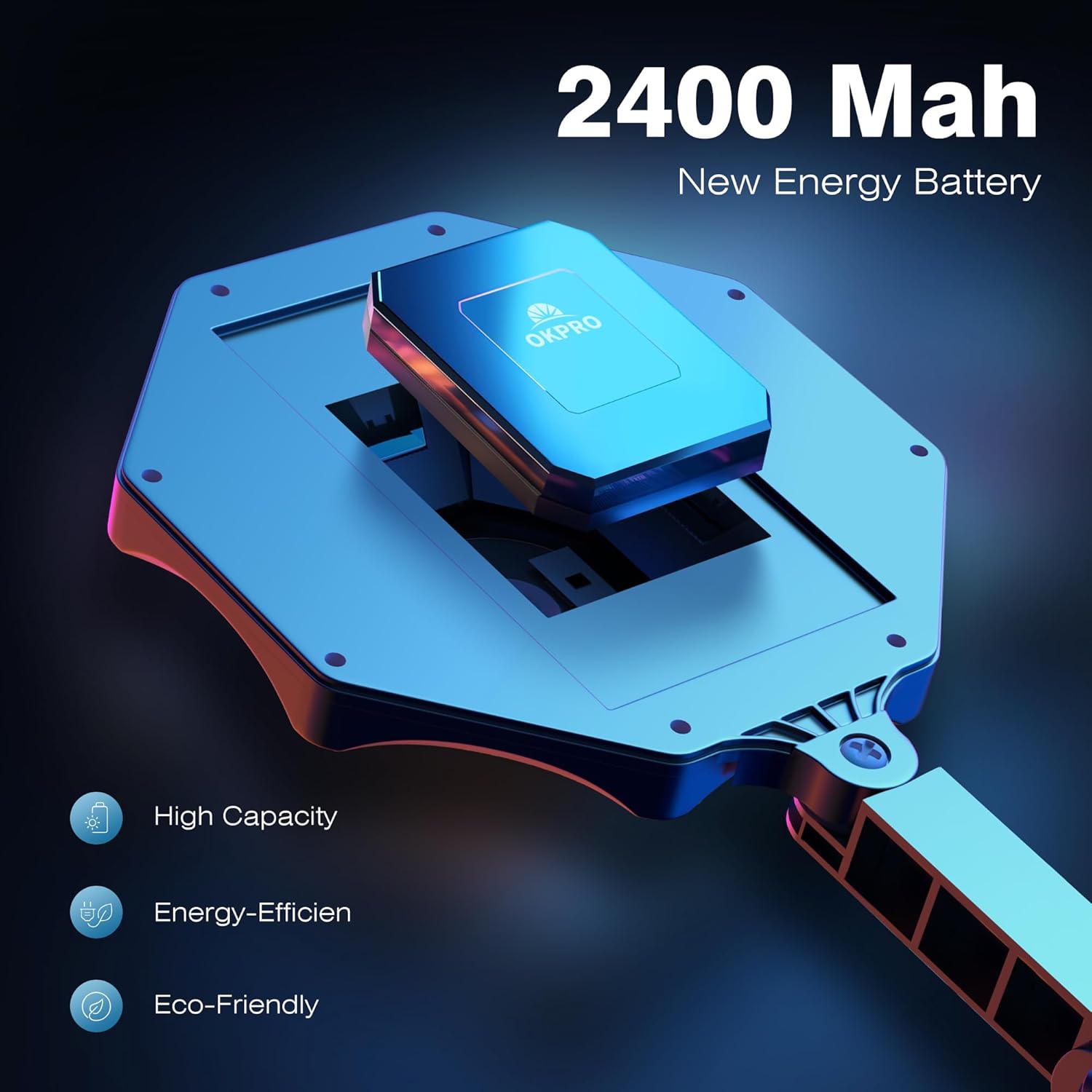
Image: Visual representation of the three lighting modes, showing how the light behaves in response to motion and ambient light conditions.

Image: The remote control for the solar flood light, detailing its buttons for power and mode selection, alongside a clear explanation of each mode's function.
7. Maintenance
To ensure the longevity and optimal performance of your OKPRO Solar Flood Lights, follow these simple maintenance guidelines:
- Clean Solar Panel: Regularly wipe the solar panel with a soft, damp cloth to remove dust, dirt, leaves, or snow. A clean panel ensures maximum sunlight absorption and charging efficiency.
- Inspect for Damage: Periodically check the light fixture and mounting bracket for any signs of damage, corrosion, or loose connections.
- Battery Care: The integrated Lithium Ion battery is designed for long-term use. Avoid prolonged periods of storage without charging, as this can reduce battery life. If storing for an extended period, ensure the light is fully charged before storage and recharge every few months.
- Waterproof Rating: The IP66 waterproof rating protects against strong jets of water and dust. While durable, avoid submerging the unit in water.

Image: The solar flood light enduring rainfall, visually confirming its IP66 waterproof construction, suitable for various outdoor weather conditions.
8. Troubleshooting
| Problem | Possible Cause | Solution |
|---|---|---|
| Light does not turn on at night. | Insufficient solar charge. | Ensure the solar panel is in a location receiving direct sunlight for 8-12 hours daily. Clean the solar panel surface. |
| Light flickers or has low brightness. | Low battery charge or dirty solar panel. | Allow the light to charge for a full day in direct sunlight. Clean the solar panel. |
| Motion sensor not working or too sensitive. | Sensor obstructed or incorrect mode selected. | Ensure the sensor is clear of obstructions. Verify the selected lighting mode using the remote control. |
| Remote control not responding. | Remote battery depleted or out of range. | Replace the remote control battery. Ensure you are within effective range of the light's IR receiver. |
9. Warranty and Support
OKPRO Solar Flood Lights are warranted for 2 years from the date of purchase. This limited warranty covers defects in materials and workmanship under normal use.
For warranty claims, technical support, or any questions regarding your product, please contact OKPRO customer service through the retailer where you purchased the product or visit the official OKPRO store on Amazon:
Visit the OKPRO Store on Amazon
Please have your purchase receipt and product model number (S-168XBJ) ready when contacting support.
Related documentsS-168XBJ

Ask a question about this manual
Ask about setup, troubleshooting, compatibility, parts, safety, or missing instructions. Manuals+ will review the question and use this page’s manual context to help answer it.