
Soundcore A3136
Contents
Soundcore Glow Mini Portable Speaker User Manual
Model: A3136
Brand: Soundcore
Introduction
Thank you for choosing the Soundcore Glow Mini Portable Speaker. This manual provides essential information for setting up, operating, and maintaining your speaker to ensure optimal performance and longevity. The Soundcore Glow Mini offers 360-degree sound, a dynamic light show, and robust IP67 waterproof and dustproof protection, making it ideal for various environments from home to outdoor adventures.
What's in the Box
- soundcore Glow Mini Portable Speaker
- 60cm USB-C to USB-C Cable
- Quick Start Guide
- Warranty Card
- Safety Sheet
Product Overview & Features

The Soundcore Glow Mini Portable Speaker, showcasing its vibrant light effects and compact design.
360-Degree Dynamic Sound

This portable speaker features an 8W speaker with a single passive radiator, delivering immersive 360-degree dynamic sound in a compact form factor.
Full-Body Lighting & Beat-Synced Light Show

The 360-degree light show synchronizes with your music, enhancing any party atmosphere. Choose from five multicolor light modes and a single-color ambient light mode via the Soundcore app.
IP67 Waterproof and Dustproof Protection

Enjoy worry-free listening with IP67 protection. The Glow Mini is fully waterproof and dustproof, even floating in water, making it perfect for poolside or beach use.
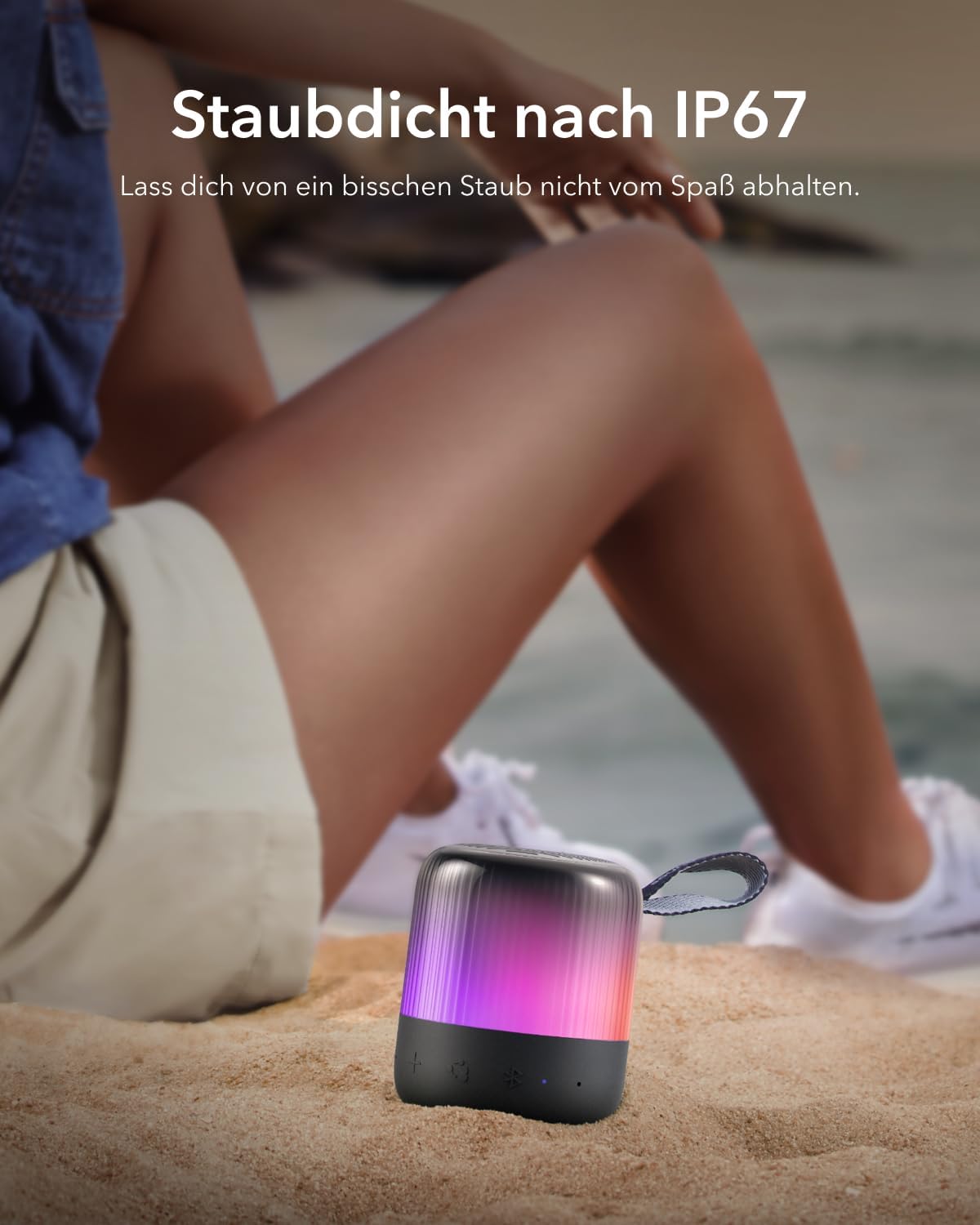
Its dustproof rating ensures that a little dust won't interrupt your enjoyment.
Long Battery Life

Listen for up to 12 hours on a single charge. Note: Battery life may be reduced when using the light effects.
PartyCast 2.0 Technology

With PartyCast 2.0, you can connect over 100 Soundcore speakers simultaneously for synchronized sound and lighting, creating an enhanced party atmosphere.
Customizable EQ and Light Effects via Soundcore App
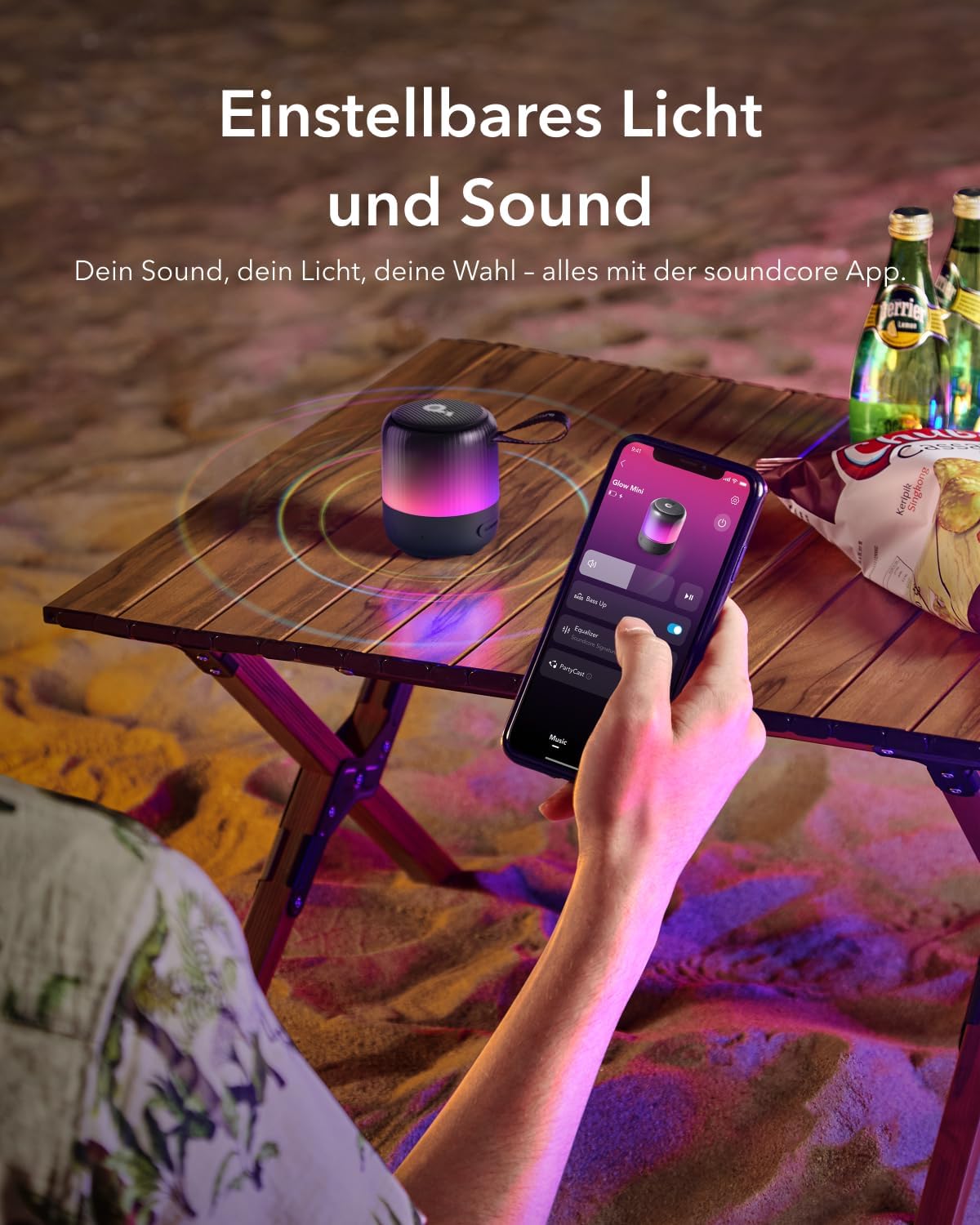
Personalize your listening experience and light show by customizing the EQ and light effects through the dedicated Soundcore app.
Pocket-Sized and Portable

Measuring just 76mm around and featuring a built-in strap, the Glow Mini is easy to carry and attach to your backpack for music on the go.
Setup
Charging Your Speaker
Before first use, fully charge your Soundcore Glow Mini. Connect the provided USB-C to USB-C cable to the charging port on the speaker and to a compatible USB power adapter (not included). The charging time is approximately 3 hours.
Bluetooth Pairing
- Power on the speaker by pressing and holding the power button until the light indicator flashes blue.
- On your device (smartphone, tablet, etc.), enable Bluetooth.
- Search for "Soundcore Glow Mini" in the list of available Bluetooth devices and select it to pair.
- Once connected, the light indicator will turn solid blue, and you will hear an audible confirmation.
Operating Your Speaker
Button Functions
| Button | Function |
|---|---|
| Power Button | Press and hold to power on/off. Short press to play/pause music or answer/end calls. |
| Volume + | Increase volume. |
| Volume - | Decrease volume. |
| Bluetooth Button | Press to enter Bluetooth pairing mode. |
| Light Mode Button | Cycle through different light modes. |
| PartyCast Button | Initiate or join PartyCast mode to link multiple speakers. |
Soundcore App
Download the Soundcore app from your device's app store to unlock the full potential of your Glow Mini speaker. The app allows you to:
- Customize the equalizer (EQ) settings for a tailored audio experience.
- Select and personalize various light effects and colors.
- Update firmware for improved performance and new features.
Maintenance
- Cleaning: Use a soft, damp cloth to clean the surface of the speaker. Do not use any corrosive cleaners or chemicals.
- Storage: Store the speaker in a cool, dry place when not in use. Avoid extreme temperatures.
- Water Resistance: While the speaker is IP67 waterproof, ensure the charging port cover is securely closed before exposing it to water. After exposure to water, dry the speaker thoroughly before charging.
Troubleshooting
Cannot Pair with Device
- Ensure the speaker is in Bluetooth pairing mode (flashing blue light).
- Make sure Bluetooth is enabled on your device and it is within range (up to 30 meters).
- Forget "Soundcore Glow Mini" from your device's Bluetooth list and try pairing again.
- Restart both the speaker and your device.
No Sound
- Check the volume levels on both the speaker and your connected device.
- Ensure the speaker is successfully paired and connected to your device.
- Try playing audio from a different application or source.
Poor Sound Quality
- Move the speaker closer to your device to reduce interference.
- Avoid placing the speaker near obstacles or other electronic devices that may cause interference.
- Adjust the EQ settings in the Soundcore app.
Speaker Not Charging
- Ensure the charging cable is securely connected to both the speaker and the power source.
- Try a different USB-C cable or power adapter.
- Check the charging port for any debris or damage.
Specifications
| Feature | Detail |
|---|---|
| Model Name | A3136 |
| Speaker Type | Portable Speaker |
| Connectivity Technology | Bluetooth |
| Bluetooth Range | 30 Meters |
| Speaker Maximum Output Power | 8 Watts |
| Battery Life | 12 Hours |
| Charging Time | 3 Hours |
| Water Resistance Level | IP67 (Waterproof and Dustproof) |
| Product Dimensions | 2.99"D x 2.99"W x 3.66"H |
| Item Weight | 9.9 ounces (280 Grams) |
| Included Components | soundcore Glow Mini, 60cm C-C cable, Quick Start Guide, Safety Sheet, Warranty Card |
Warranty and Support
Your Soundcore Glow Mini Portable Speaker comes with a limited warranty. Please refer to the included Warranty Card for detailed terms and conditions.
For further support, frequently asked questions, or to explore other Soundcore products, please visit the official Soundcore store:
You can also download the full User Manual in PDF format for more comprehensive information: Download User Manual (PDF)
Documents and downloads
Ask a question about this manual
Ask about setup, troubleshooting, compatibility, parts, safety, or missing instructions. Manuals+ will review the question and use this page’s manual context to help answer it.