
Introduction
This manual provides detailed instructions for the installation, use, and maintenance of your Bruni crystal clear screen protector, specifically designed for the Aligator A830 Senior device. This protective film is engineered to safeguard your device's screen from scratches and impacts while maintaining optimal display clarity and touch sensitivity.

Image: Bruni Screen Protector packaging. The black box features the Bruni logo and "SCHUTZFOLIE" (protective film) with icons for easy assembly, impact & scratch resistance, and "Made in Germany".
Package Contents
Before beginning installation, please ensure all components are present:
- Bruni Screen Protector (2X) for Aligator A830 Senior
- Installation Tool (Squeegee)
- Microfiber Cleaning Cloth
- Installation Instructions (printed guide)

Image: A clear Bruni screen protector film, showcasing its transparent and precise cut for the device screen.

Image: Contents of the Bruni screen protector package. This includes the screen protector film, a squeegee for application, a microfiber cloth, and a printed instruction manual.
Setup: Installation Guide
Follow these steps carefully for a bubble-free application of your Bruni screen protector.
- Prepare Your Workspace: Choose a clean, dust-free environment. Wash your hands thoroughly to avoid transferring oils or dirt to the screen or protector.
- Clean the Device Screen: Use the provided microfiber cloth to meticulously clean the Aligator A830 Senior screen. Ensure there are no dust particles, smudges, or fingerprints. For stubborn marks, a screen cleaning solution (not included) can be used sparingly, followed by drying with the microfiber cloth.
- Align the Protector: Carefully peel back a small portion of the protective layer (usually marked "Step 1" or similar) from one end of the screen protector. Align the exposed edge of the screen protector with the corresponding edge of your device's screen, ensuring precise placement around cutouts (e.g., speaker, camera).
- Apply and Smooth: Once aligned, slowly peel back the remaining protective layer while simultaneously using the provided squeegee to smooth the screen protector onto the device screen. Work from the aligned edge outwards, applying gentle, even pressure to push out any air bubbles.
- Remove Remaining Bubbles: If small bubbles remain, use the squeegee to gently push them towards the nearest edge of the screen. For persistent bubbles, you may carefully lift a small section of the protector near the bubble and re-apply, smoothing it down with the squeegee.
- Final Polish: Once the protector is fully applied and free of bubbles, use the microfiber cloth to gently wipe down the surface, removing any smudges from the installation process.
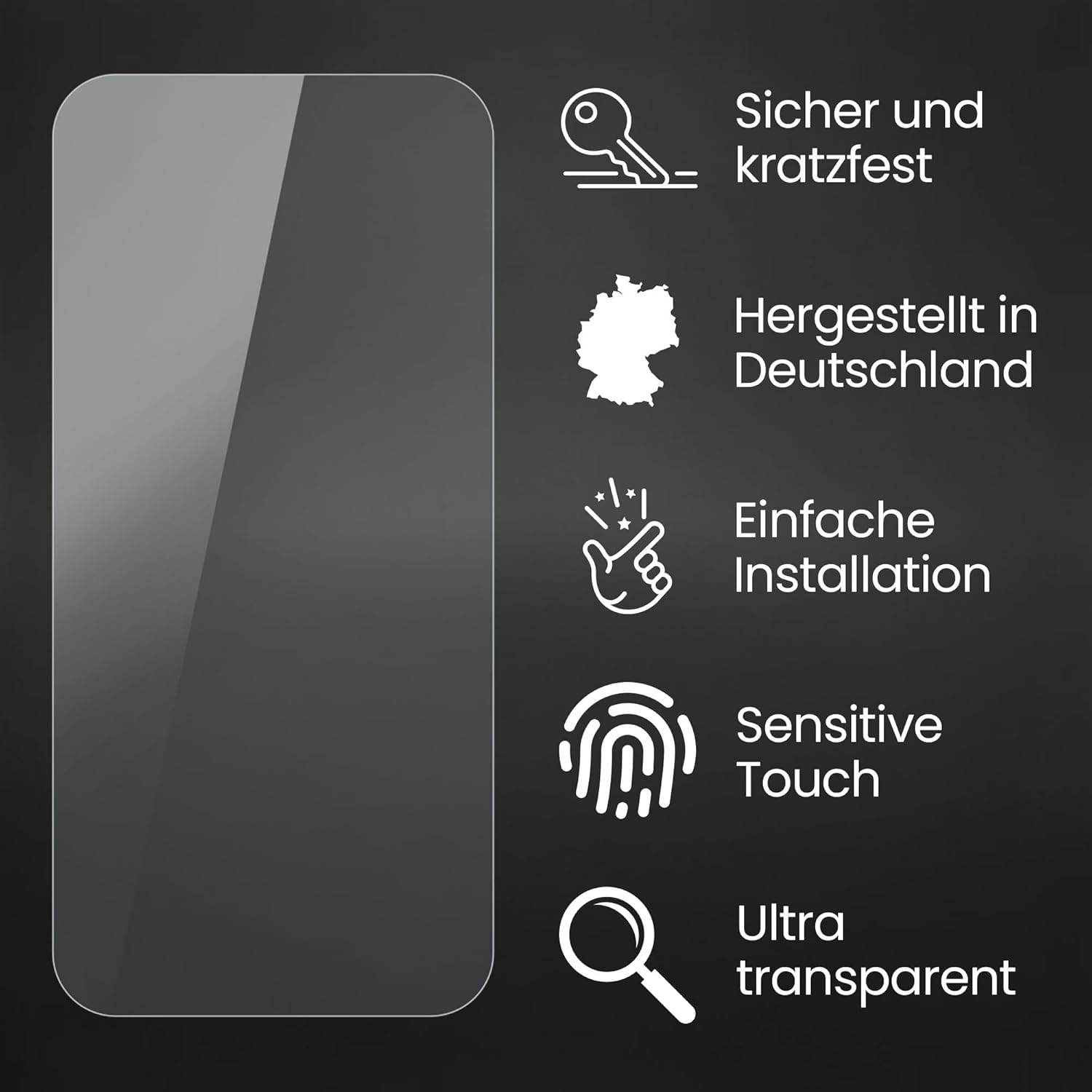
Image: A person carefully applying the screen protector to a smartphone screen, demonstrating the initial alignment step.

Image: A hand using a squeegee tool to smooth out the screen protector, pushing air bubbles towards the edge of the device screen.
Operating the Device with Protector
The Bruni screen protector is designed to integrate seamlessly with your Aligator A830 Senior, ensuring no compromise on functionality.
- Touch Sensitivity: The film is optimized for touch displays, providing unadulterated responsiveness and precision. Your device's touch functions will operate as intended.
- Display Clarity: The crystal clear material ensures an unadulterated display of screen contents, preserving the original colors and brightness of your Aligator A830 Senior.
- Protection: The film offers protection against scratches, scuffs, and minor impacts, extending the lifespan of your device's screen.

Image: A finger interacting with a smartphone screen displaying a colorful abstract pattern, illustrating responsive touch functionality.

Image: A smartphone screen showcasing a vibrant image of flowers, demonstrating the clear and true-color display quality maintained by the screen protector.
Maintenance
To ensure the longevity and clarity of your Bruni screen protector, follow these simple maintenance guidelines:
- Cleaning: Use a soft, lint-free cloth (such as the provided microfiber cloth) to gently wipe the screen protector. For smudges or fingerprints, lightly dampen the cloth with water or a mild, screen-safe cleaning solution. Avoid harsh chemicals or abrasive materials.
- Avoid Sharp Objects: While the protector is scratch-resistant, extreme pressure or sharp objects can still cause damage. Avoid placing your device in direct contact with keys, coins, or other sharp items.

Image: A metal key being dragged across a screen protector, illustrating the film's scratch-resistant properties.
Troubleshooting
If you encounter any issues during or after installation, refer to the following common solutions:
- Bubbles After Installation: Small bubbles can often be pushed out towards the edges using the squeegee. For larger, persistent bubbles, carefully lift the nearest edge of the screen protector with a piece of tape (to avoid fingerprints) and re-apply, smoothing it down slowly.
- Dust Particles Under Protector: If a dust particle is trapped, carefully lift the nearest edge of the protector with tape. Use another piece of tape to gently dab the underside of the protector and the device screen to pick up the dust. Re-apply the protector.
- Misalignment: The Bruni screen protector can be removed and repositioned if done carefully and immediately after initial application. Gently lift the protector from one corner and re-align. Avoid stretching the film.
Specifications
| Brand | Bruni |
| Compatible Device | Aligator A830 Senior |
| Material | Polyethylenterephthalat (PET) |
| Item Hardness | 4H |
| Special Features | Made in Germany, Residue-free removable, Very easy to apply, Crystal clear |
| Item Model Number | Bruni Basics-Clear 4061187920969 |
| Product Dimensions (Packaging) | 3.94 x 1.97 x 0.5 inches |
| Item Weight | 0.247 ounces |
| Manufacturer | atFoliX GmbH |
Warranty and Support
Bruni products are manufactured with high-quality standards. For any questions, concerns, or support regarding your screen protector, please contact the manufacturer, atFoliX GmbH, directly. Refer to the packaging or their official website for contact information.
This product is designed and manufactured in Germany, reflecting a commitment to quality and precision.