
Bruni Bruni Basics-Clear 4061187921089
Bruni Screen Protector User Manual
Compatible with Aligator R40 eXtremo
1. Introduction
This manual provides detailed instructions for the installation, use, and maintenance of your Bruni Basics-Clear Screen Protector, designed specifically for the Aligator R40 eXtremo. This protective film is engineered to offer superior display protection while maintaining touch sensitivity and visual clarity.

Image: Bruni Screen Protector packaging, highlighting easy assembly, impact & scratch resistance, and 'Made in Germany' quality.

Image: Illustration of display protection in premium quality, suggesting durability and strength.
2. Product Features and Benefits
- Accurate Fit: Specifically developed and laser-cut for the Aligator R40 eXtremo.
- High Transparency: Made of highly transparent PET material, ensuring unadulterated display of screen contents.
- Scratch and Impact Resistant: Provides robust protection against scratches and minor impacts.
- Easy Application: Can be applied easily and without bubbles, and is residue-free removable.
- Optimal Adhesion: Glue-free film ensures no slipping once attached, with optimal edge adhesion.
- Sensitive Touch: Optimized for use on touch displays, ensuring no impairment of usability.
- Made in Germany: Manufactured with precision and quality standards in Germany.
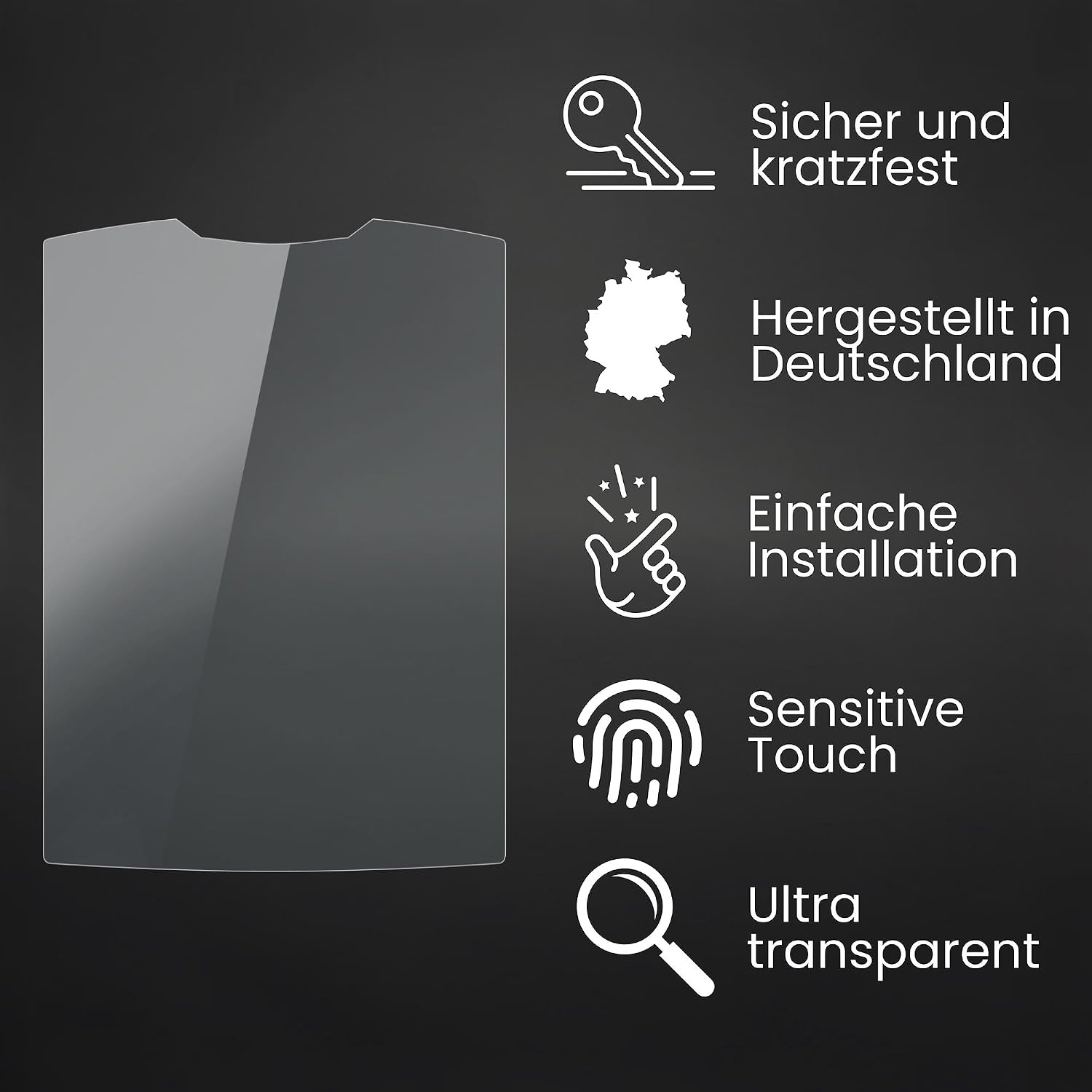
Image: Visual representation of key features including safe and scratch-resistant, Made in Germany, simple installation, sensitive touch, and ultra-transparent.

Image: Overview of benefits: Simple installation, Sensitive Touch, Safe and scratch-resistant, Clear Colors, Made in Germany, Maximum Shatterproof.
3. Setup and Installation
The Bruni Screen Protector is designed for super easy assembly in just three steps. A detailed instruction manual is included in the product package.
3.1. Package Contents

Image: Contents of the Bruni Screen Protector package, including the display protective film, mounting tool, microfiber cloth, and mounting instructions.
Your package should contain:
- Bruni Display Protective Film (2X)
- Mounting Tool (Squeegee)
- Microfiber Cleaning Cloth
- Detailed Mounting Instructions
3.2. Installation Steps
For optimal results, perform the installation in a clean, dust-free environment.
- Clean the Device Screen: Use the provided microfiber cloth to thoroughly clean the screen of your Aligator R40 eXtremo. Ensure there are no dust particles, smudges, or fingerprints. For stubborn marks, a screen cleaning solution can be used, followed by drying with the microfiber cloth.
- Align the Protector: Carefully peel back a small portion of the protective layer from the screen protector. Align the protector with the device's screen, paying close attention to cutouts for speakers, cameras, and buttons.
- Apply and Smooth: Slowly peel off the rest of the protective layer while simultaneously applying the screen protector to the device. Use the mounting tool (squeegee) to gently push out any air bubbles towards the edges. Work from the center outwards.
- Final Touches: Once applied, gently press down on the edges to ensure full adhesion. If any small bubbles remain, they often disappear within 24-48 hours.

Image: Hands demonstrating the super easy assembly process of the screen protector.
4. Operating the Device with the Protector
The Bruni screen protector is designed to integrate seamlessly with your Aligator R40 eXtremo, ensuring no compromise on functionality.
4.1. Touch Sensitivity
The film is optimized for touch displays, providing lightning-fast, highly sensitive, and precise touch response. You should experience no degradation in touch screen performance.

Image: A finger interacting with a device screen, illustrating the fast and sensitive touch response provided by the protector.

Image: Highlighting the 'Faster-Touch' feature, emphasizing lightning-fast, highly sensitive, and precise interaction.
4.2. Display Clarity
The crystal clear protective film ensures true colors and no color attenuation, preserving the original visual quality of your device's screen.

Image: A phone display showing vibrant colors, demonstrating that the clear protective film does not cause color deviation.

Image: Emphasizing 'REAL COLORS' with a clear protective film that prevents color attenuation, applicable to all device types.
5. Maintenance
To ensure the longevity and clarity of your Bruni screen protector, follow these simple maintenance guidelines:
- Cleaning: Use a soft, lint-free cloth (like the included microfiber cloth) to wipe the screen protector. For smudges or fingerprints, lightly dampen the cloth with water or a screen-safe cleaning solution. Avoid harsh chemicals or abrasive materials.
- Avoid Sharp Objects: While the film is scratch-resistant (4H hardness), excessive force or very sharp objects can still cause damage. Avoid placing your device with keys or other sharp items.
- Removal: If you need to remove or reposition the film, it can be done without leaving any residue. Gently lift one corner and slowly peel it off.

Image: Depiction of the scratch-resistant display protection provided by Bruni Technology.
6. Troubleshooting
Here are solutions to common issues you might encounter:
- Bubbles After Installation: Small bubbles are common immediately after installation. Many will dissipate on their own within 24-48 hours. For larger bubbles, gently lift the nearest edge of the protector and re-apply, using the squeegee to push the air out.
- Dust Under the Protector: If dust particles are trapped, carefully lift the nearest edge of the protector. Use a piece of tape to dab the dust off both the screen and the adhesive side of the protector, then re-apply.
- Edges Not Sticking: Ensure the screen was thoroughly cleaned and free of oils or debris before application. If edges lift, gently press them down. If the issue persists, the film might need to be replaced.
7. Specifications
| Attribute | Value |
|---|---|
| Brand | Bruni |
| Compatible Devices | Aligator R40 eXtremo |
| Material | Polyethylenterephthalat (PET) |
| Item Hardness | 4H |
| Color | Basics-Clear |
| Special Features | Very easy to apply, Residue-free removable, Made in Germany, Crystal clear Protector Film |
| Manufacturer | atFoliX GmbH |
| Item Model Number | Bruni Basics-Clear 4061187921089 |
8. Warranty and Support
Bruni products are manufactured with high-quality standards. For any issues or support inquiries regarding your Bruni Screen Protector, please contact the manufacturer, atFoliX GmbH, or your point of purchase. Please refer to the packaging or the manufacturer's official website for specific warranty information and contact details.

Image: A message from Bruni emphasizing their commitment to high-quality screen protection since 2007, with custom-fit, durable, and innovative protective films.
Ask a question about this manual
Ask about setup, troubleshooting, compatibility, parts, safety, or missing instructions. Manuals+ will review the question and use this page’s manual context to help answer it.