
Introduction
This manual provides comprehensive instructions for the installation, use, and maintenance of your Lamshaw 9H Tempered Glass Screen Protector. Designed specifically for BANGWEI BW1847 and K-52 Smart Watches, this protector offers superior defense against scratches, abrasions, and impacts while maintaining screen clarity and touch sensitivity.
What's in the Box
- 3 x Lamshaw 9H Tempered Glass Screen Protectors
- 1 x Cleaning Kit (includes alcohol wipe, microfiber cloth, and dust removal sticker)
Compatibility
This screen protector is exclusively designed for the following smart watch models:
- BANGWEI BW1847 Smart Watch
- BANGWEI K-52 Smart Watch
- BANGWEI Military Smart Watch
Please verify your watch model before installation to ensure proper fit.
Key Features
9H Hardness Protection
Constructed from premium 9H hardness tempered glass, providing robust protection against scratches, abrasions, and impacts from daily use.
Ultra-Clear & Highly Sensitive
Features 99% light transmittance for a high-definition viewing experience. The ultra-thin 0.2mm glass ensures original touch screen responsiveness.
2.5D Round Edge Design
Precisely cut with 2.5D rounded edges for a smooth feel and full coverage, seamlessly integrating with your watch screen.
Anti-Fingerprint & Oil-Proof
An oleophobic coating resists fingerprints and oily smudges, keeping your screen clean and clear.
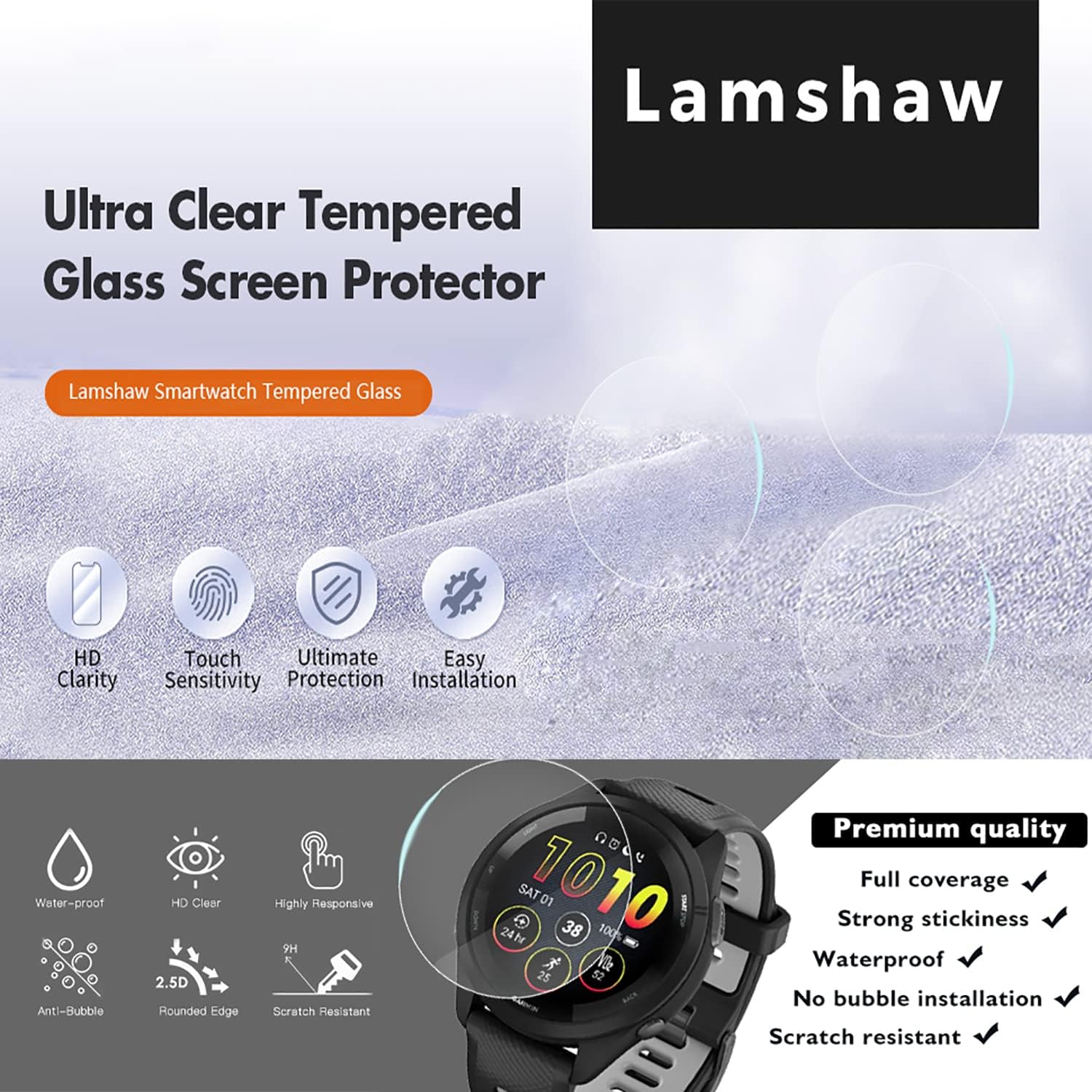
Image: Overview of the Lamshaw screen protector's key features, including HD clarity, touch sensitivity, ultimate protection, and easy installation.
Installation Guide
Follow these steps carefully for a bubble-free and perfect installation of your screen protector.
Step 1: Prepare the Watch Screen
- Turn off your smart watch.
- Use the included alcohol wipe to thoroughly clean the watch screen surface. Ensure all dirt, oil, and smudges are removed.
- Wipe the screen dry with the microfiber cloth, ensuring no lint or dust remains.
- Use the dust removal sticker to gently dab the screen and pick up any remaining dust particles. Ensure the screen is completely clean and dry before proceeding.
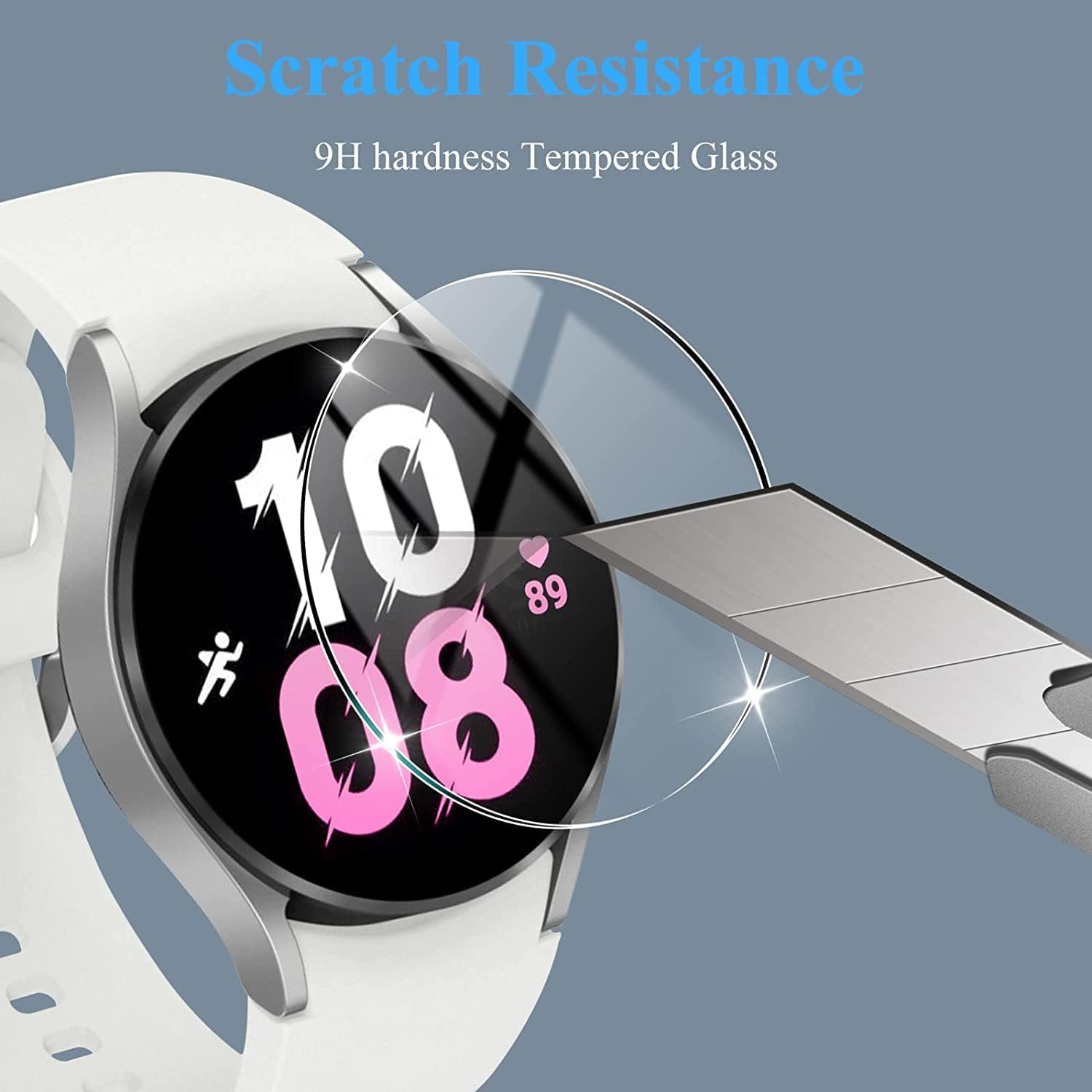
Image: A smart watch screen being cleaned, illustrating the importance of a pristine surface before applying the protector.
Step 2: Align the Screen Protector
- Carefully peel off the protective film from the adhesive side of the tempered glass screen protector. Avoid touching the adhesive surface.
- Hold the screen protector by its edges and align it precisely with your watch screen. Pay attention to the edges and any cutouts (if present) to ensure perfect alignment.
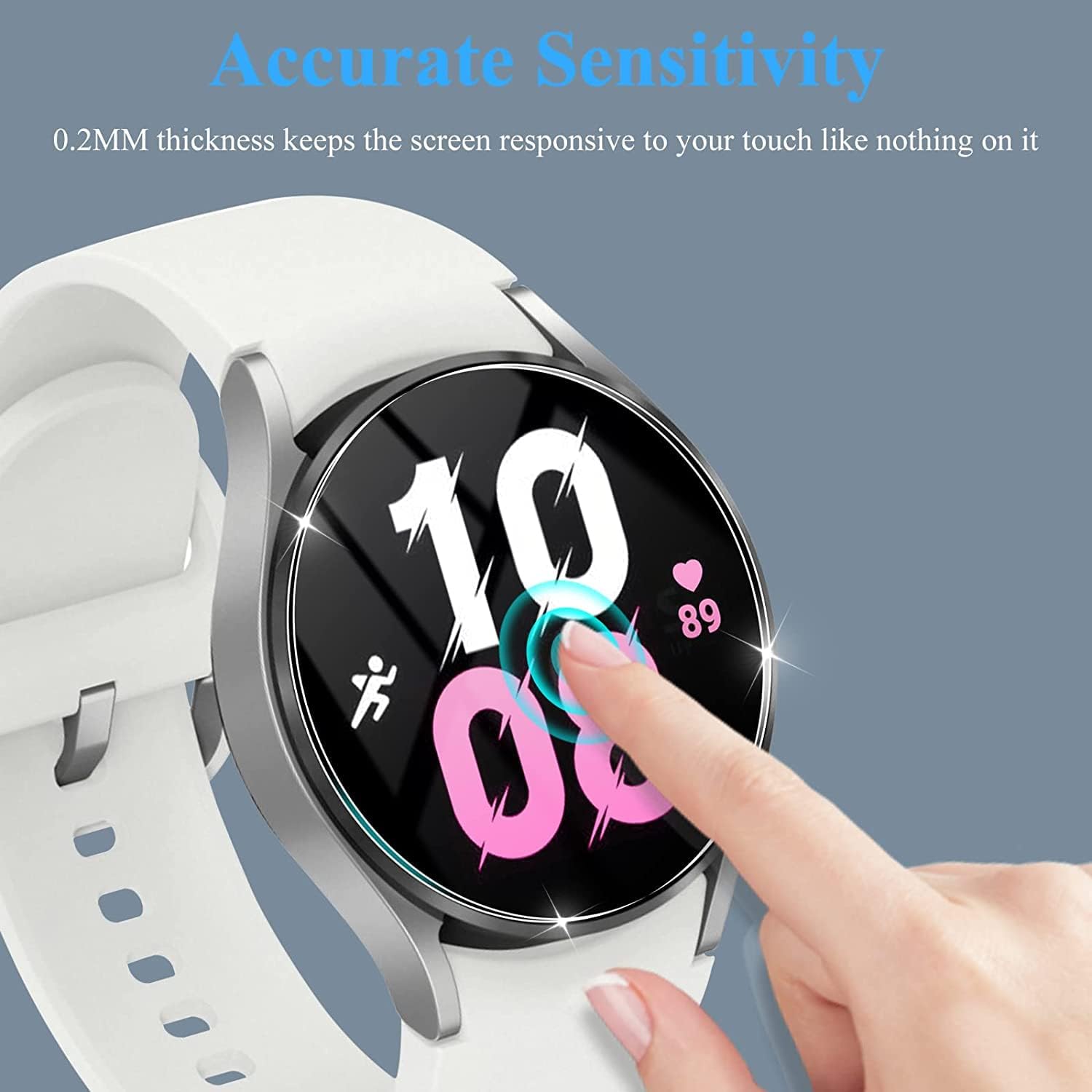
Image: A hand carefully aligning the tempered glass screen protector over a smart watch face, demonstrating the alignment process.
Step 3: Apply the Screen Protector
- Once aligned, gently lower the screen protector onto the watch screen. The adhesive will start to spread automatically.
- If bubbles appear, gently press them towards the edges of the screen protector using the microfiber cloth or your finger.
Step 4: Finalize Installation
- After the protector is fully adhered, give it a final wipe with the microfiber cloth to remove any smudges.
- Small bubbles may disappear naturally within 24-48 hours.
Usage and Benefits
Once installed, your Lamshaw screen protector provides an invisible layer of defense, ensuring your smart watch screen remains pristine without compromising functionality.
- Enhanced Durability: Protects against daily wear and tear, including scratches from keys, coins, and accidental bumps.
- Maintained Clarity: The high transparency ensures your screen's original brightness and color accuracy are preserved.
- Responsive Touch: The ultra-thin design allows for seamless interaction with your watch's touch screen, just as if no protector were present.
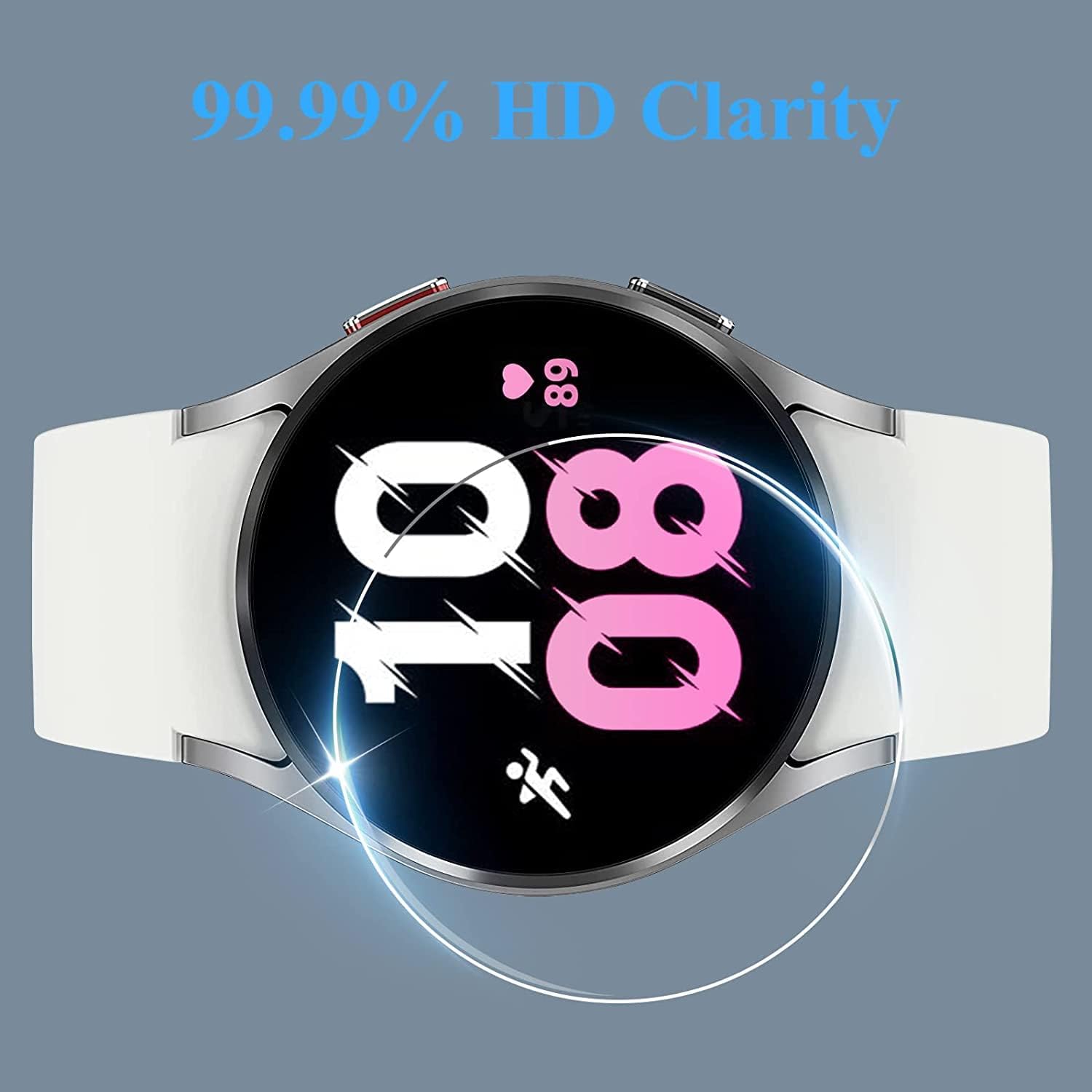
Image: A smart watch screen displaying vibrant colors and sharp details, highlighting the 99.99% HD clarity provided by the screen protector.
Care and Maintenance
To ensure the longevity and optimal performance of your screen protector, follow these simple care guidelines:
- Cleaning: Use a soft, lint-free cloth (like the included microfiber cloth) to gently wipe the screen protector. For stubborn smudges, slightly dampen the cloth with water or a screen cleaner designed for electronics.
- Avoid Harsh Chemicals: Do not use abrasive cleaners, solvents, or strong chemicals, as these can damage the oleophobic coating or the protector itself.
- Handle with Care: While durable, avoid intentionally scratching or picking at the edges of the protector.
- Replacement: If the screen protector becomes severely scratched or cracked, it has absorbed an impact that would have otherwise damaged your watch screen. Replace it with a new one from the pack.
Troubleshooting
Bubbles After Installation
Issue: Small bubbles remain after installation.
Solution: Gently push bubbles towards the nearest edge using a microfiber cloth or a soft card. For very small bubbles, they often disappear naturally within 24-48 hours as the adhesive fully settles. Ensure the screen was completely dust-free during installation.
Dust Under the Protector
Issue: Dust particles are trapped under the screen protector.
Solution: This usually requires re-installation. Carefully lift one corner of the protector (using a thin card if necessary), use a dust removal sticker to lift the dust particle, then re-apply. This is why thorough cleaning in Step 1 is critical.
Edges Not Sticking
Issue: The edges of the screen protector are not fully adhering.
Solution: Gently press down on the edges for a few seconds. Ensure the watch screen was clean and dry, and that the protector was aligned correctly. If the issue persists, the protector might be slightly misaligned or the watch model might not be fully compatible (double-check compatibility).
Product Specifications
| Material | 9H Hardness Tempered Glass |
| Hardness Rating | 9H |
| Thickness | 0.2mm |
| Clarity | 99% Light Transmittance (HD Clarity) |
| Edge Design | 2.5D Round Edge |
| Special Features | Anti-fingerprint, Oil-proof, Scratch Resistant, Bubble-Free Installation |
| Compatible Devices | BANGWEI BW1847 Smart Watch, BANGWEI K-52 Smart Watch, BANGWEI Military Smart Watch |
| Number of Items | 3 Screen Protectors |
| Product Dimensions | 3.94"L x 1.97"W (approximate, specific to watch model) |
| Item Weight | 2.82 ounces (total package) |
Warranty and Support
For any questions, concerns, or support regarding your Lamshaw 9H Tempered Glass Screen Protector, please contact the seller or manufacturer directly through your purchase platform. Please refer to your purchase details for specific warranty information, if applicable.