
Introduction
This manual provides comprehensive instructions for the installation, operation, and maintenance of your TAXNELE TUYA WIFI Smart Circuit Breaker (Model 40A). This device integrates smart home functionality, allowing remote control, energy monitoring, and voice control through the Smart Life/Tuya App, Google Home, and Amazon Alexa. It functions as a voltmeter, ammeter, and energy meter, providing real-time data on power consumption.
Safety Information
WARNING: Electrical installation should only be performed by qualified personnel. Ensure power is disconnected before installation or maintenance to prevent electric shock. This device is designed for indoor use in dry environments. Do not expose to moisture or extreme temperatures. Adhere to all local electrical codes and regulations.
Setup
1. Physical Installation
The TAXNELE Smart Circuit Breaker is designed for DIN35 rail mounting. Ensure proper wiring connections for Power (N, L) and Load (N, L) as indicated on the device.

Image: Overview of the TAXNELE Smart Circuit Breaker, showing its physical appearance, wiring terminals, and an example of the Smart Life/Tuya app interface displaying energy monitoring data. The device is labeled TXCB2-TWM and indicates metering for 63A.
Wiring Diagram: Connect the incoming power supply to the "Power" terminals (N for Neutral, L for Live) and the outgoing load to the "Load" terminals (N for Neutral, L for Live). Ensure all connections are secure.
2. App Download and Device Pairing
- Download the "Smart Life" or "Tuya Smart" app from your mobile device's app store (available on iOS and Android).
- Register or log in to your account.
- Ensure your mobile device is connected to a 2.4 GHz Wi-Fi network. The circuit breaker supports Wi-Fi 2.4 GHz only.
- Power on the circuit breaker. The Wi-Fi indicator light on the device should be blinking, indicating it's in pairing mode. If not, refer to the device's reset instructions (usually holding the ON/OFF button for a few seconds).
- In the app, tap "+" to add a new device. Select "Electrical Engineering" or "Circuit Breaker (Wi-Fi)".
- Follow the on-screen instructions to connect the device to your Wi-Fi network. This typically involves confirming the Wi-Fi network and entering the password.
- Once successfully paired, you can rename the device for easier identification.
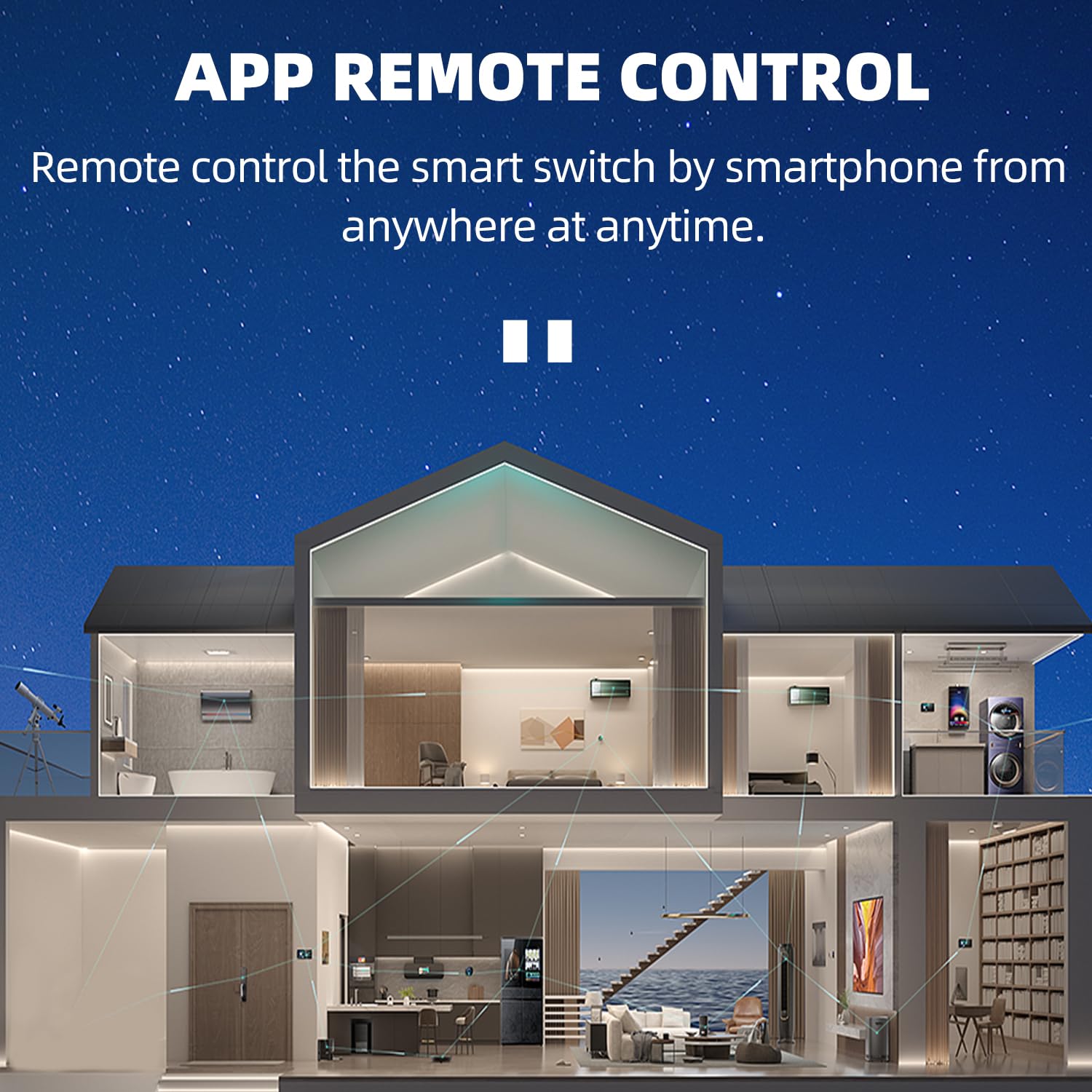
Image: Illustration demonstrating remote control capabilities of the smart circuit breaker via a smartphone app, showing a house with various smart devices connected.

Image: Two smartphone screens showing the Tuya Smart and Smart Life apps being used to control an electric device (television and fan) remotely.
3. Voice Control Integration
The device is compatible with Google Home and Amazon Alexa. To enable voice control:
- Open the Google Home or Amazon Alexa app.
- Link your Smart Life/Tuya Smart account within the voice assistant app.
- Discover new devices. Your TAXNELE Smart Circuit Breaker should appear.
- You can now control the circuit breaker using voice commands, e.g., "Alexa, turn on [device name]" or "Hey Google, turn off [device name]".

Image: Depiction of voice control functionality with Google Assistant and Amazon Alexa, showing example commands like "Alexa, turn on the living room light." and "Google, turn on the living room light."
Operating Instructions
1. Remote Control via App
Through the Smart Life/Tuya Smart app, you can:
- Turn On/Off: Remotely switch the circuit breaker on or off from anywhere.
- Timer Function: Set schedules for the device to turn on or off at specific times.
- Countdown: Set a countdown timer for the device to switch off after a set duration.
- Cycle Time: Program the device to cycle on and off repeatedly at set intervals.

Image: A smartphone displaying the app interface with metering data (Power, Voltage, Current) and options for Switch, Electricity, and Time. Text highlights "24H Real Time Monitoring" and "APP Remote Control".
2. Energy Monitoring
The circuit breaker provides comprehensive energy monitoring features:
- Voltmeter: Displays the current voltage (V).
- Ammeter: Displays the current amperage (A).
- KWh Meter: Tracks total energy consumption in kilowatt-hours (kWh).
- Real-time Data: Monitor voltage, current, and power consumption in real-time through the app.
- Electricity Statistics: View daily, monthly, and yearly energy consumption reports.

Image: A smartphone screen showing detailed electricity statistics (Daily, Monthly, Yearly Energy) and real-time voltage, current, and power readings. An energy record graph is also visible.
Maintenance
To ensure optimal performance and longevity of your TAXNELE Smart Circuit Breaker:
- Cleaning: Periodically wipe the exterior of the device with a dry, soft cloth. Do not use liquid cleaners or solvents.
- Inspection: Regularly check for any signs of physical damage or loose wiring connections.
- Firmware Updates: Keep the Smart Life/Tuya Smart app updated to ensure you have the latest features and security patches for your device.
Troubleshooting
- Device not connecting to Wi-Fi:
- Ensure your Wi-Fi network is 2.4 GHz. The device does not support 5 GHz networks.
- Check if the Wi-Fi signal is strong enough at the installation location.
- Verify that the Wi-Fi password entered in the app is correct.
- Try resetting the circuit breaker (refer to app instructions for specific reset procedure, usually holding the ON/OFF button).
- Restart your Wi-Fi router.
- Remote control not working:
- Check if the device is connected to Wi-Fi and online in the app.
- Ensure your mobile device has an active internet connection.
- Verify that the app is updated to the latest version.
- Voice control not responding:
- Confirm that your Smart Life/Tuya Smart account is correctly linked to Google Home or Amazon Alexa.
- Ensure the device name used in voice commands matches the name set in the app.
- Check the internet connection of your voice assistant device.
- Inaccurate energy readings:
- Ensure the device is correctly wired according to the installation instructions.
- Contact customer support if issues persist after verifying wiring.
Specifications

Image: A table detailing the product parameters including model, rated voltage, rated current, Wi-Fi standard, and functions.
| Feature | Detail |
|---|---|
| Model | TXCB2-TWM (40A) |
| Operating Voltage | AC90-300V, 50/60Hz |
| Rated Current | 40A (up to 63A variants available) |
| Connection Type | 1P+N |
| Mechanical Life | >100,000 times |
| Operating Temperature | -25℃ to 70℃ |
| Wireless Type | Wi-Fi 2.4 GHz |
| Control Type | Remote Control, Manual |
| Rail Type | DIN35 |
| Dimensions (approx.) | 82x68x18mm (3.23x2.68x0.71in) |
| Functions | Remote On/Off, Timer, Metering (Voltage, Current, Power, Energy) |

Image: Diagram showing the dimensions of the TAXNELE Smart Circuit Breaker, indicating a height of 82mm, width of 18mm, and depth of 50mm.
Warranty and Support
Specific warranty information is not provided in the product details. Please refer to the retailer or manufacturer's website for warranty terms and conditions.
For technical support or further assistance, please contact TAXNELE customer service through their official channels or the platform where the product was purchased.


