1. Introduction
This instruction manual provides essential information for the safe and efficient use of your GP RECYKO M452 USB Chargers, D451 Docking Station, and GP RECYKO AA 2600mAh NiMH rechargeable batteries. Please read this manual thoroughly before operating the product and retain it for future reference.
2. Package Contents
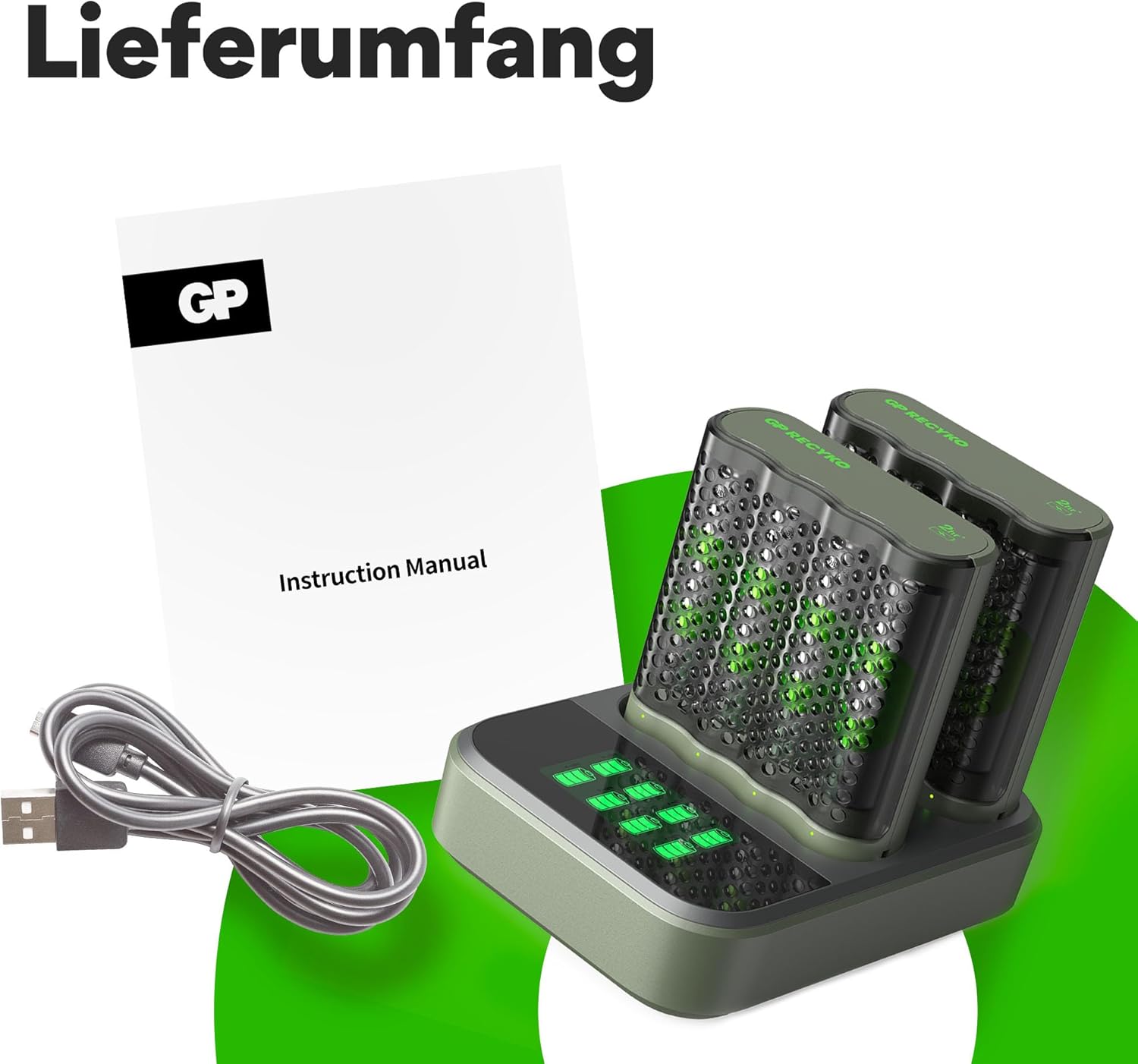
Verify that all items listed below are included in your package:
- 2 x GP RECYKO M452 USB Chargers
- 8 x GP RECYKO AA 2600 mAh NiMH Rechargeable Batteries
- 1 x GP RECYKO D451 USB Docking Station
- 1 x USB Charging Cable
3. Safety Information
Observe the following safety guidelines to prevent damage to the product or injury:
- Only charge NiMH rechargeable batteries. Do not attempt to charge disposable (alkaline, carbon-zinc) or other battery types.
- Do not expose the charger or batteries to water or excessive moisture.
- Do not disassemble, modify, or short-circuit the charger or batteries.
- Keep out of reach of children.
- Ensure proper battery polarity when inserting batteries into the charger.
- The charger features Timer Protection, -dV Full Charge Detection, Temperature Interruption, Primary Battery Protection, and Reverse Polarity Protection to ensure safe charging.
- If a red LED flashes quickly, it indicates that disposable or defective batteries have been inserted. Remove them immediately.
4. Product Overview
4.1 GP RECYKO M452 USB Charger
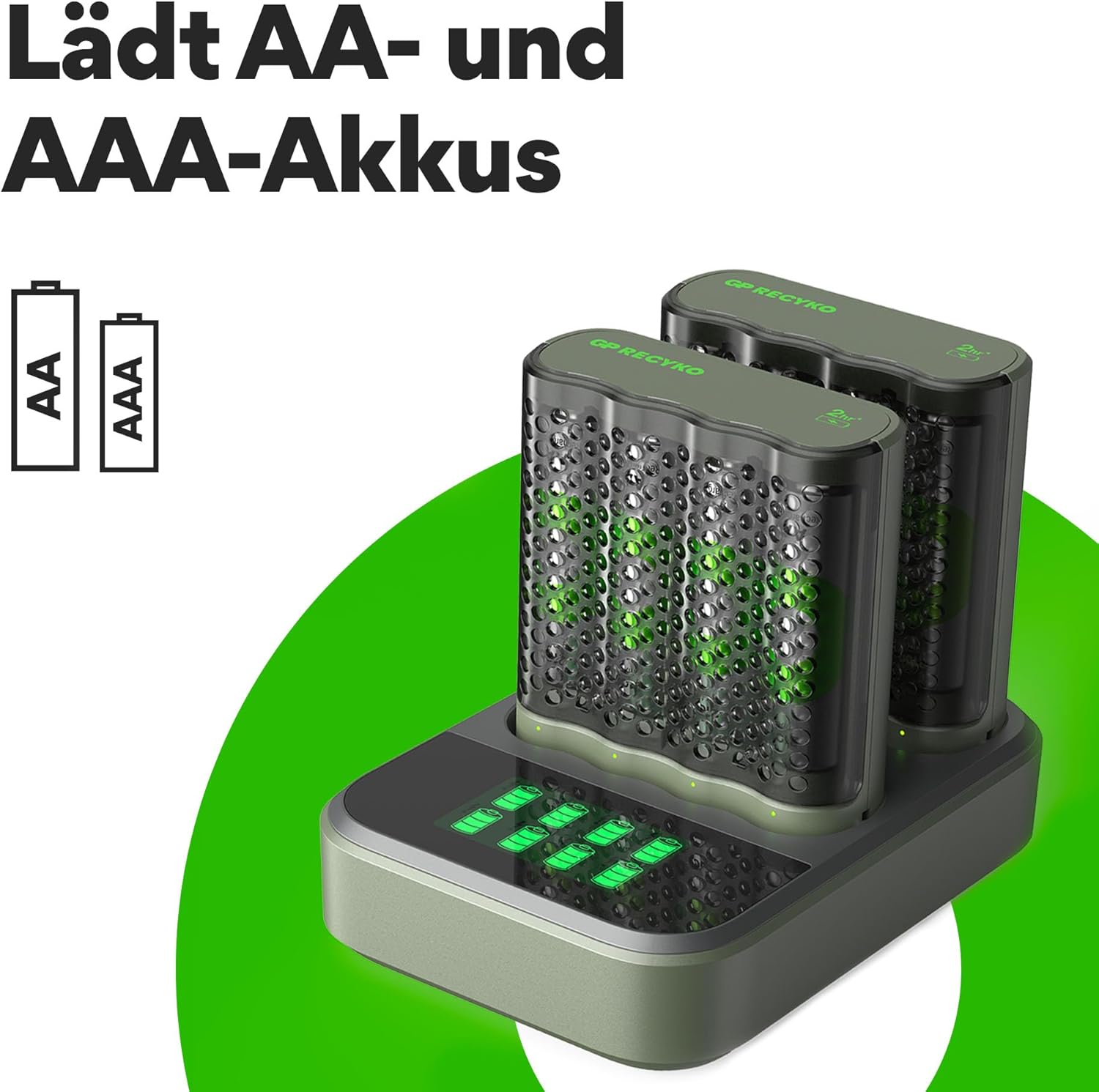
The M452 is a compact USB charger designed to charge up to four AA or AAA NiMH batteries simultaneously. It features individual charging channels and LED indicators for each pair of batteries.
4.2 GP RECYKO D451 USB Docking Station
The D451 docking station is designed to accommodate two M452 (or B441) chargers, allowing for simultaneous charging of up to eight batteries. It features an LCD display to show the charging status of each battery and detect defective cells.

4.3 GP RECYKO AA 2600mAh NiMH Batteries
The included 2600mAh AA NiMH batteries are high-capacity rechargeable cells suitable for various electronic devices. These batteries are designed for repeated use and can be recharged hundreds of times.
5. Setup
5.1 Using the M452 USB Charger Individually
- Insert 1 to 4 AA or AAA NiMH rechargeable batteries into the M452 charger, ensuring correct polarity (+/-).
- Connect the M452 charger to a USB power source (e.g., computer USB port, USB wall adapter) using the provided USB cable.
5.2 Using the D451 USB Docking Station
- Place one or two M452 chargers into the designated slots on the D451 docking station.
- Insert 1 to 4 AA or AAA NiMH rechargeable batteries into each M452 charger, ensuring correct polarity (+/-).
- Connect the D451 docking station to a USB power source (DC 5V/1A minimum) using the provided USB cable.
6. Operating Instructions
6.1 Charging Process
Once connected to a power source, the charger(s) will automatically begin charging the inserted batteries. The charging status is indicated by the LEDs on the M452 chargers and the LCD display on the D451 docking station.
6.2 M452 Charger LED Indicators
- Green LED on for 0.5 seconds after USB power port: Initial power-on indication.
- Green LED flashes slowly: Charging is in progress.
- Green LED on (solid): Batteries are fully charged.
- Red LED flashes quickly: Poor quality or disposable batteries inserted. Remove immediately.

6.3 D451 Docking Station LCD Display
The D451 docking station's built-in LCD display shows the charging status of each battery more clearly. It also alerts if disposable or defective batteries have been accidentally inserted.
6.4 Automatic Shut-off
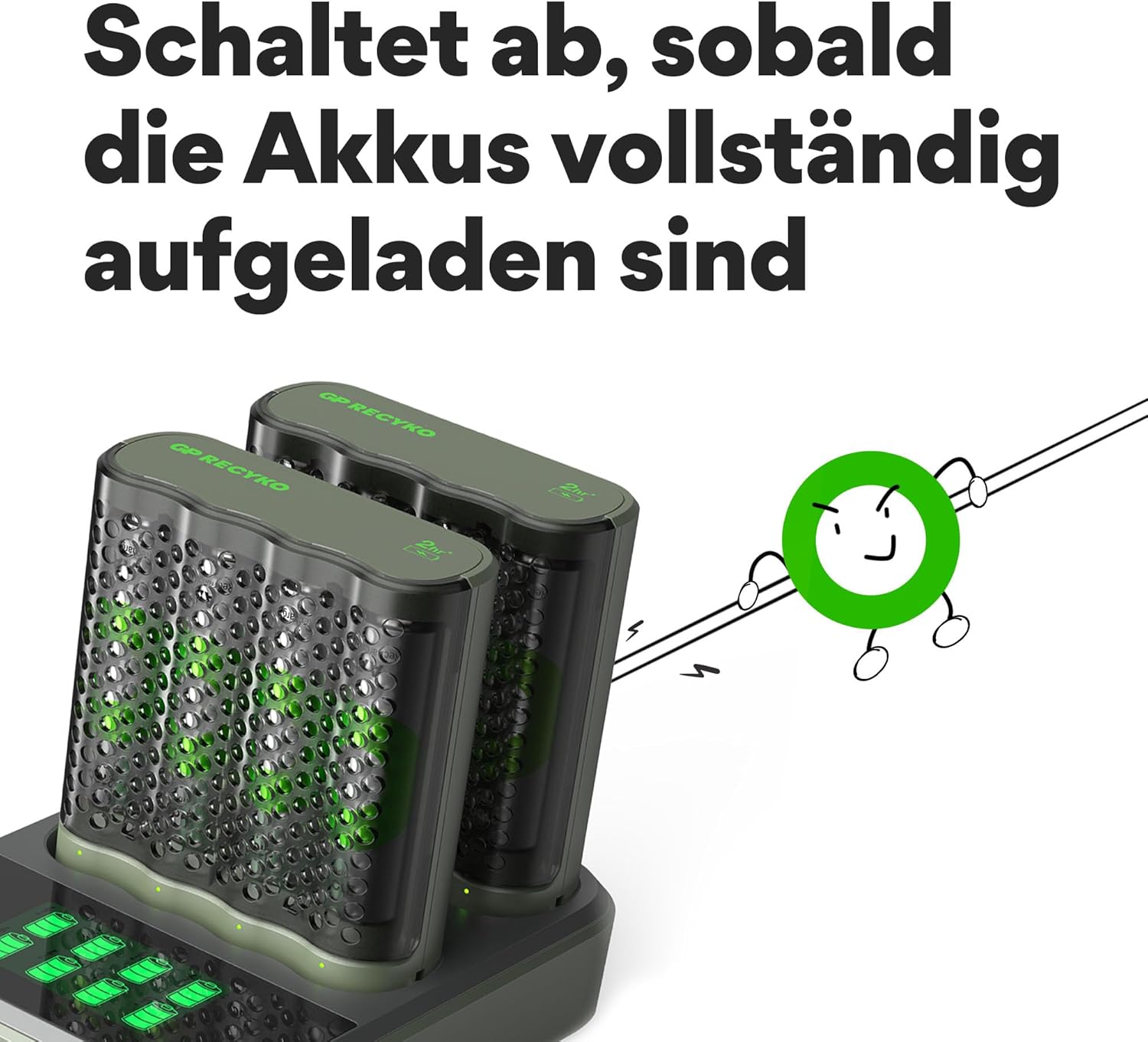
The chargers are equipped with an automatic power shutdown timer and full dV charge detection. This ensures that charging stops once batteries are fully charged, preventing overcharge and extending battery life.
7. Maintenance
- Clean the charger and docking station with a dry, soft cloth. Do not use abrasive cleaners or solvents.
- Store the charger, docking station, and batteries in a cool, dry place when not in use.
- The robust housing of the M452 charger also serves as a battery holder, allowing batteries to be safely stored.
8. Troubleshooting
| Problem | Possible Cause | Solution |
|---|---|---|
| Batteries not charging (no LED activity) | No power to charger/docking station; incorrect battery insertion. | Ensure USB cable is securely connected to a functional power source. Reinsert batteries with correct polarity. |
| Red LED flashes quickly on M452 charger | Disposable or defective batteries inserted. | Remove the problematic batteries immediately. Only use NiMH rechargeable batteries. |
| Charging takes longer than expected | Low power USB source; high capacity batteries; old batteries. | Ensure USB power source provides at least DC 5V/1A. Charging times vary based on battery capacity and condition. |
9. Specifications
9.1 GP RECYKO M452 USB Charger
- Dimensions: 68(L) x 78(W) x 26(H) mm
- Weight: Approximately 52g
- Number of Slots/Channels: 4 / 4
- Input Power: DC 5V/1A (USB)
- Output Voltage / Charging Current:
- DC 1.4V/1100mA for 1-2 AA batteries
- DC 1.4V/730mA - 550mA for 3-4 AA batteries
- DC 1.4V/730mA for 1-2 AAA batteries
- DC 1.4V/490mA - 370mA for 3-4 AAA batteries
- Approximate Charging Time (with 5.0V 1.0A input):
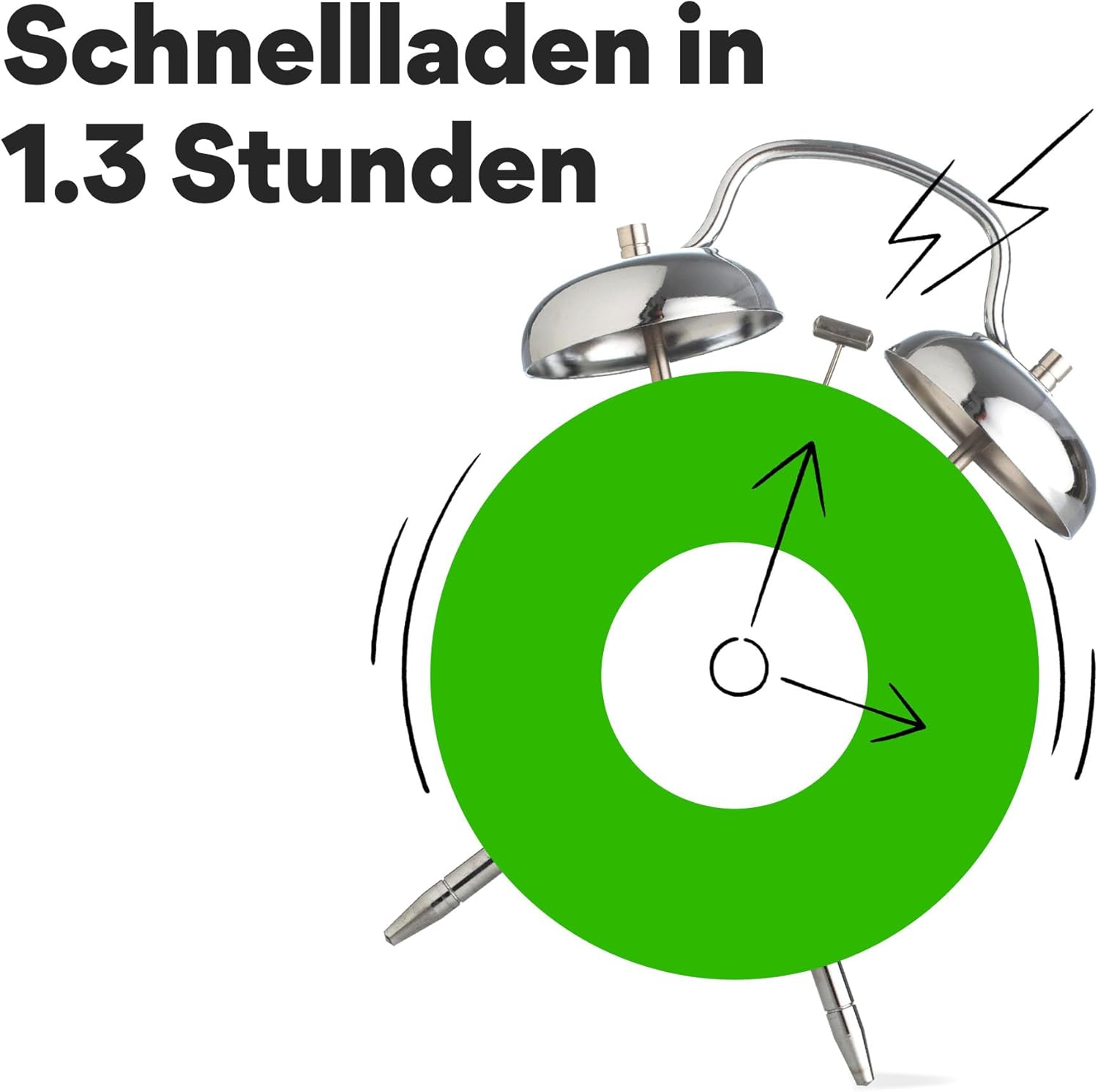
- 2100 mAh AA battery: ~120 min (for 2 batteries)
- 850 mAh AAA battery: ~85 min (for 2 batteries)
- Safety Features: Timer protection (3/3 4.5/6 hours for 1/2/3/4 batteries), -dV full charge detection, Temperature interruption, Primary battery protection, Reverse polarity protection.
9.2 GP RECYKO D451 USB Docking Station
- Dimensions: 115 x 82 x 27 mm (L x W x H)
- Weight: Approximately 101g
- Compatible GP Chargers: 1 or 2 pcs GP B441, GP M452, or GP P461
- USB Input Power: DC 5V/1A
- Output Voltage / Charging Current: DC 5V/1A
9.3 GP RECYKO AA 2600mAh NiMH Batteries
- Battery Type: NiMH (Nickel-Metal Hydride)
- Capacity: 2600 mAh
- Size: AA
10. Warranty and Support
For warranty information or technical support, please refer to the official GP RECYKO website or contact your local retailer. Keep your purchase receipt as proof of purchase.


