
Introduction
Thank you for choosing the JUNICHY 2.6 Gallon Large Room Humidifier. This manual provides important information regarding the safe operation, maintenance, and troubleshooting of your new humidifier. Please read it thoroughly before use and retain it for future reference.

Image: The JUNICHY 2.6 Gallon Large Room Humidifier with its remote control. The humidifier is black with a gold band and an LED display.
Important Safety Instructions
To reduce the risk of fire, electric shock, or injury, always follow these basic precautions:
- Read all instructions before using the appliance.
- Place the humidifier on a firm, flat, water-resistant surface at least 12 inches (30 cm) away from walls and appliances.
- Do not immerse the humidifier in water or other liquids.
- Always unplug the humidifier before filling, cleaning, or moving it.
- Do not operate the humidifier with a damaged cord or plug.
- Keep the humidifier out of reach of children and pets.
- Use only clean, cool tap water. Do not use hot water.
- Do not add essential oils directly into the water tank. Use the designated essential oil tray.
- Ensure the mist nozzle is not blocked.
Package Contents
- JUNICHY Humidifier Unit
- Remote Control (with 1 Lithium Ion battery included)
- User Manual
- Cleaning Brush
Product Diagram
Familiarize yourself with the components of your humidifier:

Image: A close-up view of the humidifier's top section, highlighting the 360° rotatable mist nozzle, the LED digital display, and the integrated night light window on the water tank.
- Mist Nozzle (360° Rotatable)
- Top Cover
- Water Tank
- LED Display Panel
- Control Buttons
- Essential Oil Tray
- Base Unit
- Power Cord
Setup
1. Initial Placement
- Unpack the humidifier and remove all packaging materials.
- Place the humidifier on a flat, stable surface. Ensure it is at least 12 inches (30 cm) away from walls, furniture, and electronic devices.
- Ensure the power cord is not pinched or placed under heavy objects.
2. Filling the Water Tank
The JUNICHY humidifier features a convenient top-fill design.

Image: A person pouring water directly into the top opening of the humidifier, demonstrating the top-fill feature. Insets show a 'one-step refill' icon, 'leak proof' icon, and 'easy to clean' icon, along with a close-up of the wide tank opening being cleaned.
- Remove the top cover of the humidifier.
- Pour clean, cool tap water directly into the water tank until it reaches the MAX fill line. Do not overfill.
- Replace the top cover securely.
- Plug the power cord into a standard electrical outlet.
Operating Instructions
1. Power On/Off
Press the ON/OFF button on the control panel or remote control to turn the humidifier on or off.
2. Mist Level Adjustment
Press the Mist button repeatedly to cycle through low, medium, and high mist output levels. The current level will be displayed on the LED screen.

Image: Visual representation of the humidifier producing mist at low, medium, and high intensity settings.
3. Humidity Setting (Auto Mode)
Press the Humidity button to set your desired humidity level (e.g., 40% to 90% Relative Humidity). The humidifier will automatically adjust mist output to maintain this level. When the set humidity is reached, the unit will pause and resume when humidity drops below the set point.
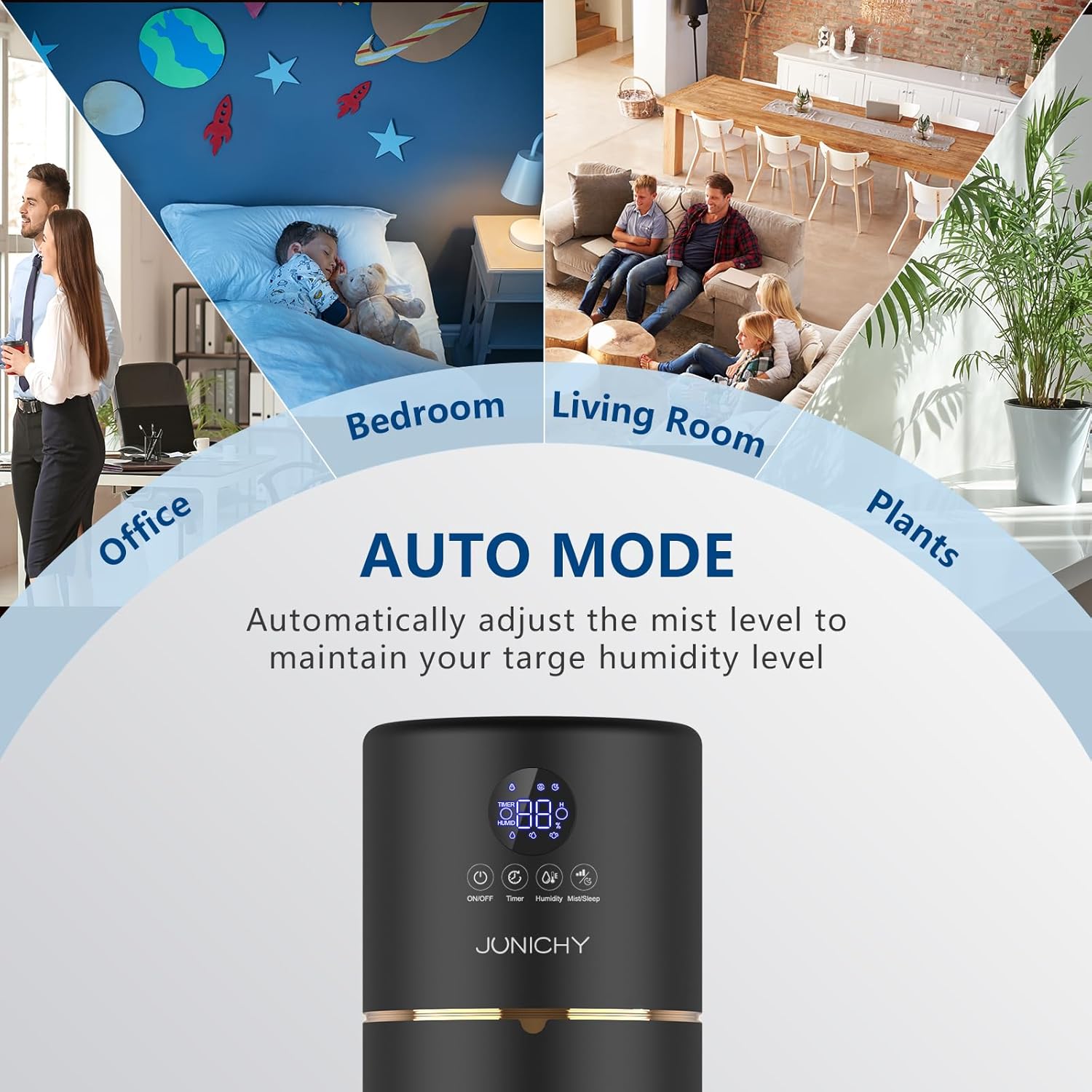
Image: The humidifier operating in auto mode, indicated by the LED display, with a graphic showing it automatically adjusting mist levels to maintain a target humidity.
4. Timer Function
Press the Timer button to set an operating time from 1 to 12 hours. The humidifier will automatically turn off once the set time expires.
5. Night Light
Press the Night Light button to turn the soft night light on or off. This feature operates independently of the humidification function.

Image: The humidifier operating quietly in a bedroom, with its night light gently illuminated, contributing to a peaceful environment.
6. Essential Oil Diffuser
To use the essential oil diffuser function:
- Locate the essential oil tray on the side of the humidifier base.
- Pull out the tray.
- Add a few drops of your preferred essential oil onto the aroma pad.
- Slide the tray back into place.
The mist will carry the aroma into the room. Do not add essential oils directly into the water tank.

Image: A person adding essential oil drops into the designated tray on the humidifier, illustrating its dual function as a humidifier and diffuser.
7. Remote Control
The included remote control allows you to operate all functions of the humidifier from a distance. Ensure the remote has a working battery (1 Lithium Ion battery included).

Image: A close-up of the humidifier's touch control panel and the remote control, showing the various buttons for operation.
Maintenance
Regular cleaning is essential for optimal performance and hygiene.
1. Cleaning the Water Tank
- Unplug the humidifier and remove the top cover.
- Empty any remaining water from the tank.
- Wipe the inside of the tank with a soft cloth or sponge. For mineral buildup, use a mixture of white vinegar and water (1:1 ratio) and let it soak for 30 minutes before scrubbing gently.
- Rinse the tank thoroughly with clean water until the vinegar smell is gone.
- Dry all parts before reassembling.
2. Cleaning the Mist Outlet and Base
- Use the provided cleaning brush or a soft cloth to gently clean the mist outlet and the ultrasonic atomizer in the base unit.
- Do not use abrasive cleaners or harsh chemicals.
3. Storage
- If the humidifier will not be used for an extended period, clean and dry all components thoroughly.
- Store the humidifier in a cool, dry place.
Troubleshooting
| Problem | Possible Cause | Solution |
|---|---|---|
| No mist or low mist output | Lack of water; clogged atomizer; unit not properly assembled. | Refill water tank; clean the atomizer with the brush; ensure top cover is correctly placed. |
| Unusual odor | New unit odor; dirty water tank; old water. | Run for a few hours; clean the water tank; replace water daily. |
| Water leakage | Overfilled tank; improper assembly of components. | Do not exceed MAX fill line; ensure all parts are securely in place. |
| Humidifier turns off unexpectedly | Water shortage; timer activated; desired humidity reached. | Refill water tank; check timer settings; adjust desired humidity level. |
Specifications
| Brand | JUNICHY |
| Model Name | 758328989520 |
| Capacity | 2.6 Gallons (10 Liters) |
| Coverage Area | Up to 1000 Square Feet |
| Operation Mode | Automatic, Manual |
| Special Features | Night Light, Quiet Operation, Remote Control, Essential Oil Diffuser, Top Fill Design |
| Color | Black |
| Product Dimensions | 8.5 x 8.5 x 23 inches |
| Item Weight | 5.49 pounds |
| Batteries | 1 Lithium Ion battery (included for remote) |
| UPC | 758328989520 |
Warranty and Support
JUNICHY offers a 12-month warranty on this product from the date of purchase. This warranty covers manufacturing defects and issues arising from normal use. It does not cover damage caused by misuse, accidents, or unauthorized modifications.
For warranty claims, technical support, or any questions regarding your humidifier, please contact JUNICHY customer service. Please have your model number (758328989520) and proof of purchase ready.
Additionally, JUNICHY provides a 30-day money-back guarantee for your peace of mind.