
1. Introduction
This manual provides essential instructions for setting up and operating your Luoran M4B MP3 Player. Please read this guide thoroughly to ensure proper use and to maximize your device's capabilities. The Luoran M4B is a portable media player designed for music, video, and app playback, featuring a 4.0-inch IPS display, Bluetooth, and Wi-Fi connectivity.
2. Package Contents
Verify that all items are present in your package:
- Luoran M4B MP3 Player
- USB-C Cable
- User's Manual (this document)
3. Device Overview

Figure 3.1: Front and back view of the Luoran M4B MP3 Player, highlighting its 4.0-inch IPS display and metal frame with tempered glass back.
3.1. Physical Buttons and Ports
- Power Button: Located on the side, used to turn the device on/off and wake/sleep the screen.
- Volume Buttons (+/-): Located on the side, used to adjust audio volume.
- USB-C Port: Located at the bottom, used for charging and data transfer.
- 3.5mm Headphone Jack: Located at the bottom, for connecting wired headphones.
- Micro SD Card Slot: Located on the side, for expanding storage.
4. Getting Started
4.1. Charging the Device
Before first use, fully charge the MP3 player. Connect the provided USB-C cable to the device's USB-C port and the other end to a compatible USB power adapter (not included) or a computer's USB port. The charging indicator will show the charging status.
4.2. Powering On/Off
- To Power On: Press and hold the Power button until the screen lights up.
- To Power Off: Press and hold the Power button, then select 'Power Off' from the options on the screen.
- To Sleep/Wake: Briefly press the Power button to turn the screen off or on.
5. Basic Operation
5.1. Touchscreen Navigation
The Luoran M4B features a full touchscreen for navigation. Swipe left, right, up, or down to browse menus and content. Tap icons to open applications or select options.
5.2. Connecting to Wi-Fi
To access online features and apps, connect your device to a Wi-Fi network:
- Go to Settings.
- Select Network & Internet.
- Turn on Wi-Fi.
- Select your desired Wi-Fi network from the list.
- Enter the password if prompted and tap Connect.
5.3. Connecting via Bluetooth
Pair your MP3 player with Bluetooth headphones, speakers, or car stereos:
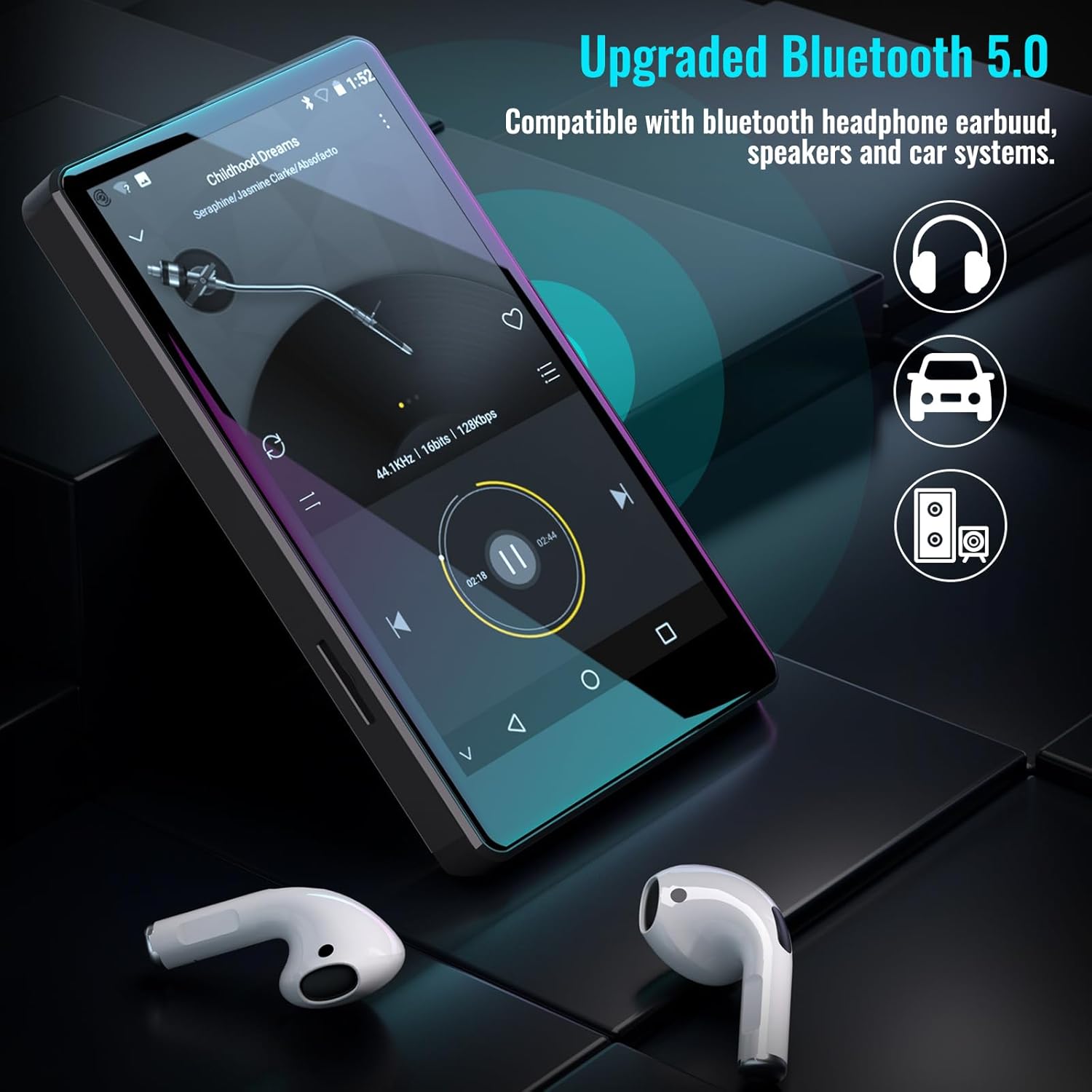
Figure 5.1: The Luoran M4B MP3 Player supports Bluetooth 5.0 for connecting to various audio devices.
- Go to Settings.
- Select Connected devices.
- Turn on Bluetooth.
- Ensure your Bluetooth accessory is in pairing mode.
- Select the accessory from the list of available devices to pair.
6. Music and Media Playback
6.1. Supported Music Formats
The device supports a wide range of audio formats, including MP3, WAV, FLAC, APE, OGG, M4A, AAC, WMA, and MP2.
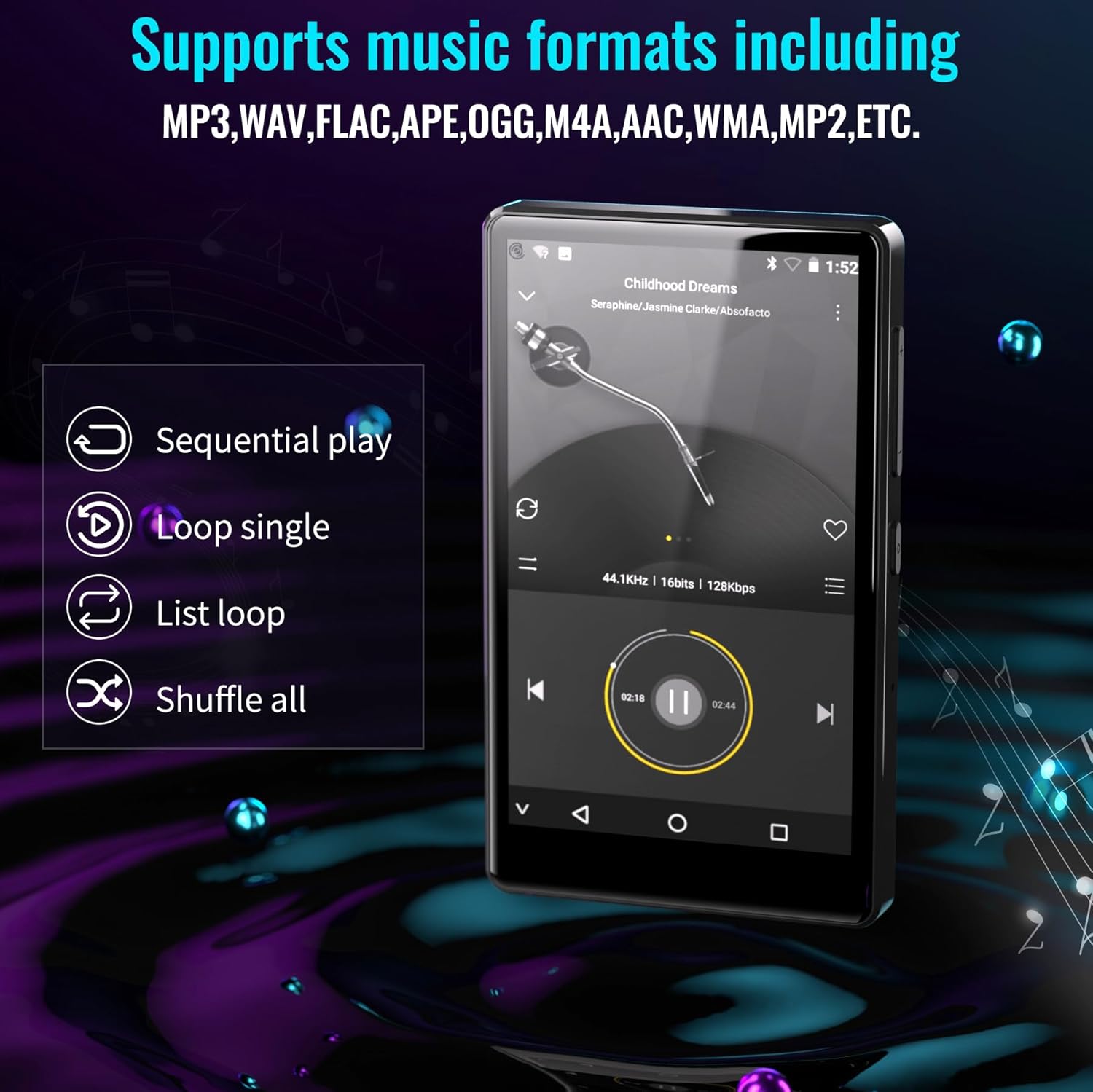
Figure 6.1: The MP3 player's interface showing various playback options and supported music formats.
6.2. Using Pre-installed Applications
The Luoran M4B comes with several popular music and media applications pre-installed, such as Spotify, Spotify Kids, Amazon Music, Audible, and HiBy Music. Access these apps from the home screen to stream or play your content.
6.3. Expandable Storage
The device has an internal storage capacity of 8GB. You can expand the storage up to 256GB using a Micro SD card (SDXC, SDHC compatible). Insert the Micro SD card into the dedicated slot on the side of the device.

Figure 6.2: Inserting a Micro SD card to expand the device's memory up to 256GB.
7. Additional Features
7.1. Web Browser
A web browser is included for internet access. This browser can be removed if desired, offering a level of content control.

Figure 7.1: The option to uninstall the web browser for content management.
7.2. FM Radio
The device includes an FM radio function, allowing you to listen to local radio stations. It may also support recording FM broadcasts.

Figure 7.2: The FM Radio interface on the device.
7.3. Ebook Reader
An Ebook application is available for reading digital books directly on the device's screen.

Figure 7.3: The device's interface for audiobooks or ebooks.
8. Maintenance
8.1. Cleaning
Use a soft, dry, lint-free cloth to clean the device. Avoid using abrasive cleaners or solvents.
8.2. Battery Care
To prolong battery life, avoid exposing the device to extreme temperatures. Charge the device regularly, but avoid leaving it fully charged or fully discharged for extended periods.
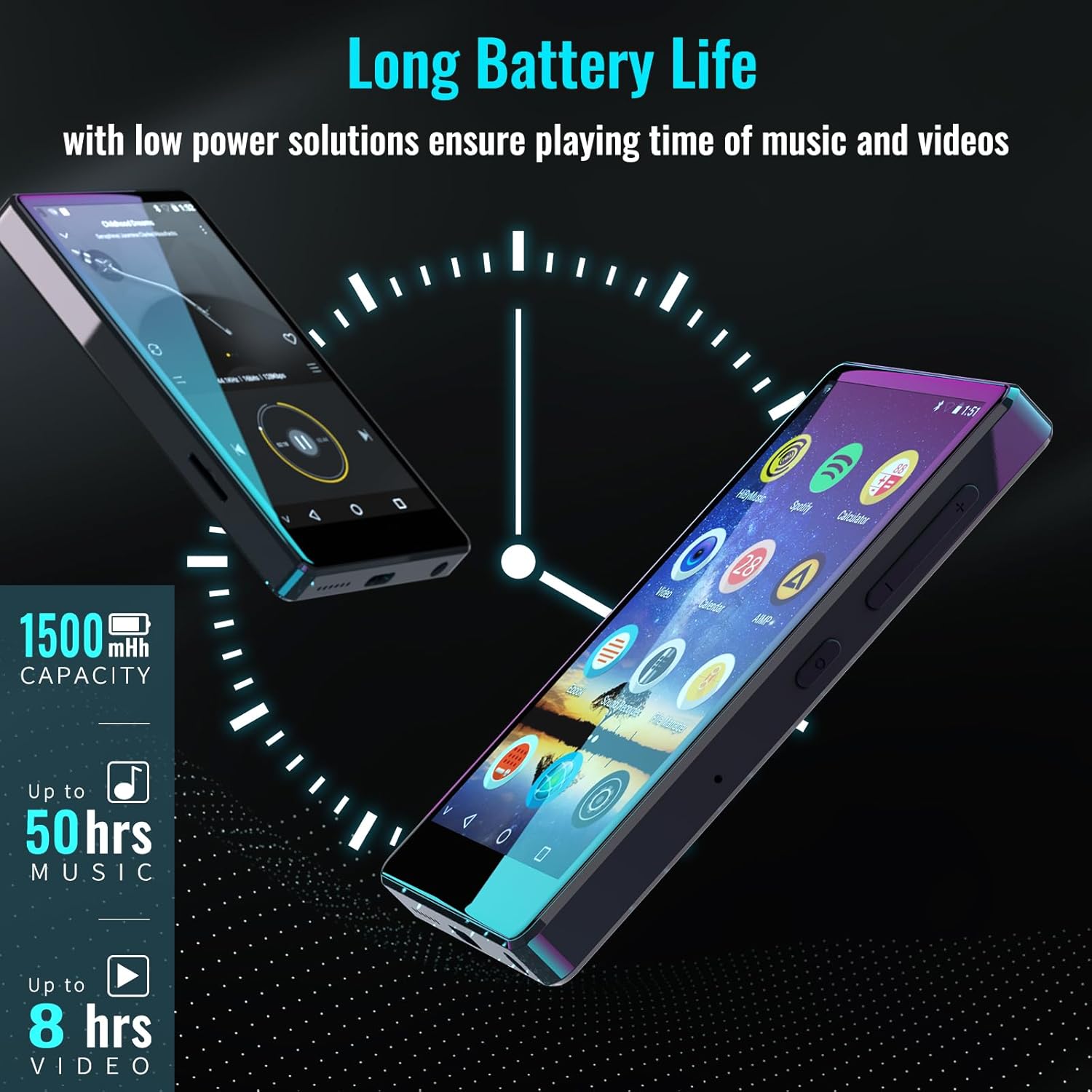
Figure 8.1: The device features a 1500mAh battery, providing up to 50 hours of music playback or 8 hours of video playback.
9. Troubleshooting
9.1. Device Not Turning On
- Ensure the device is sufficiently charged. Connect it to a power source for at least 30 minutes.
- Press and hold the Power button for 10-15 seconds to perform a forced restart.
9.2. Cannot Connect to Wi-Fi/Bluetooth
- Verify that Wi-Fi/Bluetooth is enabled in Settings.
- Ensure you are within range of the network/device.
- Check that the Wi-Fi password is correct.
- For Bluetooth, ensure the accessory is in pairing mode.
9.3. App Issues or Missing Apps
If you encounter issues with pre-installed applications or need to install/upgrade specific apps, please contact the Luoran Team for assistance. They can provide APK files and installation steps.
10. Specifications
| Brand | Luoran |
| Model Name | M4B-C-BLK |
| Connectivity Technology | Bluetooth, Wi-Fi |
| Memory Storage Capacity | 8 GB (Expandable up to 256GB via Micro SD) |
| Screen Size | 4 Inches |
| Compatible Devices | Headphone, Speaker |
| Supported Media Type | Memory card |
| Display Technology | LED |
| Supported Audio Standards | MP3, WAV, FLAC, APE, M4A, AAC, WMA, MP2, etc. |
| Battery Average Life | 50 Hours (music playback) |
| Item Dimensions (D x W x H) | 0.4"D x 2.4"W x 4.2"H |
| UPC | 747783656344 |
11. Warranty and Support
The Luoran M4B MP3 Player comes with a 12-month warranty. For technical support, warranty claims, or assistance with app installation/upgrades, please contact the Luoran Team directly. Contact information can typically be found on the manufacturer's website or through your purchase platform.


