
1. Introduction and Overview
The ANTDALIS Noise Sound Machine with Sunrise Alarm Clock is a multifunctional device designed to enhance sleep and wake-up routines. It features a sunrise simulation light, dual alarms, FM radio, a snooze function, a wide selection of white noise sounds, and a multi-color night light. Its aesthetic and minimalist design makes it suitable for various environments.

Figure 1.1: Front view of the ANTDALIS Sunrise Alarm Clock, displaying the time and touch controls.
2. Package Contents
Please verify that all items listed below are included in your package:
- 1 x ANTDALIS Sunrise Alarm Clock Wake Up Light
- 1 x Power Adapter with 5 ft Cable
- 1 x Quick User Guide
- 1 x Instruction Manual (this document)
3. Main Features
- Sunrise Simulation: Gradual light transition from soft red to orange, then bright white over 30 minutes, with 20 brightness options.
- Dual Alarm Clock: Set two independent alarms for weekdays and weekends.
- Tap-to-Snooze: Convenient 9-minute snooze function.
- 26 Natural and Soothing Sounds: Includes 8 nature sounds, 4 nursery lullabies, 7 white noises, and 7 fan sounds for sleep aid.
- Adjustable Sound Volume: 12 levels of sound volume control.
- 8 Colors Night Light: Stepless dimming for customizable ambiance.
- 3 White Light Modes: Stepless dimming for white light.
- Display Brightness: 4 levels of display brightness, including completely off.
- FM Radio: Frequency range of 76-108 MHz.
- Compact Design: Lightweight and portable for home, office, or travel.

Figure 3.1: Sunrise simulation feature, gradually brightening the room.

Figure 3.2: Tap-to-Snooze function for extended rest.
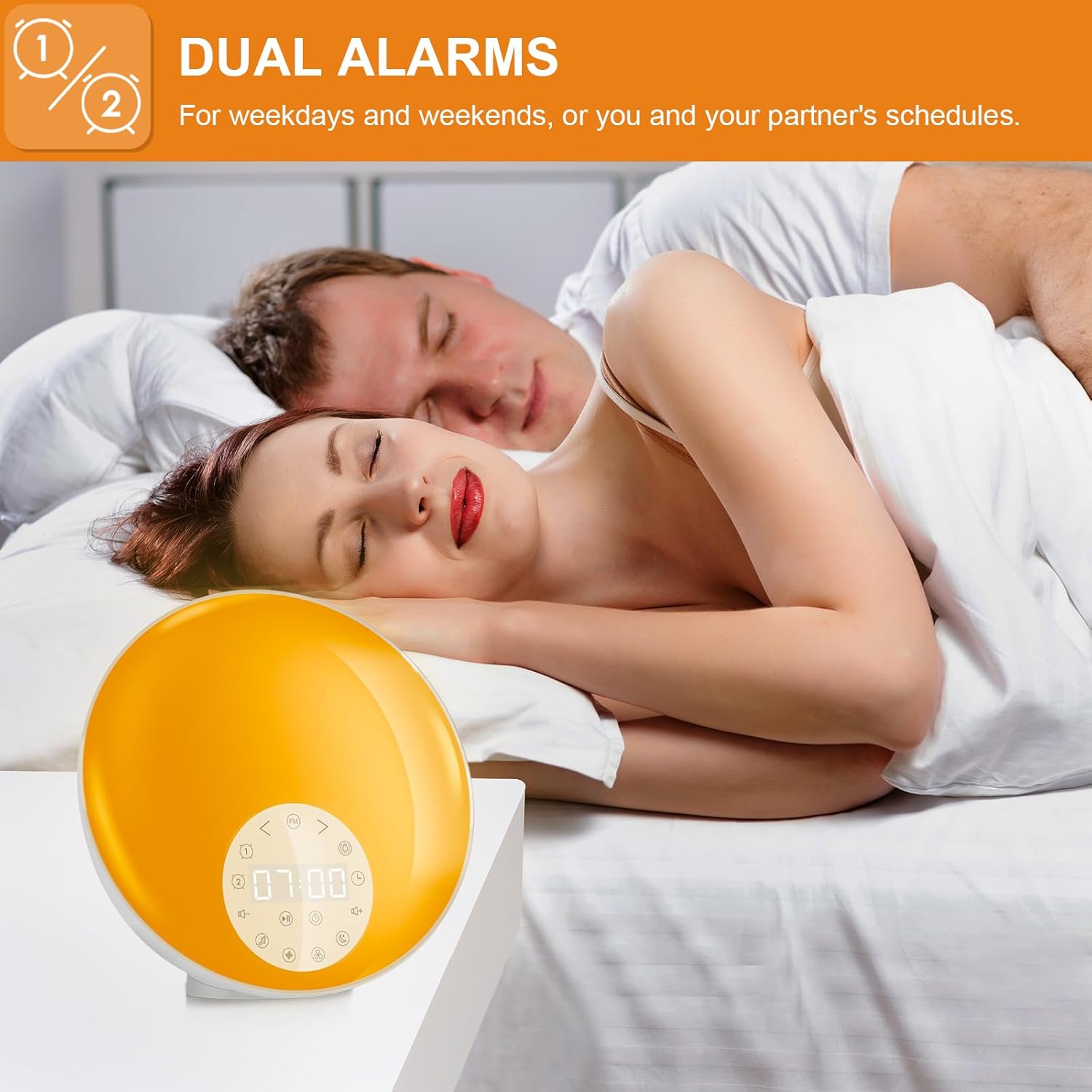
Figure 3.3: Dual alarms for different schedules.

Figure 3.4: The 8-color night light and 3 white light options.

Figure 3.5: Soft nightlight and 26 soothing white noise sounds for sleep aid.
4. Setup
4.1 Power Connection
Connect the provided power adapter to the DC input port on the back of the alarm clock. Plug the adapter into a standard wall outlet. The display will light up, indicating the device is powered on.
4.2 Initial Time Setting
- Press the Time Setting button (often indicated by a clock icon) to enter time setting mode.
- Use the +/- buttons (or arrow icons) to adjust the hour.
- Press the Time Setting button again to confirm the hour and move to minute adjustment.
- Use the +/- buttons to adjust the minutes.
- Press the Time Setting button once more to confirm and exit time setting mode.
- To switch between 12-hour and 24-hour format, press and hold the Time Setting button.
4.3 FM Radio Setup
- Press the FM button to turn on the FM radio.
- Press and hold the FM button to automatically scan and save available stations.
- Use the +/- buttons (or arrow icons) to switch between saved FM stations.
- Press the FM button again to turn off the radio.
5. Operating Instructions
5.1 Alarm Settings
The device supports two independent alarms (Alarm 1 and Alarm 2).
- Press the Alarm 1 or Alarm 2 button (indicated by a clock icon with '1' or '2') to activate or deactivate the respective alarm.
- To set an alarm, press and hold the Alarm 1 or Alarm 2 button.
- Use the +/- buttons to set the alarm hour, then press the alarm button to confirm.
- Use the +/- buttons to set the alarm minute, then press the alarm button to confirm.
- Select the wake-up sound (natural sound, white noise, or FM radio) using the Music Note or FM buttons.
- Adjust the alarm volume using the Volume +/- buttons.
- Press the alarm button again to save and exit.
Snooze Function
When the alarm sounds, tap the top of the clock to activate the 9-minute snooze function. The alarm will sound again after 9 minutes. To turn off the alarm completely, press any other button on the control panel.
5.2 Light Functions
Sunrise Simulation
The sunrise simulation light will gradually brighten 30 minutes before your set alarm time, transitioning from a soft red to orange, then to bright white. This feature is automatically enabled when an alarm is set.
Night Light and Color Light
- Double-tap the Light Button (indicated by a lightbulb icon) to turn the light on/off.
- Tap the Light Button once to change the color of the light (cycles through 8 colors).
- Press and hold the Light Button to dim the light. Release when desired brightness is reached.
- To switch between white light and color light modes, tap the Light Button once.
- To dim/turn off the clock display light, press the Light Button once.
5.3 Sound Functions
White Noise and Natural Sounds
- Press the Music Note button to cycle through the 26 available white noise and natural sounds.
- Use the Volume +/- buttons to adjust the sound volume (12 levels).
- Press the Play/Pause button to pause or resume the current sound.
5.4 Sleep Timer
The sleep timer allows you to set a duration for the light and/or sound to play before automatically turning off.
- Press the Sleep Timer button (indicated by a crescent moon icon).
- Use the +/- buttons to select the desired sleep timer duration (e.g., 30, 60, 90 minutes, or 2 hours).
- The light and/or sound will automatically turn off after the selected duration.
6. Maintenance
- Cleaning: Use a soft, dry cloth to clean the surface of the device. Do not use abrasive cleaners or solvents.
- Storage: If storing the device for an extended period, disconnect it from power and store it in a cool, dry place.
- Battery: The device includes a CR2032 battery (included) for backup of time settings during power outages. This battery is not user-replaceable for primary operation.
7. Troubleshooting
| Problem | Possible Cause | Solution |
|---|---|---|
| Device does not power on. | Power adapter not connected or faulty outlet. | Ensure the power adapter is securely connected and try a different power outlet. |
| Alarm does not sound. | Alarm not activated, volume too low, or incorrect AM/PM setting. | Verify alarm is active (indicator light on), increase volume, and check AM/PM setting for the alarm time. |
| Sunrise light does not activate. | Alarm not set or light brightness set to minimum. | Ensure an alarm is set and the light brightness is not at its lowest setting. |
| FM radio static or poor reception. | Weak signal or interference. | Adjust the position of the device or extend the antenna (if applicable). Rescan for stations. |
| Clock time changes unexpectedly (e.g., AM to PM). | Software error or incorrect time format setting. | Try resetting the time. Consider using 24-hour format to avoid AM/PM confusion. If issues persist, contact customer support. |
8. Specifications
| Product Dimensions | 6.7 x 1.5 x 7.1 inches |
| Item Weight | 1 pounds |
| Manufacturer | ANTDALIS |
| Model Number | AK-004 |
| ASIN | B0CDQ9H64D |
| Country of Origin | China |
| Batteries | 1 CR2032 batteries required. (included) |
| Color | White |
| Material | Plastic |
| Power Source | Corded Electric |
9. Warranty and Support
For warranty information or technical support, please refer to the contact details provided with your purchase or visit the official ANTDALIS website. Keep your purchase receipt for warranty claims.