
ANTDALIS AK-004-C
ANTDALIS Sunrise Alarm Clock Wake Up Light User Manual
Model: AK-004-C
Introduction
Thank you for choosing the ANTDALIS Sunrise Alarm Clock Wake Up Light. This device is designed to enhance your waking and sleeping experience through natural light simulation, soothing sounds, and versatile lighting options. Please read this manual carefully before use to ensure proper operation and to fully utilize all features.
Safety Information
- Ensure the device is placed on a stable, flat surface.
- Do not expose the device to water or excessive humidity. This product is not water resistant.
- Keep out of reach of children and pets.
- Use only the provided power adapter.
- Do not attempt to disassemble or repair the device yourself. Contact qualified service personnel for assistance.
- Avoid placing the device near heat sources or in direct sunlight for prolonged periods.
Package Contents
- ANTDALIS Sunrise Alarm Clock
- Power Adapter (Corded Electric)
- User Manual
Product Overview
The ANTDALIS Sunrise Alarm Clock combines multiple functionalities into one compact device:
- Sunrise Simulation: Gradually brightens the room before your alarm time.
- Dual Alarms: Set two independent alarms for different schedules.
- FM Radio: Built-in radio for entertainment or as an alarm sound.
- Snooze Function: Allows for a short delay before the alarm sounds again.
- Sleep Aid: Features 26 soothing sleep sounds and a sleep timer.
- Night Light: Offers 8 vibrant colors and 3 white light modes for various ambiance settings.

Figure 1: Front view of the ANTDALIS Sunrise Alarm Clock, showing the display and control buttons.
Setup
1. Power Connection
- Connect the provided USB power cable to the USB port on the back of the alarm clock.
- Plug the other end of the cable into the power adapter.
- Insert the power adapter into a standard wall outlet. The display will light up.
2. Initial Time Setting
Upon first power-up or after a power outage, you may need to set the current time.
- Press and hold the Time Setting button (often indicated by a clock icon) until the hour digits flash.
- Use the +/- buttons (or arrow keys) to adjust the hour.
- Press the Time Setting button again to switch to minute adjustment.
- Use the +/- buttons to adjust the minutes.
- Press the Time Setting button once more to confirm and exit.
Operating Instructions
1. Setting Alarms (Dual Alarms)
This clock supports two independent alarms (Alarm 1 and Alarm 2).
- Press the Alarm 1 button (often indicated by '1' in a circle) to activate or deactivate Alarm 1. The alarm icon will appear/disappear on the display.
- To set Alarm 1, press and hold the Alarm 1 button until the hour digits flash.
- Use the +/- buttons to adjust the hour, then press Alarm 1 again to set minutes.
- Continue pressing Alarm 1 to cycle through alarm sound selection (e.g., nature sounds, FM radio) and light brightness/color settings for the alarm.
- Repeat the process for Alarm 2 using its dedicated button.
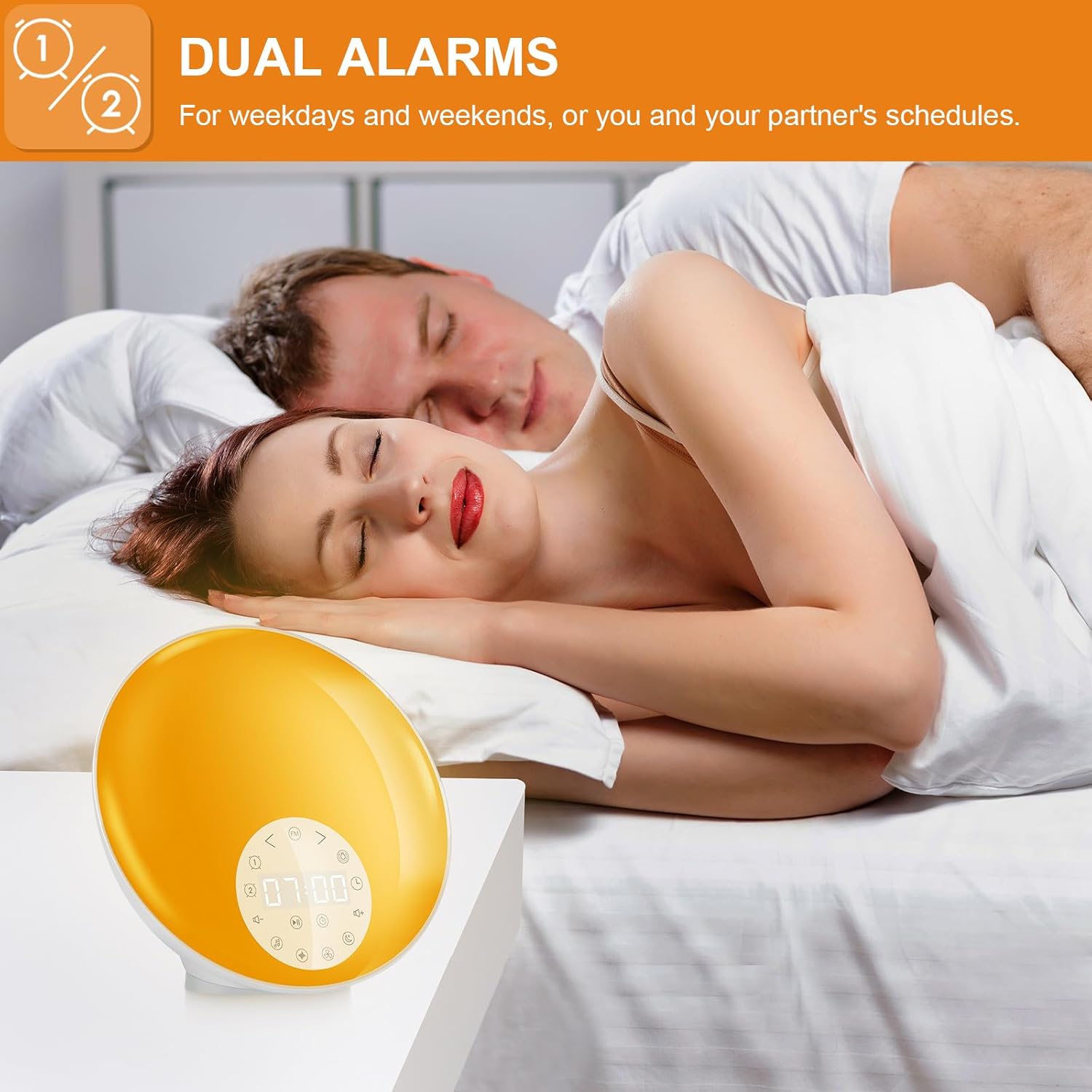
Figure 2: The clock supports dual alarms for flexible scheduling.
2. Sunrise Simulation
The sunrise simulation feature gradually increases light intensity 30 minutes before your set alarm time, mimicking a natural sunrise.
- This feature is typically activated when setting an alarm. Ensure the light option is enabled during alarm setup.
- The light will slowly brighten from a dim red to a bright white/yellow over 30 minutes.

Figure 3: Sunrise simulation gradually brightens the room for a gentle wake-up.
3. FM Radio
- Press the FM button to turn the radio on/off.
- Press and hold the FM button to automatically scan and save available stations.
- Use the +/- buttons to manually tune to a specific frequency or cycle through saved stations.
4. Sleep Sounds & Sleep Timer
The clock offers 26 soothing sleep sounds to help you relax and fall asleep.
- Press the Music Note button to cycle through the available sleep sounds.
- Use the Volume +/- buttons to adjust the sound level.
- To set a sleep timer, press the Sleep Timer button (often indicated by a crescent moon or 'Zz') repeatedly to select a duration (e.g., 30/60/90 minutes, 2 hours). The sound will automatically turn off after the selected time.

Figure 4: Utilize soft nightlight and a variety of soothing sleep sounds for a peaceful night.
5. Night Light & Color Options
The clock functions as a versatile bedside lamp with multiple light settings.
- Double-tap the Light button (top of the clock) to turn the light on/off.
- Tap the Light button once to change between 8 colors and 3 white light modes.
- Press and hold the Light button to dim or brighten the light.

Figure 5: Explore 3 white light settings and 8 vibrant color options for personalized ambiance.
6. Snooze Function
When the alarm sounds, you can activate the snooze function for an additional 9 minutes of sleep.
- Tap the Snooze button (often indicated by a 'Zz' or large button on top) when the alarm is sounding.
- The alarm will pause for 9 minutes and then sound again.
- To turn off the alarm completely, press any other button besides the snooze button.

Figure 6: The snooze function provides an extra 9 minutes of rest.
Maintenance
- Clean the device with a soft, dry cloth. Do not use abrasive cleaners or solvents.
- Ensure the device is unplugged before cleaning.
- Store in a cool, dry place when not in use for extended periods.
Troubleshooting
| Problem | Possible Cause | Solution |
|---|---|---|
| Device does not power on. | Power adapter not connected properly or power outlet issue. | Check power connections. Try a different outlet. |
| Alarm does not sound. | Alarm not activated, volume too low, or incorrect time set. | Ensure alarm is enabled (icon visible). Increase alarm volume. Verify alarm time. |
| FM Radio static/poor reception. | Weak signal or interference. | Adjust the position of the device. Rescan for stations. |
| Light is too bright/dim. | Brightness setting needs adjustment. | Press and hold the Light button to adjust brightness. |
Specifications
| Feature | Detail |
|---|---|
| Brand | ANTDALIS |
| Model Number | AK-004-C |
| Lamp Type | Night Light |
| Switch Type | Push Button |
| Power Source | Corded Electric |
| Controller Type | Touch Control |
| Connectivity Technology | USB |
| Mounting Type | Tabletop |
| Number of Items | 1 |
| Lighting Method | Adjustable |
| Control Method | Touch |
| Indoor/Outdoor Usage | Indoor |
| Water Resistance Level | Not Water Resistant |
| Is Cordless? | No |
| Item Weight | 2.03 pounds |
| Package Dimensions | 8.98 x 7.87 x 4.65 inches |
| Batteries Included? | Yes (likely for backup, not primary power) |
Warranty and Support
ANTDALIS products are designed for quality and reliability. For warranty information, technical support, or customer service inquiries, please refer to the contact information provided on the product packaging or visit the official ANTDALIS website.
Please retain your purchase receipt as proof of purchase for warranty claims.
Ask a question about this manual
Ask about setup, troubleshooting, compatibility, parts, safety, or missing instructions. Manuals+ will review the question and use this page’s manual context to help answer it.