
1. Introduction
This user manual provides detailed instructions for the installation, operation, and maintenance of your REOLINK RLC-811WA 4K 8MP Outdoor Security Camera. This advanced camera features 5X optical zoom, Wi-Fi 6 technology, color night vision, and intelligent human, vehicle, and animal detection, ensuring comprehensive surveillance for your property.
2. What's in the Box
- Camera (1 unit)
- Power Adapter (1 unit)
- 4.5m Power Extension Cable (1 unit)
- 1m Network Cable (1 unit)
- Quick Start Guide (1 unit)

Figure 2.1: Contents of the REOLINK RLC-811WA package.
3. Setup
3.1 Physical Installation
Choose a suitable location for your camera, ensuring it has a clear field of view and is within range of your Wi-Fi network. The camera supports wall or ceiling mounting. Use the provided mounting template and screws for secure installation.

Figure 3.1: Example of camera mounting and its robust, weatherproof design.
3.2 Network Connection
Connect the camera to power using the provided power adapter and extension cable. The RLC-811WA supports both 2.4 GHz and 5 GHz Wi-Fi frequencies, utilizing Wi-Fi 6 technology for improved range, stability, and speed. For initial setup, it is recommended to connect the camera to your network via the Reolink App or Reolink NVR.
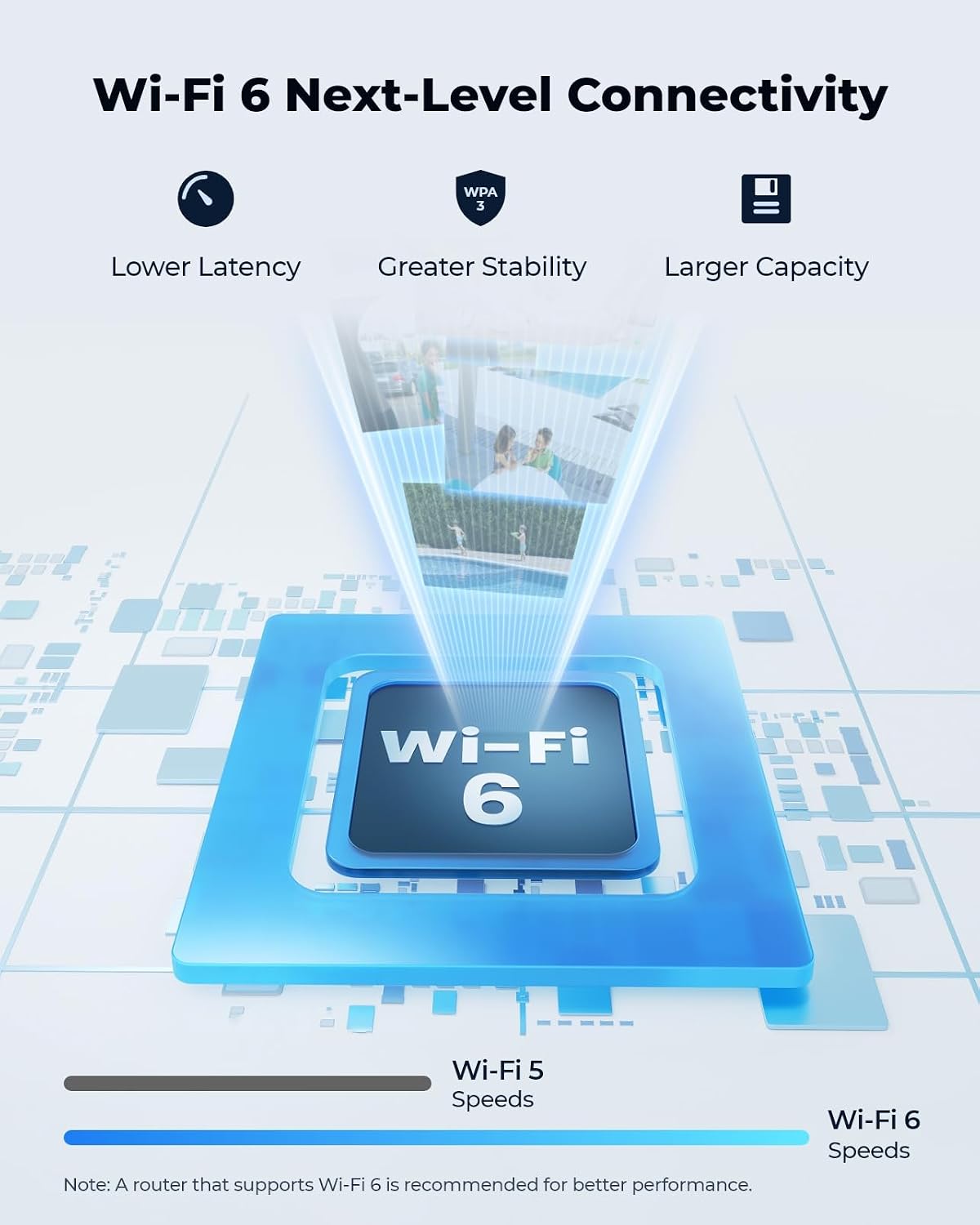
Figure 3.2: Wi-Fi 6 technology provides enhanced connectivity for your camera.
3.3 Initial Configuration
Download the Reolink App from your mobile app store or install the Reolink Client software on your computer. Follow the on-screen instructions to add your camera by scanning the QR code on the device or manually entering its details. Ensure your mobile device or computer is connected to the same Wi-Fi network as the camera during the initial setup process.
Video 3.1: An overview of the REOLINK RLC-811WA camera's features and capabilities, useful for understanding initial setup and functionality.
4. Operating the Camera
4.1 Live View and Playback
Access the live view of your camera through the Reolink App or Client software. You can also review recorded footage from the microSD card, Reolink NVR, or FTP server. The camera captures stunning 4K UHD (8MP) video, providing clear and detailed images. Its 5X optical zoom allows you to magnify distant objects without compromising image quality, while the color night vision feature ensures vivid visuals even in low-light conditions up to 30 meters.

Figure 4.1: Demonstrates the clarity and detail provided by 4K UHD resolution and 5X optical zoom.
Video 4.1: Footage captured by the Reolink 4K security camera, showcasing its video quality and capabilities.
4.2 Smart Detection and Alerts
The camera is equipped with intelligent detection capabilities for persons, vehicles, and animals, significantly reducing false alarms. Upon detecting motion, you will receive instant alerts via the Reolink App, email, or push notifications, keeping you informed of any activity.

Figure 4.2: Smart detection features provide accurate alerts for different types of movement.
4.3 Spotlights and Siren
The RLC-811WA features motion-triggered spotlights and a customizable siren. These can be configured to activate automatically upon detection, serving as an effective deterrent against potential intruders. You can also schedule spotlights to turn on during specific periods for additional illumination.

Figure 4.3: The camera's active deterrence features, including spotlights and siren.
4.4 Storage Options
Your recordings can be stored locally on a microSD card (up to 512GB, not included), a Reolink NVR (Network Video Recorder), or an FTP server. These options provide flexible and secure storage without additional subscription fees, ensuring 24/7 recording and peace of mind.

Figure 4.4: Multiple storage solutions available for your security camera footage.
5. Maintenance
To ensure optimal performance and longevity of your REOLINK RLC-811WA camera, regular maintenance is recommended.
- Cleaning: Periodically clean the camera lens and housing with a soft, damp cloth. Avoid using harsh chemicals or abrasive materials that could damage the surface.
- Firmware Updates: Check for and install the latest firmware updates through the Reolink App or Client software. Firmware updates often include performance improvements, new features, and security enhancements.
- Cable Inspection: Regularly inspect all cables (power and network) for any signs of wear, damage, or loose connections. Ensure all connections are secure and protected from environmental elements.
- Weather Protection: The camera has an IP67 weatherproof rating, indicating it is protected against dust and temporary immersion in water. While designed for outdoor use, ensure proper installation to prevent water accumulation around connections.
6. Troubleshooting
If you encounter issues with your REOLINK RLC-811WA camera, refer to the following common troubleshooting steps:
6.1 No Live View or Offline Status
- Check Power: Ensure the camera is properly connected to a power source and the power adapter is functioning.
- Network Connectivity: Verify your Wi-Fi network is active and the camera is within range. Try restarting your router.
- Reboot Camera: Disconnect the camera from power for a few seconds and then reconnect it. This can resolve temporary glitches.
- App/Client Update: Ensure your Reolink App or Client software is updated to the latest version.
6.2 Blurry Image
- Clean Lens: Gently clean the camera lens with a soft, lint-free cloth.
- Focus Adjustment: If the camera has manual focus, ensure it is properly adjusted. For optical zoom models, allow time for autofocus to adjust after zooming.
6.3 Excessive False Alarms
- Adjust Sensitivity: Reduce the motion detection sensitivity settings in the Reolink App.
- Configure Detection Zone: Set specific motion detection zones to exclude areas with frequent irrelevant movements (e.g., busy roads, swaying trees).
- Utilize Smart Detection: Ensure Person/Vehicle/Animal detection is enabled and configured correctly to filter out non-relevant movements.
For more detailed troubleshooting or specific issues, please refer to the official Reolink support website or contact their customer service.
7. Specifications
| Feature | Detail |
|---|---|
| Model Number | RLC-811WA |
| Video Capture Resolution | 8 MP (4K UHD) |
| Optical Zoom | 5X |
| Wireless Communication Technology | Wi-Fi 6 + 2.4/5GHz Wi-Fi |
| Night Vision Range | 100 Feet (Color Night Vision) |
| Alert Type | Person/Vehicle/Animal/Motion Detection |
| Storage Options | MicroSD card (up to 512GB), Reolink NVR, FTP |
| Water Resistance Level | IP67 Weatherproof |
| Material | Metal |
| Power Source | Corded Electric (12V DC) |
| Dimensions (L x W x H) | 3.15 x 2.83 x 9.37 inches |
| Item Weight | 3.19 pounds |
8. Warranty and Support
REOLINK products typically come with a limited warranty. For specific warranty terms and conditions, please refer to the warranty card included with your product or visit the official REOLINK website.
For technical support, product registration, or to download the latest software and user guides, please visit the official REOLINK Support Center:


