
Introduction
This manual provides comprehensive instructions for the setup, operation, maintenance, and troubleshooting of your Timex Men's Command Encounter 45mm Watch. Please read this manual carefully to ensure proper use and longevity of your timepiece.
Product Overview
The Timex Command Encounter is a robust digital watch designed for durability and functionality. It features a 45mm square case, a digital negative display, and is water-resistant up to 100 meters. The watch includes standard timekeeping functions, a chronograph, timer, and alarm.

Figure 1: Front view of the Timex Command Encounter 45mm Watch. This image displays the watch face with its digital negative display, showing the time, date, and various mode indicators like CHRONO, TIMER, and ALARM. The watch features a green case and strap with a camouflage pattern on the display bezel.
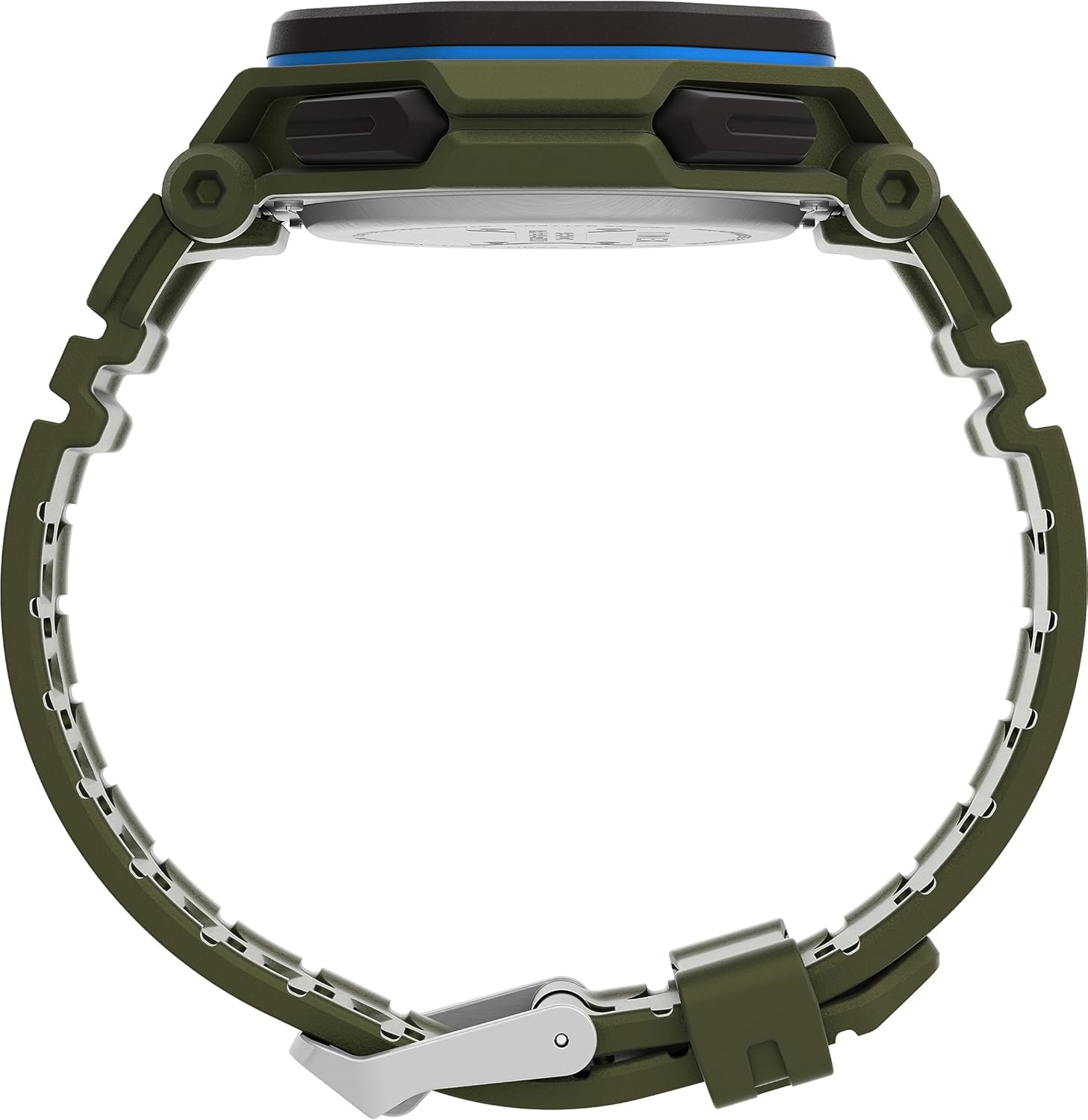
Figure 2: Side view of the Timex Command Encounter 45mm Watch. This image highlights the profile of the watch, showcasing the robust case design and the textured green strap. The buttons on the side of the watch are also visible.

Figure 3: Rear view of the Timex Command Encounter 45mm Watch. This image focuses on the stainless steel case back, which is engraved with "TIMEX", "SHOCK RESISTANT", "WATER RESISTANT 100M", and "STAINLESS STEEL BACK". The four screws securing the case back are also visible.
Setup
1. Initial Power On and Battery
Your Timex Command Encounter watch comes with a pre-installed Lithium Metal battery (CR2025). The watch should be ready for use upon arrival. If the display is blank, press any button to activate it. If the watch does not power on, the battery may need replacement (refer to the Maintenance section).
2. Setting Time and Date
- Press the MODE button (typically on the lower left) repeatedly until the time setting mode is displayed. The seconds digits will likely be flashing.
- Press the RESET button (typically on the lower right) to cycle through the adjustable fields: seconds, hours, minutes, year, month, day.
- Use the START button (typically on the upper right) to increase the value of the flashing field. Hold the button to rapidly advance the digits.
- Once all settings are correct, press the MODE button to exit the setting mode and return to the normal time display.
3. 12/24 Hour Format
While in the time setting mode, when the hour digits are flashing, pressing the START button may toggle between 12-hour (with AM/PM indicator) and 24-hour formats. Consult the specific button functions for your model if this does not work as described.
Operating Instructions
1. Basic Timekeeping
The watch displays the current time (hours, minutes, seconds) and date (month, day, day of week) in its primary mode. The negative display provides clear visibility in various lighting conditions.
2. INDIGLO® Night-Light
To activate the INDIGLO® night-light, press the INDIGLO button (typically on the upper left). The entire display will illuminate for a few seconds, allowing for easy reading in low-light environments.
3. Chronograph (Stopwatch)
- Press the MODE button until "CHRONO" or "STW" appears on the display.
- Press START to begin timing.
- Press START again to pause timing. Press START to resume.
- To record a lap or split time, press SPL/SET while the chronograph is running. The display will momentarily show the lap time.
- To stop the chronograph, press STOP.
- To reset the chronograph to zero, press RESET after stopping.
4. Timer (Countdown)
- Press the MODE button until "TIMER" or "TMR" appears on the display.
- To set the countdown time, press RESET to select the flashing digit (hours, minutes, seconds). Use START to adjust the value.
- Press START to begin the countdown.
- Press START again to pause. Press START to resume.
- When the timer reaches zero, an alarm will sound. Press any button to stop the alarm.
5. Alarm
- Press the MODE button until "ALARM" or "ALM" appears on the display.
- To set the alarm time, press RESET to select the flashing digit (hours, minutes). Use START to adjust the value.
- To activate or deactivate the alarm, press SPL/SET. An alarm icon will appear/disappear on the display.
- When the alarm sounds, press any button to silence it.
Maintenance
1. Cleaning Your Watch
Regularly clean your watch with a soft, damp cloth. For stubborn dirt, a mild soap solution can be used, followed by rinsing with clean water and thorough drying. Avoid using harsh chemicals or abrasive materials, as these can damage the watch case or strap.
2. Water Resistance
Your Timex Command Encounter watch is water-resistant up to 100 meters (330 feet). This means it is suitable for showering, swimming, and snorkeling. Do not press any buttons while the watch is submerged in water, as this can compromise the water resistance seal. Avoid exposing the watch to extreme temperature changes, which can also affect the seals.
3. Battery Replacement
The watch uses a CR2025 Lithium Metal battery. Battery life varies depending on usage, especially the frequency of INDIGLO® night-light activation. When the display dims or functions become erratic, it's time to replace the battery. Battery replacement should ideally be performed by a qualified watch technician to ensure the water resistance seal is properly re-seated.
If replacing the battery yourself, carefully remove the four screws on the case back (refer to Figure 3). Gently pry open the case back. Note the battery's orientation before removal. Replace with a new CR2025 battery, ensuring proper polarity. Carefully re-seat the gasket and secure the case back with the screws. Self-replacement may void warranty or compromise water resistance if not done correctly.
Troubleshooting
| Problem | Possible Cause | Solution |
|---|---|---|
| Display is blank or dim. | Low or dead battery. | Replace the CR2025 battery. |
| Time/Date is incorrect. | Not set correctly or reset due to battery change. | Follow the "Setting Time and Date" instructions in the Setup section. |
| Buttons are unresponsive. | Watch may be in a locked mode or battery is very low. | Try pressing all buttons to see if any respond. If not, replace battery. If still unresponsive, contact support. |
| Water inside the watch. | Compromised water resistance seal (e.g., buttons pressed underwater, extreme temperature changes, damaged gasket). | Immediately take the watch to a qualified watch repair center. Do not attempt to dry it yourself. |
Specifications
- Model Number: TW2V93700VQ
- Case Size: 45mm
- Strap Material: Green (8 inch)
- Display Type: Digital Negative Display
- Lens Material: Mineral Glass
- Water Resistance: 100 meters (330 feet)
- Battery Type: 1 Lithium Metal battery (CR2025)
- Features: Chronograph, Timer, Alarm, INDIGLO® Night-Light
- Country of Origin: China
Warranty and Support
Timex watches are manufactured to high standards and come with a limited warranty. For specific warranty details, please refer to the warranty card included with your purchase or visit the official Timex website. Keep your proof of purchase for warranty claims.
For technical support, service, or parts, please contact Timex Customer Service. Contact information can typically be found on the Timex website or on the packaging.
Official Timex Website: www.timex.com


