
1. Introduction and Overview
Thank you for choosing the Artis MS306 60W Wireless Bluetooth Party Speaker. This powerful speaker is designed to deliver an immersive audio experience with its 60W RMS output and triple 8-inch woofers. Featuring Bluetooth 5.0 connectivity, FM radio, USB, Aux-in, and TF card support, it offers versatile playback options. The included wireless microphone and remote control enhance its utility for parties and events. With a robust 7200mAh rechargeable battery, enjoy extended playback time. This manual provides essential information for setting up, operating, and maintaining your speaker.

Image: The Artis MS306 Party Speaker, showcasing its tall design with three illuminated woofers, accompanied by a wireless microphone and remote control.
2. What's in the Box
Please check the package contents to ensure all items are present:
- 1 x Artis MS306 Party Speaker
- 1 x Wireless Microphone
- 1 x Remote Control
- 1 x Charging Cable
- 1 x User Manual
- 1 x Warranty Registration Card
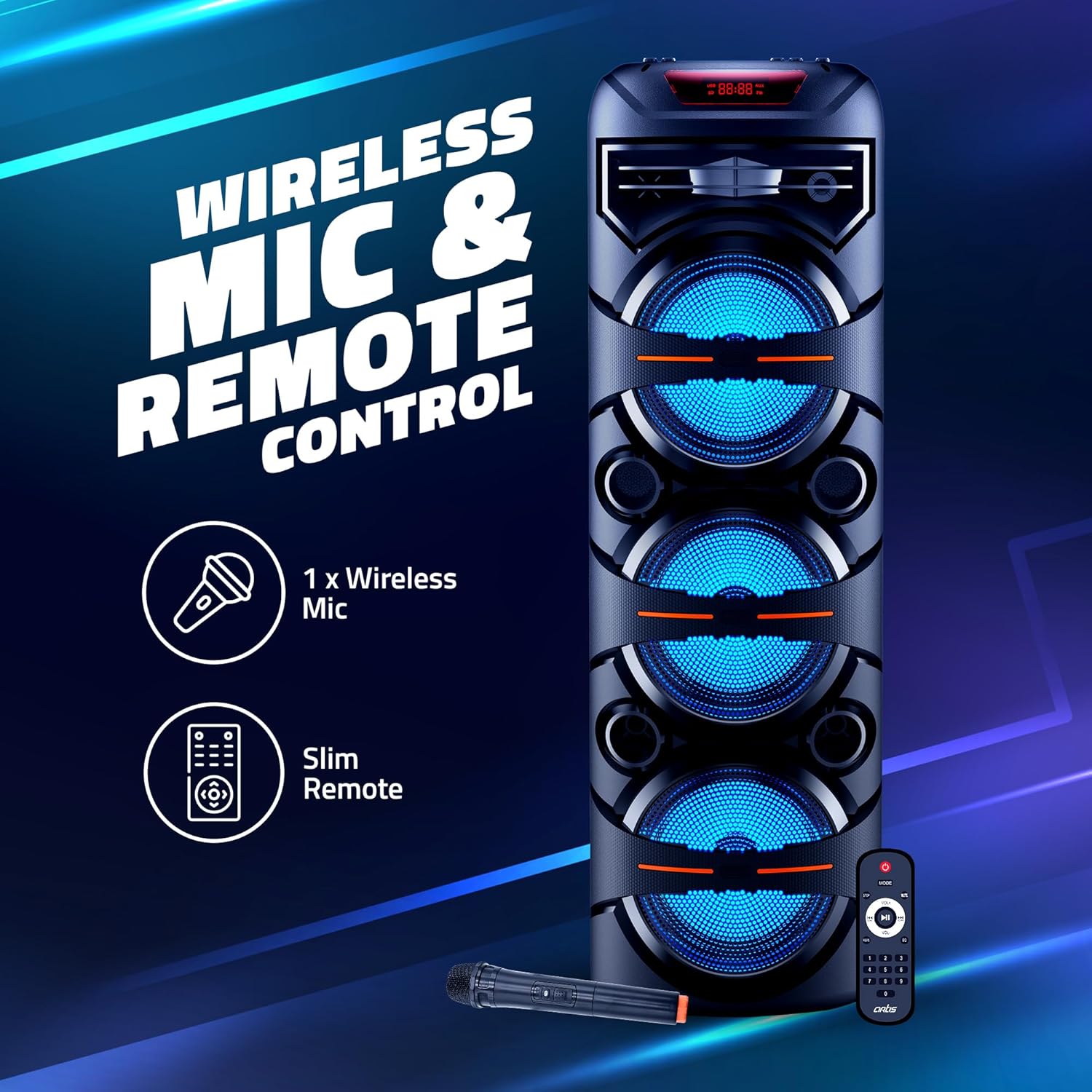
Image: The Artis MS306 speaker with its included wireless microphone and slim remote control, highlighting these key accessories.
3. Setup
- Unpacking: Carefully remove the speaker and all accessories from the packaging.
- Placement: Place the speaker on a stable, flat surface. Ensure adequate ventilation around the unit.
- Charging: Before first use, fully charge the speaker's built-in 7200mAh battery. Connect the provided charging cable to the speaker's charging port and a suitable power source. The charging time is approximately 5 hours.
- Power On: Press and hold the Power button on the speaker's control panel to turn it on.
4. Operating Instructions
4.1. Basic Controls
Familiarize yourself with the control panel located on top of the speaker and the functions of the remote control.

Image: Close-up of the Artis MS306 speaker's top panel, illustrating the various input options including FM Radio, USB, AUX, TF Card, and Mic Input.
4.2. Bluetooth Connection
- Turn on the speaker. It will automatically enter Bluetooth pairing mode.
- Enable Bluetooth on your device (smartphone, tablet, etc.).
- Search for "Artis MS306" in your device's Bluetooth list and select it to pair.
- Once connected, you will hear a confirmation sound, and the Bluetooth indicator on the speaker will remain steady.
4.3. TWS (True Wireless Stereo) Mode
To achieve a wider stereo sound, you can pair two Artis MS306 speakers together:
- Ensure both MS306 speakers are powered on and not connected to any Bluetooth device.
- On one of the speakers (this will be the primary speaker), press and hold the TWS button (refer to the control panel diagram in your physical manual if available).
- The primary speaker will search for the secondary speaker. Once connected, you will hear a confirmation sound.
- Now, connect your Bluetooth device to the primary speaker as described in section 4.2. Audio will play through both speakers in stereo.

Image: Two Artis MS306 speakers positioned side-by-side, illustrating the True Wireless Stereo (TWS) functionality for a combined 120W output.
4.4. Other Playback Modes (FM/USB/Aux-in/TF Card)
Press the 'Mode' button on the speaker or remote control to cycle through available input modes: Bluetooth, FM Radio, USB, Aux-in, and TF Card.
- FM Radio: In FM mode, press the Play/Pause button to auto-scan and save available stations. Use the Previous/Next buttons to switch stations.
- USB/TF Card: Insert a USB drive or TF card into the respective slot. The speaker will automatically switch to the corresponding mode and begin playing audio files.
- Aux-in: Connect an external audio device using a 3.5mm audio cable to the AUX input port. The speaker will switch to Aux mode.
4.5. Microphone Usage
Connect the wireless microphone to the speaker. Ensure the microphone is powered on. Adjust the microphone volume using the dedicated knob on the speaker's control panel.
4.6. RGB Glow Lights
The speaker features RGB glow lights around the woofers, enhancing the party atmosphere. These lights typically activate automatically when the speaker is on. Refer to the remote control or speaker panel for any dedicated light control buttons if available.
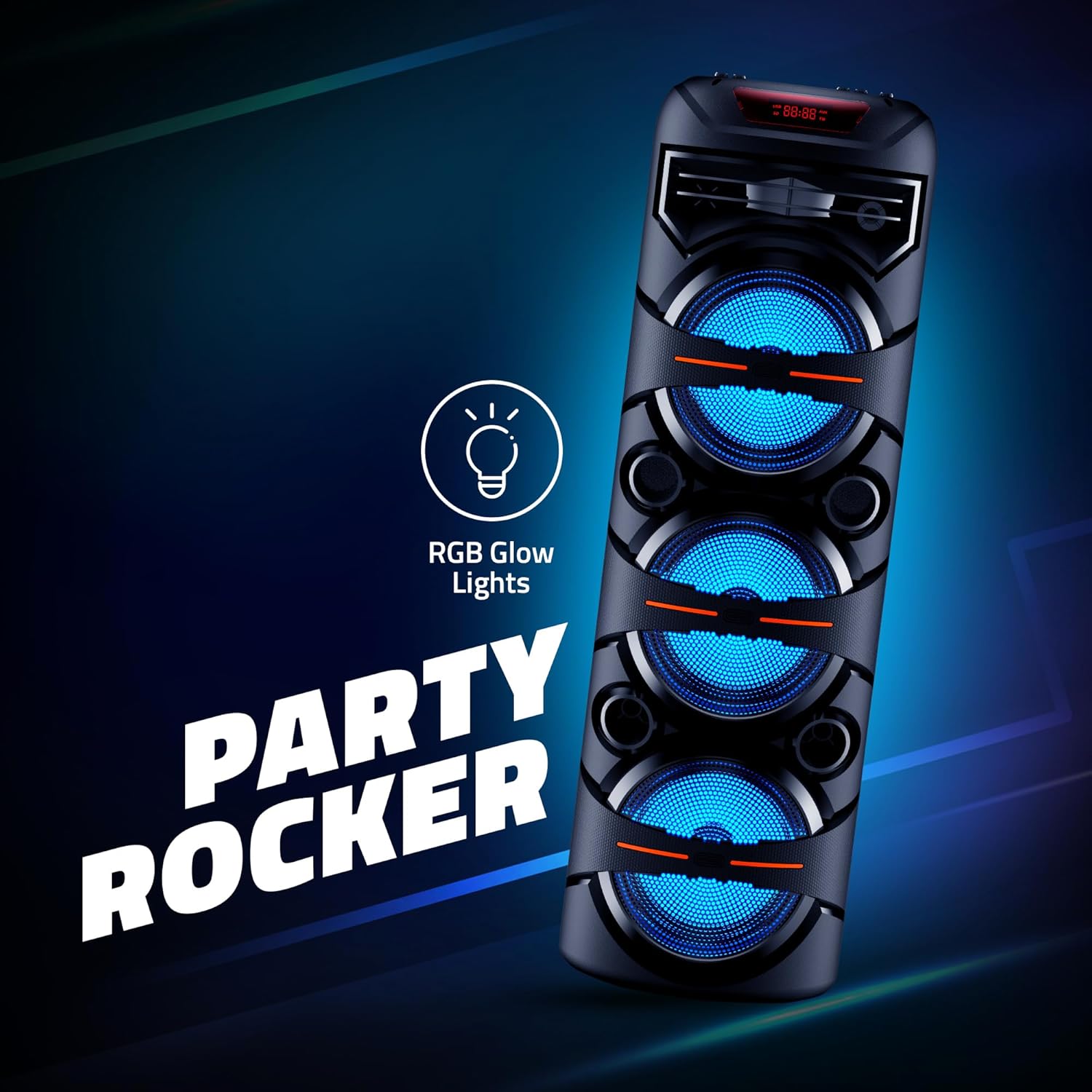
Image: The Artis MS306 speaker illuminated by its RGB glow lights, emphasizing its 'Party Rocker' feature.
5. Maintenance
- Cleaning: Use a soft, dry cloth to clean the speaker's exterior. Do not use abrasive cleaners, waxes, or solvents.
- Storage: When not in use for extended periods, store the speaker in a cool, dry place away from direct sunlight and extreme temperatures.
- Battery Care: To prolong battery life, avoid fully discharging the battery frequently. Charge the speaker regularly, even if not in use, to maintain battery health.
- Avoid Water: This speaker is not waterproof. Keep it away from water, moisture, and humid environments.
6. Troubleshooting
| Problem | Possible Cause | Solution |
|---|---|---|
| Speaker does not power on. | Battery is low or depleted. | Connect the speaker to a power source and charge it fully. |
| No sound from speaker. | Volume is too low; Incorrect input mode; Device not connected properly. | Increase volume; Press 'Mode' button to select correct input; Reconnect Bluetooth device or check audio cables. |
| Bluetooth connection fails. | Speaker not in pairing mode; Device too far; Interference. | Ensure speaker is in Bluetooth mode; Move device closer to speaker; Turn off other Bluetooth devices nearby. |
| Microphone not working. | Microphone not powered on; Volume too low. | Ensure microphone has fresh batteries and is switched on; Increase microphone volume on speaker. |
| TWS pairing fails. | Speakers already connected to another device; Speakers too far apart. | Disconnect both speakers from any Bluetooth devices; Ensure speakers are within close proximity during pairing. |
7. Specifications
| Feature | Detail |
|---|---|
| Model Number | MS306 |
| Output Wattage | 60 Watts RMS |
| Subwoofer Size | 8 inches x 3 |
| Bluetooth Version | 5.0 |
| Bluetooth Range | 10 meters |
| Battery Capacity | 7200mAh (Lithium Ion) |
| Charging Time | Approximately 5 Hours |
| Connectivity Technology | Bluetooth, USB, Aux, TF Card |
| Audio Input | Microphone |
| Frequency Response | 150 Hz |
| Noise Level | 80 dB |
| Material | Plastic, Metal |
| Item Weight | 7 Kilograms |
| Product Dimensions (LxWxH) | 28 x 28 x 90 Centimeters |
8. Warranty and Support
The Artis MS306 Party Speaker comes with a 1 Year Warranty from the date of purchase. Please retain your purchase receipt and the warranty registration card for any warranty claims.
For technical support, service, or warranty inquiries, please contact Artis India customer care:
- Customer Care Numbers: 1800 123 8195 / 1800 1208195
- Email: inquiry@artis.in
Manufacturer: Artis India
Packer & Importer: Kunhar Peripherals Pvt. Ltd.

