
Introduction
This manual provides detailed instructions for the Fastrack Reflex Horizon Smartwatch. It covers setup, operation, maintenance, and troubleshooting to ensure optimal use of your device. Please read this manual thoroughly before using your smartwatch.

Figure 1: Fastrack Reflex Horizon Smartwatch. This image shows the smartwatch from the front, highlighting its rectangular display with a vibrant, colorful watch face.
What's in the Box
Upon unboxing, verify that all the following items are included:
- Fastrack Reflex Horizon Smartwatch
- Magnetic Charging Cable
- Quick Start Guide
- Warranty Card
Setup Guide
1. Charging the Smartwatch
Before initial use, fully charge your Fastrack Reflex Horizon Smartwatch. Connect the magnetic charging cable to the charging points on the back of the watch and plug the USB end into a power adapter (not included) or a computer's USB port.
- A full charge typically takes approximately 2 hours.
- The battery indicator on the screen will show charging status.

Figure 2: Battery Life and App Interface. This image illustrates the smartwatch displaying a 100% battery charge and a smartphone screen showing the Fastrack Reflex World app interface.
2. Installing the Fastrack Reflex World App
To unlock all features and synchronize data, download the Fastrack Reflex World app on your smartphone.
- Search for "Fastrack Reflex World" in the Google Play Store (for Android) or Apple App Store (for iOS).
- Download and install the application.
- Follow the on-screen instructions to create an account or log in.
3. Pairing with Your Smartphone
Ensure Bluetooth is enabled on your smartphone.
- Open the Fastrack Reflex World app.
- Navigate to the "Add Device" or "Pair Device" section within the app.
- Select "Fastrack Reflex Horizon" from the list of available devices.
- Confirm the pairing request on both your smartphone and the smartwatch.
Operating Your Smartwatch
Display and Navigation
The Fastrack Reflex Horizon features a 1.95" Horizon Curve Display for clear visuals and easy interaction.

Figure 3: UltraVU Curve Display. This image highlights the 1.95-inch display, showing its 240x282 pixel resolution, 500 nits brightness, and 2.5D curved glass.
- Touchscreen: Swipe left, right, up, or down to navigate through menus and notifications. Tap to select.
- Side Button: Press to wake the screen, return to the home screen, or access the app menu.
SingleSync BT Calling
With SingleSync BT Calling, you can make and receive calls directly from your smartwatch.

Figure 4: SingleSync BT Calling. This image displays the smartwatch showing an incoming call and a dial pad, illustrating the Bluetooth calling functionality.
- Ensure your smartwatch is paired with your phone via Bluetooth.
- To make a call: Access the dialer or contacts from the watch menu.
- To receive a call: An incoming call notification will appear on the watch; tap to answer or decline.
In-Built Alexa
Utilize the integrated Alexa voice assistant for quick actions and information.
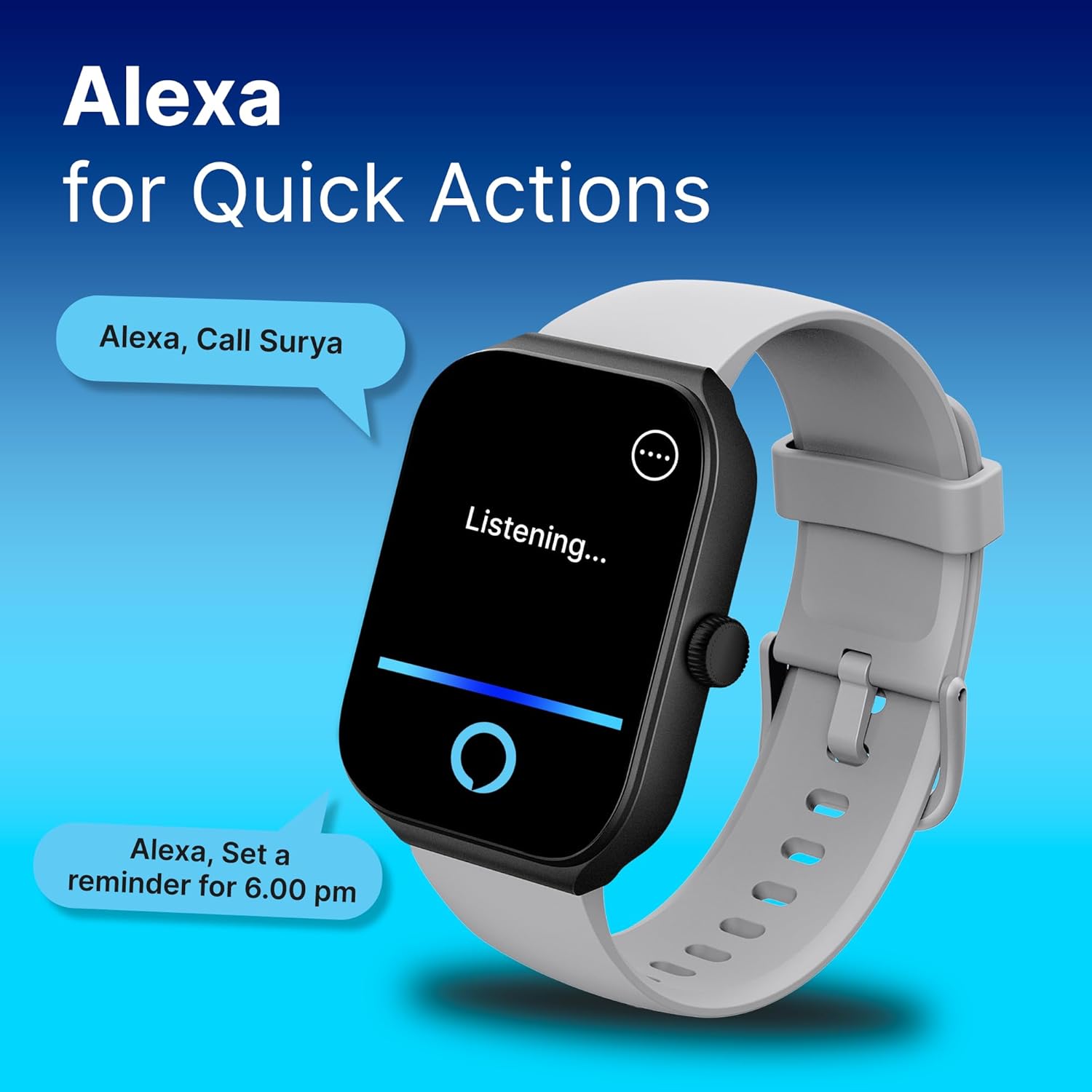
Figure 5: Alexa Integration. This image shows the smartwatch displaying "Listening..." with speech bubbles indicating commands like "Alexa, Call Surya" and "Alexa, Set a reminder for 6.00 pm."
- Activate Alexa by swiping right on the home screen or through the app menu.
- Speak your commands clearly, such as "Set an alarm for 7 AM" or "What's the weather?"
Sports Modes and AI Coach
The smartwatch supports over 100 sports modes and includes an AI Coach for enhanced fitness tracking.

Figure 6: Advanced Sports Modes. This image shows the smartwatch displaying a sports activity, with a background illustrating various sports icons, emphasizing the 100+ sports modes and AI Coach feature.
- Access the "Workout" or "Sports" section from the watch menu.
- Select your desired activity (e.g., running, cycling, yoga).
- The AI Coach provides guidance and tracks metrics like heart rate, calories burned, and distance.
Health Monitoring
Monitor your health with features like 24/7 heart rate tracking, SpO2, stress monitoring, and sleep analysis.
- Heart Rate: The watch continuously monitors your heart rate. View real-time data on the watch or detailed trends in the app.
- SpO2: Measure your blood oxygen levels on demand.
- Stress Monitor: Tracks stress levels throughout the day.
- Sleep Monitoring: Wear the watch to bed to track sleep stages and quality.

Figure 7: Key Features Overview. This image presents a circular infographic of the smartwatch's main functionalities, including SingleSync BT Calling, In-Built Alexa, 100+ Sports Modes, Weather Display, Smart Notifications, Sleep Monitor, SpO2, 24x7 Heart Rate, Auto Multisport Recognition, 150+ Watchfaces, Auto Stress, Music and Camera Control, and AI Coach.
Other Features
- Music Control: Control music playback on your smartphone directly from the watch.
- Notifications: Receive alerts for calls, messages, and app notifications.
- Watch Faces: Customize your watch face from over 100 options available in the app.
Maintenance and Care
- Cleaning: Wipe the watch and strap regularly with a soft, damp cloth. Avoid harsh chemicals.
- Water Resistance: The Fastrack Reflex Horizon is IP68 dust and water resistant. It is suitable for daily use and can withstand splashes, rain, and brief immersion in shallow water. It is not recommended for swimming or diving.
- Storage: Store the watch in a cool, dry place when not in use.
Troubleshooting
| Issue | Possible Solution |
|---|---|
| Watch not turning on | Ensure the watch is fully charged. Connect it to the charger for at least 30 minutes. |
| Cannot pair with smartphone |
|
| Bluetooth calling issues |
|
| Inaccurate health data |
|
| Short battery life |
|
Specifications
| Feature | Detail |
|---|---|
| Model Name | Fastrack Reflex Horizon |
| Model Number | 38095PP10 |
| Display Size | 1.95 Inches (Horizon Curve Display) |
| Display Resolution | 240 x 282 pixels |
| Display Type | LCD |
| Battery Type | Lithium Polymer (300 mAh) |
| Battery Life (Average) | Up to 5 Days (under standard conditions) |
| Connectivity | Bluetooth |
| Operating System | Smartwatch OS |
| Compatible Devices | Smartphone |
| Special Features | Activity Tracker, Heart Rate Monitor, Multisport Tracker, Phone Call, Stress Tracking, In-Built Alexa |
| Water Resistance | IP68 Dust and Water Resistant |
| Product Dimensions | 5.9 x 9.3 x 11.7 cm |
| Item Weight | 42 g |
Warranty and Support
Warranty Information
Your Fastrack Reflex Horizon Smartwatch comes with a standard warranty. Please refer to the included Warranty Card for specific terms, conditions, and duration of coverage. Keep your purchase receipt as proof of purchase.
Customer Support
For any technical assistance, product inquiries, or warranty claims, please contact Fastrack customer support:
- Customer Care: 1800-266-0123
- Email: customercare@titan.co.in
- Manufacturer/Importer: Titan Company Limited, 3 Sipcot Industries complex, Hosur- 635126