
Introduction
Thank you for choosing the NOTABRICK Portable Bluetooth Speaker. This manual provides essential information for setting up, operating, and maintaining your speaker to ensure optimal performance and longevity. Please read this manual thoroughly before using the product.
What's in the Box
- NOTABRICK Portable Bluetooth Speaker (Orange)
- USB Type-C Charging Cable
- AUX Cable
- User Manual (this document)
Product Features
- Hi-Fi Stereo Sound: Dual full-range drivers deliver 30W stereo sound with clear highs, accurate mids, and deep bass. Features a built-in microphone for hands-free calls and Siri voice assistant support.
- IPX7 Waterproof: Advanced waterproof material structure allows for use in various environments, including showers, swimming, and beach parties.
- RGB Colorful Light Show: Standalone RGB lighting system with 7 light colors and 6 light modes that sync with the music beat, creating a dynamic visual experience.
- Wireless Pairing (TWS): Connect two NOTABRICK speakers for 60W stereo surround sound. Supports both Bluetooth and AUX modes for wireless pairing.
- Long Playtime: Built-in 3600mAh rechargeable battery provides up to 1000 minutes (approx. 16.67 hours) of playtime. Fast charging via Type-C port (full charge in less than 4 hours).
- Bluetooth 5.0: Equipped with the latest Bluetooth 5.0 technology for stable and efficient wireless connectivity up to 100 feet (30.48 meters).

Image: The NOTABRICK Portable Bluetooth Speaker in orange, shown with water splashing around it, highlighting its IPX7 waterproof capability.

Image: A person holding the orange NOTABRICK speaker partially submerged in clear water, demonstrating its IPX7 waterproof feature for use in aquatic environments.
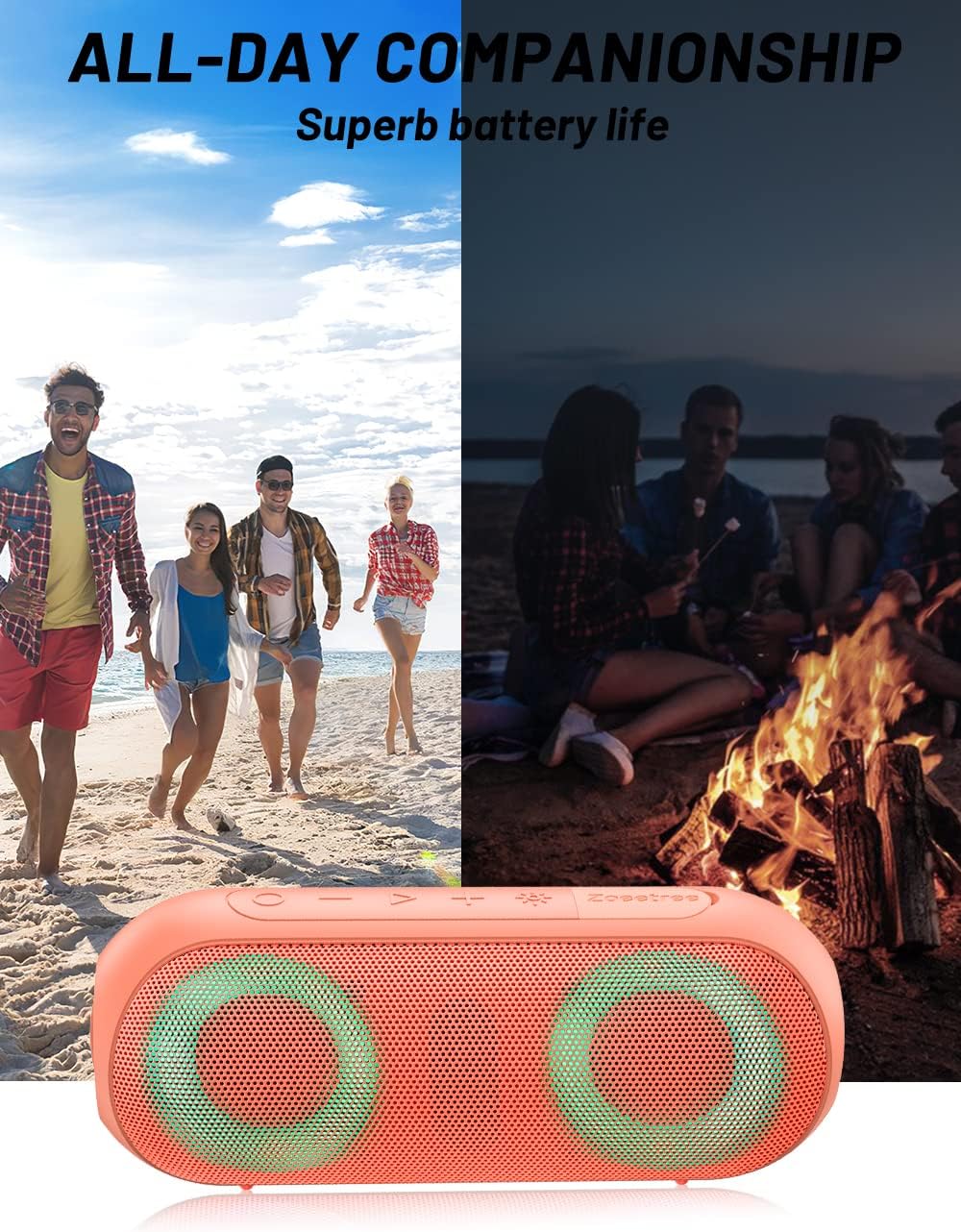
Image: The NOTABRICK speaker positioned below a split image showing people enjoying a beach during the day and gathered around a campfire at night, illustrating its suitability for all-day companionship and superb battery life.

Image: Two NOTABRICK speakers are depicted wirelessly paired, creating a 360-degree immersive surround sound experience for two individuals watching a soccer game on a television, highlighting the TWS function.
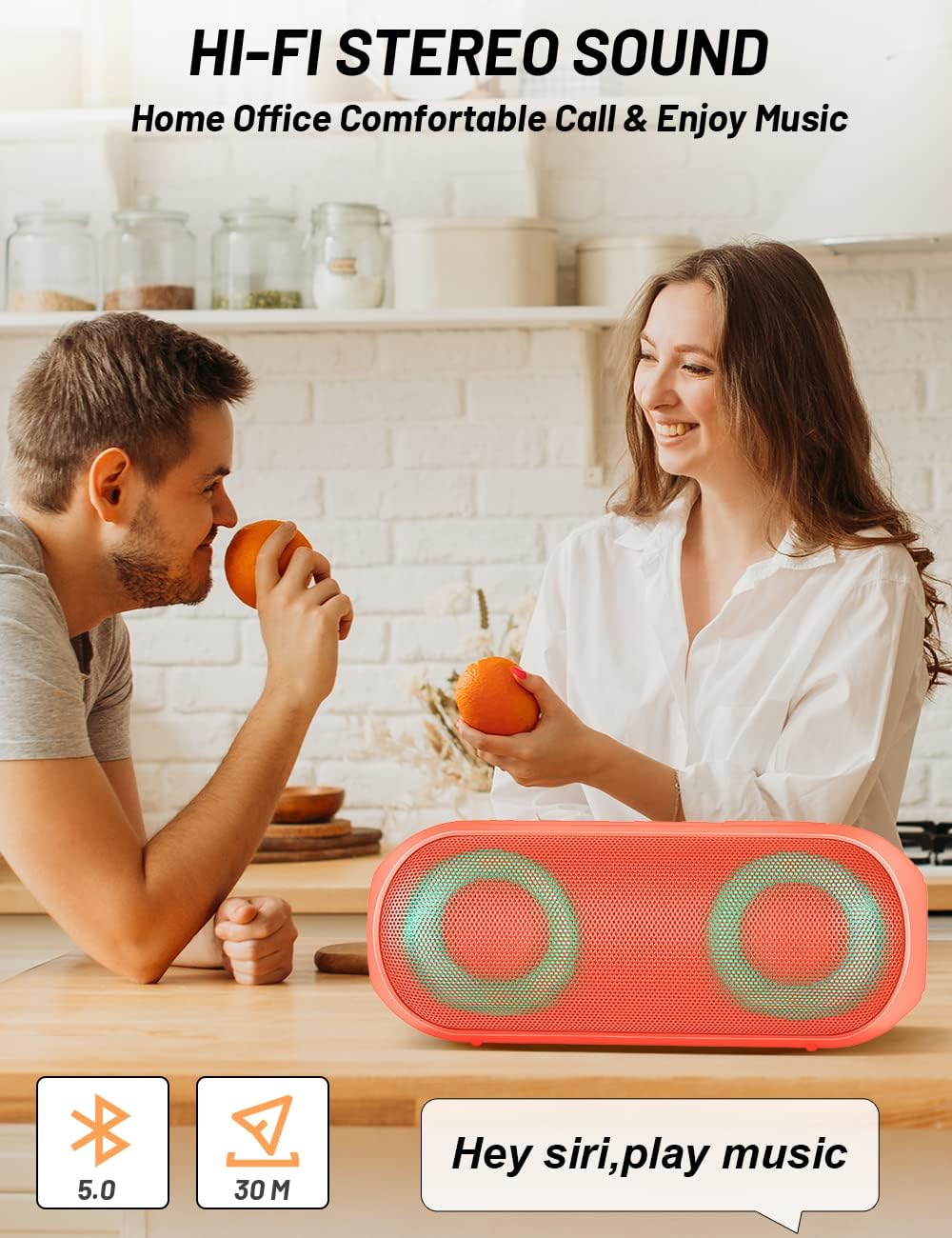
Image: The NOTABRICK speaker sits on a kitchen counter with a couple in the background, illustrating its use for comfortable calls and music enjoyment at home or office, with icons for Bluetooth 5.0 and a Siri voice command bubble.
Setup
Charging the Speaker
- Connect the provided USB Type-C cable to the charging port on the speaker.
- Connect the other end of the USB cable to a compatible USB power adapter (not included) or a computer's USB port.
- The charging indicator light will illuminate. A full charge typically takes less than 4 hours.
- Once fully charged, the indicator light will change or turn off (refer to LED indicator section for details).
Powering On/Off
- To power on, press and hold the Power button for approximately 2-3 seconds until you hear an audible prompt and the LED indicators light up.
- To power off, press and hold the Power button again for approximately 2-3 seconds until you hear an audible prompt and the LED indicators turn off.
Operating Instructions
Bluetooth Pairing
- Ensure the speaker is powered on and in Bluetooth pairing mode (the Bluetooth indicator light will be flashing).
- On your device (smartphone, tablet, laptop), enable Bluetooth and search for available devices.
- Select "NOTABRICK Vi" from the list of devices.
- Once connected, you will hear an audible confirmation, and the Bluetooth indicator light will become solid.
- The speaker will automatically reconnect to the last paired device when powered on, if the device is within range and Bluetooth is enabled.
Button Functions
| Button | Function |
|---|---|
| Power Button | Press and hold to Power On/Off. Short press to switch playback modes (Bluetooth/AUX). |
| Play/Pause Button | Short press to Play/Pause music. Short press to Answer/End calls. Press and hold to Reject calls. Double press to activate Voice Assistant (Siri/Google Assistant). |
| Volume Up (+) | Short press to increase volume. Press and hold for next track. |
| Volume Down (-) | Short press to decrease volume. Press and hold for previous track. |
| Light Mode Button | Short press to cycle through RGB light modes. Press and hold to turn lights On/Off. |
True Wireless Stereo (TWS) Pairing
To achieve 60W stereo sound, you can pair two NOTABRICK Vi speakers together:
- Ensure both speakers are powered on and not connected to any Bluetooth device.
- On one speaker (this will be the primary speaker), double-press the Power button. You will hear a prompt indicating TWS pairing mode.
- The two speakers will automatically search for and connect to each other. Once connected, you will hear a confirmation sound.
- Now, connect your device to the primary speaker via Bluetooth as described in the "Bluetooth Pairing" section. Both speakers will play audio in stereo.
- To disconnect TWS, double-press the Power button on either speaker.
Maintenance
- Cleaning: Wipe the speaker with a soft, damp cloth. Do not use harsh chemicals or abrasive cleaners. Ensure the charging port cover is securely closed before cleaning or exposing to water.
- Storage: Store the speaker in a cool, dry place away from direct sunlight and extreme temperatures.
- Battery Care: To prolong battery life, fully charge the speaker before first use. If not used for extended periods, charge it at least once every three months. Avoid fully discharging the battery frequently.
- Water Exposure: While IPX7 waterproof, avoid prolonged submersion or exposure to saltwater. Always ensure the charging port cover is sealed tightly before water exposure.
Troubleshooting
| Problem | Possible Solution |
|---|---|
| Speaker does not turn on. | Ensure the battery is charged. Connect the speaker to a power source using the USB-C cable. |
| Cannot pair with Bluetooth device. | Ensure the speaker is in pairing mode (flashing Bluetooth LED). Turn off and on Bluetooth on your device. Move speaker closer to device. Disconnect from other Bluetooth devices. |
| No sound or low volume. | Increase volume on both the speaker and your connected device. Ensure the speaker is properly connected. Check if the AUX cable is fully inserted if using AUX mode. |
| Sound distortion. | Reduce the volume on your device or speaker. Move the speaker closer to your device to improve signal strength. |
| TWS pairing fails. | Ensure both speakers are NOT connected to any other Bluetooth device. Make sure both speakers are the same model (NOTABRICK Vi). Try restarting both speakers and repeat the TWS pairing steps. |
Specifications
| Feature | Detail |
|---|---|
| Model Name | Vi |
| Speaker Type | Outdoor / Portable Bluetooth Speaker |
| Audio Output Mode | Stereo |
| Speaker Maximum Output Power | 30 Watts |
| Connectivity Technology | Bluetooth 5.0 |
| Wireless Range | Up to 100 feet (30.48 meters) |
| Waterproof Rating | IPX7 |
| Battery Capacity | 3600 mAh Lithium Ion |
| Battery Life | Up to 16.67 hours (1000 minutes) |
| Charging Time | Less than 4 hours (via Type-C) |
| Product Dimensions (L x W x H) | 8"H x 2.98"W x 3"D (approx.) |
| Item Weight | 1.46 pounds |
| Included Components | Speaker, USB Type-C Cable, AUX Cable |
| UPC | 768447594468 |
Warranty and Support
The NOTABRICK Portable Bluetooth Speaker comes with a limited warranty. For detailed warranty information, technical support, or any product-related inquiries, please refer to the contact information provided on the product packaging or visit the official NOTABRICK website.
For further assistance, please contact NOTABRICK customer service.


