
Introduction
This manual provides detailed instructions for the operation and maintenance of your Cuifati Portable Cassette Player with Auto Reverse. Please read this manual thoroughly before using the device to ensure proper functionality and to maximize your listening experience.
Package Contents
Verify that all items listed below are included in your package:
- 1 x Cuifati Portable Cassette Player
- 1 x Headphone
- 1 x USB Power Cord
- 1 x User Manual
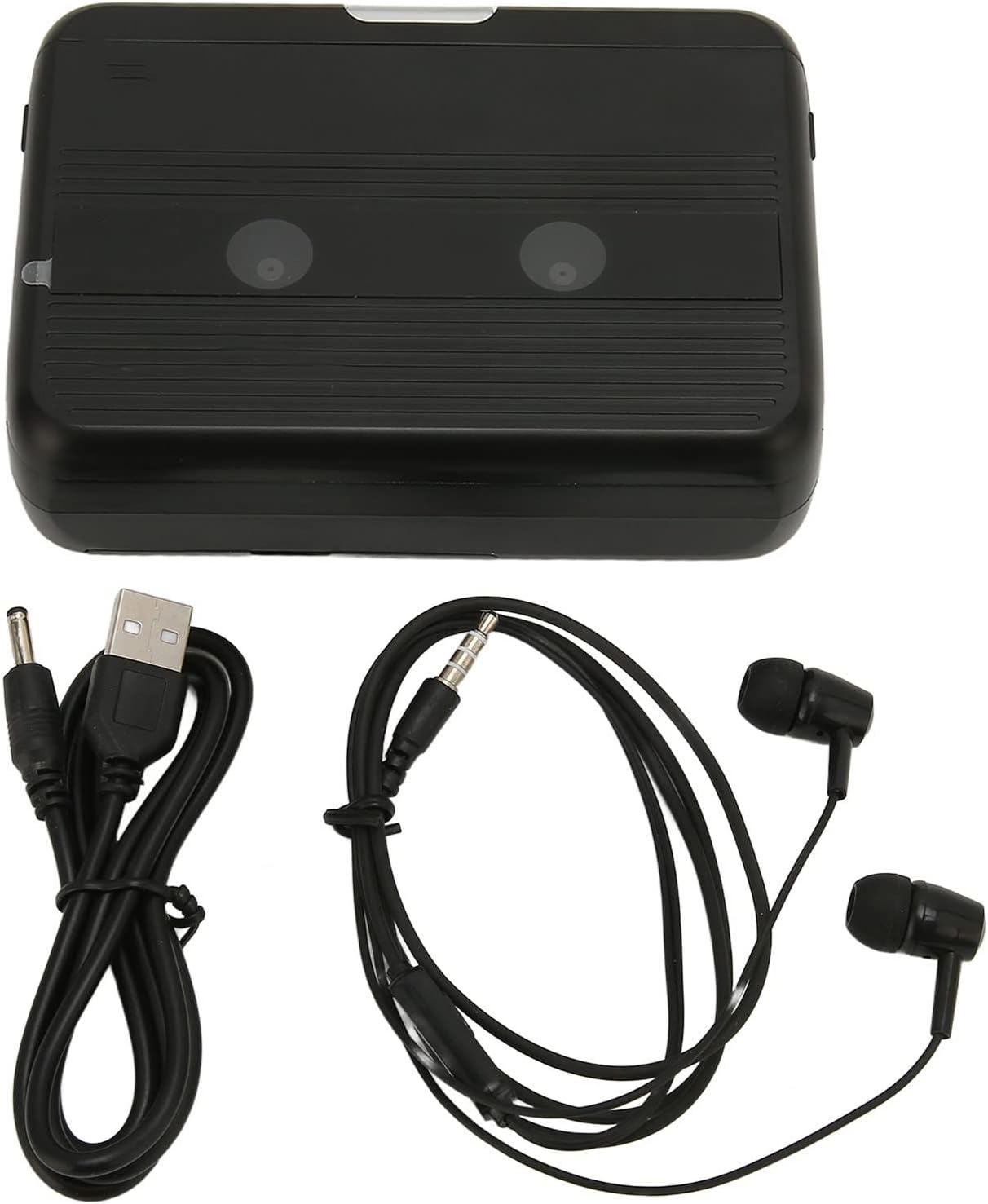
The Cuifati Portable Cassette Player shown alongside its included USB power cord and wired headphones.
Product Overview
Familiarize yourself with the various parts and controls of your cassette player.
Front View (Open)
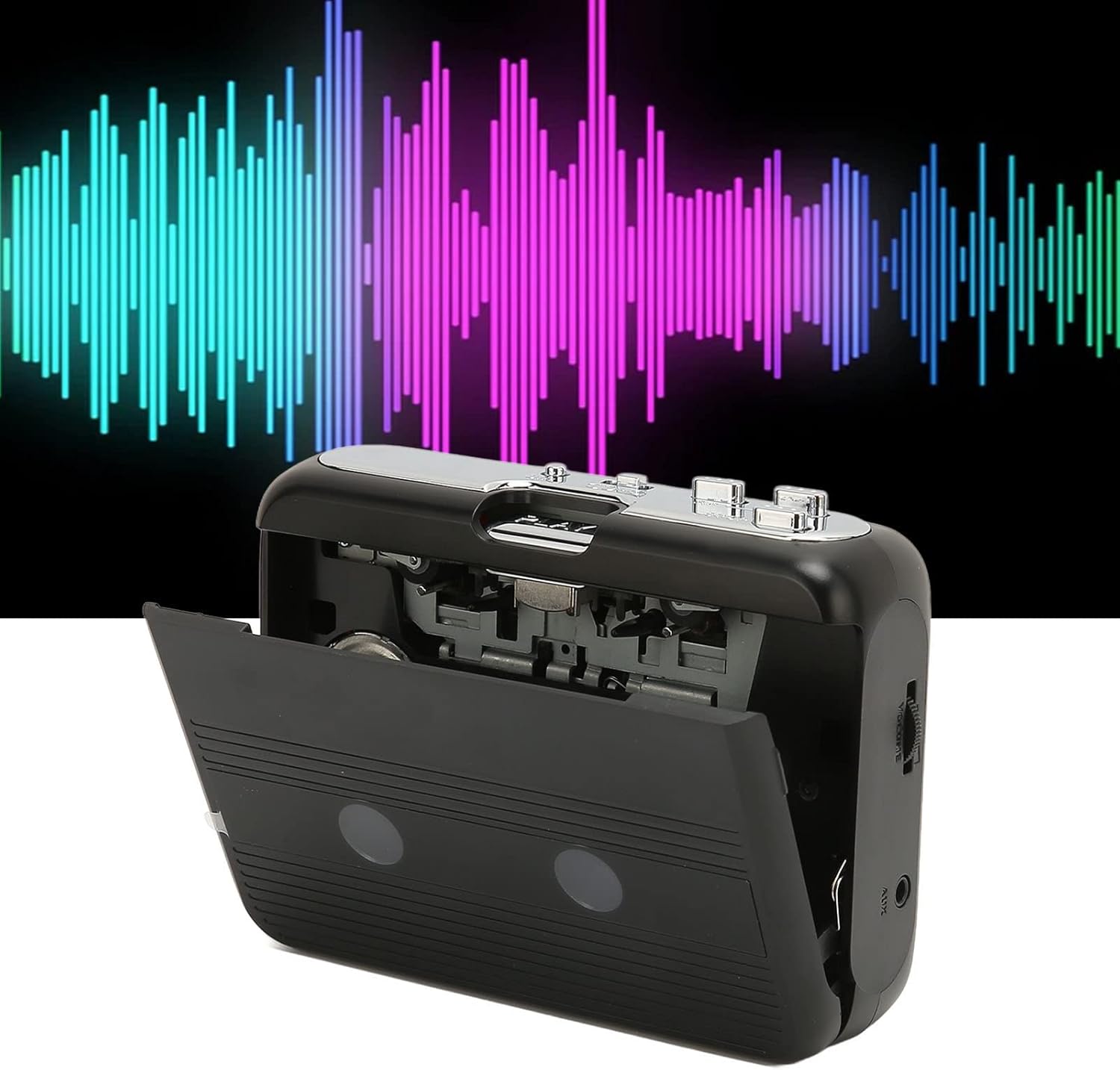
Front view of the Cuifati Portable Cassette Player with the cassette compartment door open, revealing the tape mechanism.
Front View (Closed)
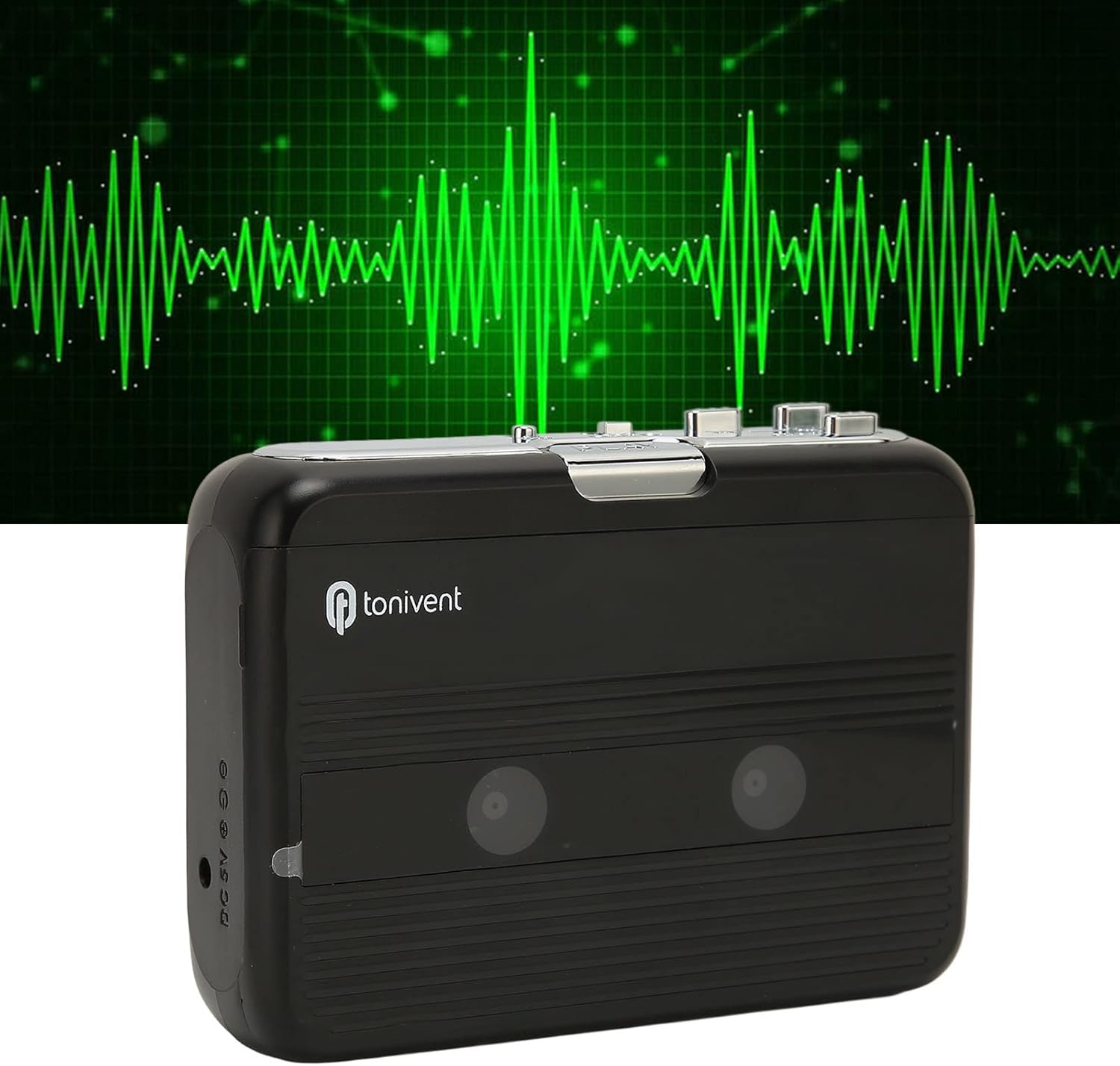
Front view of the Cuifati Portable Cassette Player with the cassette compartment door closed.
Cassette Mechanism

Close-up view of the cassette player's internal mechanism, showing the tape heads and rollers.
Side View (Controls and Ports)

Side view of the cassette player, highlighting the volume control wheel and the AUX output port.
Key Controls:
- Play Button: Initiates cassette playback.
- Stop Button: Halts playback.
- Fast Forward (FF) Button: Advances the tape quickly.
- Rewind (REW) Button: Rewinds the tape quickly.
- Auto Reverse Button: Changes tape direction during playback.
- Volume Control Wheel: Adjusts audio output level.
- FM/Tape Switch: Selects between FM radio and cassette playback mode.
- Headphone/AUX Output Jack: Connects headphones or external audio devices.
- DC 5V Input: For USB power supply.
Setup
Power Supply
The cassette player can be powered by two (2) AA batteries or via a USB power supply.
- Battery Installation:
- Open the battery compartment cover located on the back of the device.
- Insert two AA batteries, ensuring correct polarity (+/-) as indicated inside the compartment.
- Close the battery compartment cover securely.
- USB Power Connection:
- Connect the small end of the included USB power cord to the DC 5V input port on the cassette player.
- Connect the standard USB end to a USB power adapter (not included) or a computer's USB port.
Inserting a Cassette Tape
- Gently open the cassette compartment door.
- Insert a cassette tape with the exposed tape facing upwards and the side you wish to play facing the front.
- Close the cassette compartment door until it clicks securely.
Operating Instructions
Playing Cassettes
- Ensure a cassette tape is properly inserted.
- Set the FM/Tape switch to the "Tape" position.
- Press the Play button to begin playback.
- Adjust the Volume Control Wheel to your desired listening level.
- To stop playback, press the Stop button.
- To fast forward, press the FF button. To rewind, press the REW button. Press Stop to disengage.
Auto Reverse Function
The player features an auto-reverse function, allowing the tape to play in both directions without needing to manually flip the cassette.
- During playback, press the Auto Reverse button to switch the tape direction. The player will automatically reverse and continue playing the other side of the tape.
Using the FM Radio
- Set the FM/Tape switch to the "FM" position.
- Use the tuning dial (if present, otherwise the FF/REW buttons might serve as tuning) to scan for FM radio stations.
- Adjust the Volume Control Wheel to your desired listening level.
Using the Built-in Speaker
The device includes a built-in speaker for direct audio output. No special action is required; audio will play through the speaker unless headphones are connected.
Connecting Headphones or External Audio Devices
For private listening or connecting to external speakers, use the 3.5mm headphone/AUX output jack.
- Plug the included headphones or your own 3.5mm audio cable into the Headphone/AUX Output Jack.
- When headphones are connected, audio will automatically switch from the built-in speaker to the headphones.

A person listening to music with headphones, illustrating the headphone usage.
Maintenance
Proper care ensures the longevity and optimal performance of your cassette player.
- Cleaning: Use a soft, dry cloth to clean the exterior of the device. Do not use liquid cleaners or abrasive materials.
- Tape Heads: Periodically clean the tape heads with a specialized cassette head cleaner to maintain sound quality.
- Storage: When not in use for extended periods, remove the batteries to prevent leakage. Store the device in a cool, dry place away from direct sunlight and extreme temperatures.
- Avoid Dust: Keep the cassette compartment closed when not in use to prevent dust accumulation.
Troubleshooting
If you encounter issues with your cassette player, refer to the following common problems and solutions:
| Problem | Possible Cause | Solution |
|---|---|---|
| No power | Dead batteries; USB cable not connected; faulty power source. | Replace batteries; ensure USB cable is securely connected to a working power source. |
| No sound from speaker/headphones | Volume too low; headphones not fully plugged in; FM/Tape switch in wrong position; dirty tape heads. | Increase volume; ensure headphones are fully inserted; set switch to correct mode (Tape/FM); clean tape heads. |
| Poor sound quality (cassette) | Dirty tape heads; worn-out tape; incorrect tape insertion. | Clean tape heads; try a different tape; re-insert tape correctly. |
| FM radio static/poor reception | Weak signal; interference. | Relocate the player to an area with better reception; try adjusting the player's orientation. |
| Tape not playing/moving | Tape jammed; mechanism issue; tape not inserted correctly. | Check for tape jams; ensure tape is inserted correctly; if issue persists, contact support. |
Specifications
| Feature | Detail |
|---|---|
| Brand | Cuifati |
| Model Number | Cuifatibi73wk0z4p |
| ASIN | B0CDD42V9J |
| Power Supply | 2 x AA Batteries or USB DC 5V |
| Functions | Cassette Playback, Auto Reverse, FM Radio, Built-in Speaker, Headphone Output |
| Audio Output | 3.5mm Headphone/AUX Jack |
| Item Weight | 10.3 ounces |
Important Safety Information
- Do not expose the device to water, moisture, or extreme temperatures.
- Avoid dropping or subjecting the device to strong impacts.
- Do not attempt to disassemble or repair the device yourself. Refer all servicing to qualified personnel.
- Dispose of batteries responsibly according to local regulations.
- Prolonged listening at high volume levels can cause hearing damage. Adjust volume to a safe level.
Warranty and Support
For warranty information or technical support, please refer to the documentation provided at the time of purchase or contact your retailer. Keep your purchase receipt as proof of purchase.