
Govee H6176
Govee Outdoor LED Strip Lights - 98.4ft User Manual
Model: H6176
Introduction
The Govee Outdoor LED Strip Lights (Model H6176) provide vibrant, customizable lighting solutions for your outdoor spaces. This 98.4ft smart lighting system is designed to work seamlessly with Alexa and Google Assistant, offering convenient app control and a wide array of RGBIC colors and scenes. With an IP65 waterproof rating, these lights are built for durability and year-round outdoor use, perfect for patios, eaves, and party decorations.
Safety Information
- Power Supply: Ensure the power source is AC and matches the specified voltage (36 Volts DC output from adapter).
- Water Resistance: The light strip and control box are IP65 rated, providing protection against dust and low-pressure water jets. The power adapter is IP44 rated. Ensure all connections are secure and properly sealed for outdoor use.
- Installation: Do not cut, extend, or combine the light strips with additional sets. This can compromise the waterproof integrity and electrical safety.
- Surface Preparation: Always install on a dry and clean surface using the provided clamps and adhesive for secure attachment.
- Temperature Range: Avoid operating the lights in extreme temperatures outside the recommended range to prevent damage.
- Children and Pets: Keep the product and its components out of reach of children and pets.
What's in the Box
Verify that all components are present before beginning installation:
- 3 Rolls of 10m (32.8ft) Light Strips
- 1 Power Adapter
- 1 Control Box
- 45 Light Clip Sets
- 1 User Manual

Image: The contents of the Govee Outdoor LED Strip Lights box, including three rolls of light strips, a power adapter, a control box, and light clips.
Setup
- Prepare the Surface: Ensure the installation surface is dry, clean, and smooth. For optimal adhesion, clean the area thoroughly before applying the lights.
- Connect Light Strips: The 98.4ft length is divided into three 32.8ft rolls. Connect these rolls sequentially using the provided connectors. Ensure connections are secure and waterproof.
- Attach Lights: Use the provided adhesive backing on the light strips and the light clip sets to firmly secure the lights to your desired outdoor location. The clips provide additional stability, especially in areas exposed to weather.
- Connect Control Box and Power Adapter: Connect the first light strip roll to the control box, and then connect the control box to the power adapter. Plug the power adapter into a suitable outdoor power outlet.
- Download Govee Home App: Download the Govee Home app from your smartphone's app store (iOS or Android).
- Pair with App: Follow the in-app instructions to pair your Govee Outdoor LED Strip Lights with your smartphone via Bluetooth and Wi-Fi. This will enable full control and smart features.

Image: Illustration of easy installation, showing solid clips, strong adhesive, and a simple connector for the light strips.
Operating Instructions
The Govee Outdoor LED Strip Lights offer multiple control methods for convenience and customization.
- Govee Home App Control:
Use the Govee Home app to access a wide range of features:
- Color Selection: Choose from millions of colors to match any mood or occasion.
- Scene Modes: Select from 64 preset holiday and festival-inspired scenes, or create your own custom lighting effects.
- Brightness Adjustment: Dim or brighten the lights to your preferred level.
- Timer Function: Schedule automatic on/off times to align with your daily routine.
- Music Sync: Utilize the integrated microphone to synchronize the lights with your music, creating dynamic light shows.

Image: The Govee Home App interface displaying options for music, color, scene, and DIY modes, alongside brightness control.

Image: The Govee Home App's timer function, allowing users to set automatic on/off schedules for daily convenience.
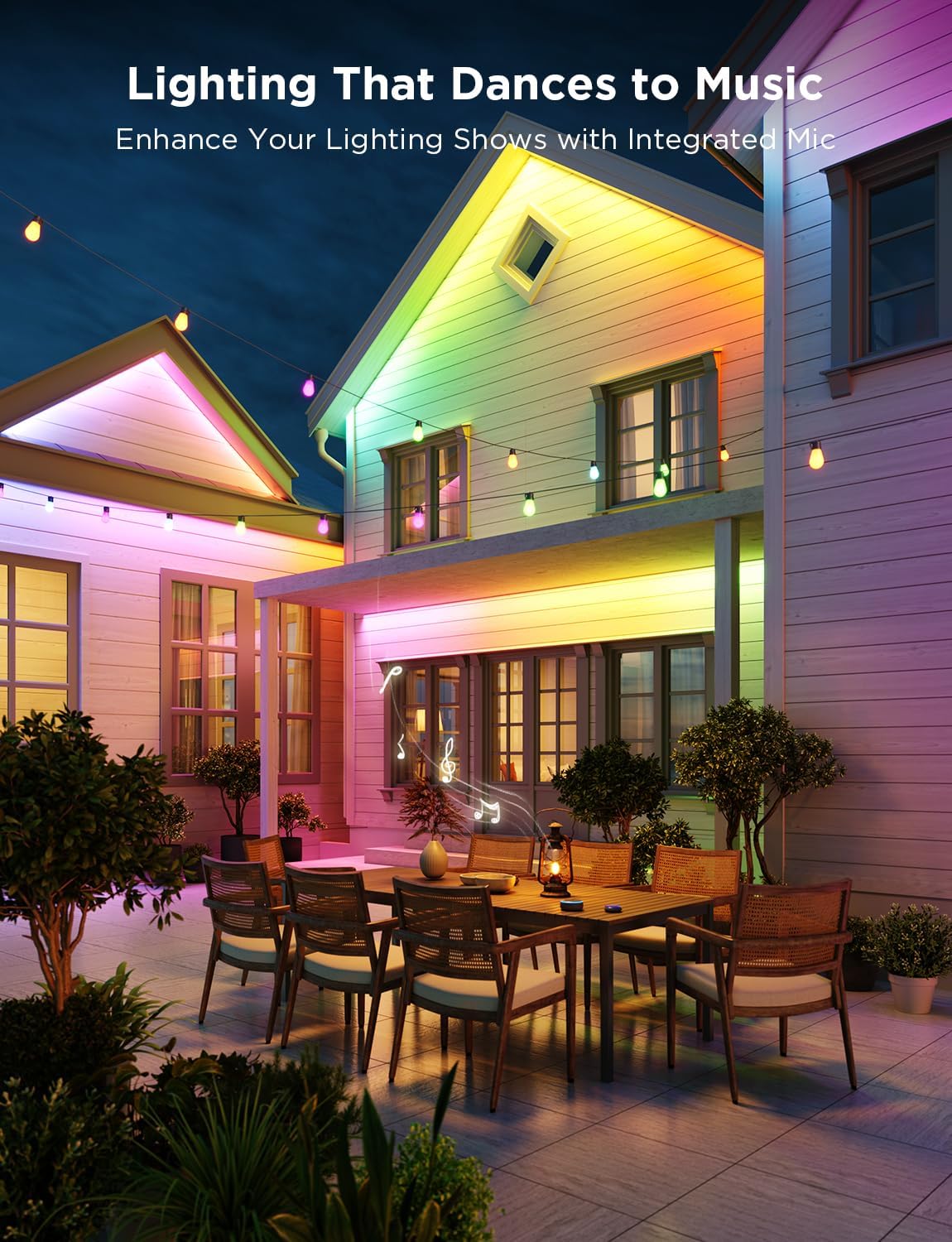
Image: Govee LED strip lights illuminating an outdoor patio, demonstrating the music sync feature where lights dance to the rhythm.
- Voice Control:
Integrate your Govee lights with smart home assistants for hands-free control:
- Alexa: Connect your Govee account to Alexa through the Alexa app. Use commands like "Alexa, turn on outdoor strip lights."
- Google Assistant: Link your Govee account to Google Assistant. Use commands such as "Hey Google, change outdoor lights to blue."

Image: An outdoor patio scene illustrating convenient voice control, with speech bubbles showing an Alexa command and response for turning on outdoor strip lights.
Maintenance
- Cleaning: Periodically wipe the light strips with a soft, damp cloth to remove dust and debris. Ensure the power is disconnected before cleaning. Do not use harsh chemicals or abrasive cleaners.
- Inspection: Regularly inspect the light strips, control box, and power adapter for any signs of damage, wear, or loose connections. Address any issues promptly to maintain performance and safety.
- Weather Protection: While the lights are IP65 waterproof, extreme weather conditions (e.g., severe storms, prolonged heavy snow) may warrant temporary removal or additional protection to prolong product life.
- Storage: If storing the lights for an extended period, ensure they are clean, dry, and coiled loosely to prevent damage to the internal wiring. Store in a cool, dry place.
Troubleshooting
If you encounter issues with your Govee Outdoor LED Strip Lights, refer to the following common solutions:
| Problem | Possible Cause | Solution |
|---|---|---|
| Lights do not turn on. | No power, loose connection, faulty adapter. | Check if the power adapter is securely plugged in. Verify all strip connections are tight. Test the outlet with another device. |
| Lights are not responding to app/voice commands. | Bluetooth/Wi-Fi disconnected, app issue, incorrect pairing. | Ensure Bluetooth is enabled on your phone. Check Wi-Fi connection. Restart the Govee Home app. Re-pair the device if necessary. |
| Colors are incorrect or inconsistent. | Damaged LED segment, incorrect app setting. | Check for physical damage on the strip. Verify the color settings in the Govee Home app. |
| Music Sync feature not working. | Microphone obstruction, app settings. | Ensure the control box's microphone is not covered. Adjust sensitivity settings in the Govee Home app. |
For more detailed troubleshooting or persistent issues, please refer to the full user manual PDF available online or contact Govee customer support.
Specifications
| Feature | Detail |
|---|---|
| Model Number | H6176 |
| Brand | Govee |
| Length | 98.4ft (3 x 32.8ft rolls) |
| Color | Multicolor (RGBIC) |
| Light Source Type | LED (540 LEDs total, 18 LEDs/m) |
| Indoor/Outdoor Usage | Outdoor |
| Water Resistance Level | IP65 (Light Strip & Control Box), IP44 (Power Adapter) |
| Power Source | AC |
| Voltage | 36 Volts (DC) |
| Wattage | 72 watts |
| Control Method | App Control, Remote Control, Voice Control (Alexa, Google Assistant) |
| Connectivity | Bluetooth, Wi-Fi |
| Material | Plastic |
| Item Weight | 6.41 pounds (2.91 Kilograms) |
| UPC | 810088346781 |
Warranty and Support
Govee products typically come with a limited warranty. For specific warranty details and duration, please refer to the official Govee website or the warranty card included with your product.
For technical support, product inquiries, or warranty claims, please contact Govee Customer Service:
- Official Website: www.govee.com
- User Manual (PDF): A detailed user manual can be downloaded from here.
Optional protection plans are available for purchase, offering extended coverage:
- 3-Year Protection Plan: $25.99
- 4-Year Protection Plan: $34.99
- Complete Protect (Monthly): $16.99/month
Related documentsH6176


Ask a question about this manual
Ask about setup, troubleshooting, compatibility, parts, safety, or missing instructions. Manuals+ will review the question and use this page’s manual context to help answer it.