
Introduction
The HOCO Y12 Ultra Smart Watch is designed to enhance your daily life by providing seamless connectivity and comprehensive health and fitness tracking. This manual provides essential information on setting up, operating, maintaining, and troubleshooting your device.
Key features include Bluetooth 5.3 connectivity, IP68 waterproof rating, heart rate monitoring, multiple sports modes, and an extended battery life.
What's in the Box
- 1 x HOCO Y12 Ultra Smart Watch
- 1 x User Manual
- 1 x Charging Cable
- 1 x Warranty Card

Image: The retail packaging for the HOCO Y12 Ultra Smart Watch, showing the front and back of the box with product details and imagery.
Setup Guide
1. Initial Charging
Before first use, fully charge your HOCO Y12 Ultra Smart Watch. Connect the provided charging cable to the watch's charging port and plug the other end into a USB power adapter (not included). A full charge typically takes approximately 1 hour.
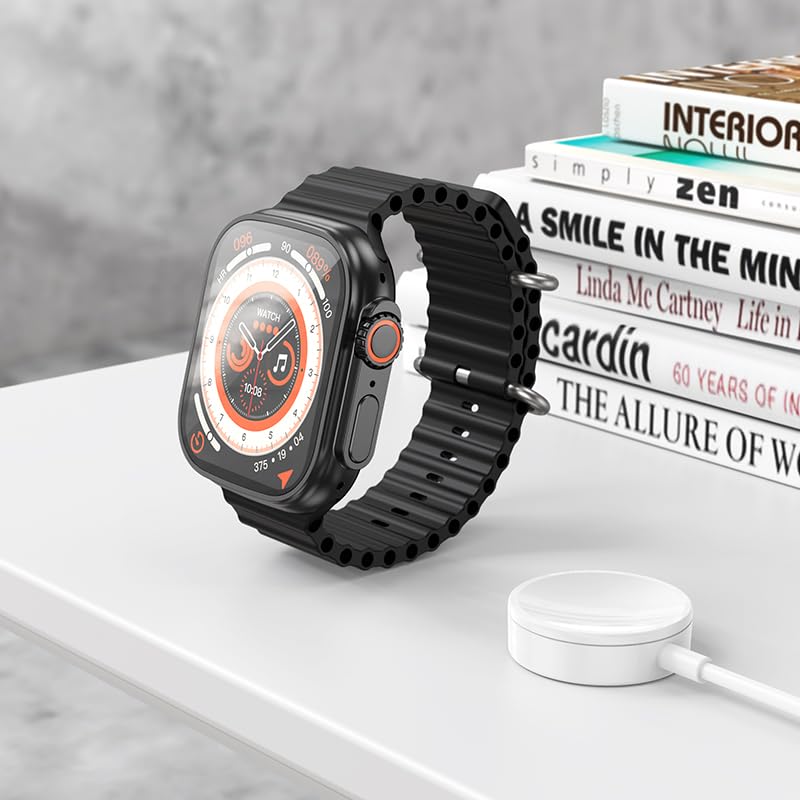
Image: The HOCO Y12 Ultra Smart Watch placed on its wireless charging puck, indicating the charging process.
2. Powering On/Off
- To Power On: Press and hold the side button until the HOCO logo appears.
- To Power Off: Press and hold the side button, then select "Power Off" on the screen.
3. Pairing with Your Smartphone
- Ensure Bluetooth is enabled on your smartphone.
- Download and install the official HOCO companion application from your smartphone's app store (iOS or Android).
- Open the HOCO application and follow the on-screen instructions to search for and connect to your Y12 Ultra Smart Watch.
- Confirm the pairing request on both your smartphone and the smartwatch.
The watch is compatible with all Bluetooth devices, including laptops, mobile phones, tablets, PCs, Smart TVs, iOS, and Android operating systems.
Operating Instructions
Touch Controls and Navigation
The HOCO Y12 Ultra Smart Watch features intuitive touch controls for easy navigation. Swipe across the screen to access different menus and functions. Tap to select items.
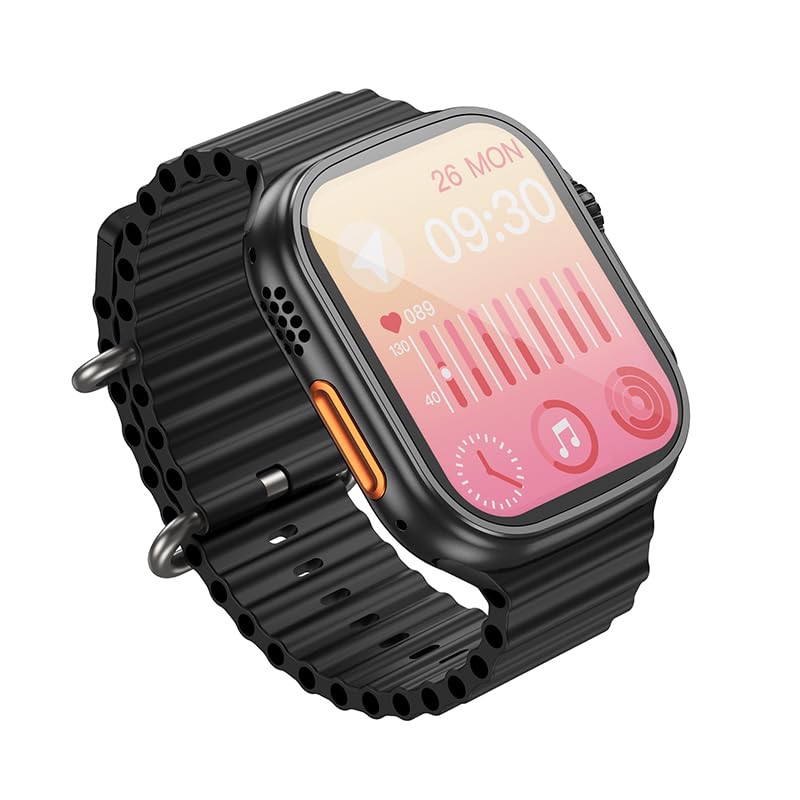
Image: An angled view of the HOCO Y12 Ultra Smart Watch displaying health metrics such as heart rate and activity levels on its screen.
Physical Controls
The HOCO Y12 Ultra Smart Watch features a side button and a rotating crown for additional navigation and control. These can be used in conjunction with the touchscreen for a seamless user experience.
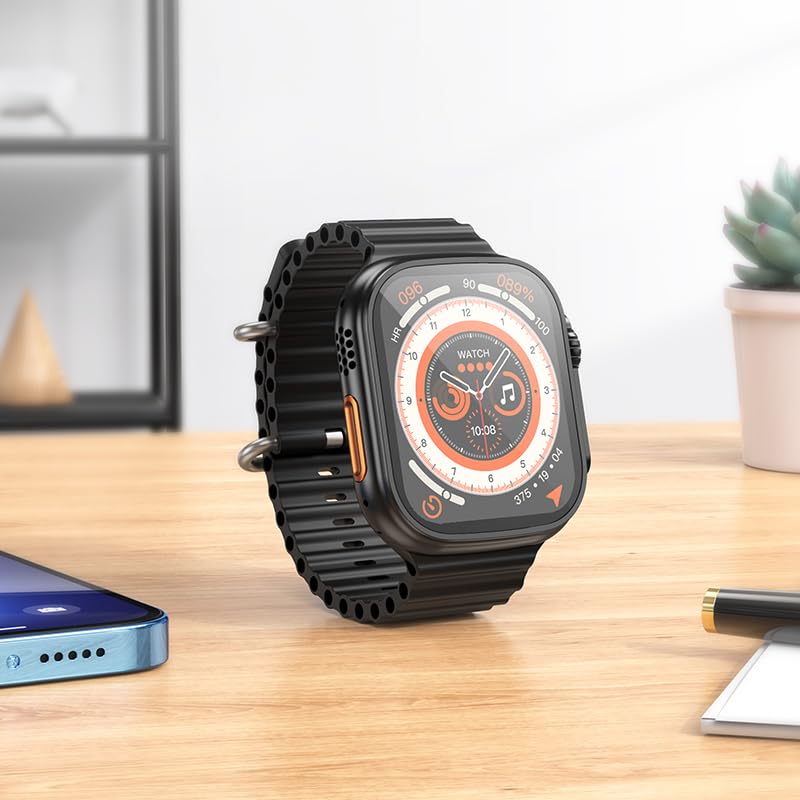
Image: An angled view of the HOCO Y12 Ultra Smart Watch on a desk, highlighting the physical side button and rotating crown.
Key Functions
- Heart Rate Monitoring: The built-in sensor continuously monitors your heart rate. Access this feature from the main menu or a dedicated widget.
- Sports Modes: The watch supports multiple sports modes to track various physical activities. Select your desired sport before starting a workout for accurate data collection.
- Sleep Monitoring: Wear the watch during sleep to monitor your sleep patterns and quality. Data can be viewed in the companion app.
- Notifications: Receive call, message, and app notifications directly on your wrist when paired with your smartphone.
- Female Health Assistant: Utilize dedicated features for tracking female health cycles.

Image: A front view of the HOCO Y12 Ultra Smart Watch displaying a unique watch face featuring a horse head design.
Maintenance
Cleaning Your Smart Watch
- Wipe the watch screen and body with a soft, lint-free cloth.
- For stubborn stains, slightly dampen the cloth with water. Avoid using harsh chemicals or abrasive materials.
- Clean the charging contacts regularly to ensure proper charging.
Water Resistance (IP68)
The HOCO Y12 Ultra Smart Watch has an IP68 waterproof rating, meaning it is resistant to dust and can withstand immersion in water up to 1.5 meters for up to 30 minutes. It is suitable for daily wear, hand washing, and light rain. However, it is not recommended for diving, hot showers, or prolonged submersion in water.
Note: Water resistance is not a permanent condition and may decrease over time with normal wear.
Battery Care
- Avoid exposing the watch to extreme temperatures (hot or cold) as this can affect battery life.
- Charge the watch regularly, ideally before the battery is completely depleted.
- If storing the watch for an extended period, charge it to about 50% to preserve battery health.
Troubleshooting
| Problem | Possible Cause | Solution |
|---|---|---|
| Watch does not power on. | Low battery. | Charge the watch for at least 1 hour. |
| Cannot pair with smartphone. | Bluetooth off; App issue; Watch not in pairing mode. | Ensure Bluetooth is on. Restart both watch and phone. Reinstall the app. Check watch settings for pairing mode. |
| Heart rate readings are inaccurate. | Watch not worn correctly; Sensor dirty. | Ensure the watch is snug on your wrist. Clean the sensor on the back of the watch. |
| Short battery life. | Frequent use of features; High screen brightness. | Reduce screen brightness. Limit continuous heart rate monitoring. Disable unnecessary notifications. |
Specifications
| Brand | HOCO |
| Model Name | Y12 SMART WATCH_B |
| Item Model Number | y12_child_B |
| Display Size | 1.96 Inches |
| Display Type | AMOLED |
| Resolution | 240 x 282 |
| Memory Storage Capacity | 128 MB |
| Operating System | Android (Compatible with iOS and Android) |
| Wireless Type | Bluetooth 5.3 |
| Battery Capacity | 320 mAh |
| Battery Life | Up to 7 days (single Bluetooth), 2-4 days (dual Bluetooth) |
| Charging Time | Approx. 1 hour |
| Water Resistance | IP68 |
| Item Weight | 100 g |
| Strap Material | Silicone |
| Special Features | Heart Rate Monitor, Sports Modes, Blood Pressure Monitor, Daily Workout Memory, Wireless Connectivity, Female Health Assistant, Sleep Monitoring |
Note: Some specifications like "Wattage: 200 Watts" and "Battery Capacity: 240 Amp Hours" from the source data appear to be erroneous for a smartwatch and have been omitted or corrected based on other consistent data (e.g., 320mAh from feature bullets).
Warranty and Support
Warranty Information
The HOCO Y12 Ultra Smart Watch comes with a warranty card included in the box. Please refer to the warranty card for specific terms, conditions, and duration of the warranty. Keep your purchase receipt as proof of purchase for warranty claims.
The product is eligible for a 10-day replacement policy as per Amazon's terms.
Customer Support
For further assistance, technical support, or warranty claims, please contact HOCO customer service through their official website or the contact information provided on the product packaging or warranty card.
Manufacturer: HOCO, HOCO Sector - 10 NOIDA UTTAR PRADESH India 201301
Importer: PEJY


