
1. Introduction
This manual provides essential information for the proper setup, operation, and maintenance of your Xiaomi Mi Band 7 Pro. Designed as a comprehensive activity fitness tracker, the Mi Band 7 Pro features a high-resolution AMOLED display, extended battery life, and advanced health monitoring capabilities. Please read this manual thoroughly to ensure optimal performance and longevity of your device.

Image 1.1: The Xiaomi Mi Band 7 Pro, featuring a rectangular black display and a black silicone strap.
2. Setup
2.1 Unboxing and Initial Charge
- Carefully remove all components from the packaging. Verify that the Xiaomi Mi Band 7 Pro device, charging cable, and this user manual are present.
- Connect the charging cable to the charging contacts on the back of the Mi Band 7 Pro. Plug the USB end of the cable into a standard USB power adapter (5V/1A recommended) or a computer's USB port.
- Allow the device to charge fully before first use. A full charge typically takes approximately 2 hours. The display will indicate charging status.
2.2 Pairing with Your Smartphone
- Download the Mi Fitness application from your smartphone's app store (available on iOS and Android).
- Ensure Bluetooth is enabled on your smartphone.
- Open the Mi Fitness app, create an account or log in, and follow the on-screen instructions to add a new device.
- Select "Xiaomi Smart Band 7 Pro" from the list of available devices.
- Confirm the pairing request on both your smartphone and the Mi Band 7 Pro display.
2.3 Wearing the Device
For accurate heart rate and SpO₂ monitoring, wear the Mi Band 7 Pro snugly on your wrist, about one finger's width above your wrist bone. The sensor should be in contact with your skin. Avoid wearing it too tightly, which can restrict blood flow, or too loosely, which can affect sensor accuracy.
3. Operating Instructions
3.1 Basic Navigation
- Swipe Up/Down: Scroll through menus and notifications.
- Swipe Left/Right: Access quick functions or widgets (e.g., music control, weather).
- Tap: Select an item or confirm an action.
- Press and Hold: Customize watch faces from the home screen.
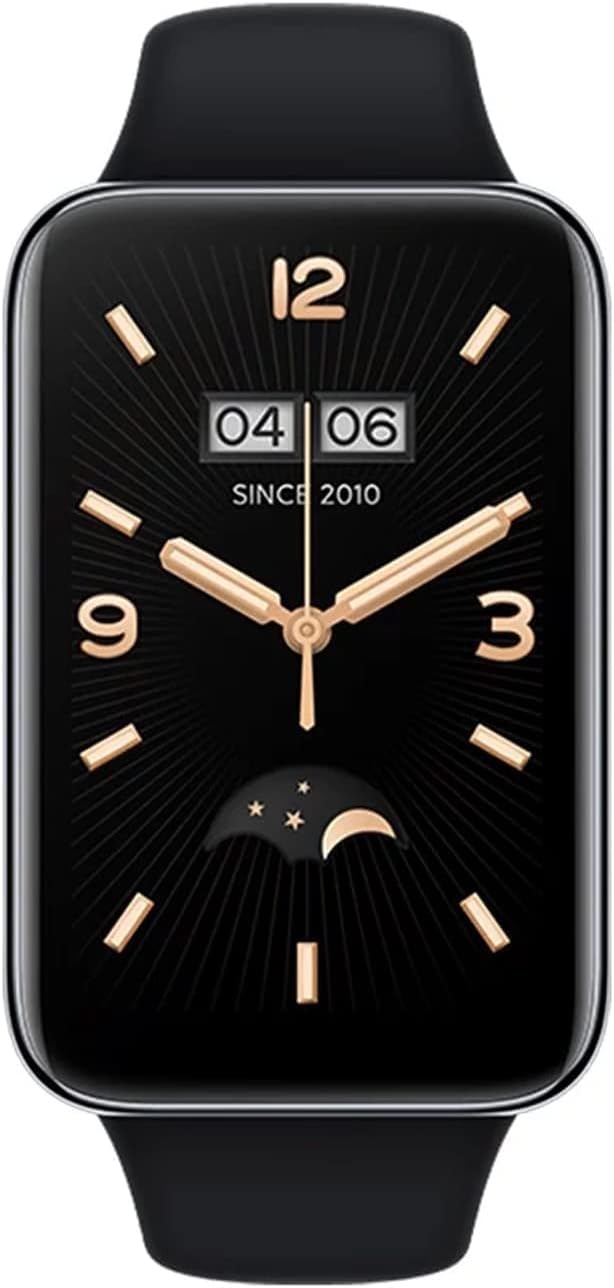
Image 3.1: A close-up of the Xiaomi Mi Band 7 Pro display showing a classic watch face with time and date.
3.2 Health Monitoring
- Heart Rate: Access the Heart Rate app on the band to view real-time heart rate. Continuous monitoring can be enabled in the Mi Fitness app.
- SpO₂ (Blood Oxygen): Navigate to the SpO₂ app to measure your blood oxygen saturation. Ensure your arm is still during measurement.
- Sleep Tracking: The band automatically tracks your sleep patterns when worn during sleep. Detailed analysis is available in the Mi Fitness app.
- Stress Monitoring: The band can estimate your stress levels. View data in the Mi Fitness app.
3.3 Sports Modes and GPS
The Mi Band 7 Pro supports over 110 sports modes. To start a workout:
- Swipe on the band to find the "Workout" or "Sports" icon and tap it.
- Select your desired activity (e.g., Outdoor Running, Cycling, Swimming).
- For outdoor activities, the built-in GNSS (GPS) module will automatically search for a signal to track your route, distance, and pace independently.
- Tap the screen to start, pause, or end your workout.
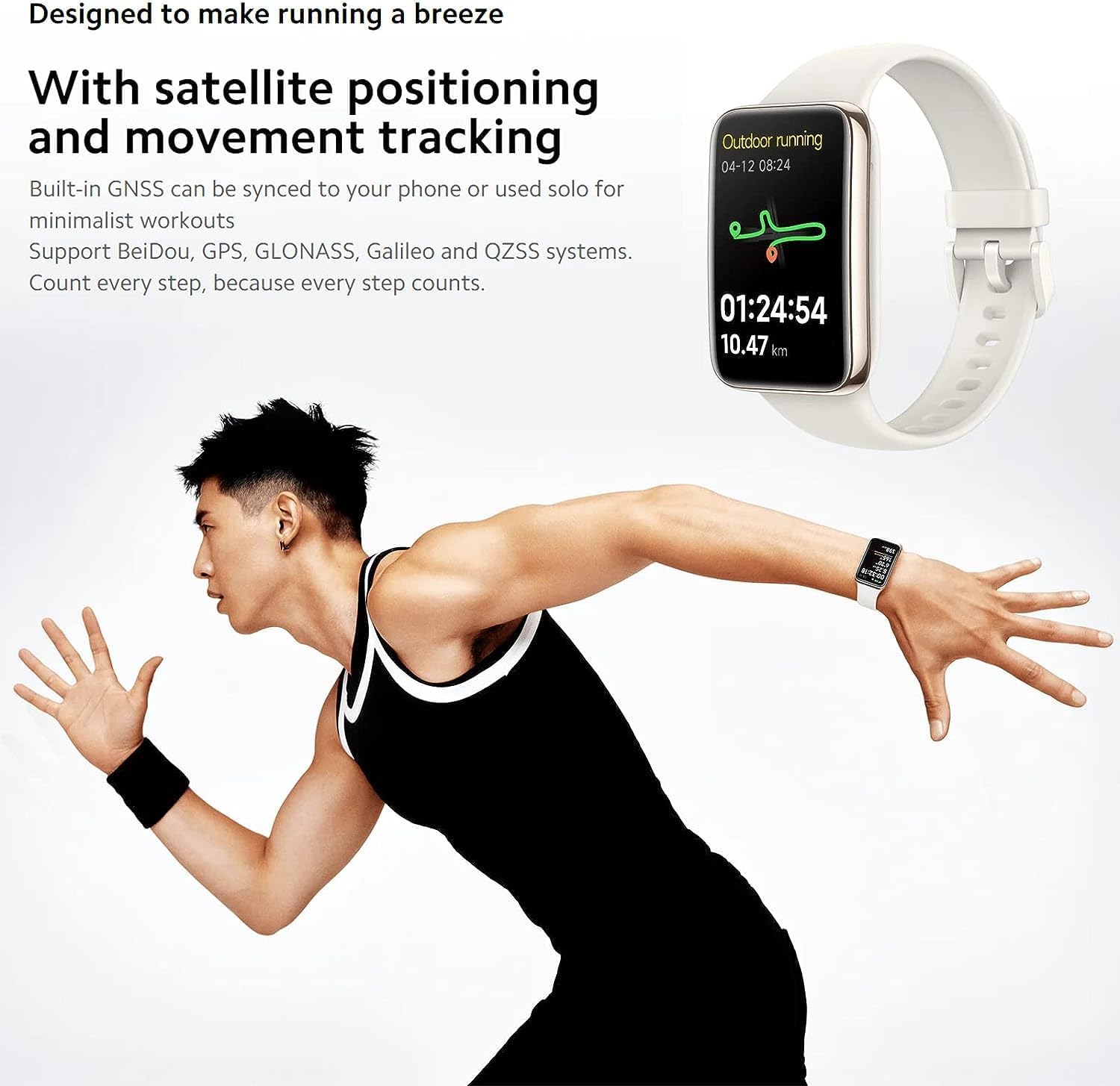
Image 3.2: The Mi Band 7 Pro displaying an outdoor running session with GPS tracking, showing duration and distance.

Image 3.3: Two Xiaomi Mi Band 7 Pro devices showing on-wrist running courses, one indicating 'Speed up' and another showing 'New record!'.
3.4 Customization
- Watch Faces: Change watch faces directly on the band by pressing and holding the home screen, or explore a wider selection in the Mi Fitness app.
- Notifications: Manage app notifications and call alerts through the Mi Fitness app settings.
- Alarms & Reminders: Set alarms and sedentary reminders via the Mi Fitness app.
4. Key Features
- 1.64" AMOLED Display: A large, full-color rectangular screen offering clear visuals and easy interaction.
- Built-in GNSS: Supports Beidou, GPS, GLONASS, Galileo, and QZSS for accurate, independent outdoor activity tracking.
- 110+ Sports Modes: Comprehensive tracking for a wide range of physical activities.
- 12-Day Battery Life: Extended usage on a single charge under typical usage conditions.
- 24H Heart Rate & SpO₂ Monitoring: Continuous tracking of vital health metrics.
- Sleep Tracking: Monitors sleep stages and provides insights into sleep quality.
- 5 ATM Water Resistance: Suitable for swimming and showering.

Image 4.1: An overview of the Xiaomi Mi Band 7 Pro's key features, including its AMOLED display, GNSS, sports modes, battery life, and health monitoring.
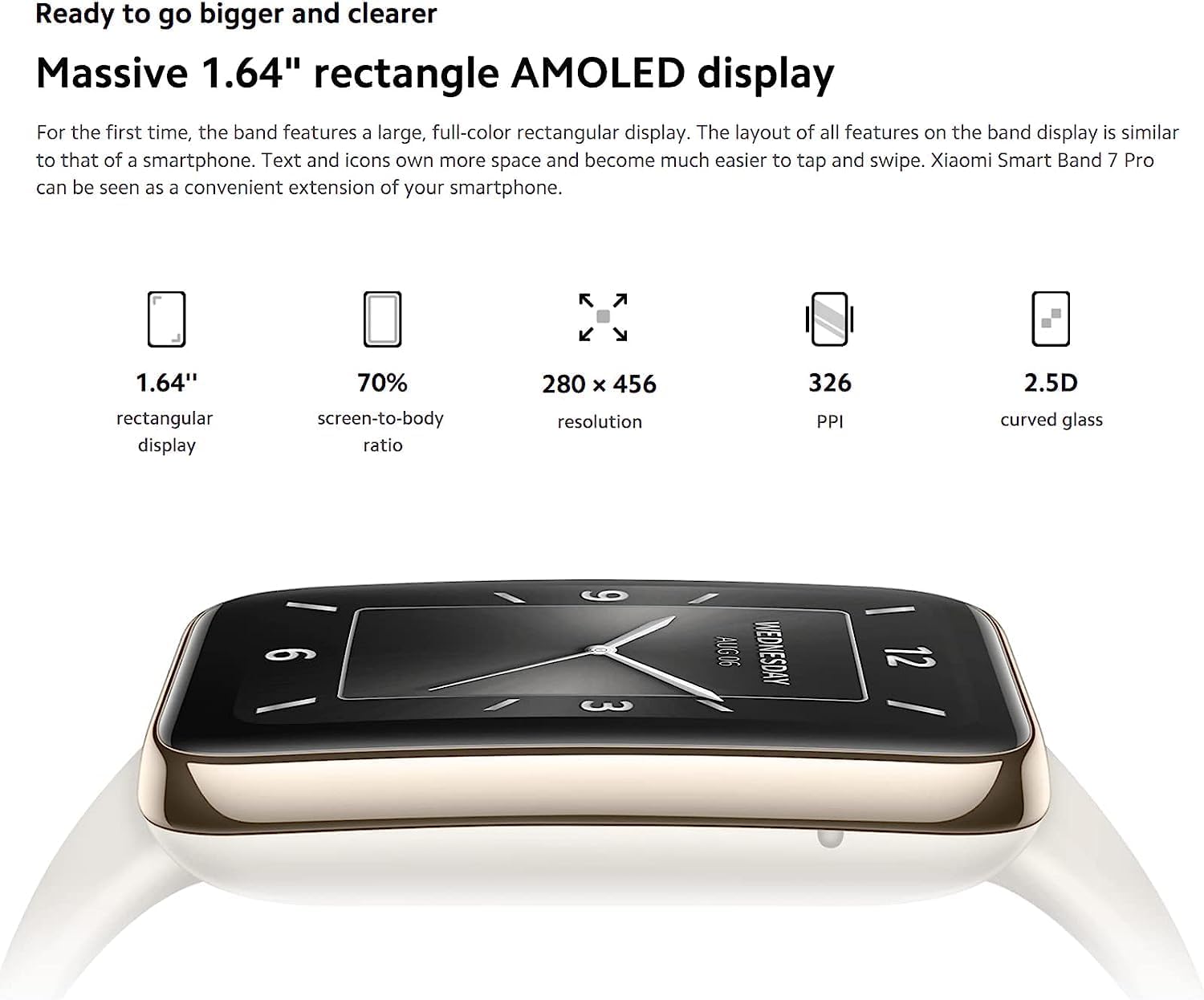
Image 4.2: Detailed specifications of the 1.64-inch rectangular AMOLED display, including 280x456 resolution and 326 PPI.

Image 4.3: Visual representation of the Mi Band 7 Pro's extended battery life (12 days typical) and 5 ATM water resistance.
5. Maintenance
5.1 Cleaning the Device
- Regularly clean the band and the device body with a soft, damp cloth.
- Avoid using harsh chemicals, abrasive cleaners, or solvents, as these can damage the materials.
- Ensure the charging contacts are clean and dry before charging to prevent corrosion.
5.2 Water Resistance
The Xiaomi Mi Band 7 Pro has a 5 ATM water resistance rating, meaning it can withstand pressures equivalent to a depth of 50 meters. This makes it suitable for showering and swimming in shallow water. However, it is not suitable for hot showers, saunas, diving, or high-speed water sports, as steam, hot water, or high-pressure water jets can compromise the seal.
5.3 Battery Care
- Avoid fully discharging the battery frequently.
- Store the device in a cool, dry place when not in use for extended periods.
- Use only the provided charging cable or a certified replacement.
6. Troubleshooting
6.1 Device Not Turning On or Responding
- Ensure the device is fully charged. Connect it to the charger for at least 30 minutes.
- If unresponsive, try a soft reset by connecting it to the charger; some models automatically restart.
6.2 Pairing Issues
- Make sure Bluetooth is enabled on your smartphone and the Mi Band 7 Pro is within range.
- Restart both your smartphone and the Mi Band 7 Pro.
- Clear the Bluetooth cache on your phone (Android) or forget the device in Bluetooth settings (iOS/Android) and try pairing again.
- Ensure the Mi Fitness app is updated to the latest version.
6.3 Inaccurate Health Data
- Verify the band is worn correctly: snug, one finger's width above the wrist bone, with the sensor in contact with the skin.
- Clean the sensor on the back of the device to remove any dirt or sweat residue.
- Avoid excessive movement during SpO₂ measurements.
6.4 Short Battery Life
- Disable features you don't frequently use, such as always-on display, continuous heart rate monitoring, or excessive notifications.
- Reduce screen brightness.
- Ensure the firmware is up to date via the Mi Fitness app.
7. Specifications
| Feature | Specification |
|---|---|
| Model Name | Xiaomi Smart Band 7 Pro |
| Model Number | M2141B1 |
| Display | 1.64" AMOLED, 280 x 456 pixels, 326 PPI |
| Connectivity | Bluetooth |
| GPS | Built-in GNSS (Beidou, GPS, GLONASS, Galileo, QZSS) |
| Water Resistance | 5 ATM |
| Battery Life | Up to 12 days (typical usage) |
| Sensors | Heart Rate, SpO₂, Accelerometer, Gyroscope, Ambient Light Sensor |
| Item Weight | 2.22 Ounces |
| Color | Black |
8. Warranty and Support
The Xiaomi Mi Band 7 Pro comes with a standard manufacturer's warranty. For specific warranty terms, duration, and conditions, please refer to the warranty card included with your product or visit the official XIAOMI website.
For technical support, service, or further inquiries, please visit the official XIAOMI support page or contact their customer service. You can find more information and resources on the XIAOMI Store on Amazon.


