
Ubon BT50
Ubon Mobile BT50 Wireless Earbuds User Manual
Model: BT50 | Brand: Ubon
Introduction
Welcome to the user manual for your Ubon Mobile BT50 Wireless Earbuds. This guide provides detailed instructions on how to set up, operate, and maintain your earbuds to ensure optimal performance and longevity. Please read this manual thoroughly before using the product.
Package Contents
Please check the box for the following items:
- Ubon Mobile BT50 Wireless Earbuds (Left and Right)
- Charging Case
- USB Charging Cable
- Ear Cushions (various sizes)
- Protective Case (Silicon)
- User Manual
Product Overview
The Ubon BT50 earbuds feature a sleek, in-ear design with touch controls and a portable charging case.

Figure 1: Ubon BT50 Wireless Earbuds securely placed within their charging case, ready for use or charging.
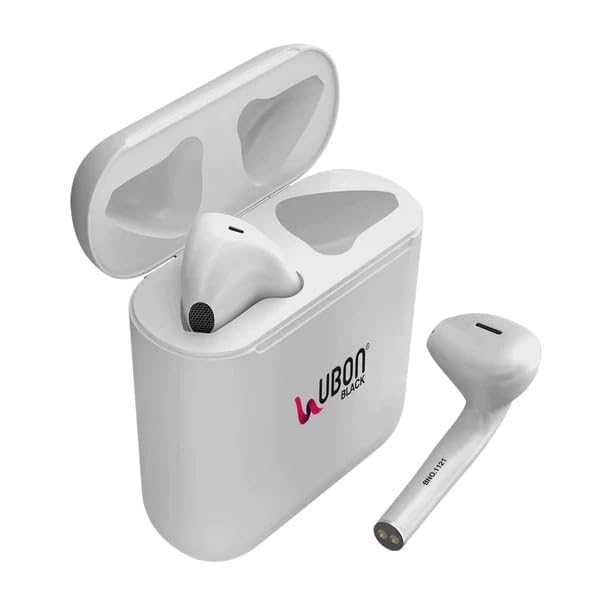
Figure 2: A single Ubon BT50 earbud shown outside its charging case, highlighting its ergonomic design.
Key components include the earbuds with integrated microphones, touch control surfaces, and the charging case with a USB charging port.
Setup
1. Charging the Earbuds and Case
Before first use, fully charge the earbuds and the charging case.
- Place the earbuds into the charging case. Ensure they are correctly seated.
- Connect the USB charging cable to the charging port on the case and to a power source (e.g., USB wall adapter, computer USB port).
- The LED indicator on the case will show charging status. A full charge typically takes 1-2 hours.
- Once fully charged, disconnect the charging cable. The case holds multiple charges for the earbuds.
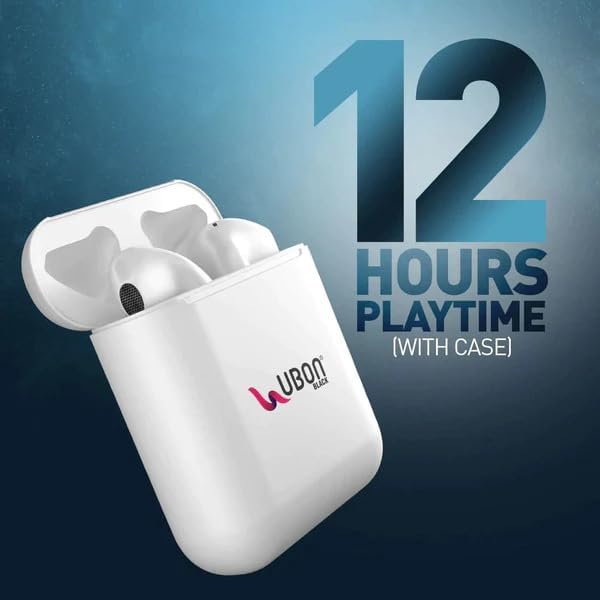
Figure 3: The charging case provides extended playtime for the earbuds. The product offers up to 20 hours of total playtime with the case.
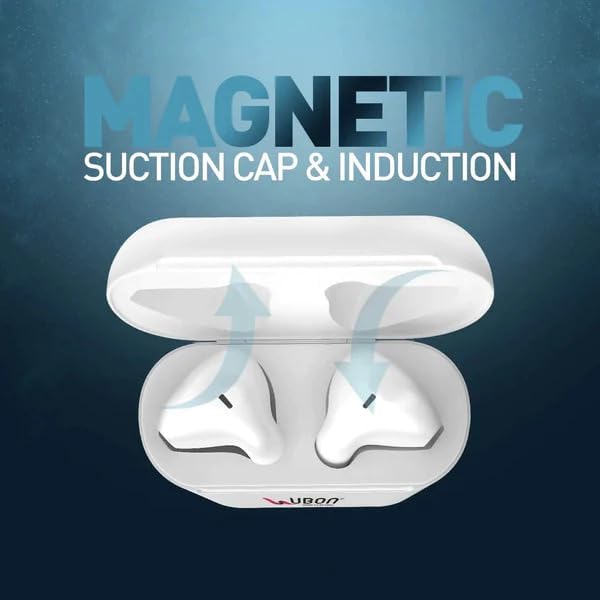
Figure 4: The charging case features a magnetic suction cap and induction for secure earbud placement and efficient charging.
2. Bluetooth Pairing
Pair your earbuds with your device (smartphone, tablet, etc.) to begin listening.
- Open the charging case. The earbuds will automatically power on and enter pairing mode.
- On your device, go to Bluetooth settings and ensure Bluetooth is enabled.
- Look for "Ubon BT50" (or similar) in the list of available devices and select it to connect.
- Once connected, you will hear a confirmation tone, and the earbuds will be ready for use.
- The earbuds feature auto-pairing and will automatically connect to the last paired device when removed from the case.
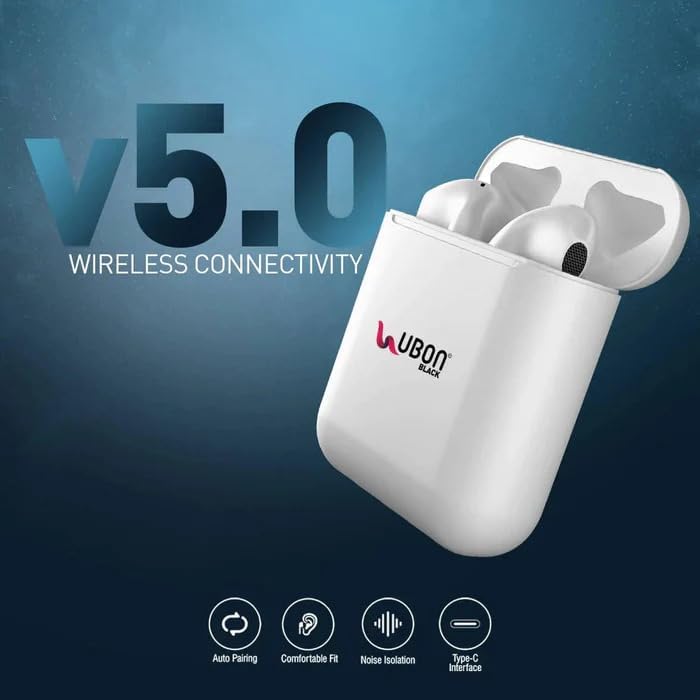
Figure 5: The earbuds utilize V5.0 wireless connectivity, offering features like auto-pairing, comfortable fit, noise isolation, and a Type-C interface for charging.
Operating Instructions
The Ubon BT50 earbuds feature intuitive touch controls on each earbud.
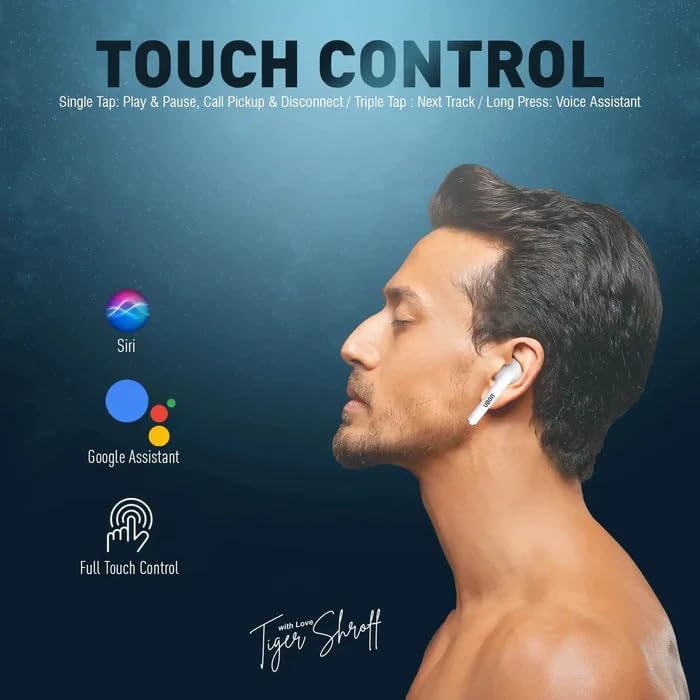
Figure 6: Illustration of touch control functions for the Ubon BT50 earbuds, including voice assistant activation.
Power On/Off
- Power On: Open the charging case, or long-press the touch area on both earbuds for a few seconds if they are out of the case and off.
- Power Off: Place the earbuds back into the charging case and close the lid, or long-press the touch area on both earbuds for a few seconds until they power off.
Music Playback
- Play/Pause: Single tap on either earbud.
- Next Track: Triple tap on the right earbud.
- Previous Track: Triple tap on the left earbud (if supported by the device/earbuds).
Call Management
- Answer/End Call: Single tap on either earbud.
- Reject Call: Long press on either earbud for 2 seconds.
Voice Assistant
- Activate Voice Assistant (Siri, Google Assistant): Long press on either earbud for 3 seconds.
Volume Control
Volume can be adjusted directly from your connected device. Some earbuds may support touch control for volume; refer to your device's settings or experiment with double-tap gestures if not explicitly listed above.
Maintenance
Proper maintenance ensures the longevity and performance of your earbuds.
- Cleaning: Use a soft, dry, lint-free cloth to clean the earbuds and charging case. Do not use abrasive cleaners or solvents.
- Ear Tips: Regularly remove and clean the silicone ear tips with a damp cloth. Ensure they are completely dry before reattaching.
- Storage: When not in use, store the earbuds in their charging case to protect them from dust and damage.
- Water Resistance: The earbuds are water-resistant. Avoid submerging them in water or exposing them to excessive moisture for prolonged periods. Dry them thoroughly if they get wet.
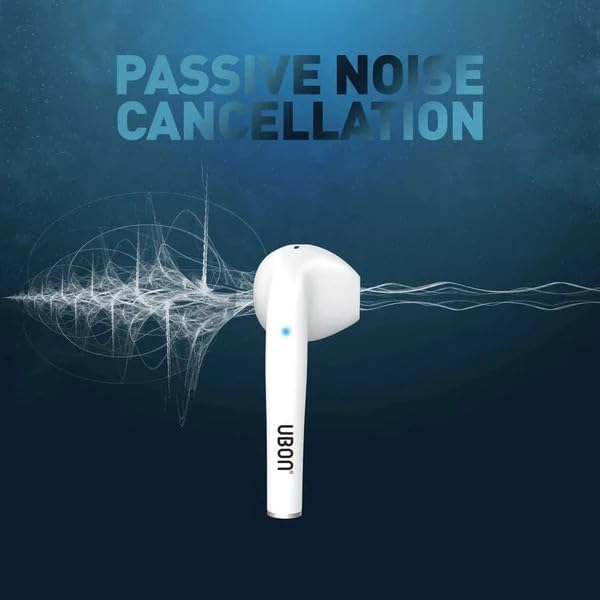
Figure 7: The design of the Ubon BT50 earbuds provides passive noise cancellation, enhancing audio clarity.
Troubleshooting
If you encounter issues with your Ubon BT50 earbuds, try the following solutions:
| Problem | Solution |
|---|---|
| Earbuds not powering on | Ensure the charging case and earbuds are fully charged. Place earbuds in the case, close, then reopen. |
| Earbuds not pairing with device |
|
| Only one earbud working |
|
| Poor audio quality or disconnections |
|
Specifications
| Model Name | Ubon BT50 |
| Connectivity Technology | Wireless (Bluetooth) |
| Bluetooth Version | V5.0 |
| Bluetooth Range | Up to 10 meters (33 feet) |
| Battery Life | Up to 20 hours (with charging case) |
| Charging Time | 1-2 hours |
| Control Method | Touch Control |
| Microphone | Built-in Dual Microphone (HD Microphone) |
| Noise Control | CVC Noise Cancelling, Passive Noise Cancellation |
| Water Resistance Level | Water Resistant |
| Compatible Devices | Cellphones, Tablets (Android, iOS) |
| Product Dimensions | 9 x 8 x 7 cm |
| Material | Plastic |
| Included Components | Earbuds, Charging Case, USB Cable, Ear Cushions, Protective Case |
Warranty and Support
Your Ubon Mobile BT50 Wireless Earbuds come with a standard manufacturer's warranty. For specific warranty terms and conditions, please refer to the warranty card included in your package or contact the retailer where you purchased the product.
For technical support, troubleshooting assistance beyond this manual, or warranty claims, please contact the manufacturer or your point of purchase. Manufacturer: KS Mobile Shop.
Ask a question about this manual
Ask about setup, troubleshooting, compatibility, parts, safety, or missing instructions. Manuals+ will review the question and use this page’s manual context to help answer it.