
1. Introduction
This user manual provides detailed instructions for the UGREEN Magnetic Power Bank (Model PB560). Please read this manual thoroughly before using the product to ensure proper operation and to maximize its lifespan. Keep this manual for future reference.

Image: The UGREEN Magnetic Power Bank, a sleek black portable charger, is shown alongside two USB-C charging cables. The power bank features a circular magnetic charging area and LED indicators on its side.
2. Product Overview
2.1 Key Features
- Perfect for iPhone 16-12 Series: Features a strong built-in magnet for secure, stable wireless charging without slipping.
- Fast Charging, Dual Modes: Supports PD 15W USB-C input/output and 7.5W MagSafe wireless charging for quick and safe charging.
- Reliable All-Day Power: 5000mAh (18.5Wh) high-density lithium polymer battery provides ample power for travel, work, or outdoor activities.
- Slim & Travel-Friendly Design: Measures only 4.16 × 2.70 × 0.51 inches and weighs just 0.29 lb, with a sleek PC+ABS fireproof shell and rounded edges for comfortable grip.
- Safe & Smart Charging: Equipped with temperature protection, overcurrent protection, and voltage control, automatically adjusting output when the device is fully charged. Supports multiple fast-charging protocols including PD3.0, QC2.0, and FCP.

Image: An illustration highlighting the key features of the magnetic power bank, including 15W rapid charge, 7.5W powerful magnetic attachment, 5000mAh capacity, and its suitability for travel.
2.2 Package Contents
The following items are included in your UGREEN Magnetic Power Bank package:
- 1 x UGREEN Magnetic Power Bank (5000mAh)
- 1 x USB-C to USB-C Cable
- 1 x User Manual

Image: A visual representation of the product's contents, showing the UGREEN Magnetic Power Bank, a USB-C cable, and the user manual laid out next to the product box.
3. Setup
Before first use, fully charge your UGREEN Magnetic Power Bank. Use the provided USB-C cable and a compatible power adapter (not included) to connect the power bank to a power source. The LED indicators will show the charging status.
3.1 Initial Charge
- Connect the included USB-C cable to the USB-C port on the power bank.
- Connect the other end of the USB-C cable to a USB power adapter (e.g., a wall charger or computer USB port).
- The LED indicators on the side of the power bank will illuminate to show the charging progress. All four LEDs will be solid when fully charged.
4. Operating Instructions
4.1 Charging the Power Bank
To charge the power bank, connect it to a power source using the USB-C port. The power bank supports PD 15W input.

Image: The UGREEN Magnetic Power Bank is shown simultaneously charging an iPhone wirelessly (7.5W Magnetic Charging) and an iPad via a USB-C cable (15W Wired Charging).
4.2 Charging Devices Wirelessly (MagSafe)
The power bank features a strong magnetic connection for compatible devices, such as iPhone 12 series and newer (with MagSafe support).
- Ensure your device is MagSafe compatible or has a MagSafe-compatible case.
- Align the back of your device with the magnetic charging area on the power bank. The magnets will snap securely into place.
- Wireless charging will begin automatically. The power bank provides up to 7.5W wireless charging.

Image: A man holds an iPhone with the UGREEN Magnetic Power Bank securely attached to its back, illustrating the strong magnetic connection.

Image: This image demonstrates that magnetic charging works with a magnetic case but not with a non-magnetic case, showing various iPhone models and case types.

Image: A chart illustrating the number of times various iPhone models (14 Pro, 14 Pro Max, 15 Pro, 15 Pro Max) can be charged wirelessly by the power bank when the screen is turned off.
4.3 Charging Devices via USB-C
For wired charging, use the USB-C port on the power bank. It supports PD 15W output for fast charging compatible devices.
- Connect one end of a USB-C cable to the power bank's USB-C port.
- Connect the other end to your device's charging port.
- Charging will begin automatically.

Image: A chart illustrating the number of times various iPhone models (14 Pro, 14 Pro Max, 15 Pro, 15 Pro Max) can be charged via USB-C by the power bank when the screen is turned off.

Image: An illustration showing the broad compatibility of the power bank, supporting magnetic charging for iPhone 12-16 series and USB-C charging for mobile phones, tablets, AirPods, and smartwatches.
4.4 Low Current Mode (Trickle Charging)
This mode is ideal for charging low-power devices like wireless earbuds, smartwatches, or fitness trackers, preventing overcharging and preserving battery lifespan.
- Activate: Press and hold the power button for 3 seconds. The first LED indicator will change to a single blinking light.
- Deactivate: Press and hold the power button for 3 seconds again, or wait for 3 hours for it to automatically turn off.

Image: An illustration demonstrating the trickle charging feature, showing the power bank charging AirPods and a smartwatch, with instructions on how to activate and deactivate the low-current mode.
4.5 LED Indicators and Power Button
The LED lights on the side of the power bank indicate the remaining battery level and charging status.
| LED Status | Meaning |
|---|---|
| Single blinking LED | Magnetic Charging (Low Current Mode) |
| Four solid LEDs | 75-100% Battery |
| Three solid LEDs | 50-75% Battery |
| Two solid LEDs | 25-50% Battery |
| One solid LED | 0-25% Battery |
- Turn On: Short press the power button.
- Turn Off: Double-click the power button.

Image: A diagram detailing the LED indicators for battery level and magnetic charging status, along with instructions for the power button to turn on, turn off, and enter/exit low current mode.
4.6 Product Video
Video: An official UGREEN video demonstrating the features and usage of the magnetic power bank for iPhone, including its magnetic attachment, portability, and charging capabilities.
5. Maintenance
- Keep the power bank away from water, fire, and extreme temperatures.
- Avoid dropping or subjecting the power bank to strong impacts.
- Clean the surface with a soft, dry cloth. Do not use corrosive cleaners.
- Store in a cool, dry place when not in use for extended periods.
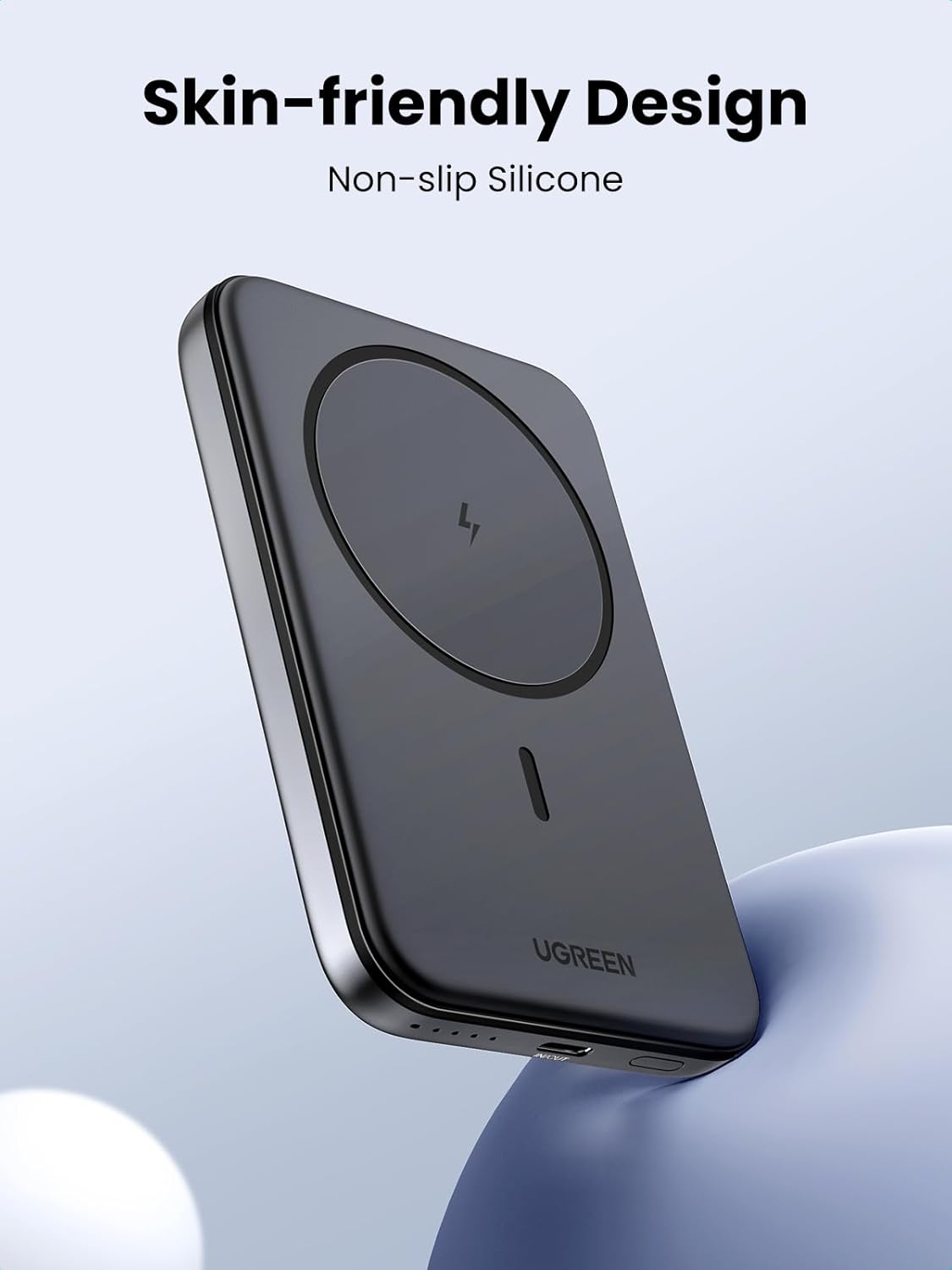
Image: A close-up view of the UGREEN Magnetic Power Bank, highlighting its smooth, skin-friendly silicone surface and sleek design.
6. Troubleshooting
- Power bank not charging:
- Ensure the charging cable is securely connected to both the power bank and the power adapter.
- Verify that the power adapter is functioning correctly and provides sufficient power.
- Try a different USB-C cable or power adapter.
- Device not charging from power bank:
- Ensure the power bank has sufficient charge (check LED indicators).
- For wireless charging, ensure your device is MagSafe compatible and properly aligned. Remove any non-magnetic cases.
- For wired charging, ensure the USB-C cable is securely connected to both the power bank and your device.
- Try a different charging cable.
- If charging a low-power device, ensure Low Current Mode is activated.
- Slow charging:
- Ensure your power adapter and cable support fast charging protocols (PD, QC) if you expect fast charging for the power bank itself.
- For wireless charging, ensure optimal alignment and that no foreign objects are between the power bank and your device.
- For wired charging, ensure your cable and device support the power bank's fast charging output (15W PD).
7. Specifications
| Feature | Detail |
|---|---|
| Model Number | PB560 |
| Battery Capacity | 5000 mAh (18.5Wh) |
| Product Dimensions | 4.17 x 2.7 x 0.52 inches |
| Item Weight | 5.1 ounces |
| Input (USB-C) | PD 15W |
| Output (USB-C) | PD 15W |
| Wireless Output | 7.5W (MagSafe compatible) |
| Special Features | Over Charging Protection, Pocket Size, Wireless Charging, Low Current Mode |
| Color | Black |
| Manufacturer | Ugreen Group Limited |
8. Safety Information
- Do not disassemble, open, or shred the battery pack.
- Do not expose the power bank to heat or fire. Avoid storage in direct sunlight.
- Do not short-circuit the power bank.
- Do not expose the power bank to mechanical shock.
- In the event of a battery leak, do not allow the liquid to come into contact with skin or eyes. If contact has been made, wash the affected area with copious amounts of water and seek medical advice.
- Keep the power bank out of reach of children.
- Ensure proper ventilation when charging.
- Dispose of the power bank responsibly according to local regulations.
9. Warranty and Support
UGREEN provides a warranty for this product. For detailed warranty terms and conditions, please refer to the official UGREEN website or contact UGREEN customer support.
For technical support or customer service inquiries, please visit the UGREEN Store on Amazon or contact their support team directly.


