1. Introduction
This manual provides detailed instructions for the installation, operation, and maintenance of your UCOCARE 4MP Outdoor Wireless Solar WiFi Surveillance Camera. Designed for comprehensive outdoor security, this camera features a 360° pan-tilt-zoom function, a high-capacity 15000mAh battery, and a 5W solar panel for continuous power. Key features include precise PIR human detection, advanced color night vision, two-way audio communication, and robust IP67 weatherproofing.

Image: Two UCOCARE outdoor solar security cameras with solar panels, showcasing the product design and a smartphone displaying a live feed.
2. Setup and Installation
The UCOCARE solar camera is designed for easy, 100% wire-free installation. Ensure you have a stable 2.4GHz Wi-Fi network available at the installation location.
2.1 Initial Setup Steps
- Download the App: Download the 'CloudEdge' application from your smartphone's app store (iOS or Android).
- Connect to Wi-Fi: Ensure your camera and smartphone are connected to a 2.4GHz Wi-Fi network.
- Scan QR Code: Follow the in-app instructions to scan the QR code displayed by the camera to pair it with your account.
- Install Camera: Install the camera in an area with a strong Wi-Fi signal for optimal performance.
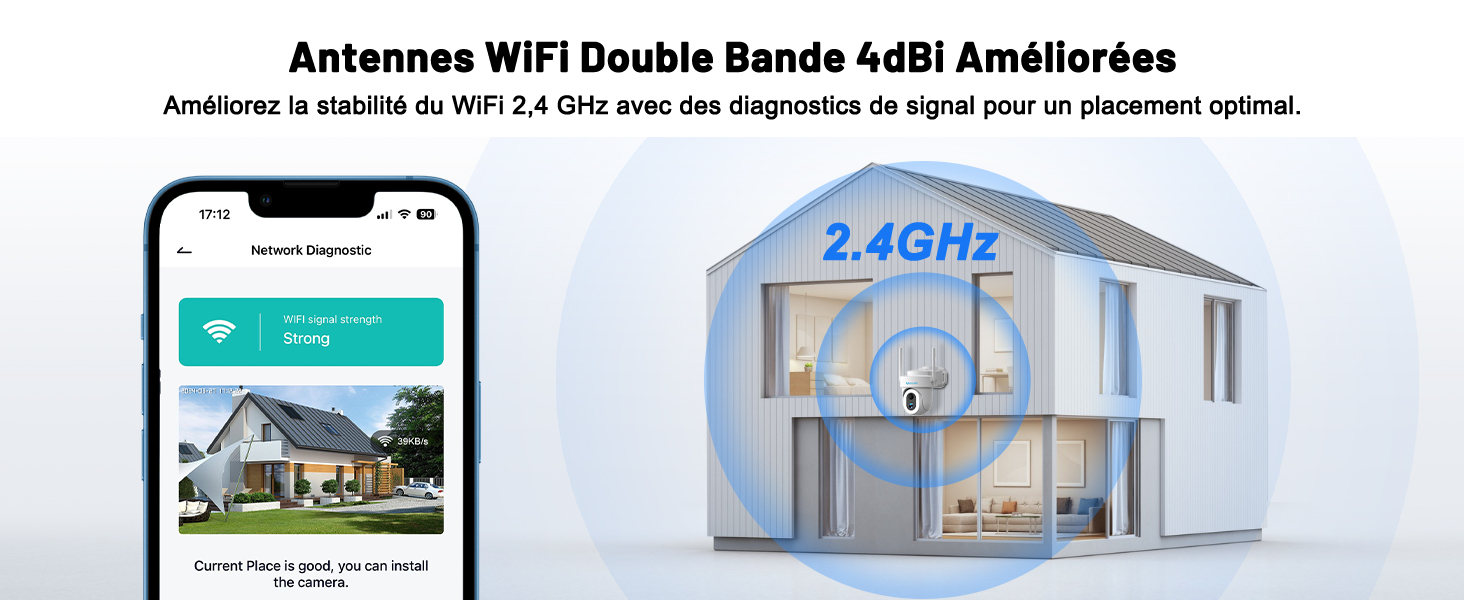
Image: A visual guide illustrating the four simple steps for camera installation, from app download to final placement.
2.2 Mounting Options
The camera offers flexible mounting options to suit various outdoor environments:
- Ceiling Mount: Ideal for overhead surveillance.
- Wall Mount: Common and versatile for general coverage.
- Pole Mount: Suitable for areas without direct wall access.
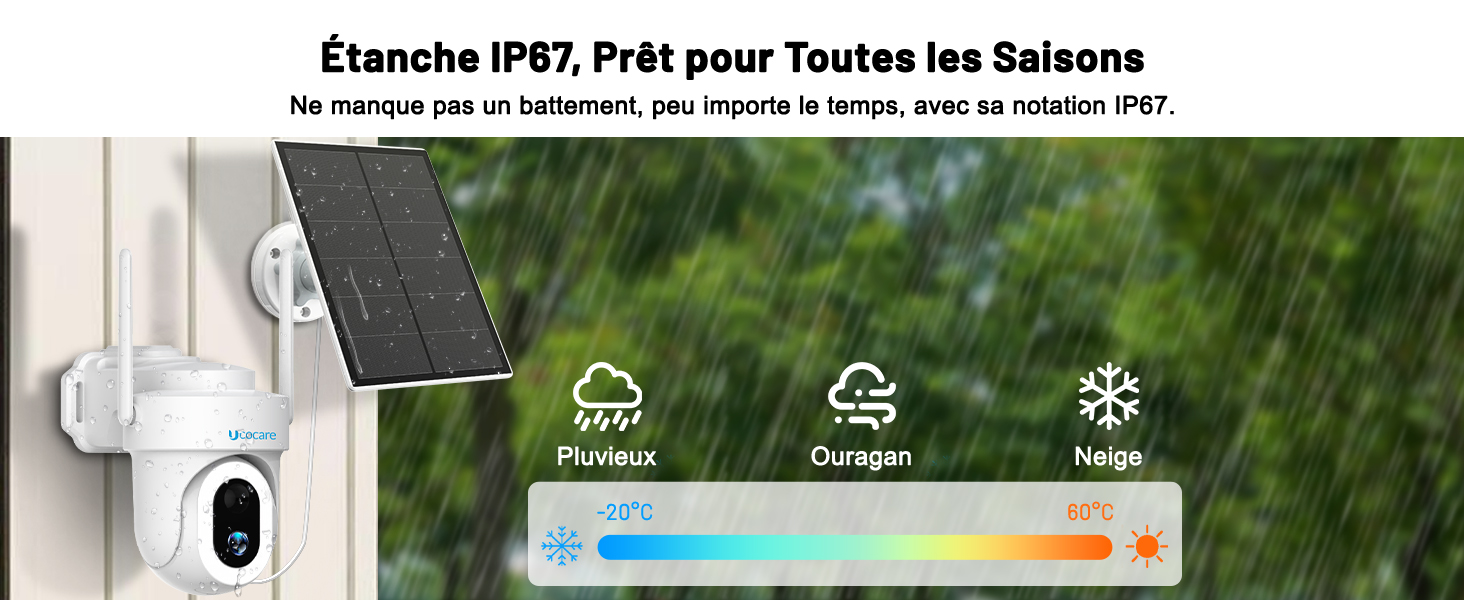
Image: Depiction of the three primary installation methods: ceiling, wall, and pole mounting, highlighting the camera's adaptability.
3. Operating the Camera
3.1 Power Management
The camera is powered by a 15000mAh rechargeable battery and a 5W solar panel, ensuring continuous operation without the need for frequent charging or wiring.

Image: The UCOCARE solar camera mounted outdoors, illustrating its 5W solar panel and 15000mAh battery for non-stop power.
3.2 Video Quality and Night Vision
Experience clear and detailed surveillance with 4MP QHD resolution. The camera offers both color night vision using 14 efficient white LEDs for wide illumination up to 30 meters, and enhanced IR night vision up to 15 meters in total darkness.

Image: A daytime scene captured by the 4MP QHD camera, demonstrating its clarity and 5x zoom capability on a dog in a backyard.

Image: A comparison showing the effectiveness of the upgraded 4MP QHD color night vision with 14 LEDs versus standard night vision, highlighting improved illumination.
3.3 PTZ Control and Coverage
Control the camera's viewing angle remotely via the app with 355° horizontal pan and 120° vertical tilt, ensuring comprehensive coverage of your property.

Image: The camera demonstrating its 355-degree pan and 120-degree tilt capabilities, controllable through the mobile application.
3.4 Smart Detection and Alerts
The camera features intelligent PIR human detection with up to 99% accuracy, reducing false alarms. Upon detection, the camera records the event, sends real-time alerts to your phone, and can activate light and siren alarms.

Image: A visual representation of the camera's smart human detection, showing activated light and siren alarms, and an app notification.
3.5 Two-Way Audio and Voice Control
Communicate with visitors or deter intruders using the built-in microphone and speaker for two-way audio. The camera is also compatible with Google Home and Alexa for hands-free voice control.
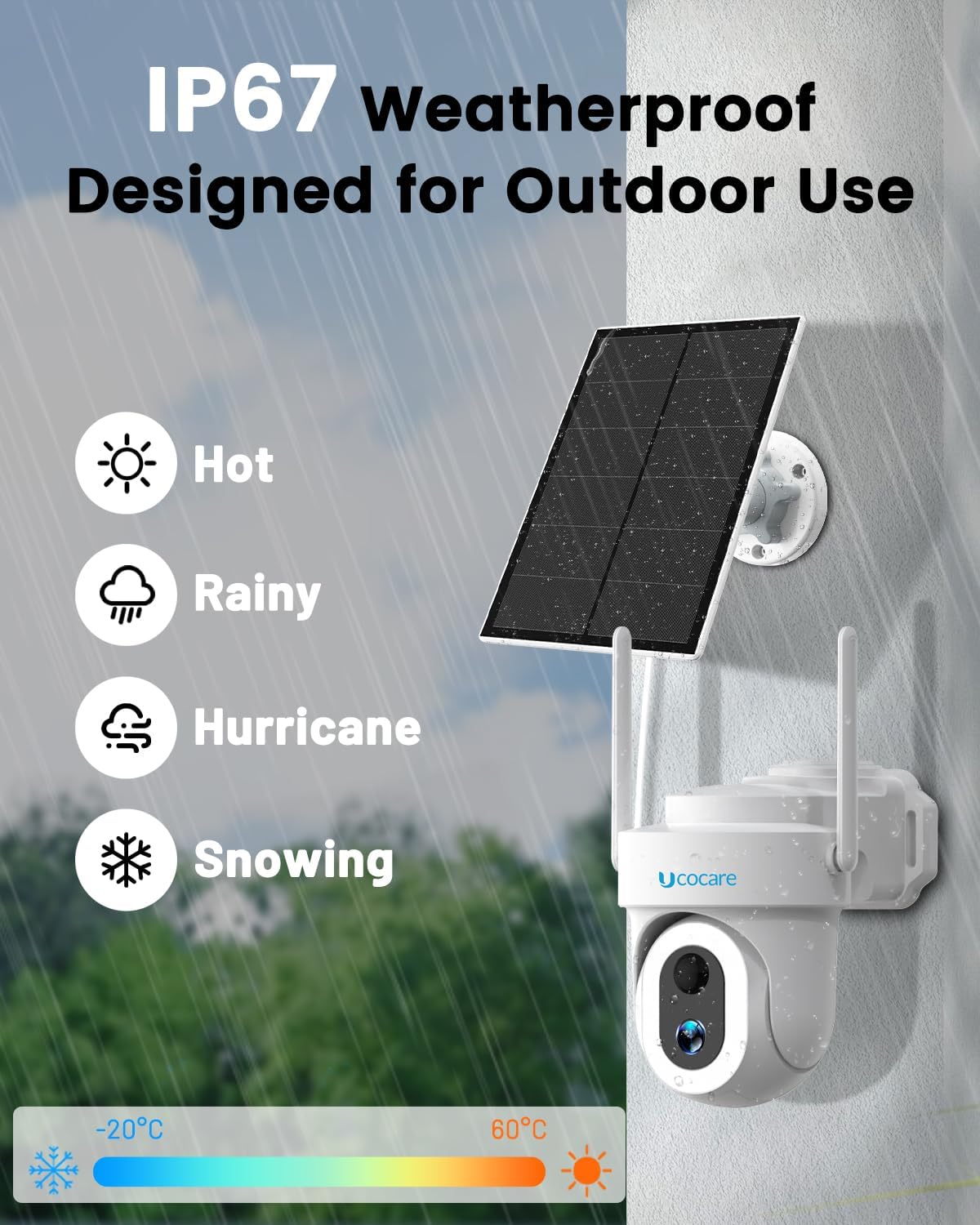
Image: A smart display showing the camera feed, with logos indicating compatibility with Google Assistant and Alexa for voice control.
3.6 Multi-User Access
Share device access with family members by scanning a QR code or adding their accounts, allowing multiple users to view the live feed simultaneously.
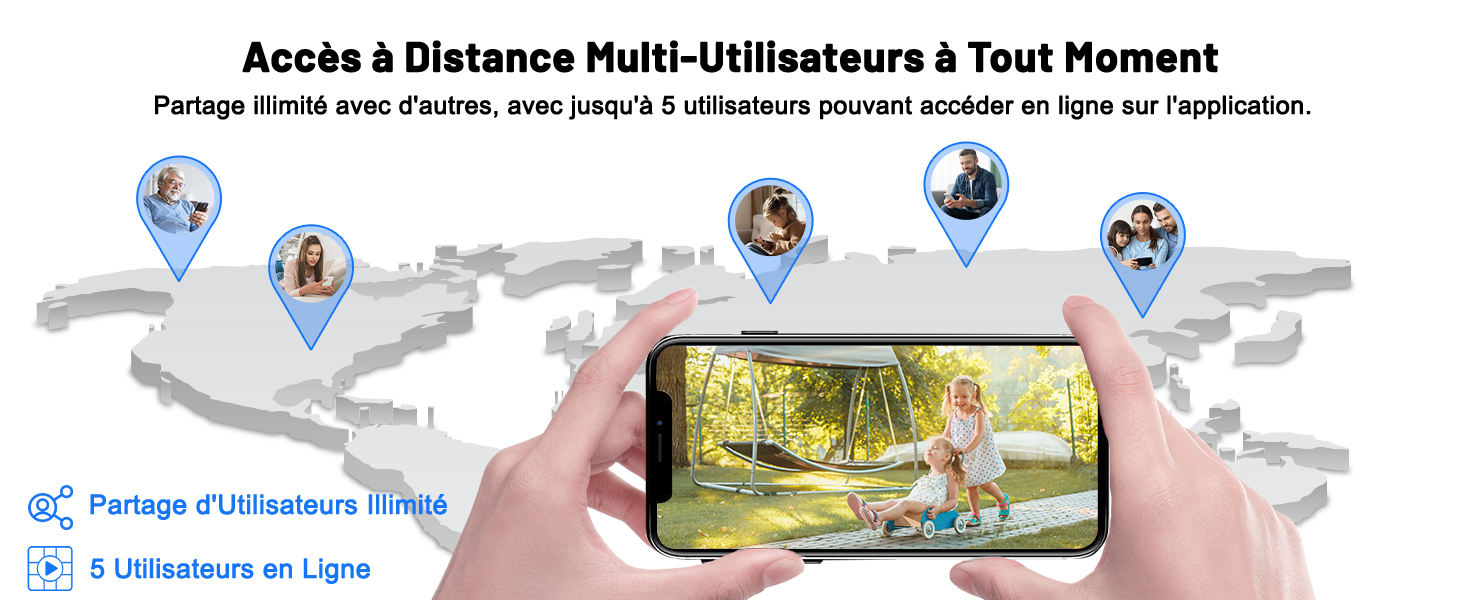
Image: A smartphone displaying a live camera feed, illustrating the multi-user access feature for shared surveillance.
3.7 Customizable Detection Zones and Schedules
Define specific detection zones to focus on critical areas and personalize alarm schedules to reduce unnecessary alerts, ensuring you only receive notifications for what truly matters.
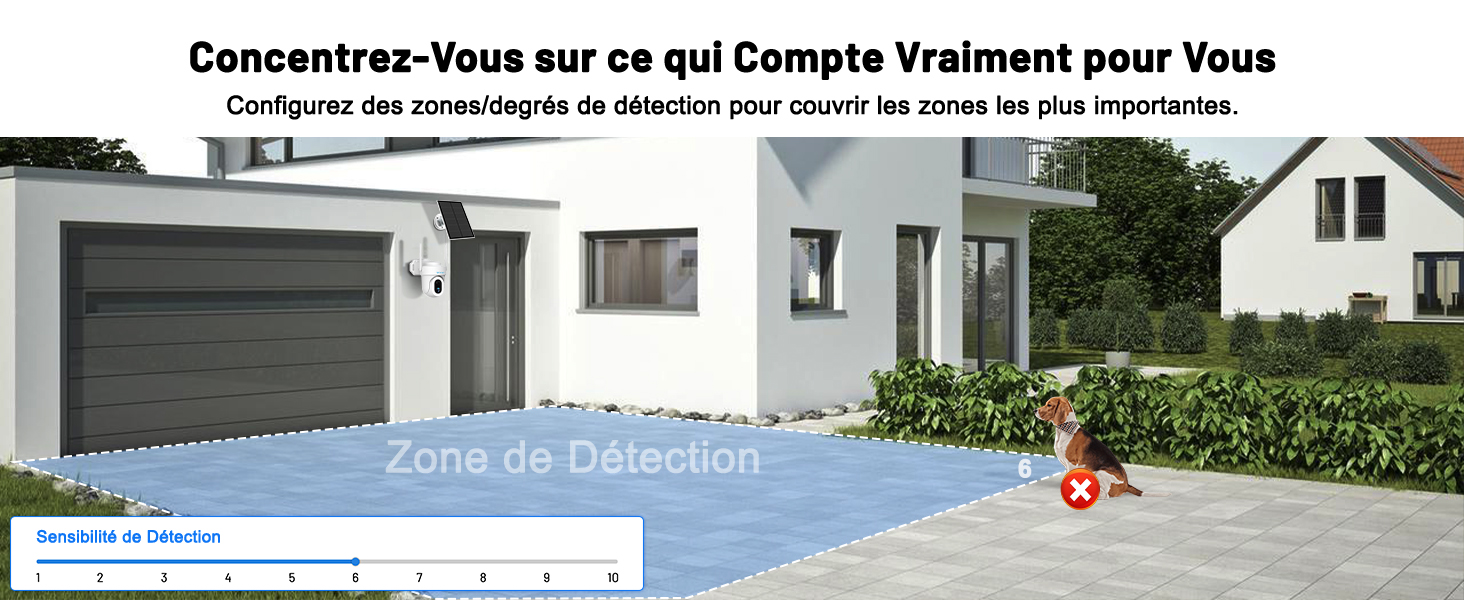
Image: An illustration of customizable detection zones, allowing users to specify areas for monitoring and exclude others.
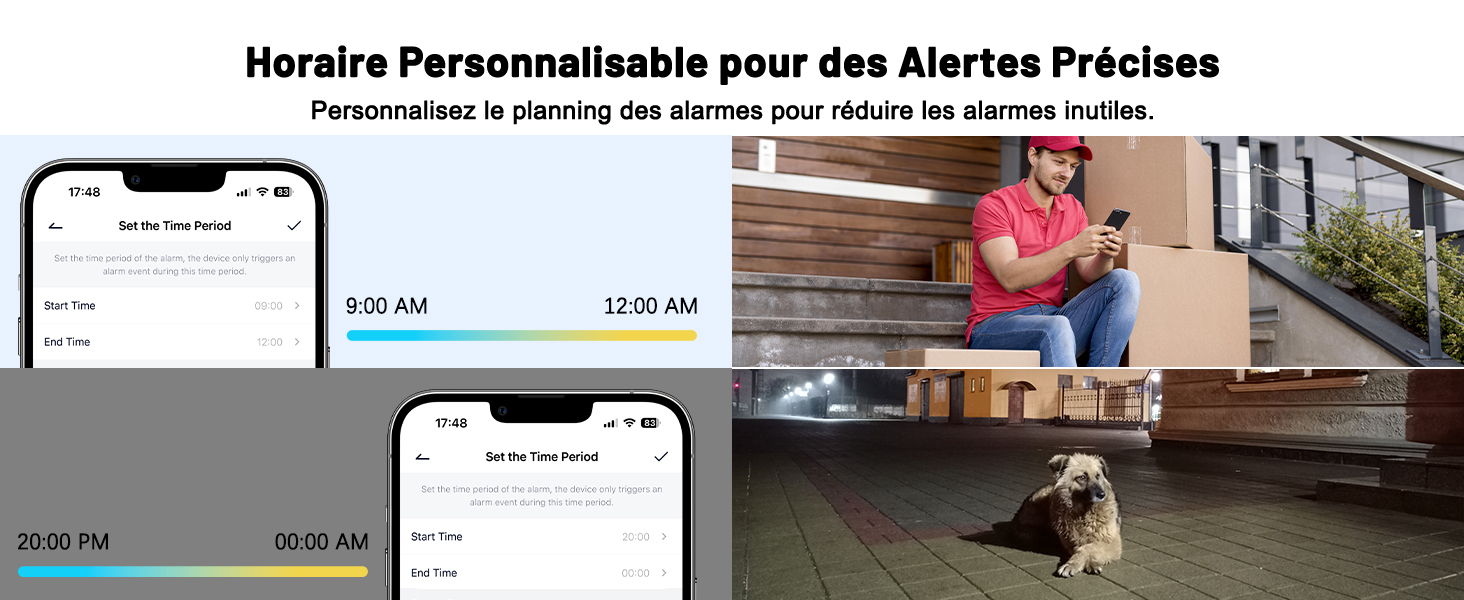
Image: Smartphone screenshots demonstrating the customizable scheduling feature for alerts, helping to manage notifications effectively.
4. Maintenance and Storage
4.1 Weatherproof Design
With an IP67 rating, the camera is designed to withstand various weather conditions, including rain, storms, and snow, operating effectively between -20°C and 60°C.
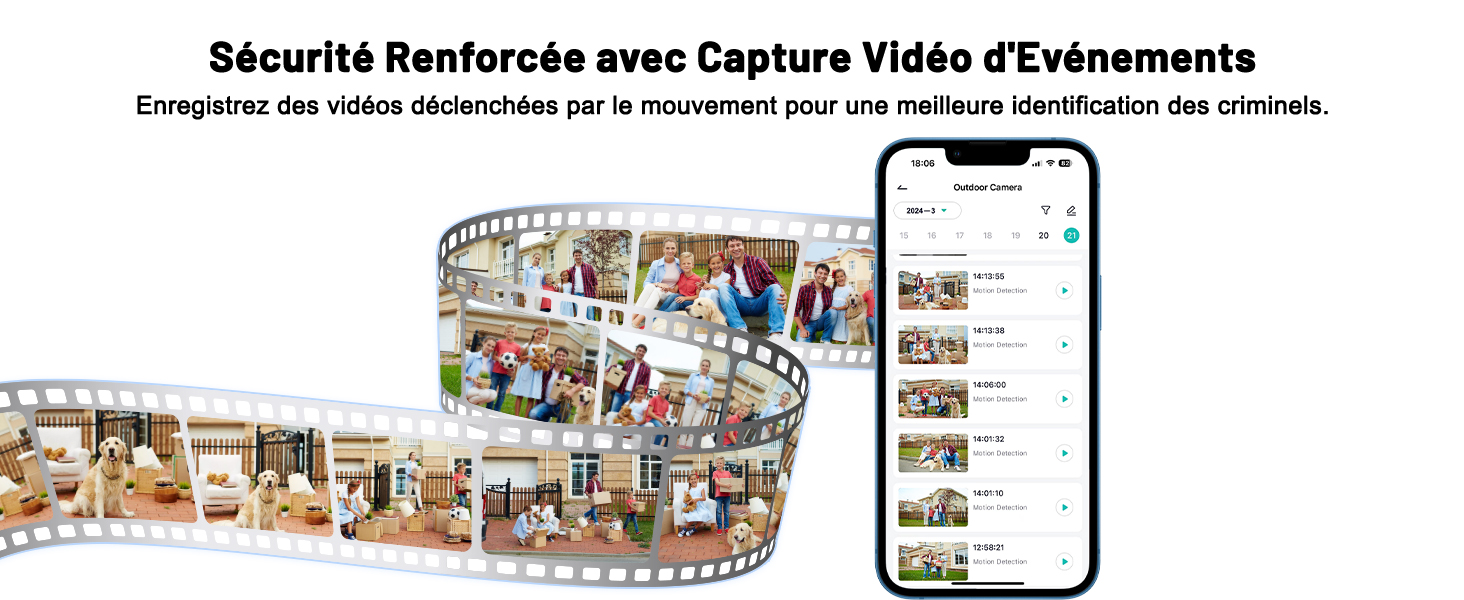
Image: The camera shown in different weather scenarios, emphasizing its IP67 weatherproof rating and wide operating temperature range.
4.2 Secure Storage Options
The camera offers flexible storage solutions for your video footage:
- Micro SD Card: Supports up to 128GB (not included) for local storage.
- Cloud Storage: A 7-day free trial is available, providing encrypted video storage for easy access anytime, anywhere.

Image: An illustration of the camera's flexible storage options, including cloud storage with a 7-day trial and local micro SD card support.
4.3 Connectivity
Equipped with dual 4dBi antennas, the camera ensures a stable 2.4GHz Wi-Fi connection, providing smooth video streaming and reliable performance.
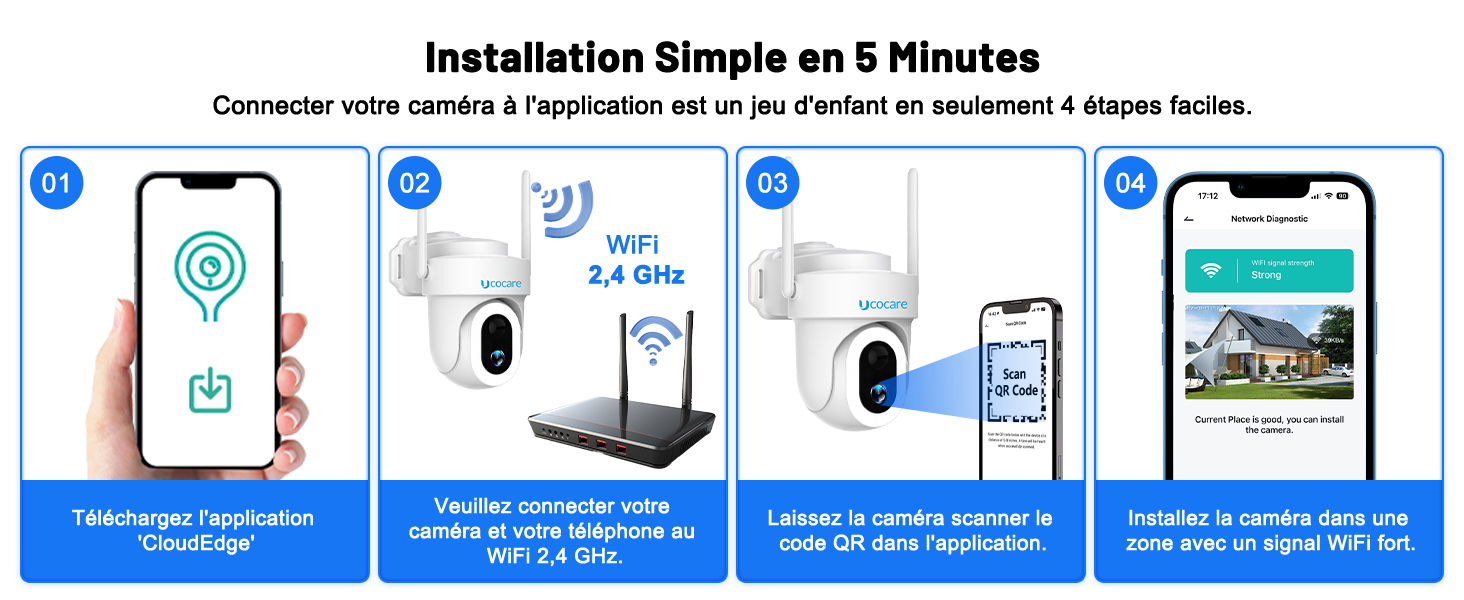
Image: A diagram showing the camera's enhanced dual-band WiFi antennas and strong signal strength for reliable connectivity.
5. Troubleshooting
If you encounter issues with your UCOCARE camera, consider the following general troubleshooting steps:
- Connectivity Issues: Ensure your Wi-Fi network is 2.4GHz and has a strong signal at the camera's location. Restart your router and the camera.
- Power Issues: Verify the solar panel is receiving adequate sunlight. Check the battery level in the app.
- App Functionality: Ensure the CloudEdge app is updated to the latest version. Restart the app or your smartphone.
- Image Quality: Clean the camera lens if images appear blurry. Ensure there are no obstructions in the camera's field of view.
- Alerts Not Received: Check app notification settings and ensure human detection is enabled and configured correctly.
For more specific issues or persistent problems, please refer to the detailed troubleshooting section within the CloudEdge app or contact UCOCARE customer support.
6. Specifications
| Feature | Specification |
|---|---|
| Model Number | S2-WiFi |
| Video Recording Resolution | 4 MP |
| Battery Capacity | 15000 mAh |
| Solar Panel Power | 5 W |
| Wireless Communication Technology | Wi-Fi (2.4GHz) |
| Pan Angle | 355 degrees |
| Tilt Angle | 120 degrees |
| Night Vision Range | Up to 30 meters (Color), Up to 15 meters (IR) |
| Weatherproof Rating | IP67 |
| Operating Temperature | -20°C to 60°C |
| Local Storage | Micro SD card (up to 128GB, not included) |
| Compatible Devices | Smartphone (iOS, Android), Amazon Alexa, Google Assistant |
| Dimensions (L x W x H) | 21 x 17 x 11 cm |
| Weight | 894 grams |
7. Warranty and Support
For warranty information or technical support, please refer to the documentation included with your product or visit the official UCOCARE website. If you require assistance, please contact UCOCARE customer service directly. Information regarding spare parts availability is currently not provided.


