
Introduction
This manual provides detailed instructions for the setup, operation, and maintenance of your Gammeefy Hall Effect Wireless Pro Controller (Model JC201) for Nintendo Switch and Switch OLED consoles. Please read this manual thoroughly before use to ensure optimal performance and longevity of your device.
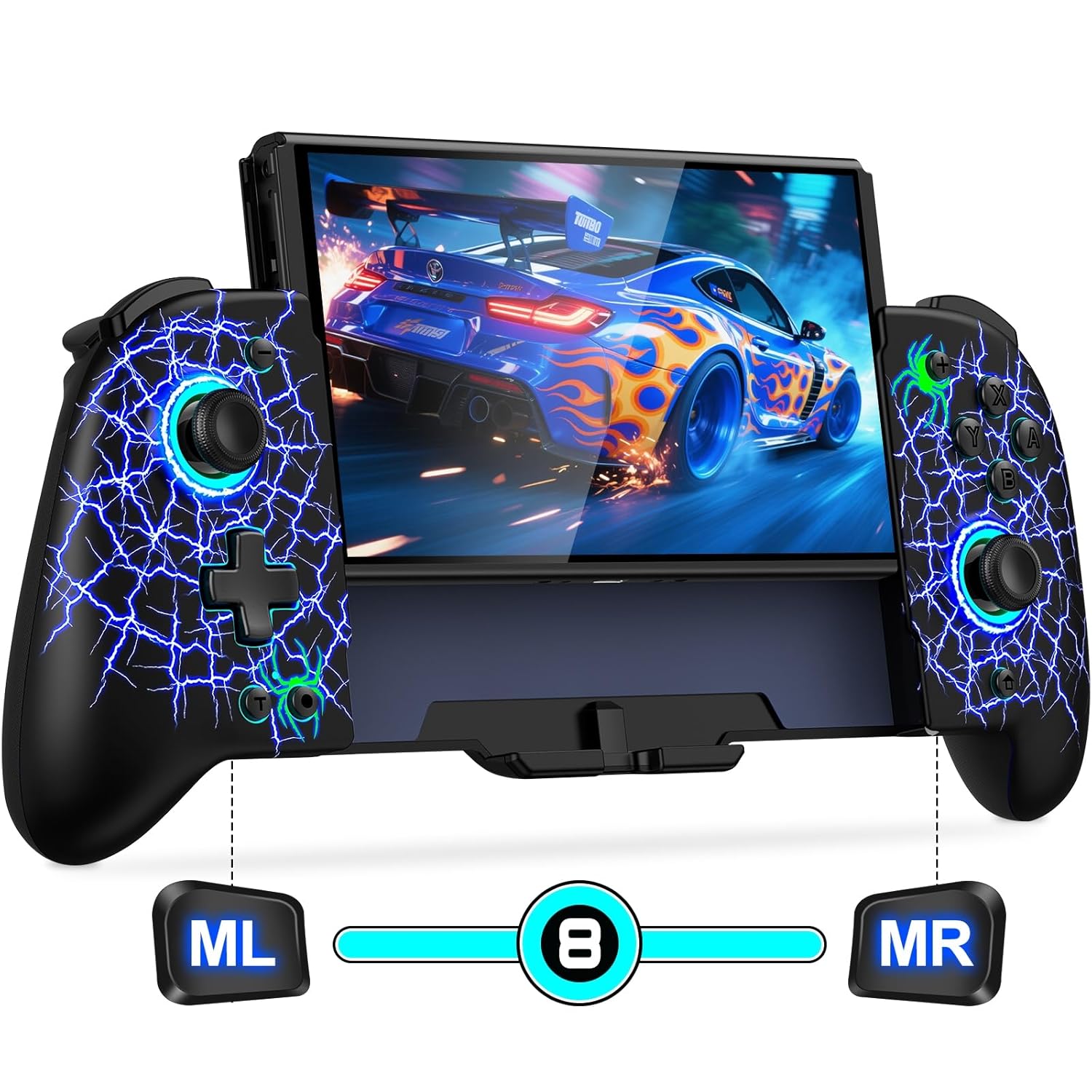
Image: The Gammeefy Hall Effect Wireless Pro Controller with a Nintendo Switch OLED console securely inserted, displaying a racing game. The controller features a 'spider silk' design with blue lightning patterns and illuminated joysticks.
Setup
1. Initial Wireless Connection
To connect the controller to your Nintendo Switch or Switch OLED console for the first time:
- Ensure your Nintendo Switch console is powered on.
- On the Switch HOME Menu, select Controllers, then Change Grip/Order.
- Press and hold the HOME button on the Gammeefy controller for approximately 3 seconds. The red signal light on the controller will flash, indicating it is searching for a connection.
- Once connected, the indicator light will become solid, and the controller will appear on the Switch screen.

Image: A user holding the Gammeefy controller with a Nintendo Switch console inserted, showing the connection process on the screen. Instructions indicate pressing the HOME button for 5 seconds for initial connection and 1 second to wake up the console.
2. Waking Up the Console
After the initial pairing, you can wake up your Nintendo Switch console from sleep mode by simply pressing the HOME button on the controller for about 0.5 seconds.
3. Inserting and Removing the Console
The controller features a secure design for holding your Switch console.
- To Insert: Gently slide your Nintendo Switch or Switch OLED console into the central slot of the controller until it clicks into place. Ensure the console is aligned correctly.
- To Remove: Locate the console latch mechanism (often on the back or top of the controller). Disengage the latch and carefully slide the console out. Ensure the latch is fully disengaged to prevent damage.

Image: A side view of the Gammeefy controller highlighting its ergonomic, full-size grip and non-slip design for comfortable extended gameplay.
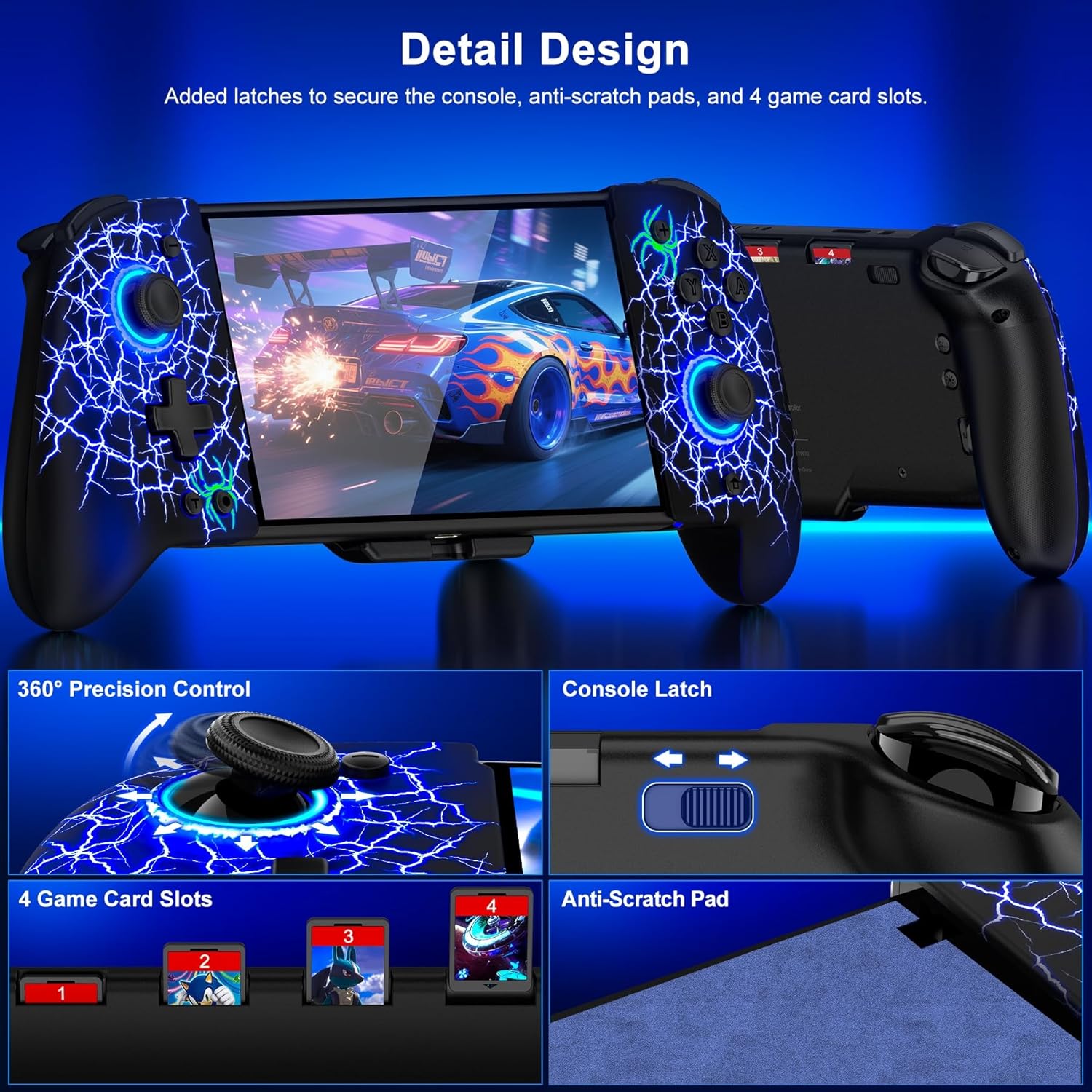
Image: A close-up view of the controller's detailed design, showing 360-degree precision control joysticks, a console latch, four integrated game card slots, and anti-scratch pads for console protection.
4. Charging
The controller includes a 'Y' charging cable for convenience.
- Connect the 'Y' charging cable to a power source (e.g., USB wall adapter, console dock).
- The 'Y' cable allows simultaneous charging of both the controller and the Nintendo Switch console.
Operating Instructions
1. Hall Effect Joysticks
The Gammeefy controller is equipped with Hall Effect joysticks, utilizing electromagnetic induction technology. This design aims to prevent joystick drift and extend the lifespan of the controller by minimizing physical wear.

Image: A diagram illustrating the internal mechanism of a Hall Effect joystick, showing how electromagnetic induction technology provides precise control and prevents drift. Text highlights 'Hall joystick never drifts' and 'Low latency and sensitive operation'.
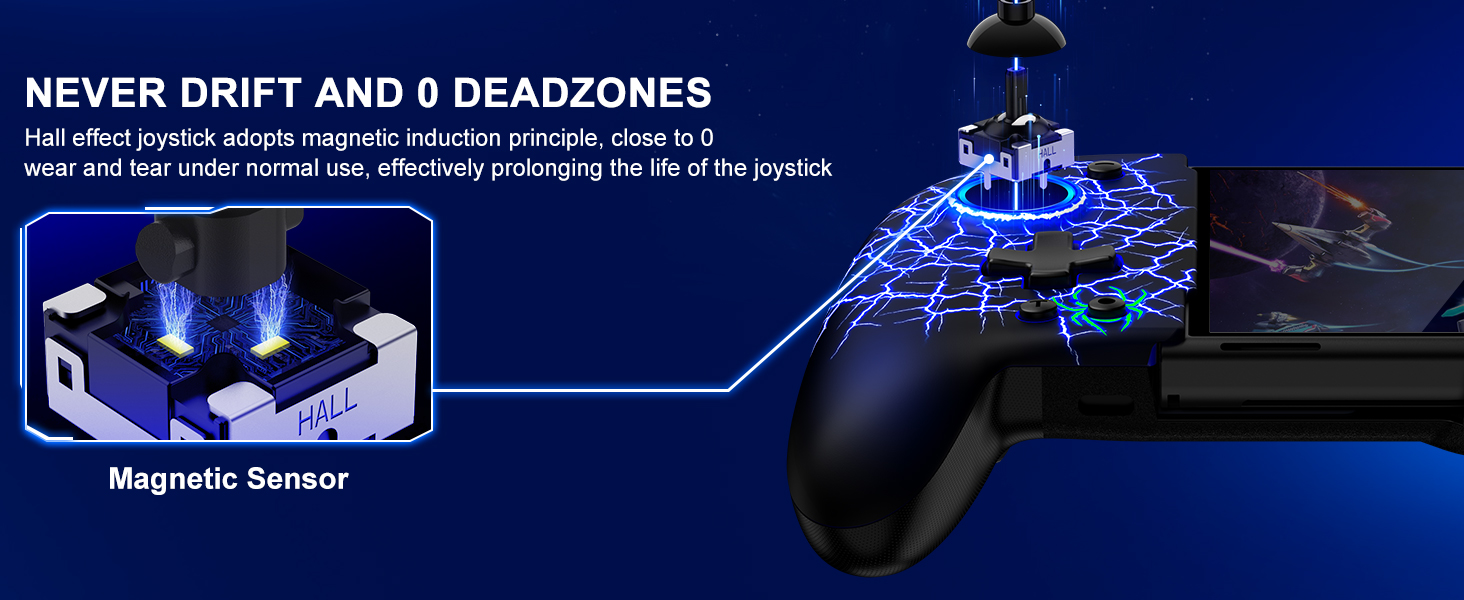
Image: A detailed view of the Hall Effect joystick mechanism, emphasizing the magnetic sensor that contributes to zero wear and tear under normal use, preventing drift and extending product life.
2. Lighting Effects
The controller features customizable lighting with 8 colors and 19 lighting effects across 4 modes: LED, Flash, Breathing, and Cyclic Breathing. You can adjust these settings to your preference.
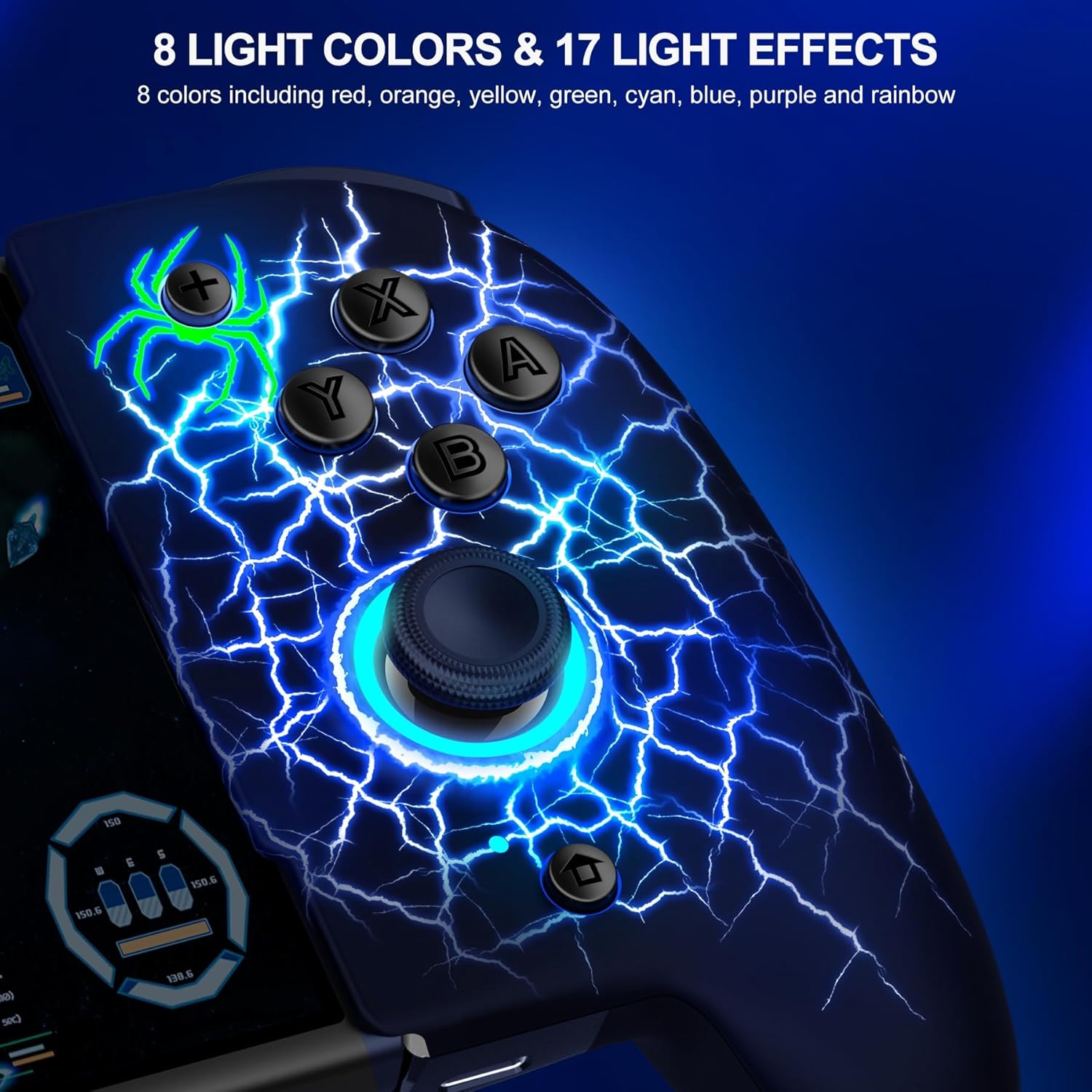
Image: A close-up of the right side of the Gammeefy controller, displaying the illuminated joystick and buttons with a blue lightning pattern. Text indicates '8 Light Colors & 17 Light Effects', including red, orange, yellow, green, cyan, blue, purple, and rainbow.

Image: A graphic illustrating the adjustable light modes of the controller, showing the joystick illuminated with a blue light. Text specifies 4 light modes (LED, Breathing, Cyclic Breathing, Flash) and a total of 19 lighting effects.
3. Turbo Function
The controller supports both auto and manual Turbo functions, allowing for continuous input of a button press. This feature is useful for games requiring rapid, repeated button presses.
- Adjustable Speeds: You can set the Turbo function to 5, 12, or 20 shots per second.
- Refer to the controller's specific button combinations for activating and adjusting Turbo settings.
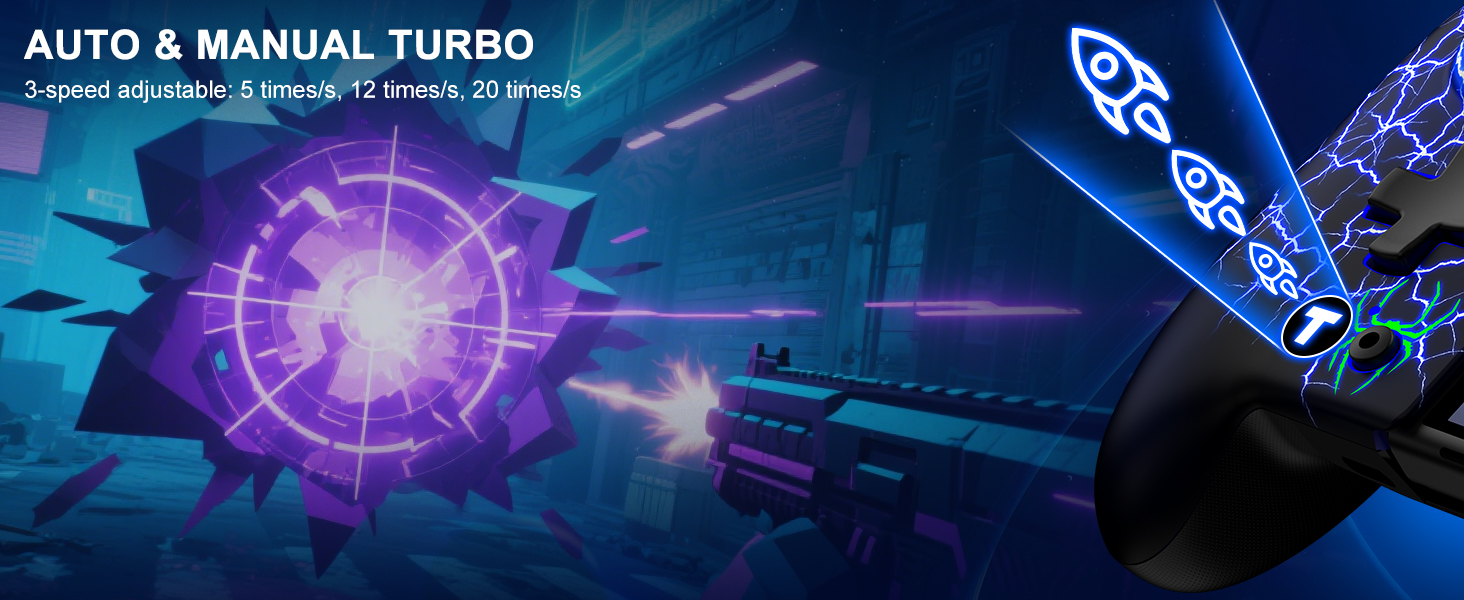
Image: An illustration demonstrating the Auto & Manual Turbo function, showing a controller button with a rocket icon and text indicating 3-speed adjustable settings: 5, 12, and 20 times per second, set against a gaming background.
4. Programmable Buttons (ML/MR)
The controller includes ML (Macro Left) and MR (Macro Right) buttons that can be programmed with up to 21 key values. This allows for custom button combinations or macros, enhancing gameplay for various titles.
- To enter programming mode, typically press the M button followed by ML or MR.
- Follow the on-screen or indicator light prompts to record your desired button sequence.

Image: A diagram of the back of the Gammeefy controller, highlighting the ML and MR programmable buttons and the M button. It illustrates how to enter programming mode (M+ML/MR) and shows the standard button layout (X, Y, A, B, D-pad, SR, SL, R, L, ZR, ZL) that can be assigned.
5. Vibration Feedback
Experience immersive gameplay with adjustable vibration feedback. The controller offers 3 levels of vibration: weak, medium, and strong.
- Consult the controller's specific instructions for adjusting vibration intensity.
6. 6-Axis Gyroscope
A built-in 6-axis gyroscope provides realistic motion sensations, enhancing games that utilize motion controls.
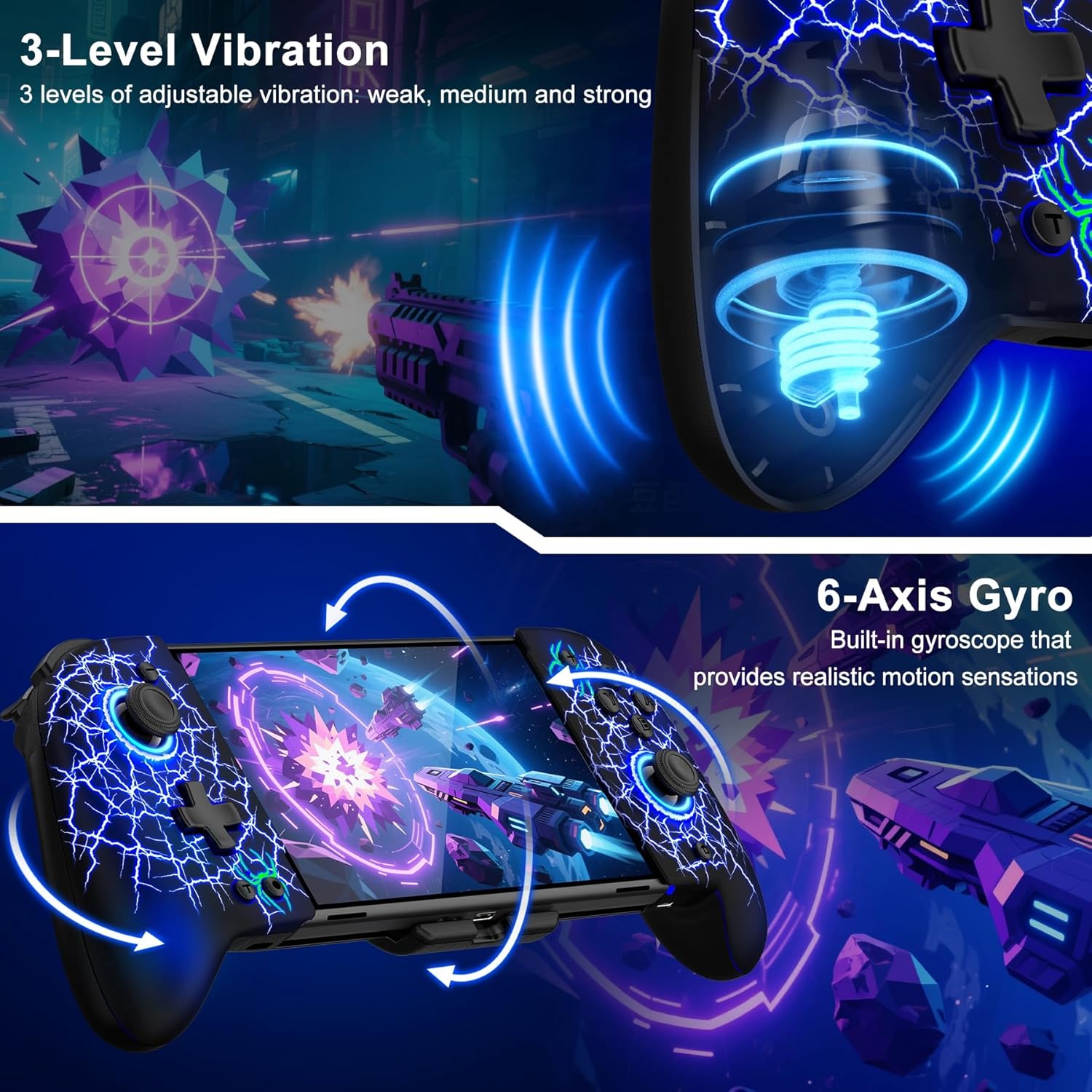
Image: An illustration showcasing the 3-level adjustable vibration feature with visual sound waves emanating from the controller, and the 6-axis gyro feature demonstrating motion control in a space combat game.
7. Game Card Slots
The controller includes 4 integrated game card slots, providing convenient storage for your physical game cartridges.
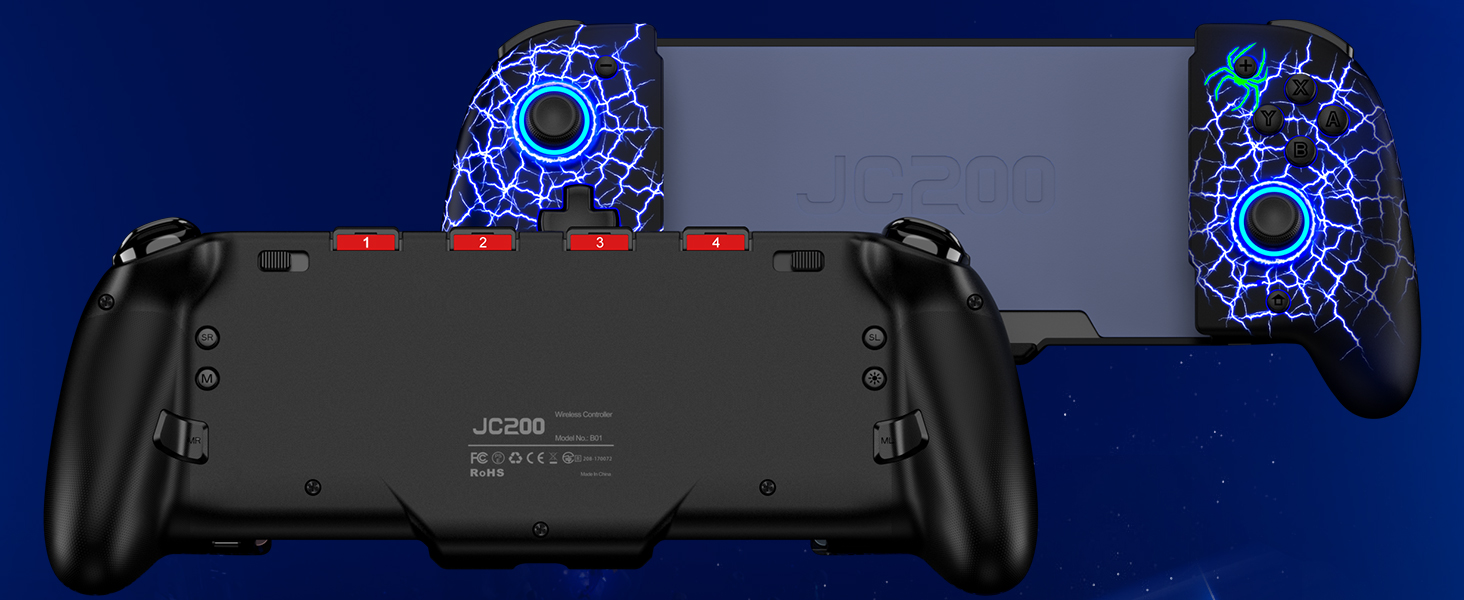
Image: A rear view of the Gammeefy controller (Model JC200, similar to JC201) showing the integrated game card slots labeled 1 through 4, with a Nintendo Switch console inserted.
Maintenance
1. Battery Information
The controller is equipped with a 1000mAh battery, providing up to 10 hours of gameplay in light mode. Battery life may vary based on usage and lighting effects.
- Charge the controller fully before first use.
- Avoid exposing the battery to extreme temperatures.
- If the controller will not be used for an extended period, charge it periodically to maintain battery health.
2. General Care
- Clean the controller with a soft, dry cloth. Avoid using harsh chemicals or abrasive materials.
- Store the controller in a cool, dry place away from direct sunlight.
- Avoid dropping the controller or subjecting it to strong impacts.
Troubleshooting
1. Connection Issues
- Controller not connecting: Ensure the Switch is in 'Change Grip/Order' mode. Press and hold the HOME button on the controller for 3 seconds. If issues persist, try restarting both the Switch and the controller.
- Intermittent connection: Ensure there are no obstructions between the controller and the Switch. Keep the devices within close range.
2. Charging Issues
- Controller not charging: Verify that the 'Y' charging cable is securely connected to both the controller and a working power source. Try a different USB port or power adapter.
- Slow charging: Ensure the power source provides sufficient output. Using a standard USB wall adapter is recommended.
3. Joystick Drift
The Gammeefy controller features Hall Effect joysticks designed to prevent drift. If you experience any unintended input, ensure the controller's firmware is up to date (if applicable) and try recalibrating the joysticks through the Nintendo Switch system settings.
Specifications
| Model Number | JC201 |
| Product Dimensions | 12.2 x 5.04 x 2.52 inches |
| Item Weight | 14.1 ounces |
| Battery Capacity | 1000mAh (1 x 12V battery included) |
| Manufacturer | Gammeefy |
| First Available | July 25, 2023 |
Warranty and Support
For warranty information, technical support, or service inquiries, please refer to the documentation included with your purchase or contact Gammeefy customer support directly. Contact details can typically be found on the manufacturer's official website or product packaging.