
Coby CPA895BK
COBY Light-Up Portable True Wireless Speaker
Model: CPA895BK
Introduction
This manual provides detailed instructions for the operation and maintenance of your COBY Light-Up Portable True Wireless Speaker. Please read this manual thoroughly before using the device to ensure proper function and to maximize your listening experience.
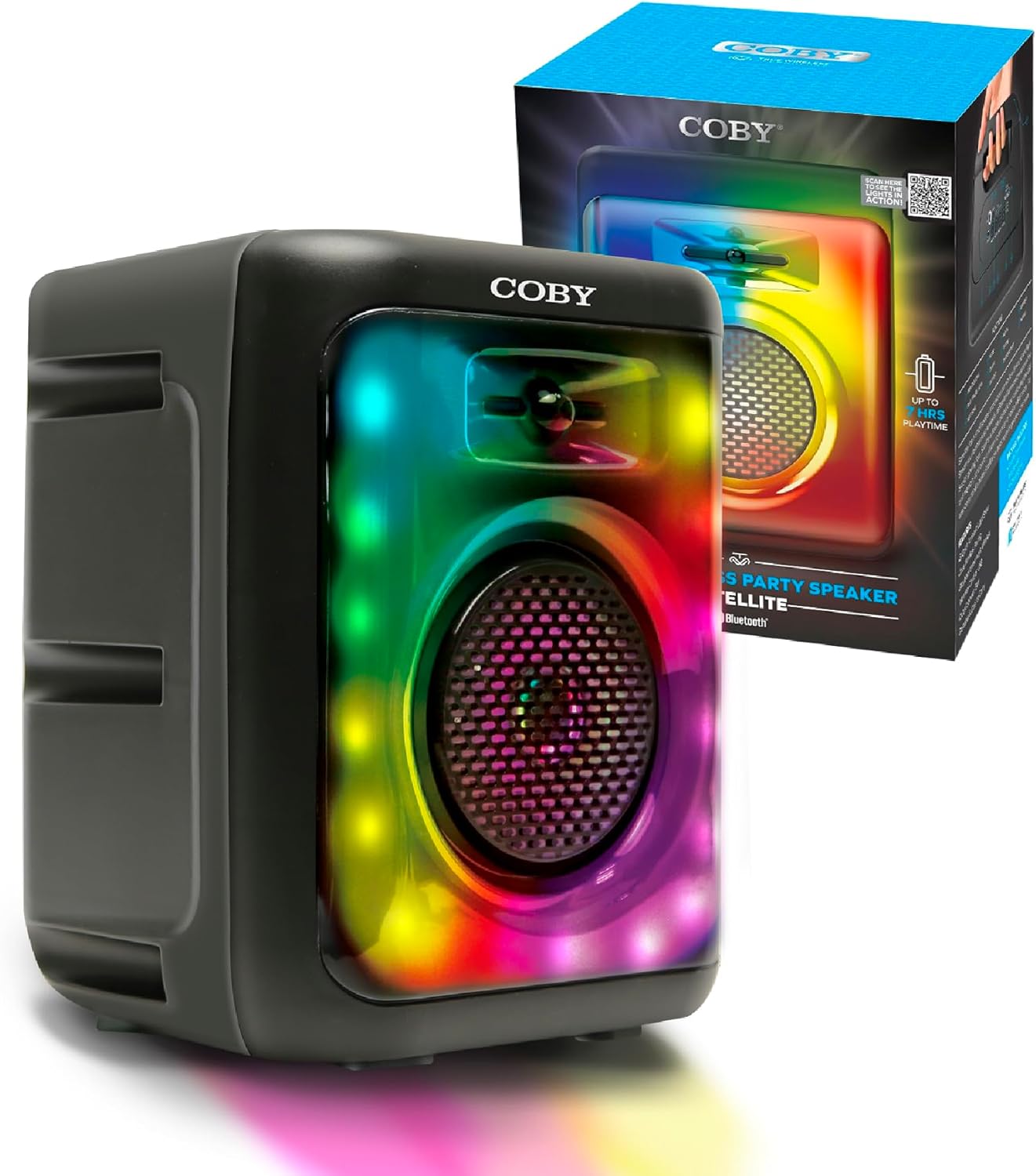
Image: The COBY Light-Up Portable True Wireless Speaker, a black rectangular unit with a large speaker grille and colorful LED lights, shown alongside its retail packaging.
What's in the Box
Upon opening the package, verify that all items listed below are present and in good condition:
- COBY Light-Up Portable True Wireless Speaker
- Charging Cable
- User Manual (this document)
Product Overview
Familiarize yourself with the various components and controls of your speaker.

Image: A detailed view of the speaker's top panel, highlighting the microphone input, AUX input, TF/SD card slot, DC 5V power input, USB port, and control buttons (OFF/ON, skip/volume, play/pause, mode).
Control Panel and Ports:
- OFF/ON Switch: Powers the speaker on or off.
- MIC Input: 3.5mm jack for connecting an external microphone for karaoke.
- AUX Input: 3.5mm jack for connecting external audio devices.
- TF / SD Card Slot: For playing audio files directly from a memory card.
- USB Port: For playing audio files from a USB drive.
- DC 5V Input: Charging port for the speaker's internal battery.
- Control Buttons:
- Previous Track / Volume Down: Short press for previous track, long press to decrease volume.
- Play / Pause / TWS: Short press to play/pause, long press for True Wireless Stereo pairing.
- Next Track / Volume Up: Short press for next track, long press to increase volume.
- MODE: Switches between Bluetooth, FM Radio, USB, and TF card modes.

Image: Top-down view of the COBY speaker, illustrating the integrated handle for easy portability.
Setup
1. Charging the Speaker:
Before initial use, fully charge the speaker. Connect the provided charging cable to the DC 5V input on the speaker and the other end to a compatible USB power adapter (not included).
- The charging indicator light will illuminate during charging.
- Once fully charged, the indicator light may change color or turn off, depending on the model.
- A full charge provides up to 7 hours of playtime.
2. Powering On/Off:
Locate the OFF/ON switch on the control panel and slide it to the "ON" position to power on the speaker. Slide it to "OFF" to power off.
3. Bluetooth Pairing:
The speaker will automatically enter Bluetooth pairing mode when powered on for the first time or when the Bluetooth mode is selected via the MODE button.
- Ensure the speaker is powered on and in Bluetooth mode (a voice prompt or indicator light may confirm this).
- On your mobile device (smartphone, tablet, etc.), enable Bluetooth and search for available devices.
- Select "COBY CPA895BK" (or similar name) from the list of found devices.
- Once paired, the speaker will indicate a successful connection.

Image: Two COBY speakers positioned outdoors, demonstrating the Bluetooth 5.3 connectivity and 30-foot wireless range for a stereo experience.
4. True Wireless Stereo (TWS) Pairing:
To connect two COBY CPA895BK speakers for a stereo sound experience:
- Ensure both speakers are powered on and in Bluetooth mode, but not connected to any device.
- On one of the speakers, long press the Play/Pause/TWS button. You will hear a prompt indicating TWS pairing mode.
- The two speakers will automatically connect to each other. Once connected, you will hear a confirmation sound.
- Now, connect your mobile device to one of the paired speakers via Bluetooth as described in step 3. Both speakers will play audio in stereo.
Operating Instructions
1. Playing Audio via Bluetooth:
After successful Bluetooth pairing, simply start playing audio from your connected device. Use the speaker's volume buttons or your device's volume controls to adjust the sound level.

Image: A person acting as a DJ, with two COBY speakers positioned on a table, illustrating the speaker's use for entertainment.
2. FM Radio Mode:
To switch to FM Radio mode, press the MODE button until you hear the FM radio prompt.
- Automatic Scan: In FM mode, long press the Play/Pause button to automatically scan and save available FM stations.
- Manual Tuning: Use the Previous/Next track buttons to switch between saved stations.
3. USB / TF Card Playback:
Insert a USB drive or TF (microSD) card into the respective slot on the speaker. The speaker will automatically switch to USB or TF card mode and begin playing audio files (MP3, WAV, etc.) stored on the device.
- Use the Previous/Next track buttons to navigate between songs.
- Press the Play/Pause button to pause or resume playback.
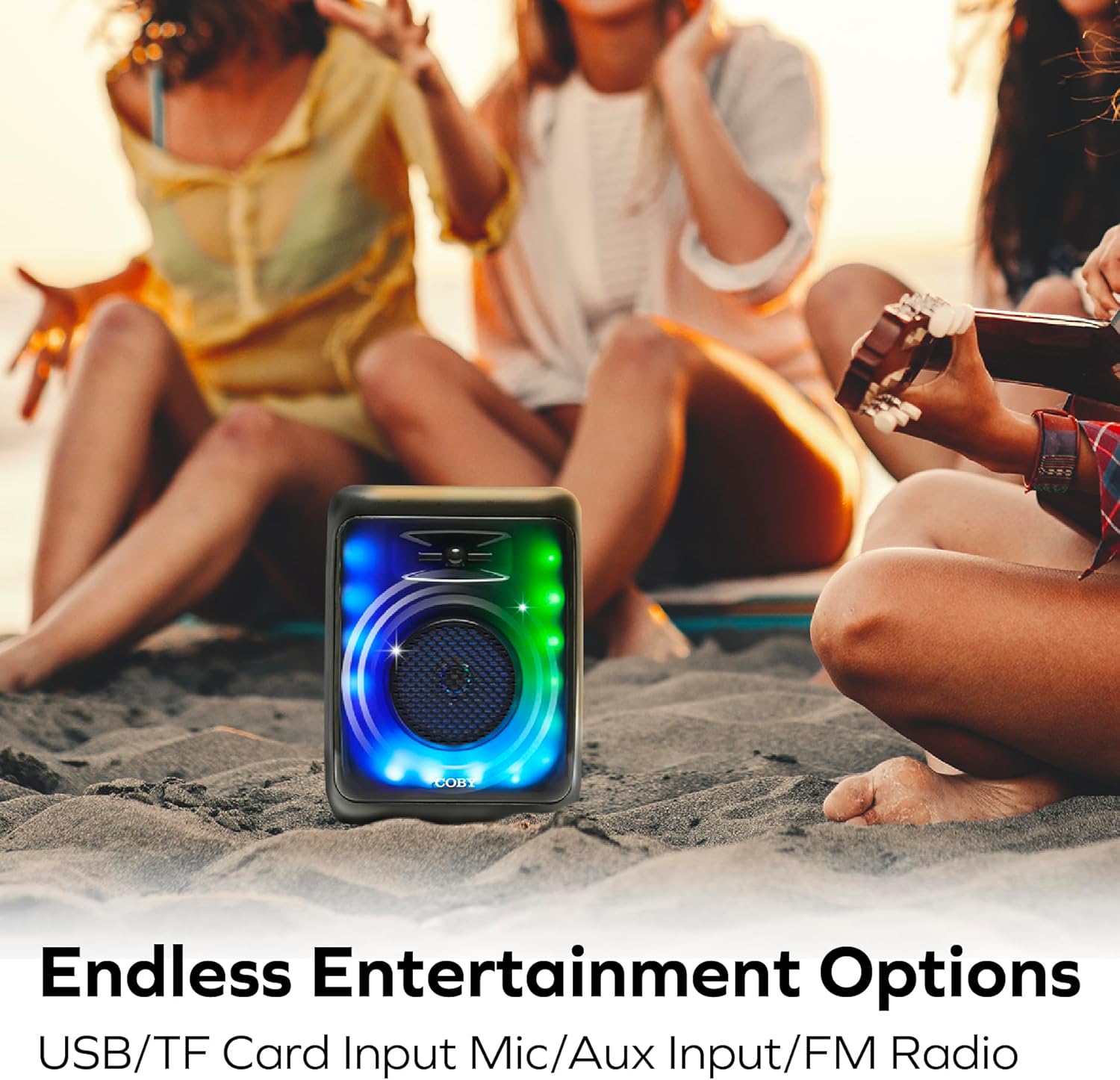
Image: The COBY speaker placed on sand at a beach, with people relaxing in the background, highlighting its versatility for outdoor entertainment and various input options.
4. AUX Input Mode:
Connect an external audio device (e.g., MP3 player, laptop) to the speaker's AUX input using a 3.5mm audio cable (not included). Press the MODE button until you select AUX mode. Audio will play from the connected device.
5. Light Modes:
The speaker features 11 colorful LED light modes. The lights typically activate automatically when the speaker is powered on. Specific controls for changing light modes are usually integrated with the MODE button or a dedicated light button (if present, not explicitly detailed in provided data). Experiment with short presses of the MODE button or other buttons to cycle through the available light patterns.

Image: The COBY speaker illuminated with vibrant LED lights, positioned in a room with people enjoying themselves, showcasing its 11 versatile light modes and karaoke mic input capability.
6. Karaoke Mode:
Connect a microphone (not included) to the MIC input jack. Ensure the microphone is switched on (if applicable). The speaker will output your voice along with the playing audio, allowing for karaoke functionality.
Maintenance
Cleaning:
- Always power off the speaker before cleaning.
- Use a soft, dry cloth to wipe the exterior of the speaker.
- Do not use abrasive cleaners, waxes, or solvents as they may damage the finish.
- Avoid getting moisture into any openings or ports.
Storage:
- Store the speaker in a cool, dry place away from direct sunlight and extreme temperatures.
- If storing for an extended period, charge the battery periodically (e.g., every 3-6 months) to maintain battery health.
Troubleshooting
| Problem | Possible Cause | Solution |
|---|---|---|
| Speaker does not power on. | Battery is depleted. | Charge the speaker fully using the provided charging cable. |
| No sound from speaker. | Volume is too low; Device not connected; Incorrect mode selected. | Increase speaker and device volume; Re-pair Bluetooth or check cable connection; Press MODE button to select correct input. |
| Bluetooth connection unstable or fails. | Speaker too far from device; Interference; Device Bluetooth issue. | Move speaker closer to device (within 30 feet); Avoid obstacles; Turn off and on Bluetooth on your device, then re-pair. |
| FM radio reception is poor. | Weak signal; Environmental interference. | Relocate the speaker to an area with better reception; Extend any antenna if available (not specified, but common for FM). |
| USB/TF card not playing. | Incorrect file format; Card/drive not inserted correctly; Corrupted files. | Ensure files are compatible (e.g., MP3, WAV); Reinsert card/drive; Try a different card/drive with known good files. |
Specifications
| Feature | Detail |
|---|---|
| Model Number | CPA895BK |
| Brand | Coby |
| Connectivity Technology | Bluetooth 5.3 |
| Power Source | Battery Powered (1 Lithium Ion battery included) |
| Battery Life | Up to 7 hours |
| Audio Input | Microphone, AUX |
| Media Playback Options | FM Radio, USB, Memory Card (TF/SD) |
| Light Modes | 11 Colorful LED Light Modes |
| Material | Plastic |
| Item Weight | 2.16 pounds (0.98 Kilograms) |
| Package Dimensions | 14.49 x 10.87 x 7.09 inches |
| Manufacturer | Summit Electronics LLC |
| UPC | 810071492778 |
Warranty and Support
For warranty information and customer support, please refer to the documentation included with your purchase or visit the official Coby website. Warranty terms and conditions may vary by region and retailer.
For further assistance, you may contact Coby customer service through their official channels.
Related documentsCPA895BK


Ask a question about this manual
Ask about setup, troubleshooting, compatibility, parts, safety, or missing instructions. Manuals+ will review the question and use this page’s manual context to help answer it.