
Beetel X95 Cordless Landline Phone User Manual
Model: X95
Brand: Beetel
1. Introduction
This manual provides detailed instructions for the setup, operation, and maintenance of your Beetel X95 Cordless Landline Phone. Please read this manual thoroughly before using your new phone to ensure proper functionality and to take full advantage of its features. Keep this manual for future reference.

Figure 1: Beetel X95 Cordless Landline Phone
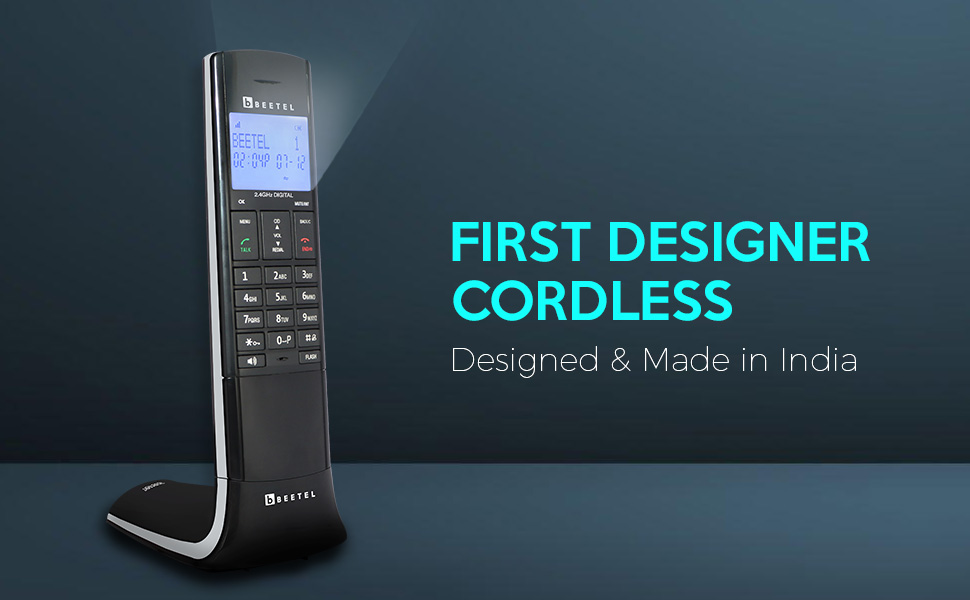
Figure 2: The Beetel X95, a designer cordless phone.
2. Package Contents
Verify that all items listed below are included in your product package:
- Beetel X95 Cordless Handset
- Base Unit
- Power Adapter for Base Unit
- Telephone Line Cord
- 2 x AAA Rechargeable Batteries
- User Manual (this document)
3. Setup
3.1 Battery Installation
- Open the battery compartment cover on the back of the handset.
- Insert the two AAA rechargeable batteries, observing the correct polarity (+ and -).
- Close the battery compartment cover securely.
3.2 Base Unit Connection
- Connect one end of the telephone line cord to the TEL LINE jack on the base unit.
- Connect the other end of the telephone line cord to your telephone wall jack.
- Plug the small end of the power adapter into the DC IN 6V jack on the base unit.
- Plug the large end of the power adapter into a standard electrical outlet.
3.3 Initial Battery Charge
Place the handset on the base unit. The handset should begin charging. For optimal battery performance, allow the handset to charge continuously for at least 12-15 hours before its first use, even if the display indicates a full charge sooner.
Video 1: Demonstrates placing the handset on the base unit for charging and basic interaction with the phone.
4. Operating Instructions
4.1 Basic Call Functions
- Making a Call: Press the TALK button, then dial the desired phone number.
- Answering a Call: When the phone rings, press the TALK button.
- Ending a Call: Press the END/⌂ button or place the handset back on the base unit.
4.2 2.4GHz Digital Technology
The Beetel X95 utilizes 2.4GHz wireless technology to ensure clear, distortion-free conversations. This technology provides an extended operating range, allowing you to move freely within your home or office without compromising call quality.
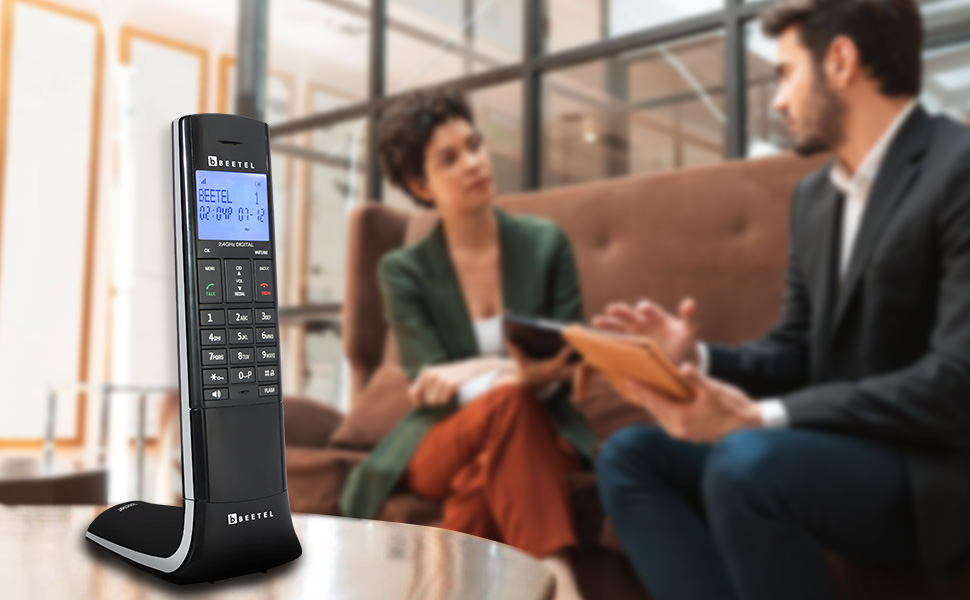
Figure 3: The 2.4GHz digital technology ensures clear communication.
4.3 Blue-White Backlit LCD Display
The phone features a high-contrast blue-white backlit LCD panel. This display provides sharp and clear visuals, enhancing readability in various lighting conditions.
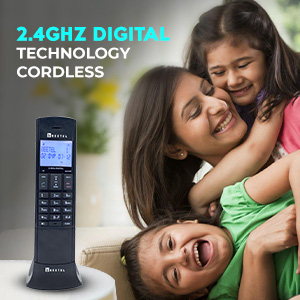
Figure 4: The phone's blue-white backlit LCD display and keypad.
4.4 Two-Way Speakerphone
Engage the advanced two-way speakerphone for hands-free conversations. The speakerphone ensures distortion-free audio. Adjust the volume using the dedicated volume controls on the handset.
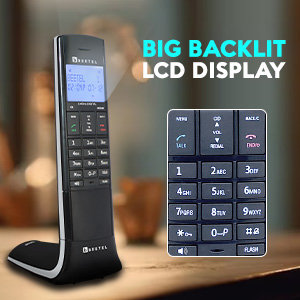
Figure 5: The 2-way speakerphone feature with adjustable volume.
4.5 Additional Features Overview
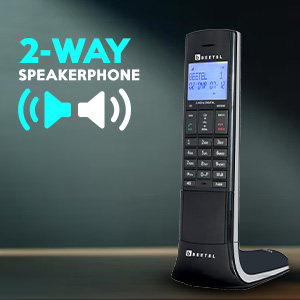
Figure 6: Overview of key features including Handset Keypad, Multi-function, Auto Answer, Baby Call, Alarm, 5-Step Volume, and In-Use LED.
- Auto Answer: This feature allows the phone to automatically answer incoming calls, providing hands-free convenience. Refer to the menu settings to enable or disable this function.
- Baby Call Function: Activate the Baby Call function to quickly dial a pre-programmed number by pressing any key, offering peace of mind for monitoring.
- Alarm Function: Use the built-in alarm to set reminders for important events or appointments.
- 5-Step Receive Volume Control: Adjust the incoming call volume to your preference with five distinct levels for optimal clarity.
- In-Use LED Indicator: An LED on the base unit illuminates when the phone is in use, providing a visual cue of its status.
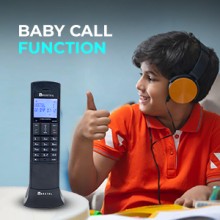
Figure 7: The Baby Call function allows for easy connection to a pre-set number.
5. Maintenance
To ensure the longevity and optimal performance of your Beetel X95 phone, follow these maintenance guidelines:
- Cleaning: Wipe the handset and base unit with a soft, damp cloth. Avoid using harsh chemicals or abrasive cleaners.
- Battery Care: Use only the specified rechargeable AAA batteries. If the phone will not be used for an extended period, remove the batteries to prevent leakage.
- Environment: Keep the phone away from extreme temperatures, direct sunlight, and moisture.
6. Troubleshooting
If you encounter any issues with your Beetel X95, refer to the following common troubleshooting steps:
- No Dial Tone: Ensure the telephone line cord is securely connected to both the base unit and the wall jack. Check if the power adapter is properly connected and the base unit is receiving power.
- Poor Sound Quality/Static: Move the handset closer to the base unit. Ensure there are no large metal objects or other electronic devices interfering with the 2.4GHz signal.
- Handset Not Charging: Verify that the handset is correctly seated on the base unit. Clean the charging contacts on both the handset and base unit with a dry cloth. Ensure the power adapter is connected.
- Display Not Working: Check battery levels and ensure the handset is charged. If the issue persists, try resetting the phone by disconnecting the power from the base unit for a few minutes, then reconnecting it.
If the problem persists after attempting these steps, please contact customer support.
7. Specifications
| Feature | Specification |
|---|---|
| Model Number | X95 |
| Telephone Type | Cordless |
| Wireless Technology | 2.4GHz Digital |
| Display | Blue-White Backlit LCD |
| Speakerphone | 2-Way |
| Call Conference | 2-Way |
| Batteries | 2 AAA rechargeable batteries required |
| Phone Talk Time | Up to 8 Hours |
| Phone Standby Time | Up to 4 Days |
| Product Dimensions | 8 x 11 x 22 cm |
| Item Weight | 250 g |
| Material | Plastic |
| Manufacturer | Beetel Teletech Limited |
| Country of Origin | India |
8. Warranty and Support
Your Beetel X95 Cordless Landline Phone comes with a 1-year manufacturer's warranty. For warranty claims, technical support, or service inquiries, please refer to the contact information provided in your product packaging or visit the official Beetel website.
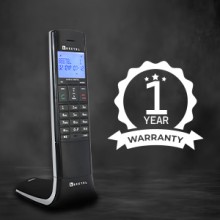
Figure 8: The Beetel X95 includes a 1-year warranty.