
Introduction
This manual provides detailed instructions for setting up, operating, and maintaining your Redragon M908 MMO Mouse and K556 PRO Gaming Keyboard Bundle. Please read this manual thoroughly before use to ensure optimal performance and longevity of your devices.
Setup
Your Redragon bundle includes both a gaming mouse and a wireless gaming keyboard. Follow these general steps for initial setup:
- Unboxing: Carefully remove all components from the packaging. Verify that all items listed in the package contents are present.
- Connection: Both devices support multiple connection modes. For wired connection, use the provided USB-C cable. For wireless, ensure devices are charged and follow specific pairing instructions for 2.4Ghz or Bluetooth modes as detailed in their respective sections.
- Software Installation: For full customization of DPI settings, programmable buttons, and RGB lighting, download and install the official Redragon software from the Redragon website.
Redragon M908 MMO Mouse
The Redragon M908 is a professional optical gaming mouse designed for precision and customization.
Features & Operation
- High DPI Sensor: Equipped with a Pixart PAW3327 Sensor, offering up to 12400 DPI.
- Adjustable DPI: Features 5 adjustable DPI levels (500/1000/2000/3000/6200 DPI) for various tasks and gaming styles. DPI can be fine-tuned by ±100 from 100 to 12400 via the dedicated software.
- Programmable Buttons: Includes 8 standard buttons and 12 MMO programmable side buttons for extensive customization.
- Polling Rate & Acceleration: Supports a 1000 Hz polling rate and 30G acceleration for responsive control.
- Durable Design: Features durable, smooth TEFLON feet pads and a 6ft braided-fiber cable with a gold-plated USB connector for enhanced longevity.

Figure 1: Redragon M908 MMO Gaming Mouse. This image shows the overall design of the black M908 mouse with its ergonomic shape and illuminated scroll wheel and logo.

Figure 2: Redragon M908 MMO Gaming Mouse with labeled buttons. This image highlights the left and right click buttons, scroll wheel, DPI adjustment buttons, rapid fire button, and the 12 programmable side buttons.

Figure 3: Redragon M908 MMO Gaming Mouse showing adjustable DPI levels. This image illustrates the different DPI settings available, from 500 DPI to 12400 DPI, and how they can be configured via software.
Weight Adjustment
The M908 mouse includes a weight tuning set, allowing you to customize the mouse's feel and balance. To adjust the weight, locate the weight compartment on the underside of the mouse. Remove or add weights as desired to achieve your preferred gaming experience.
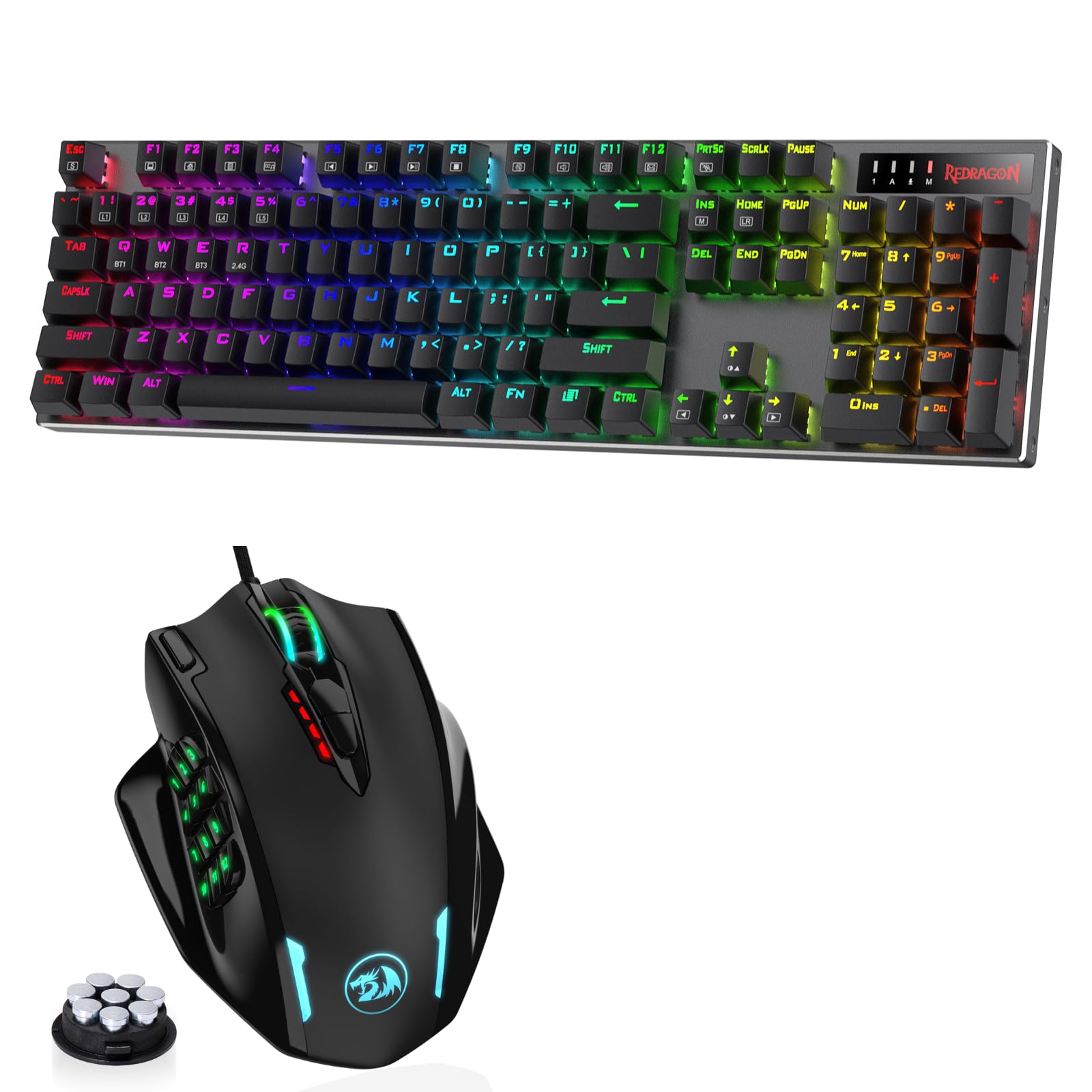
Figure 4: Redragon M908 MMO Gaming Mouse with adjustable weights. This image displays the mouse alongside its removable weights, which can be inserted into the bottom compartment for personalized weight distribution.
Redragon K556 PRO Gaming Keyboard
The Redragon K556 PRO is a versatile wireless gaming keyboard designed for enhanced performance and customization.
Connectivity
The K556 PRO features innovative tri-mode connection technology:
- USB-C Wired Mode: For a stable, lag-free connection and simultaneous charging.
- BT 3.0/5.0 Wireless Modes: Connects to multiple devices via Bluetooth. Refer to your device's Bluetooth settings for pairing.
- 2.4Ghz Wireless Mode: Utilizes a dedicated 2.4Ghz receiver for a fast wireless connection. Insert the receiver into an available USB port on your computer.

Figure 5: Redragon K556 PRO Gaming Keyboard showing 3-mode connection options. This image illustrates the USB-C wired, 2.4Ghz wireless, and Bluetooth 5.0/3.0 wireless connectivity options.
Hot-Swappable Switches
The K556 PRO features true hot-swappable switches, allowing for easy replacement and customization of key switches without soldering. It is compatible with 99.8%+ of 3/5-pin mechanical switches.

Figure 6: Redragon K556 PRO Gaming Keyboard demonstrating hot-swappable switches. This image shows a keycap and switch being removed, highlighting the ease of customization.
RGB Lighting Control
The keyboard features customizable RGB backlighting. Use the Redragon software to configure various lighting effects, colors, and brightness levels. Specific key combinations on the keyboard may also allow for on-the-fly adjustments.

Figure 7: Redragon K556 PRO Gaming Keyboard showcasing its RGB lighting. The image displays the keyboard with vibrant, multi-color backlighting across its keys.
Durable Construction
The K556 PRO is built with a dependable aluminum frame, providing a robust enclosure designed for lasting durability.

Figure 8: Redragon K556 PRO Gaming Keyboard highlighting its durable aluminum frame. This image shows the keyboard's sturdy construction, emphasizing its robust enclosure.
Maintenance
To ensure the longevity and optimal performance of your Redragon M908 Mouse and K556 PRO Keyboard, regular maintenance is recommended:
- Cleaning: Use a soft, dry cloth to wipe down the surfaces of both devices. For deeper cleaning, especially between keyboard keys, use compressed air to remove dust and debris.
- Keycap Removal (Keyboard): If necessary, use the provided keycap puller to carefully remove keycaps for thorough cleaning. Reattach by pressing firmly until they snap into place.
- Sensor Cleaning (Mouse): Periodically clean the optical sensor on the underside of the mouse with a cotton swab lightly dampened with isopropyl alcohol.
- Cable Care: Avoid sharp bends or excessive pulling on the cables to prevent damage.
Troubleshooting
If you encounter issues with your Redragon M908 Mouse or K556 PRO Keyboard, try the following steps:
- No Power/Response:
- Ensure devices are fully charged or connected via USB-C cable.
- Check USB connections for looseness or damage. Try a different USB port.
- For wireless modes, ensure the device is switched on and correctly paired (2.4Ghz receiver inserted, Bluetooth paired).
- DPI/Button Issues (Mouse):
- Verify DPI settings via the dedicated buttons or Redragon software.
- Ensure programmable buttons are correctly configured in the software.
- Key Input Issues (Keyboard):
- Check for debris under keycaps. Clean as per maintenance instructions.
- If using hot-swappable switches, ensure switches are fully seated. Try replacing a faulty switch with one of the spares provided.
- RGB Lighting Malfunction:
- Check lighting settings in the Redragon software.
- Ensure firmware is up to date.
Specifications
| Attribute | Value |
|---|---|
| Brand | Redragon |
| Model | M908 (Mouse), K556 PRO (Keyboard) |
| Hardware Platform | PC |
| Operating System | Windows, macOS |
| Color | Black |
| Connectivity Technology | Radio Frequency (2.4Ghz), USB-C, Bluetooth |
| Special Feature | Rechargeable (Keyboard), Programmable Buttons, Hot-swappable Switches |
| Compatible Devices | Gaming Console, PC |
| Mouse DPI | Up to 12400 DPI (5 adjustable levels) |
| Mouse Buttons | 8 buttons + 12 MMO programmable side buttons |
| Keyboard Switches | Hot-swappable (99.8%+ 3/5-pin compatible) |
Warranty and Support
For warranty information, technical support, or further assistance, please refer to the official Redragon website or contact Redragon customer service directly. Keep your proof of purchase for warranty claims.


