
STREETZ TWS-116
STREETZ TWS-116 True Wireless Stereo Earbuds User Manual
Your comprehensive guide to setting up, operating, and maintaining your STREETZ TWS-116 earbuds.
1. Introduction and Overview
The STREETZ TWS-116 True Wireless Stereo (TWS) headphones are designed to provide high-quality audio and clear voice communication in various environments. Their ergonomic silicone earbuds ensure a secure and comfortable fit, making them ideal for home, office, or sports activities.
Equipped with Active Noise Cancellation (ANC), the TWS-116 significantly reduces ambient noise by up to 25 dB, allowing you to immerse yourself fully in your music or calls. These earbuds connect wirelessly via Bluetooth to your smartphone, tablet, Bluetooth-enabled TV, or PC, offering a maximum range of up to 10 meters for freedom of movement.
Once initially paired, the earbuds automatically reconnect to your last device when removed from their charging case. The integrated microphone and multifunction buttons provide convenient control over music playback, track navigation, ANC activation/deactivation, and call management, enhancing your daily audio experience.
2. Package Contents
Please check the package for the following items:
- STREETZ TWS-116 True Wireless Earbuds (Left and Right)
- Portable Charging Case
- USB Charging Cable
- Multiple Sizes of Silicone Ear Tips
- User Manual (this document)
3. Product Overview

The STREETZ TWS-116 True Wireless Stereo earbuds resting inside their open charging case, ready for use or charging. The STREETZ logo is visible on the front of the case.
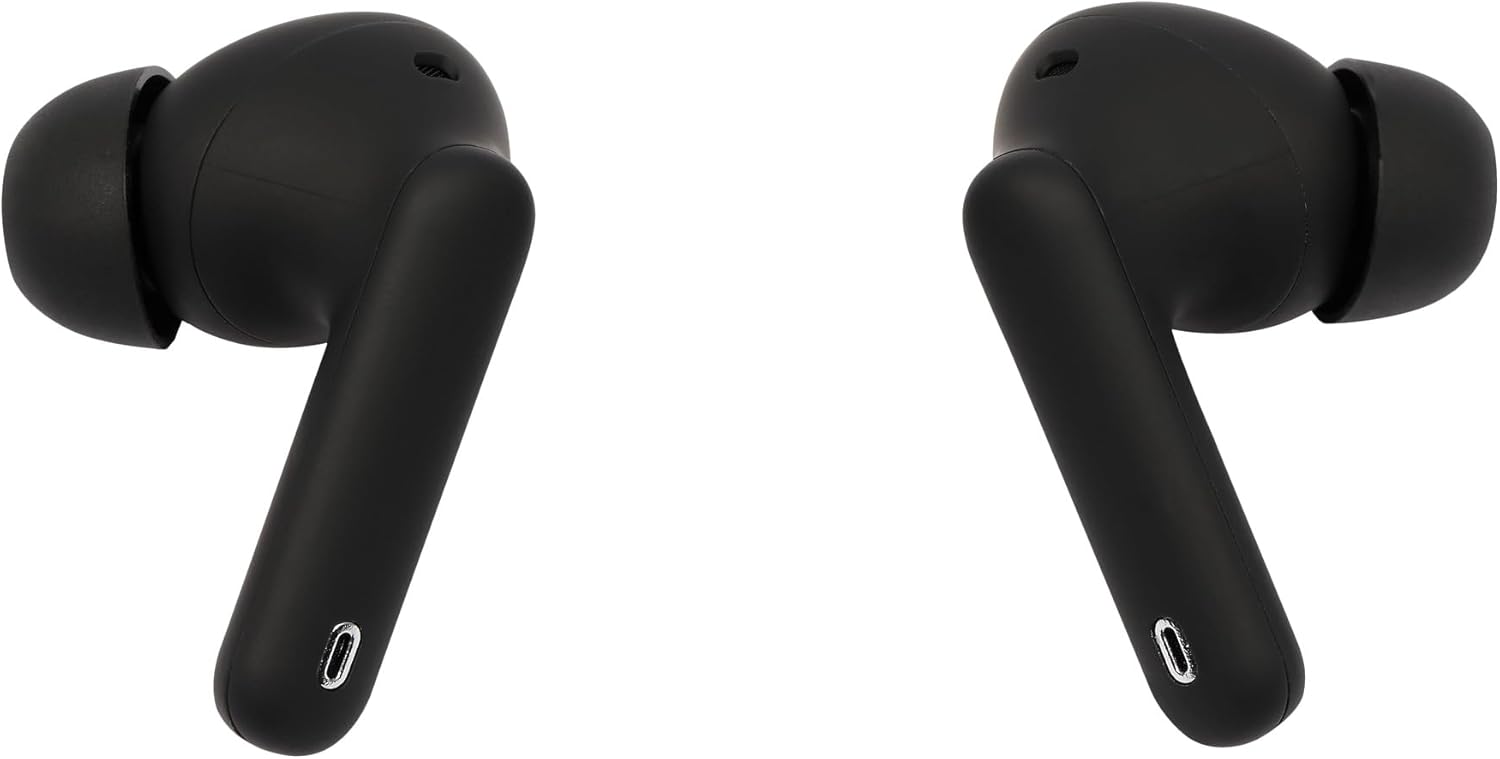
A pair of black STREETZ TWS-116 earbuds, showing their ergonomic design and the '0' marking on the stem.
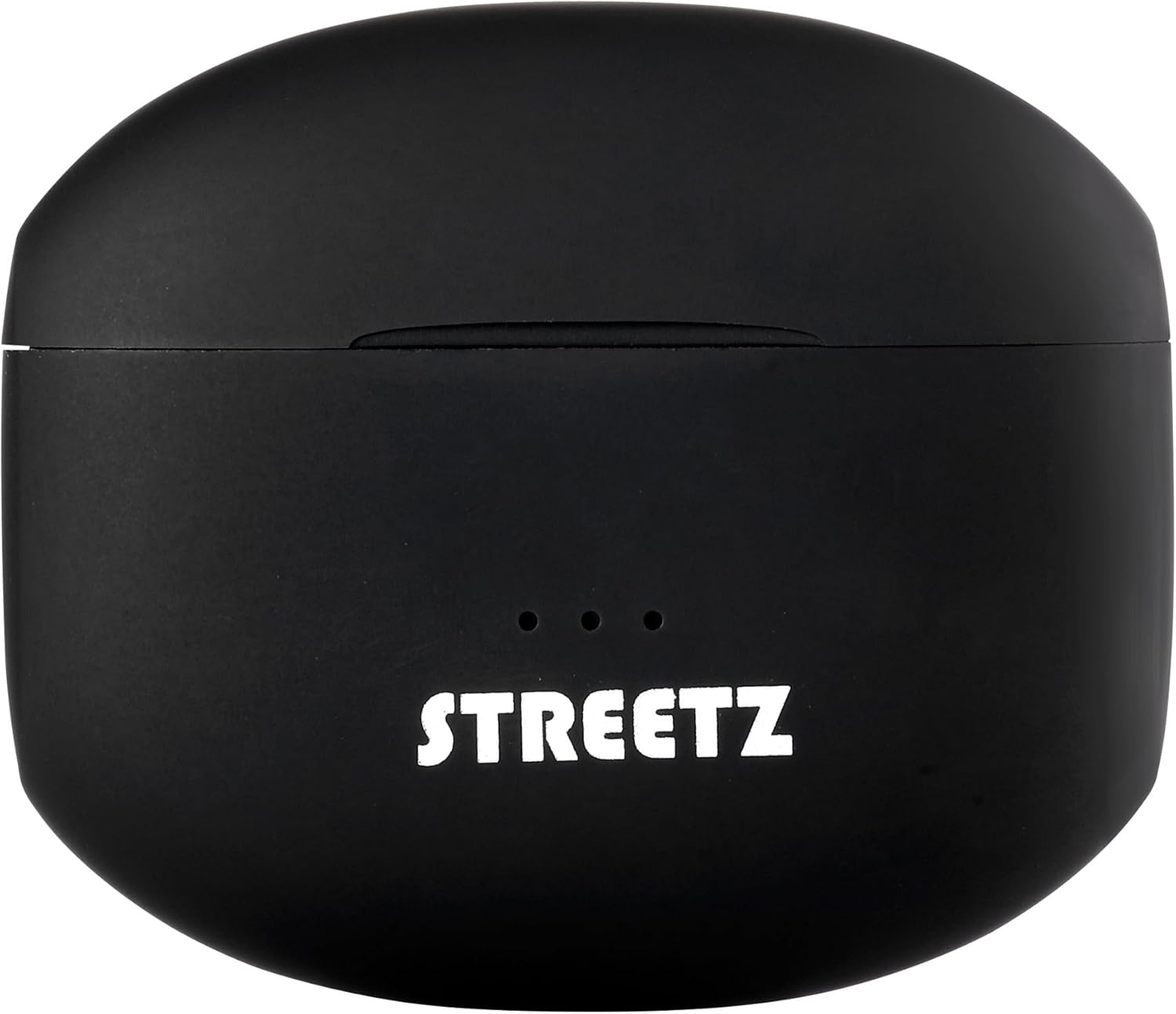
The compact, black charging case for the STREETZ TWS-116 earbuds, with the STREETZ logo and three indicator lights visible on the top.

An angled view of the left and right STREETZ TWS-116 earbuds, highlighting their in-ear design and sleek black finish.
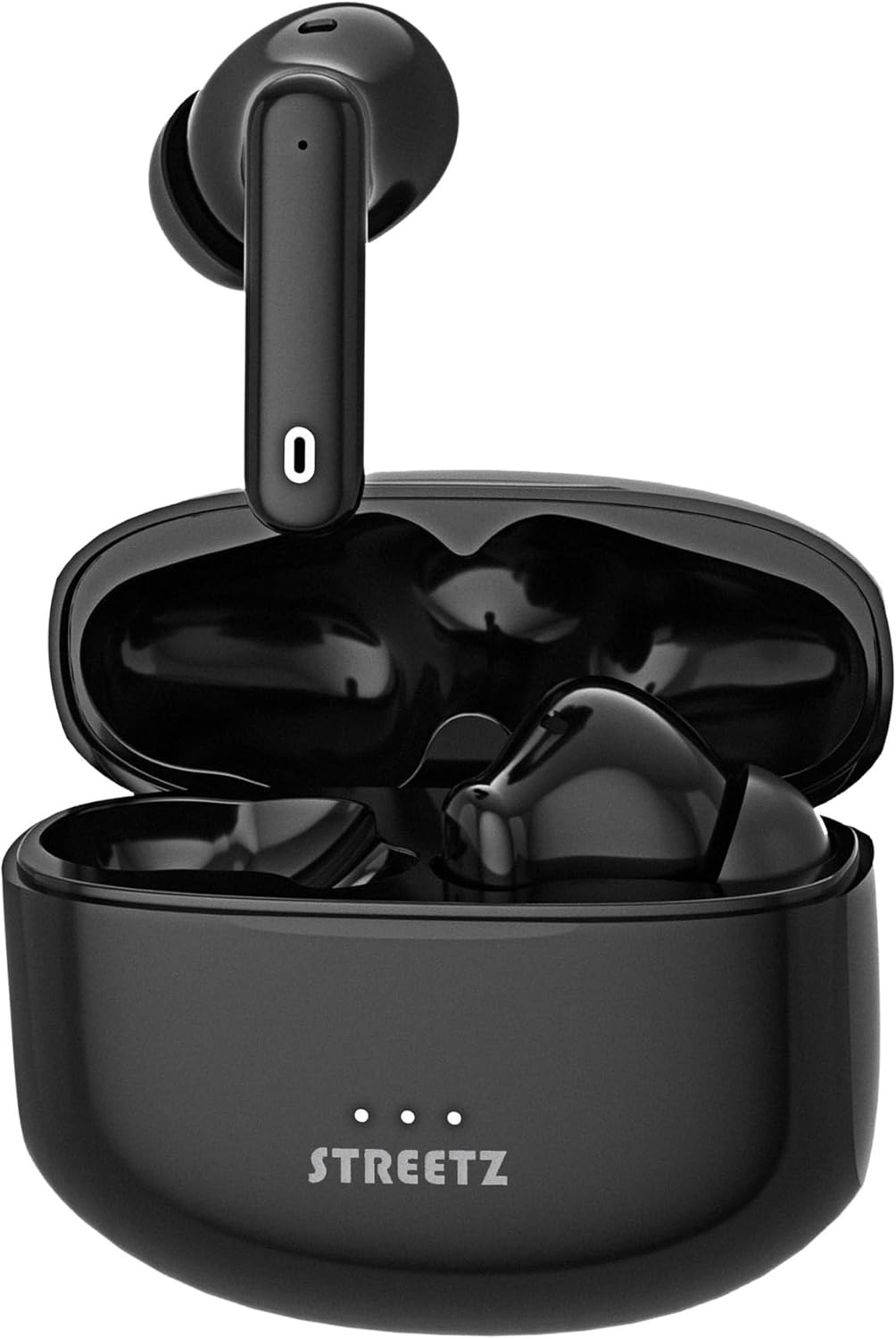
All components of the STREETZ TWS-116 package: the earbuds, their charging case, a USB charging cable, and additional silicone ear tips for a customized fit.

The STREETZ TWS-116 earbuds partially removed from their charging case, clearly showing the 'L' and 'R' markings for left and right earbuds.
4. Setup
4.1 Charging the Earbuds and Case
Before first use, fully charge the charging case and earbuds. Place the earbuds into the charging case. Connect the USB charging cable to the charging port on the case and to a power source (e.g., USB wall adapter, computer USB port). The indicator lights on the case will show the charging status. Once fully charged, the lights will indicate completion or turn off.
4.2 Bluetooth Pairing
- Ensure the earbuds are charged.
- Open the charging case. The earbuds will automatically enter pairing mode, and an indicator light on the earbuds will flash (refer to specific light patterns in your quick start guide if available).
- On your device (smartphone, tablet, PC), enable Bluetooth.
- Search for new Bluetooth devices. You should see "STREETZ TWS-116" or a similar name in the list of available devices.
- Select "STREETZ TWS-116" to connect. Once connected, the earbud indicator lights will stop flashing, and you may hear a confirmation tone.
- After the initial pairing, the earbuds will automatically connect to the last paired device when removed from the charging case, provided Bluetooth is enabled on your device.
5. Operating the Earbuds
5.1 Music Playback Control
The STREETZ TWS-116 earbuds feature multifunction buttons for easy control:
- Play/Pause: Single tap on either earbud.
- Next Track: Double tap on the right earbud.
- Previous Track: Double tap on the left earbud.
- Volume Up/Down: (If supported) Long press on right/left earbud (check quick start guide for specific implementation).
5.2 Active Noise Cancellation (ANC)
The ANC function reduces ambient noise by up to 25 dB, allowing for a more immersive listening experience. To activate or deactivate ANC, use the multifunction button on the earbuds. Refer to your quick start guide for the specific tap/press sequence for ANC control.
5.3 Call Management
The integrated microphone allows you to manage calls directly through the earbuds:
- Answer/End Call: Single tap on either earbud during an incoming call.
- Reject Call: Long press on either earbud during an incoming call.
- Activate Voice Assistant: Triple tap on either earbud (e.g., Siri, Google Assistant).
6. Maintenance
To ensure the longevity and optimal performance of your STREETZ TWS-116 earbuds, follow these maintenance guidelines:
- Cleaning: Regularly clean the earbuds and charging case with a soft, dry, lint-free cloth. Do not use harsh chemicals or abrasive materials. Gently clean the ear tips and speaker mesh to remove earwax or debris.
- Storage: When not in use, store the earbuds in their charging case to protect them from dust, dirt, and physical damage.
- Temperature: Avoid exposing the earbuds to extreme temperatures (hot or cold) or high humidity, as this can damage the battery and internal components.
- Water Resistance: The earbuds have an IPX5 rating, meaning they are resistant to low-pressure water jets from any direction. Do not submerge them in water or expose them to strong water streams. Dry them thoroughly if they get wet.
7. Troubleshooting
If you encounter issues with your STREETZ TWS-116 earbuds, try the following solutions:
7.1 No Sound or Intermittent Audio
- Ensure the earbuds are charged.
- Check the volume level on both your device and the earbuds.
- Make sure the earbuds are properly paired and connected to your device. Try re-pairing if necessary.
- Move closer to your device to ensure you are within the 10m Bluetooth range.
- Try disconnecting and reconnecting the Bluetooth connection on your device.
7.2 Earbuds Not Pairing
- Ensure both earbuds are in the charging case and have sufficient charge.
- Turn off Bluetooth on your device, then turn it back on.
- Forget or remove "STREETZ TWS-116" from your device's Bluetooth list and try pairing again.
- If only one earbud connects, try placing both back in the case, closing it for a few seconds, then opening it again to reset the connection.
7.3 Charging Issues
- Ensure the charging cable is securely connected to both the case and the power source.
- Try a different USB cable or power adapter.
- Clean the charging contacts on both the earbuds and inside the case with a dry cotton swab.
8. Specifications
| Feature | Detail |
|---|---|
| Brand | STREETZ |
| Manufacturer | STREETZ |
| Product Dimensions | 3 x 14.5 x 12 cm |
| Manufacturer Reference | TWS-116 |
| Item Number | TWS-116 |
| Additional Features | Noise Cancellation, Microphone Included |
| Batteries Included? | No |
| Batteries Required | No |
| Cable Features | Wireless |
| Software Updates Guaranteed Until | Unknown |
| ASIN | B0CC9J71DM |
| Available on Amazon.it from | July 19, 2023 |
| Form Factor | In-ear |
| Connectivity Technology | Wireless |
| Wireless Communication Technology | Bluetooth |
| Age Range (description) | Children |
| Unit Count | 1.0 unit |
9. Warranty and Support
For warranty information and customer support, please refer to the documentation included with your purchase or visit the official STREETZ website. You can typically find details regarding warranty periods, coverage, and contact information for technical assistance there.
Please retain your proof of purchase for any warranty claims.
Related documentsTWS-116

Ask a question about this manual
Ask about setup, troubleshooting, compatibility, parts, safety, or missing instructions. Manuals+ will review the question and use this page’s manual context to help answer it.