1. Introduction
This manual provides detailed instructions for the installation, operation, and maintenance of your Daewoo SA501PET Starter Pet Immune Wireless WiFi/GSM Home Alarm System. This system is designed to provide reliable security for your home, offering remote control capabilities, intrusion detection, and compatibility with smart home assistants.
The Daewoo SA501PET system is a comprehensive security solution that integrates wireless technology for easy setup and management. It includes a central alarm unit, pet-immune motion detector, door/window contacts, remote controls, and RFID badges.
2. Package Contents
Verify that all the following components are included in your Daewoo SA501PET Starter Pack:
- 1 x SA501 Alarm Central Unit
- 1 x WPS501 Pet-Immune Motion Detector
- 2 x WDS501 Door/Window Contacts
- 2 x Remote Controls
- 2 x RFID Badges
- 1 x Fixing Kit (screws, wall plugs)
- User Manuals
- Power Adapter for Central Unit

Image 1: All components included in the Daewoo SA501PET Starter Pack.
3. System Overview
The Daewoo SA501PET system consists of several key components working together to secure your home:
- SA501 Alarm Central Unit: The brain of the system, featuring a keypad, siren, Wi-Fi connectivity, and a SIM card slot for GSM backup.
- WPS501 Pet-Immune Motion Detector: Detects movement while ignoring pets up to a certain weight, preventing false alarms.
- WDS501 Door/Window Contacts: Detects the opening of doors or windows.
- Remote Controls: For convenient arming and disarming of the system.
- RFID Badges: Provides a quick and easy way to arm or disarm the system by swiping on the central unit.
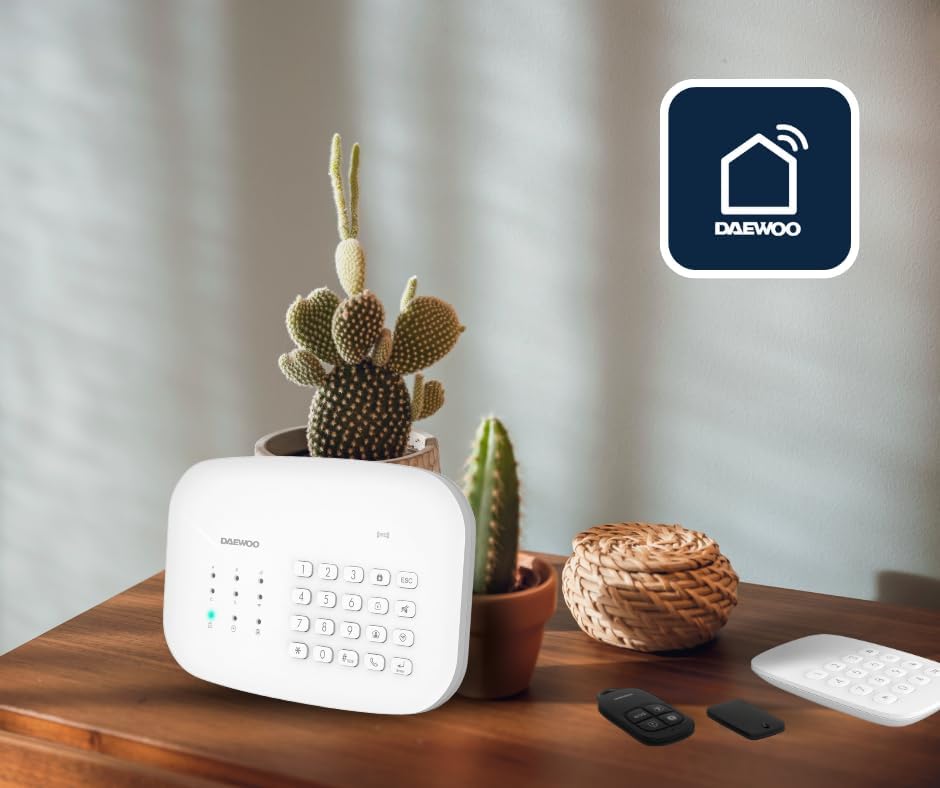
Image 2: The Daewoo SA501 alarm central unit in a home setting.
4. Setup
4.1. Download the Daewoo Home Connect App
The Daewoo Home Connect application is essential for managing your alarm system. It is available for both Android and iPhone devices.
- Search for "Daewoo Home Connect" in your device's app store (Google Play Store for Android, Apple App Store for iOS).
- Download and install the application.
- Follow the in-app instructions to create an account and log in.

Image 3: The Daewoo Home Connect application icon on a smartphone.
4.2. Powering the Central Unit
- Connect the provided power adapter to the SA501 Alarm Central Unit.
- Plug the adapter into a standard electrical outlet. The unit will power on automatically.
- Optional: If you wish to use the GSM backup feature, insert a compatible SIM card into the designated slot on the central unit.
4.3. Connecting to Wi-Fi
Follow the instructions within the Daewoo Home Connect app to connect your central unit to your home Wi-Fi network. This typically involves:
- Selecting "Add Device" in the app.
- Choosing the alarm system category.
- Entering your Wi-Fi network name (SSID) and password.
- Following the app's prompts to put the central unit into pairing mode.
4.4. Pairing Accessories
Once the central unit is connected, you can pair the included accessories:
- In the Daewoo Home Connect app, navigate to the accessory pairing section.
- For Motion Detector (WPS501): Activate the motion detector (e.g., by removing a battery tab or pressing a pairing button as per its specific manual). The app will detect and allow you to add it.
- For Door/Window Contacts (WDS501): Separate the two parts of the contact or activate it as per its specific manual. The app will detect and allow you to add it.
- For Remote Controls and RFID Badges: Follow the app's instructions to add these devices, typically by pressing a button on the remote or swiping the badge near the central unit.
4.5. Installation of Components
Use the provided fixing kit to install the detectors in optimal locations:
- Door/Window Contacts: Install one part on the door/window frame and the other on the moving part, ensuring they are aligned and close to each other when the door/window is closed.

Image 4: Proper installation of a Daewoo door/window contact.
- Pet-Immune Motion Detector: Mount the detector in a corner or on a wall, ensuring it covers the desired area without direct line of sight to heat sources or windows. Position it at a height that allows it to effectively detect human movement while ignoring pets.
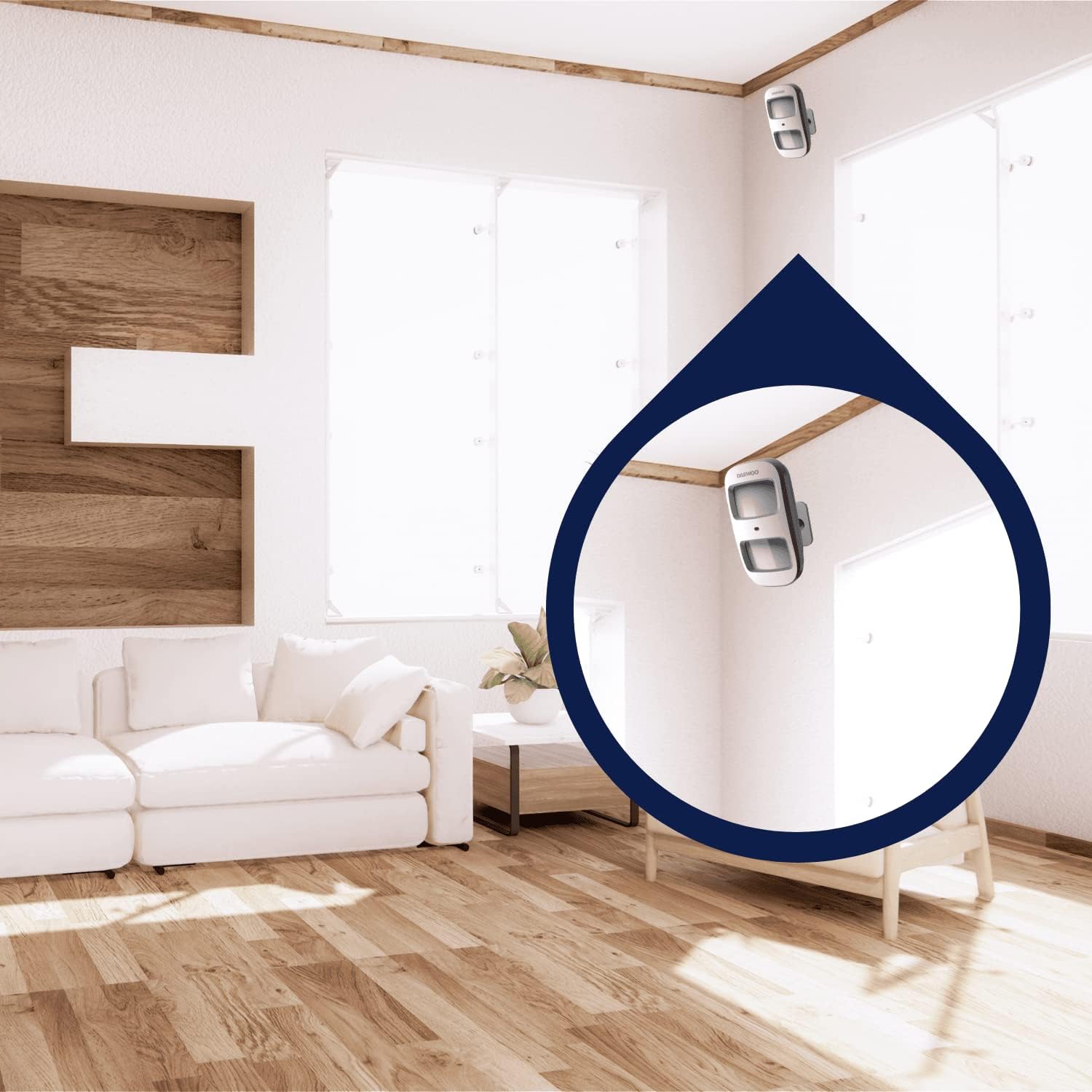
Image 5: Example placement of Daewoo motion detectors in a room.
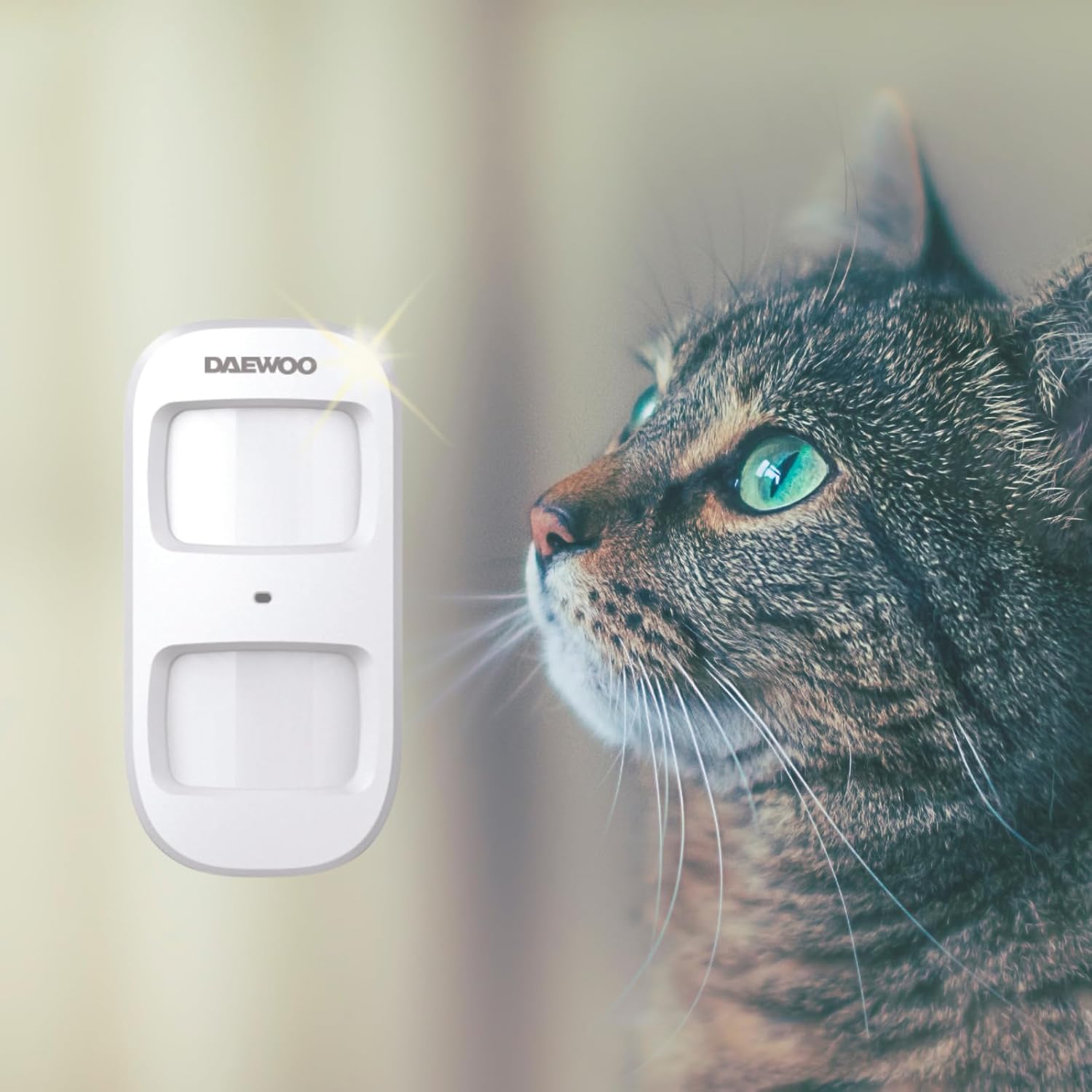
Image 6: The pet-immune motion detector is designed to avoid false alarms from pets.
5. Operating the System
5.1. Arming and Disarming
Your Daewoo alarm system can be armed and disarmed using several methods:
- Via Daewoo Home Connect App: Open the app and select the appropriate arm/disarm option. This allows for remote control from anywhere.
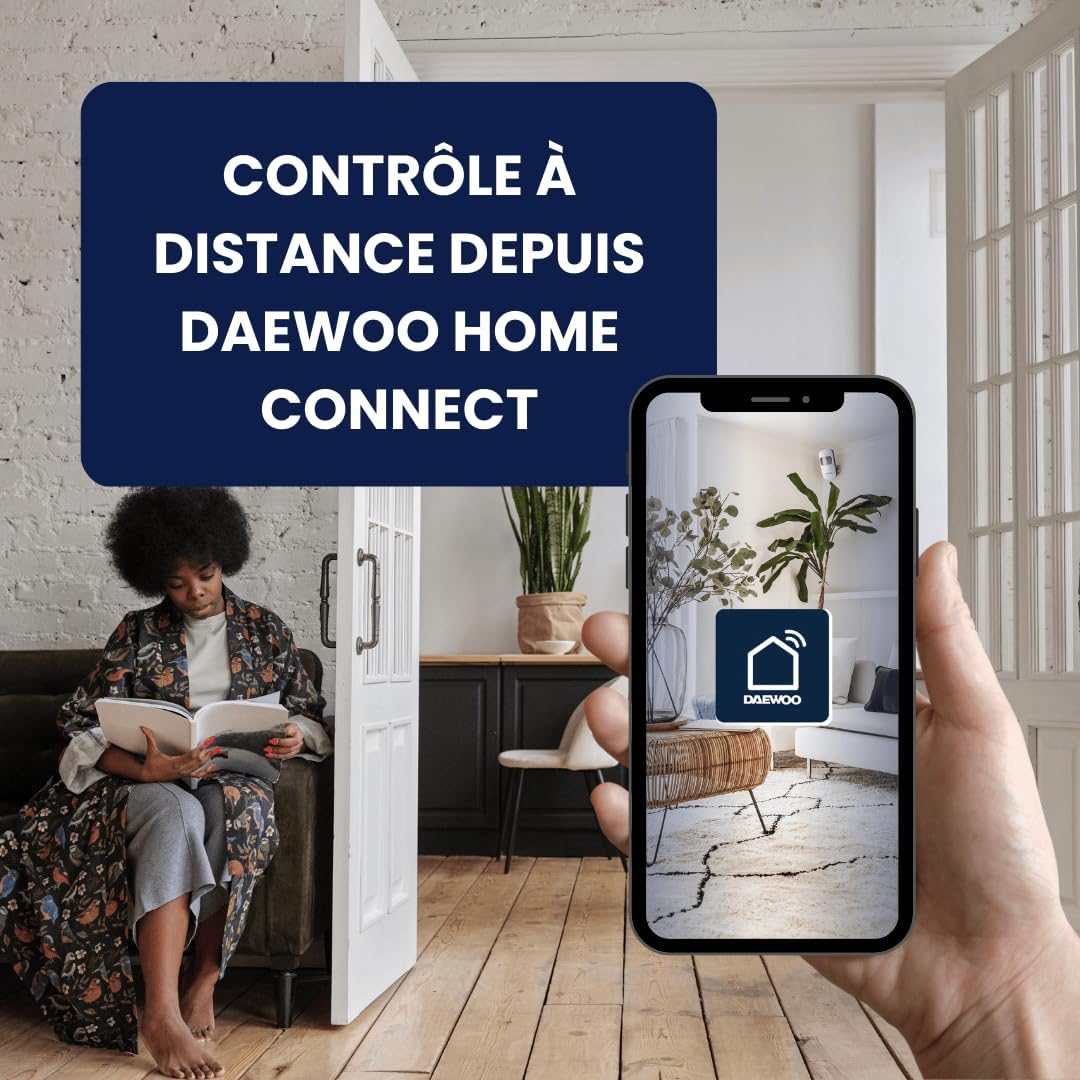
Image 7: Remote control of the alarm system via the Daewoo Home Connect app.
- Via Remote Control: Press the arm or disarm button on your remote control.
- Via RFID Badge: Swipe your RFID badge over the designated area on the central unit.
- Via Keypad: Enter your security code on the central unit's keypad and press the arm or disarm button.
- Via Voice Assistant: Integrate your system with Amazon Alexa or Google Home. You can then use voice commands to arm or disarm the system (e.g., "Alexa, arm my alarm").
5.2. Notifications and Alarms
In case of an intrusion or triggered sensor:
- The integrated siren on the central unit will sound.
- You will receive immediate notifications on your smartphone via the Daewoo Home Connect app.
- If a SIM card is installed and Wi-Fi is unavailable, the system will send SMS messages and make phone calls to pre-configured numbers.
5.3. Pet-Immune Feature
The WPS501 motion detector is designed to differentiate between human movement and pets, reducing the likelihood of false alarms caused by animals. Ensure the detector is installed at the recommended height and orientation as per its individual manual for optimal performance.
6. Maintenance
6.1. Battery Replacement
Accessories like motion detectors and door/window contacts are battery-powered. The Daewoo Home Connect app will notify you when accessory batteries are low. Refer to the individual accessory manuals for specific battery types and replacement procedures. The central unit uses 4 CR2 batteries (included) for backup power.
6.2. Cleaning
Clean the central unit and accessories periodically with a soft, dry cloth. Avoid using abrasive cleaners or solvents, as these can damage the devices.
6.3. Firmware Updates
The Daewoo Home Connect app may prompt you for firmware updates for the central unit or accessories. It is recommended to perform these updates to ensure optimal performance and access to new features.
7. Troubleshooting
If you encounter issues with your Daewoo alarm system, try the following troubleshooting steps:
- System Not Connecting to Wi-Fi: Ensure your Wi-Fi network is 2.4GHz (most smart home devices do not support 5GHz). Check your Wi-Fi password and signal strength. Restart your router and the central unit.
- Accessory Not Pairing: Ensure the accessory is in pairing mode and within range of the central unit. Check the accessory's battery level.
- False Alarms: Review the placement of motion detectors. Ensure they are not facing direct sunlight, heat sources, or areas where pets can trigger them if not properly configured for pet immunity. Check door/window contacts for proper alignment.
- No Notifications: Check your phone's notification settings for the Daewoo Home Connect app. Ensure the app is running in the background. Verify your SIM card has credit and signal if using GSM backup.
- Voice Assistant Not Responding: Ensure your Daewoo account is correctly linked to your Amazon Alexa or Google Home account. Check your internet connection.
If problems persist, refer to the detailed troubleshooting section in the Daewoo Home Connect app or contact customer support.
8. Specifications
| Feature | Detail |
|---|---|
| Model Number | SA501PET |
| Manufacturer | Daewoo Security |
| Product Dimensions (L x W x H) | 15 x 23 x 9 cm |
| Weight | 500 Grams |
| Power Source | Electric Cable |
| Installation Method | Wireless DIY |
| Connectivity Technology | Wireless (Wi-Fi, GSM) |
| Compatible Devices | Android, iPhone |
| Control Method | Application, Remote, RFID Badge, Keypad, Voice Assistant (Alexa, Google Home) |
| Alert Type | Motion, Opening |
| Backup Battery | 4 x CR2 (Lithium-polymer) - included |
9. Warranty and Support
Daewoo Security is a French company based in Bordeaux, providing dedicated customer support for its products.
- Technical Assistance: You benefit from unlimited technical assistance via email. Support is available Monday to Friday.
- Warranty Information: For specific warranty terms and conditions, please refer to the documentation included with your product or contact Daewoo Security customer service.
For assistance, please contact Daewoo Security through the contact information provided in your product packaging or on the official Daewoo Security website.


