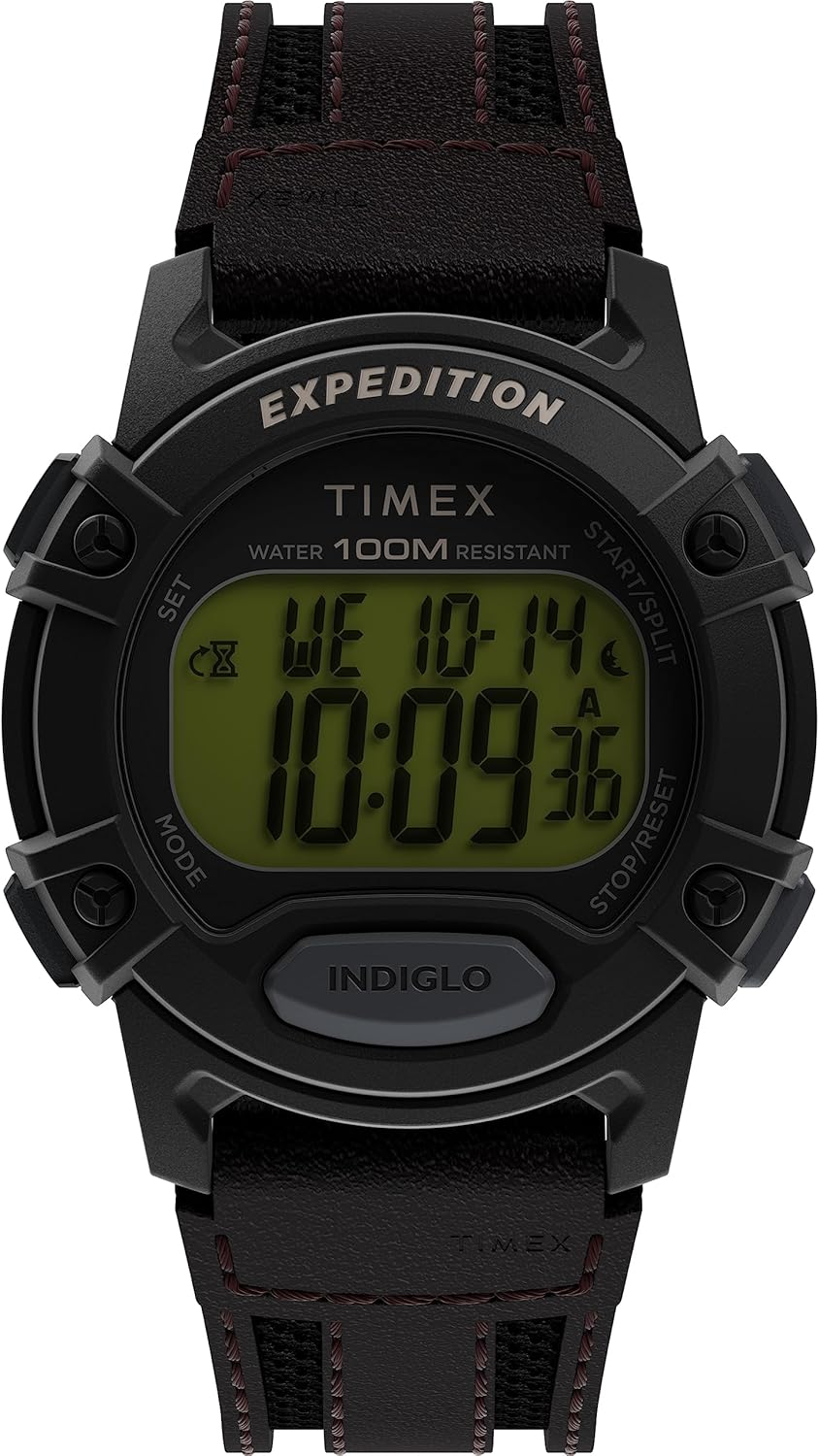
Introduction
This manual provides instructions for the setup, operation, and maintenance of your Timex Expedition CAT 41mm Digital Watch (Model TW4B316009J). Please read this manual thoroughly to ensure proper use and care of your timepiece.
Setup
Setting Time and Date
- Press the MODE button repeatedly until the time setting mode is displayed. The seconds will likely be flashing.
- Press the SET button to select the digit or field you wish to adjust (e.g., hours, minutes, year, month, day). The selected field will flash.
- Use the START/SPLIT button to increase the value or the STOP/RESET button to decrease the value.
- Continue pressing SET to move through all time and date settings (hours, minutes, AM/PM, year, month, day).
- Once all settings are correct, press the MODE button to exit the setting mode and return to the normal time display.
Activating the Watch
Your watch comes with a battery installed. If the display is not active, gently remove any plastic battery tab that may be present between the crown/buttons and the watch case. If the watch remains inactive, refer to the Troubleshooting section.
Operation
Basic Time Display
In normal mode, the watch displays the current time (hours, minutes, seconds) and date (day of week, month, day).
Indiglo Night-Light
Press the INDIGLO button (located below the display) to activate the patented Timex Indiglo night-light. This feature illuminates the entire watch face for easy viewing in low-light conditions. The light will remain on for a few seconds after the button is released.
Water Resistance
This watch is water resistant up to 100 meters (330 feet). This means it is suitable for showering, swimming, and snorkeling. It is not suitable for scuba diving. Important: Do not operate any buttons while the watch is wet or submerged, as this can compromise the water resistance seal.
Additional Functions (Stopwatch, Alarm, Timer)
Your Timex Expedition watch may include additional functions such as a stopwatch, daily alarm, and countdown timer. To access these modes, press the MODE button repeatedly. Follow the on-screen prompts and use the SET, START/SPLIT, and STOP/RESET buttons to operate these features. Detailed instructions for each specific function can be found on the Timex website or by referring to the general Timex digital watch manual.
Maintenance
Cleaning Your Watch
Regularly clean your watch with a soft, damp cloth. For the strap, if it is leather, avoid excessive moisture. For synthetic straps, a mild soap solution can be used, followed by rinsing and thorough drying.
Battery Replacement
The watch uses one CR2016 Lithium Metal battery. When the display becomes dim or the watch stops functioning, the battery may need replacement. Battery replacement should ideally be performed by a qualified watch technician to ensure proper sealing and maintain water resistance. Attempting to replace the battery yourself may void the warranty and compromise water resistance.
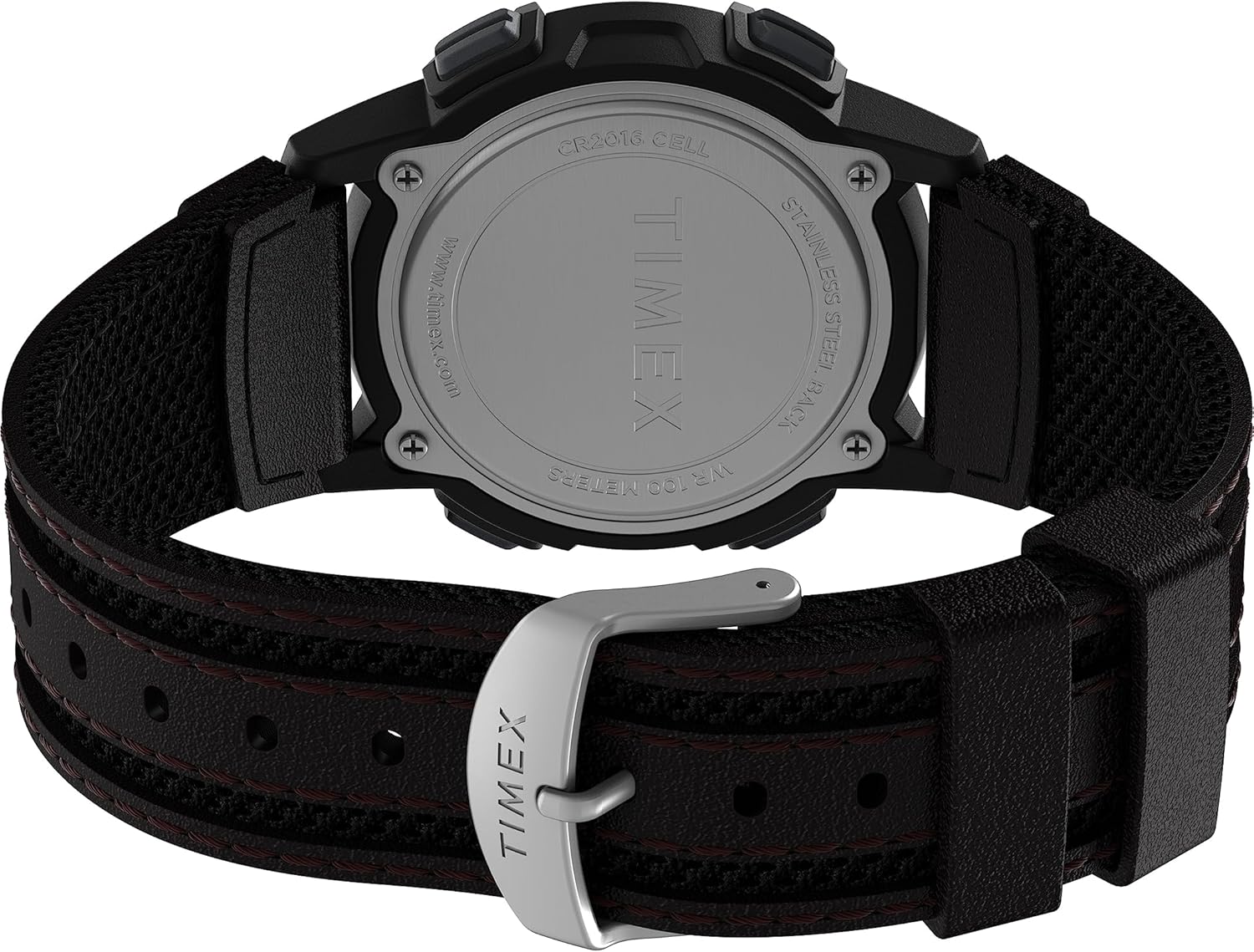
Rear view of the watch, highlighting the stainless steel case back and the battery compartment details, including the CR2016 cell type.
Water Resistance Care
- Avoid exposing the watch to extreme temperature changes (e.g., hot shower immediately followed by cold water).
- Do not press buttons underwater.
- Ensure the watch is completely dry before operating buttons if it has been exposed to water.
Troubleshooting
| Problem | Possible Cause | Solution |
|---|---|---|
| Watch display is dim or blank. | Low battery or battery tab still present. | Remove any battery tab. If issue persists, replace battery (recommended by professional). |
| Watch is not keeping accurate time. | Low battery or internal malfunction. | Replace battery. If problem continues, contact Timex customer support. |
| Water or condensation inside the watch. | Water resistance compromised (e.g., buttons pressed underwater, seal failure). | Immediately take the watch to a qualified watch repair center. Do not attempt to dry it yourself. |
Specifications
- Model Number: TW4B316009J
- Case Diameter: 41mm
- Lens Material: Acrylic
- Strap Material: Brown (8 inch)
- Water Resistance: 100 meters (330 feet)
- Battery Type: CR2016 Lithium Metal (included)
- Display Type: Digital
- Features: Indiglo Night-Light, Stopwatch, Alarm, Timer (functions may vary slightly by specific firmware version)
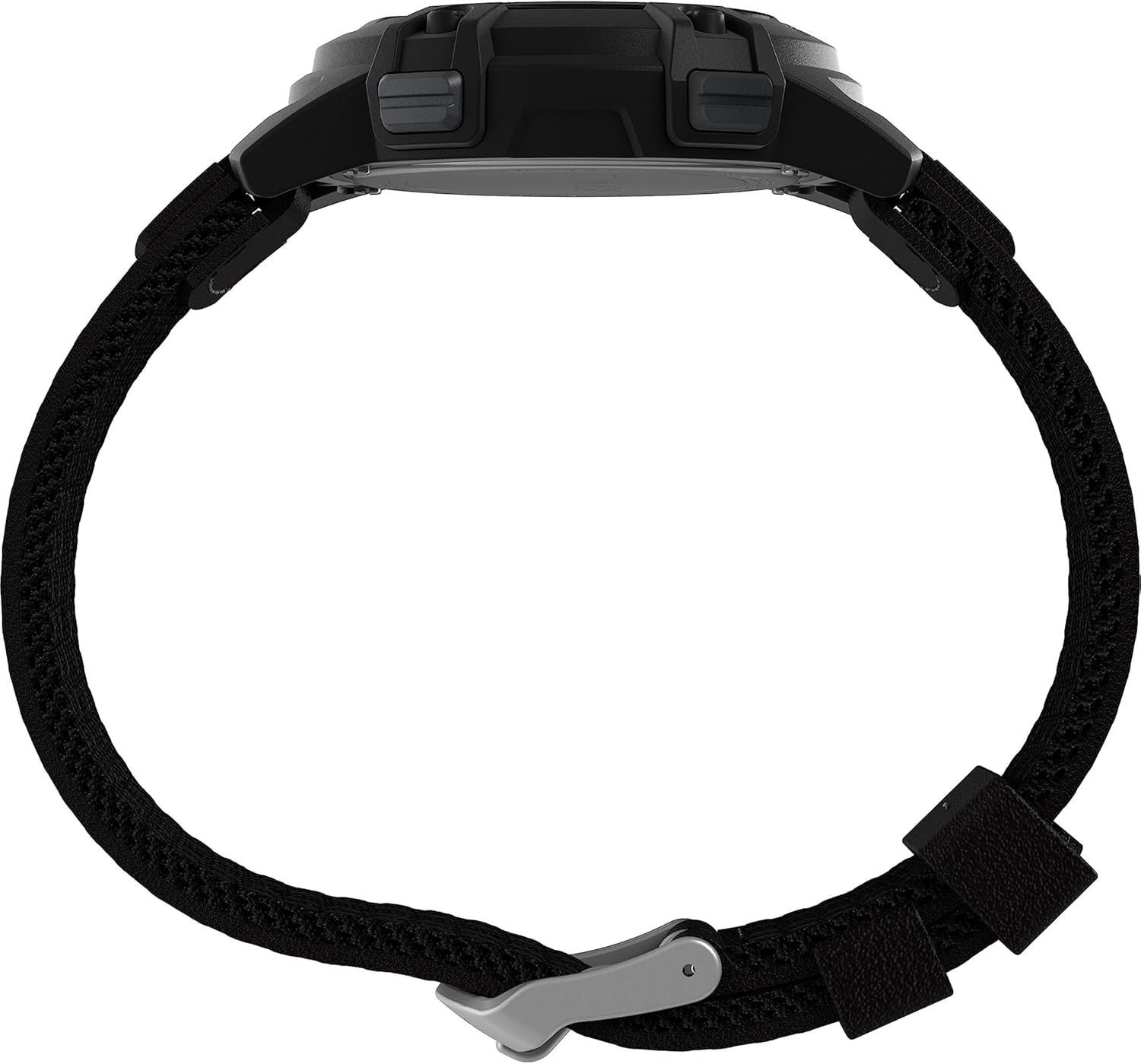

Left: Side profile of the watch, showing the case thickness and button placement. Right: Rear view of the watch with the brown strap and buckle.
Warranty and Support
Your Timex watch is covered by a manufacturer's warranty against defects in materials and workmanship. For specific warranty terms, registration, or to obtain service, please visit the official Timex website or contact their customer support directly.
For further assistance, please visit: Timex Support Website


