
ELPHECO B0FBGFKCB2
ELPHECO Self-Bagging Automatic Trash Can User Manual
Model: B0FBGFKCB2 | Brand: ELPHECO
1. Introduction
This manual provides comprehensive instructions for the setup, operation, and maintenance of your ELPHECO Self-Bagging Automatic Trash Can. Designed for convenience and hygiene, this stainless steel sensor trash bin offers touchless waste disposal and an innovative self-changing and self-sealing system.
Key Features:
- Automatic Sensor Activation: Equipped with a highly sensitive infrared sensor, the trash can opens automatically when your hand or any object approaches within a certain range, allowing for easy and touchless waste disposal. This feature keeps your environment cleaner and healthier.
- Self-changing & Self-bagging System: With this feature, you never have to worry about manually changing or securing trash bags again. Simply drop a new bag into the designated compartment, and the can will automatically position and secure it for you, saving you time and hassle.
- Stainless Steel Construction: Crafted from high-quality stainless steel, this trash can offers exceptional durability and a modern aesthetic that complements any setting.
- Spacious Capacity: With a generous 4-gallon (15-liter) capacity, this trash can can hold a significant amount of waste before needing to be emptied.
- Versatile Use: Ideal for a variety of settings, including homes, hotels, and offices.
- Easy Maintenance: The smooth stainless steel surface wipes clean easily, and the self-bagging and self-changing features minimize the need for hands-on interaction with waste.

Figure 1: ELPHECO Self-Bagging Automatic Trash Can (Silver 4 Gallon).
2. Setup
Follow these steps to set up your ELPHECO Automatic Trash Can for first use.
- Unpack the Unit: Carefully remove all components from the packaging. The trash can consists of two main parts: the top lid assembly and the main body/bin.
- Install Batteries:
- Locate the battery compartment on the underside of the lid assembly.
- Open the compartment cover.
- Insert two AA batteries (not included) into the compartment, ensuring correct polarity (+/-).
- Close the battery compartment cover securely.

Figure 2: Location of the battery compartment.
- Insert Trash Bag:
- The trash can comes with a roll of custom trash bags.
- Place the trash bag roll into the designated compartment within the main bin.
- Pull the first bag through the opening and secure it around the inner rim using the integrated bag handles.
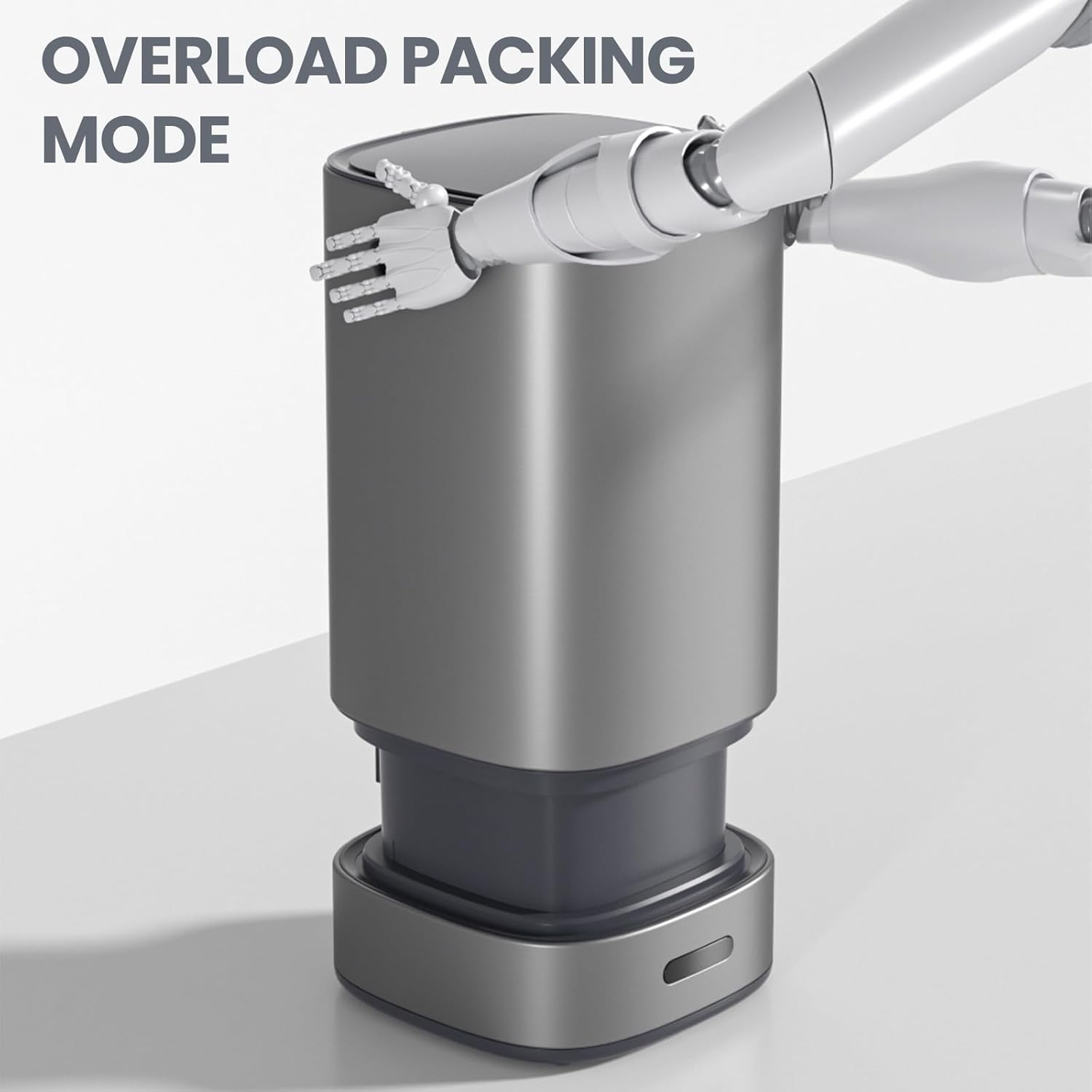
Figure 3: Trash can with a trash bag properly inserted.
- Assemble the Unit: Place the lid assembly securely onto the main body of the trash can. Ensure it clicks into place.
- Power On: Locate the power switch (usually on the back or underside of the lid) and switch it to the "ON" position. The sensor will activate, and the unit is ready for use.
3. Operating Instructions
Your ELPHECO trash can offers multiple convenient ways to operate.
3.1 Automatic Sensor Operation
The primary mode of operation is touchless, using the infrared motion sensor.
- Opening the Lid: Simply wave your hand or approach the sensor area (located on the top front of the lid) within approximately 13.8 inches (35cm). The lid will automatically open.
- Closing the Lid: The lid will automatically close after a few seconds of inactivity (typically 5-15 seconds, depending on the model and sensor settings). If you wish to close it sooner, you can use the manual close button.
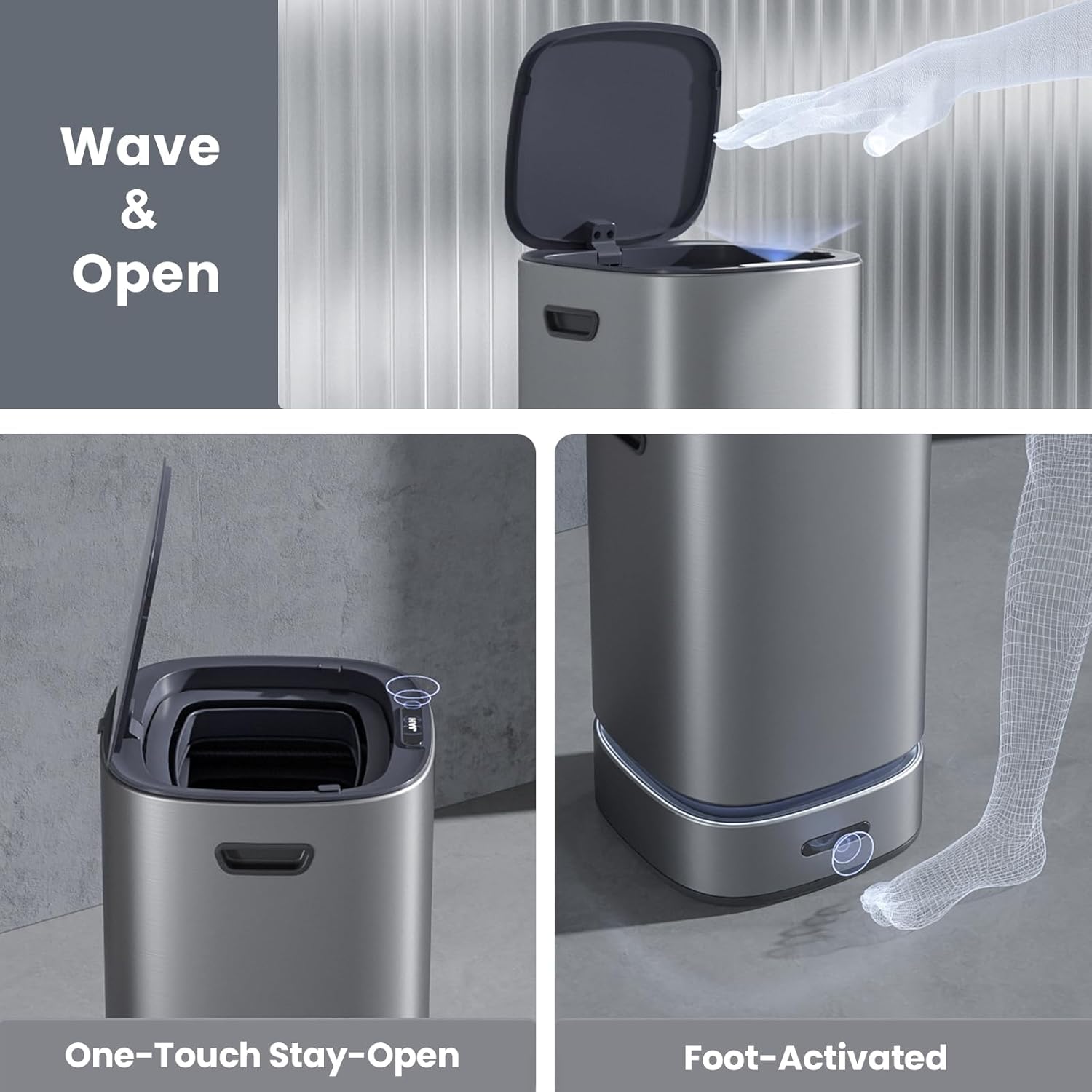
Figure 4: Automatic sensor activation for touchless operation.
3.2 Manual Button Operation
For situations where sensor activation is not preferred or for specific functions, manual buttons are available.
- Open Button: Press the "Open" button (often marked with an 'L' or an open lid icon) to manually open the lid.
- Close Button: Press the "Close" button (often marked with an 'O' or a closed lid icon) to manually close the lid.
- Stay-Open Mode: Some models feature a "Stay-Open" mode, activated by pressing and holding the open button. This keeps the lid open indefinitely until the close button is pressed again.

Figure 5: Wave & Open and Foot-Activated options for lid control.
3.3 Self-Bagging and Self-Sealing System
The ELPHECO trash can automates the bag changing process.
- Automatic Bag Deployment: After disposing of waste, the system automatically deploys and secures a new trash bag from the internal roll.
- Self-Sealing: When the trash can is full, the system will automatically seal the current bag, preparing it for removal.
- Bag Removal: Once sealed, simply lift the sealed bag out of the bin using the integrated handles.

Figure 6: Overload packing mode demonstration.
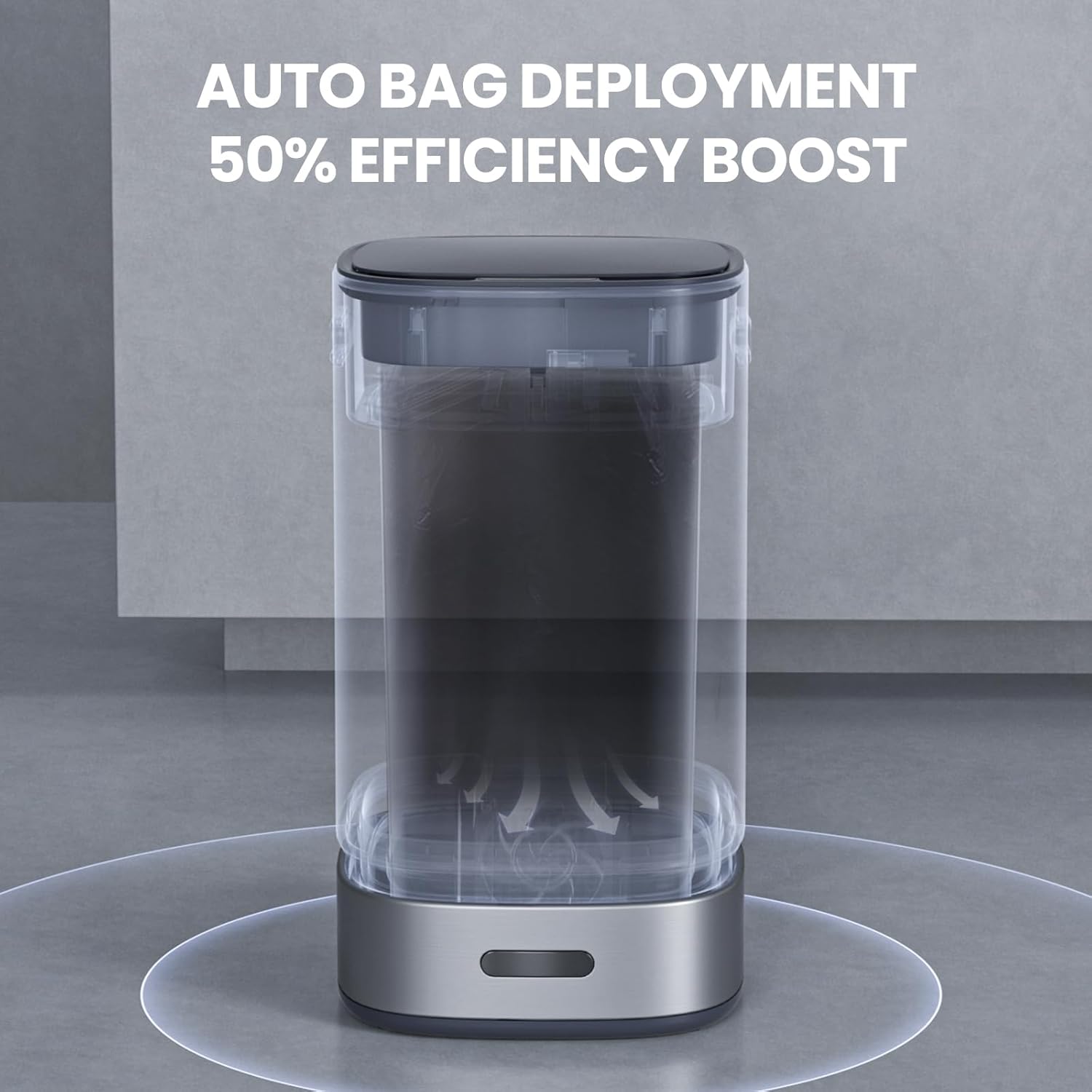
Figure 7: Auto bag deployment for 50% efficiency boost.

Figure 8: Quick-release sealing module and dual-layer sealing technology.
Official Product Video: Self-Bagging Automatic Trash Can
This video demonstrates the self-bagging and self-sealing features of the ELPHECO Automatic Trash Can, showcasing its automated waste management capabilities.
4. Maintenance
Regular maintenance ensures optimal performance and longevity of your trash can.
- Cleaning: Wipe the stainless steel exterior with a soft, damp cloth and mild detergent. Avoid abrasive cleaners or harsh chemicals that could damage the finish. Ensure the sensor area is kept clean and free of obstructions.
- Battery Replacement: When the sensor response becomes slow or the lid does not open/close reliably, it's time to replace the batteries. Follow the "Install Batteries" steps in the Setup section.
- Sealing Module Replacement: The sealing module may need replacement after approximately 150 packs for consistent performance. Refer to the quick-release design for easy installation.
5. Troubleshooting
If you encounter any issues, refer to the following common problems and solutions.
| Problem | Possible Cause | Solution |
|---|---|---|
| Lid does not open/close automatically. | Low batteries; Sensor obstructed or dirty; Power switch off. | Replace batteries; Clean sensor area; Ensure power switch is ON. |
| Lid opens unexpectedly. | Object too close to sensor; Strong light interference. | Ensure no objects are within sensor range; Relocate trash can if strong light is an issue. |
| Self-sealing/bagging not working. | Bag roll empty or improperly installed; Sealing module worn out. | Check and replace bag roll; Ensure bag is correctly positioned; Replace sealing module if necessary. |
| Unpleasant odors. | Trash not emptied regularly; Bin needs cleaning. | Empty trash more frequently; Clean the inner bucket and lid thoroughly. |
6. Specifications
Detailed specifications for your ELPHECO Self-Bagging Automatic Trash Can.
- Brand: ELPHECO
- Model: B0FBGFKCB2
- Capacity: 4 Gallons (15 Liters)
- Material: Stainless Steel
- Color: Silver
- Product Dimensions: 9.7 x 9.7 x 17.7 inches
- Opening Mechanism: Motion-Sensor
- Special Feature: Motion Sensor, Self-Sealing, Self-Bagging
- Power Source: Battery Operated (Requires 2 AA batteries, not included)
- Recommended Uses: Bedroom, Office, Living Room, Bathroom
- What's in the Box: Trash Can, Trash Bag

Figure 9: Overview of ELPHECO trash can specifications.
7. Warranty and Support
ELPHECO USA is committed to providing high-quality products and excellent customer service. If you encounter any issues or have questions regarding your ELPHECO Self-Bagging Automatic Trash Can, please contact our customer service team.
Contact Information:
- Seller: ELPHECO USA
- Amazon Seller Page: Visit ELPHECO USA Seller Page
- Return Policy: 30-day refund/replacement policy (as per Amazon's policy).
We strive to provide prompt and satisfactory resolution to any problems encountered during the use of our products.

Figure 10: Steps to contact customer service via Amazon.
Ask a question about this manual
Ask about setup, troubleshooting, compatibility, parts, safety, or missing instructions. Manuals+ will review the question and use this page’s manual context to help answer it.