
WiZ Connected 604637
WiZ Elpas Bollard Smart WiFi Outdoor LED Path Light Starter Kit
Model: 604637 | Brand: WiZ Connected
Introduction
The WiZ Elpas Bollard Smart WiFi Outdoor LED Path Light Starter Kit provides a versatile and intelligent lighting solution for outdoor spaces. These low-voltage pathlights are designed for easy and safe installation, featuring built-in ground spikes. Each water-resistant light head is individually controllable via your existing Wi-Fi network, offering 450 lumens of adjustable light. The system allows for stringing up to five pathlights in a line, enhancing visibility and ambiance in driveways, front yards, or backyards.

Image: The WiZ Elpas Bollard Smart WiFi Outdoor LED Path Light Starter Kit, showcasing the bollard light and its packaging.
Safety Information
Please read and understand all safety instructions before installing or operating the WiZ Elpas Bollard Light. Failure to follow these instructions may result in electric shock, fire, or other hazards.
- Low Voltage System: This product operates on low voltage (12 Volts) for enhanced safety during outdoor installation.
- Water Resistance: The light is IP44 rated, indicating it is water-resistant and suitable for outdoor use in various weather conditions. Ensure all connections are secure to maintain water resistance.
- Material Durability: Constructed with high-quality aluminum and synthetic polymer (PMMA) for durability and weather resistance.
- Electrical Safety: Ensure the power source is disconnected before any installation or maintenance. Only use the provided power adapter.
- Placement: Install the bollard lights in stable ground or on a secure hard surface to prevent tipping. Avoid placing in areas where they may be a tripping hazard.
- ETL Certification: This product is ETL listed, signifying compliance with North American safety standards.
What's in the Box
The WiZ Elpas Bollard Smart WiFi Outdoor LED Path Light Starter Kit includes the following components:
- 1x WiZ Elpas Bollard LED Path Light
- 1x Ground Spike
- 1x Power Adapter with Controller
- Necessary connection cables and accessories for installation.

Image: All components included in the WiZ Elpas Bollard Starter Kit, laid out for clear viewing.
Specifications
| Feature | Detail |
|---|---|
| Brand | WiZ Connected |
| Model Name | WiZ ELPAS 12V Bollard Starter Kit |
| Model Number | 604637 |
| Product Dimensions | 20.39"L x 4.27"W x 20.39"H |
| Item Weight | 4.19 pounds |
| Material | Aluminum, Synthetic Polymer (PMMA) |
| Color | Multi-color (16 million colors, adjustable whites) |
| Light Source Type | LED |
| Brightness | 320 Lumens |
| Wattage | 4.8 watts |
| Voltage | 12 Volts |
| Indoor/Outdoor Usage | Indoor, Outdoor |
| Water Resistance Level | IP44 Water Resistant |
| Connectivity Protocol | Bluetooth, Matter, Wi-Fi (2.4GHz) |
| Control Method | App, Amazon Alexa, Google Assistant, Siri Shortcuts |
| Installation Type | Ground-Mounted |

Image: Detailed dimensions of the WiZ Elpas Bollard Light, showing height and diameter.
Setup
1. Installation
The WiZ Elpas Bollard Light is designed for simple, safe DIY installation. It can be ground-mounted using the included spike or attached to a hard surface by removing the spike and utilizing the base's screw points (screws not included for hard surface mounting).
- Ground Mounting: Attach the ground spike to the base of the bollard light. Ensure it is securely fastened. Push the spike firmly into the desired location in your lawn or garden.
- Hard Surface Mounting: If mounting on a patio or deck, remove the ground spike. Use appropriate screws (not supplied) to secure the base of the bollard light to the hard surface.
- Connecting Lights: For multiple lights, connect them in a series using the provided waterproof connectors. Ensure connections are tight to prevent water ingress. The system supports stringing up to five pathlights.
- Power Connection: Connect the power adapter to the first bollard light in the series. Plug the power adapter into a suitable outdoor-rated electrical outlet.
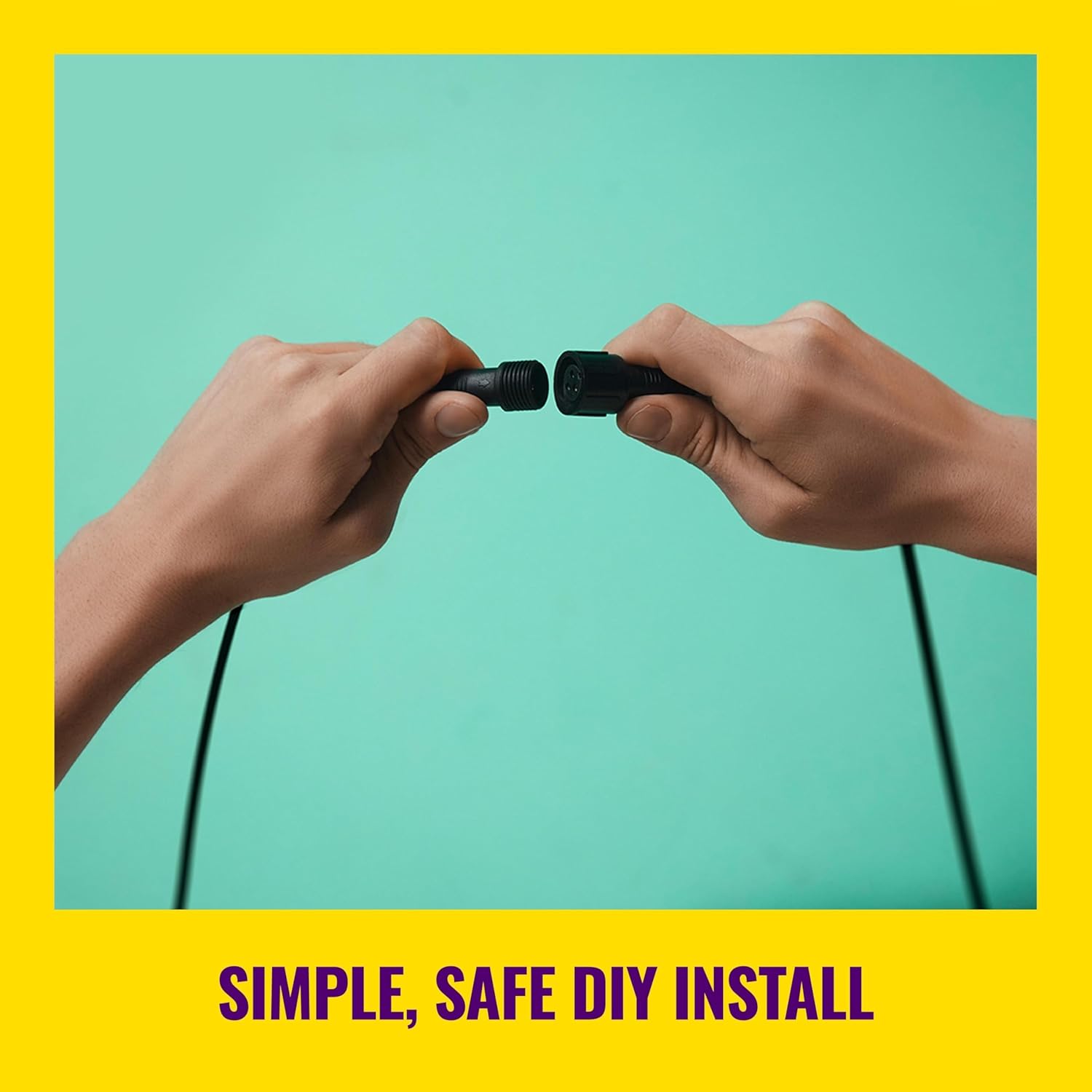
Image: Hands demonstrating the simple, safe DIY installation process by connecting two light cables.

Image: Two individuals installing WiZ outdoor lights, highlighting the ease and low-voltage nature of the setup.
2. Connecting to Wi-Fi (WiZ App)
The WiZ Elpas Bollard Light connects directly to your existing 2.4GHz Wi-Fi network, requiring no additional hub.
- Download the WiZ App: Search for "WiZ Connected" in your smartphone's app store (available on iOS and Android).
- Create an Account: Follow the in-app instructions to create a WiZ account or log in if you already have one.
- Add Device: In the WiZ app, select "Add Device" and follow the on-screen prompts to connect your new bollard light to your Wi-Fi network. Ensure your phone is connected to the 2.4GHz band of your Wi-Fi during setup.
- Pairing: The app will guide you through the pairing process, which typically involves turning the light on and off a few times to enter pairing mode.

Image: A person using a smartphone to control WiZ lights in an outdoor setting, emphasizing the easy plug-and-play setup.
Operating Instructions
1. Basic Operation
Once connected, you can control your WiZ Elpas Bollard Light using the WiZ app, voice assistants, or the physical controller on the power cable.
- On/Off: Use the power button on the inline controller or the WiZ app to turn the light on or off.
- Dimming: The light is dimmable. Use the WiZ app or compatible voice commands to adjust the brightness from 1% to 100%.
2. Color and Brightness Control
The WiZ Elpas Bollard Light offers 16 million colors and adjustable white tones (from warm to cool white) to create any desired ambiance.
- Color Selection: In the WiZ app, navigate to the color palette to choose from millions of colors.
- White Tones: Adjust the white light from warm (2700K) to cool (6500K) to suit your preference or time of day.
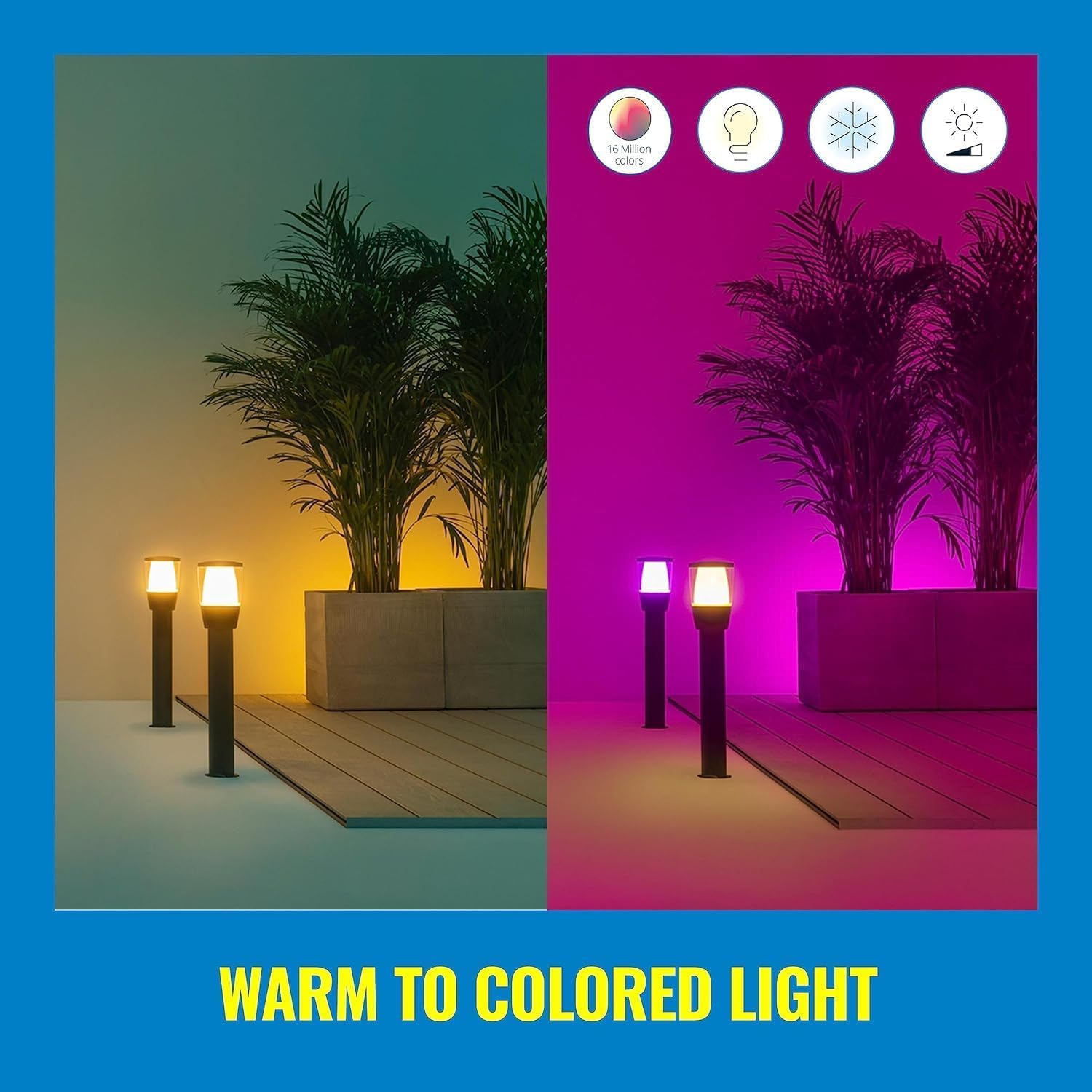
Image: Two scenes demonstrating the range of light from warm white to vibrant colored light, showcasing the 16 million color options.
3. Smart Features (WiZ App)
Leverage the full potential of your smart light with the WiZ app's advanced features:
- Schedules: Set custom schedules for your lights to turn on/off, change brightness, or switch colors at specific times. This can enhance security by simulating occupancy.
- Voice Control: Integrate with Amazon Alexa, Google Assistant, or Siri Shortcuts for hands-free control. Simply use voice commands to manage your lights.
- Smart Switches and Sensors: Compatible with WiZ smart accessories like motion sensors or smart switches for additional control options.
- Matter Compatibility: Supports Matter for broader smart home ecosystem integration (requires a Matter controller).
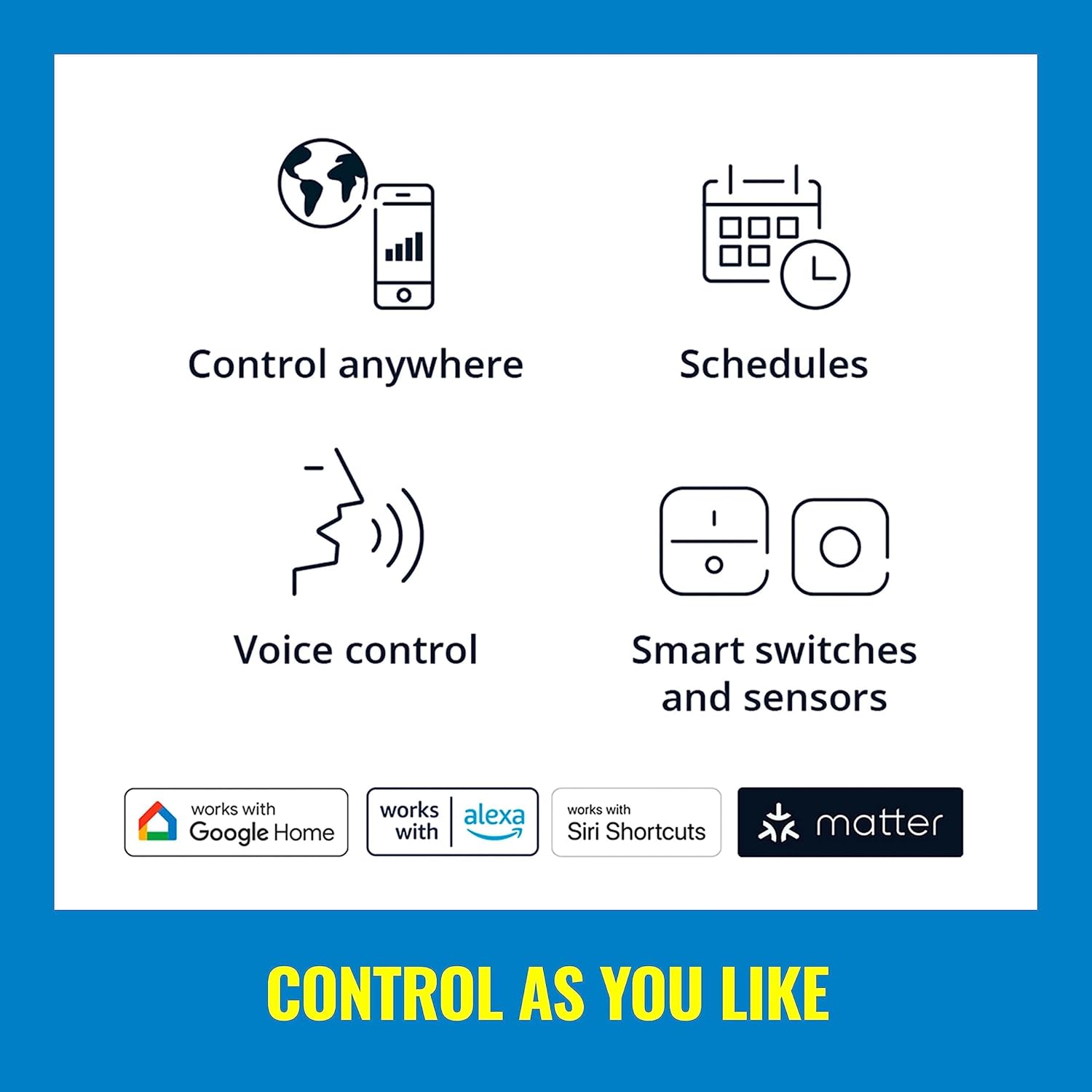
Image: Icons representing various control methods: control anywhere, schedules, voice control, and smart switches/sensors, along with compatibility logos for Google Home, Alexa, Siri Shortcuts, and Matter.
4. Creating Scenes
Customize and save your favorite lighting settings as "Scenes" for quick access and personalized ambiance.
- Save a Snapshot: In the WiZ app, once you've adjusted the lights to your desired color and brightness, you can save this configuration as a scene.
- Dynamic Lighting: Explore preset dynamic lighting modes for subtle glows or dramatic effects, perfect for holidays or special occasions.

Image: Multiple outdoor scenes showcasing different color settings and dynamic lighting effects for various moods and occasions.
Maintenance
To ensure the longevity and optimal performance of your WiZ Elpas Bollard Light, follow these maintenance guidelines:
- Cleaning: Periodically wipe the light fixture with a soft, damp cloth to remove dirt, dust, and debris. Avoid using harsh chemicals or abrasive cleaners, as they may damage the finish or lens.
- Weather Protection: The light is designed to be weatherproof (IP44 rated). However, during extreme weather conditions (e.g., heavy snow, prolonged freezing temperatures), consider temporarily relocating or covering the lights if possible to extend their lifespan.
- Connection Check: Annually inspect all cable connections for tightness and ensure the waterproof seals are intact.
- Lens Care: The lens is made of durable synthetic polymer (PMMA). If it becomes scratched or cloudy over time, gentle polishing with a plastic-safe cleaner may restore clarity.
Troubleshooting
If you encounter issues with your WiZ Elpas Bollard Light, refer to the following common troubleshooting steps:
- Light Not Turning On:
- Check if the power adapter is securely plugged into a working outlet.
- Ensure the inline controller is switched to the ON position.
- Verify all cable connections between the lights and the power adapter are secure and waterproof.
- Confirm there is power to the outdoor outlet.
- Light Not Connecting to Wi-Fi:
- Ensure your Wi-Fi router is on and broadcasting a 2.4GHz network. WiZ lights do not support 5GHz networks.
- Move the light closer to your Wi-Fi router to improve signal strength during setup.
- Restart your Wi-Fi router and the bollard light.
- Ensure your smartphone is connected to the 2.4GHz Wi-Fi network during the setup process.
- Try resetting the light to factory settings (refer to WiZ app for specific instructions, usually involves a power cycle sequence).
- Inconsistent Performance or Disconnections:
- Check for Wi-Fi interference from other devices (e.g., microwaves, cordless phones).
- Consider adding a Wi-Fi extender if the lights are far from your router.
- Ensure the WiZ app is updated to the latest version.
- Colors Not Displaying Correctly:
- Verify the light is not in a "white only" mode in the app.
- Ensure the app is updated.
For further assistance, please refer to the official WiZ Connected support resources.
Warranty and Support
The WiZ Elpas Bollard Smart WiFi Outdoor LED Path Light Starter Kit comes with a manufacturer's warranty to cover defects in materials and workmanship.
- Warranty Period: This product is covered by a 2-year manufacturer's warranty.
- Claiming Warranty: For warranty claims or technical support, please visit the official WiZ Connected website or contact their customer service. Keep your proof of purchase for warranty validation.
- Online Resources: Additional user manuals, FAQs, and support articles can be found on the WiZ Connected Store on Amazon or the main WiZ Connected website.
Related Documents - 604637
 |
FARO Gotland 52-inch Smart DC Ceiling Fan - Technical Specifications Detailed technical specifications and features for the FARO Gotland 52-inch smart DC ceiling fan, including dimensions, power consumption, smart connectivity, and usage guidelines. |
 |
HALO Pure Smart Wi-Fi Hardwired ON/OFF Switch for Traditional Non-Smart Lighting Detailed information on the HALO Pure Smart Wi-Fi Hardwired ON/OFF Switch (120V) for traditional non-smart lighting, featuring seamless control via Wi-Fi, app integration, voice control, and easy installation. Includes specifications, wiring diagrams, and network topology. |
 |
Reality Lighting WiZ Connected Smart Light Installation and Operation Guide Comprehensive guide for installing and operating Reality Lighting's WiZ Connected smart lights, covering setup, features, and troubleshooting. Includes multilingual instructions and safety warnings. |
 |
Wiz Smart Plug Quick Setup Guide and Specifications Quick setup guide and technical specifications for the Wiz Smart Plug, including installation steps, safety warnings, and product parameters. Learn how to connect your smart plug and ensure safe operation. |
 |
WiZ Smart Lighting FAQs and Product Information Frequently asked questions about WiZ smart home lighting system, including setup, features like Scenes, SpaceSense, Schedules, Rhythms, Quick Actions, power-on configurations, and Matter compatibility. |
 |
Intermatic ABRA App User Guide - Version 1.2 Comprehensive user guide for the Intermatic ABRA App, detailing setup, device management (smart bulbs, plugs, switches), and integration with popular voice assistants like Alexa and Google Home. |