
1. Introduction
The HARIO VSTN-INT-2000B V60 Drip Coffee Scale is designed to enhance your coffee brewing experience by providing precise measurements and integrated timing. This manual will guide you through the features and proper usage of your new coffee scale.

Figure 1: HARIO VSTN-INT-2000B V60 Drip Coffee Scale, top view.
2. Product Features
- Measures in 0.1 gram increments for high precision.
- Integrated drip timer for precise bloom times and pour control.
- Automatic power-off function after 5 minutes (deactivated when timer is in use).
- Compact dimensions: 7.4" x 4.7" x 1.1".
- Maximum weight capacity: 2000 grams.
- Requires 2 AAA batteries for operation.
3. Setup
3.1 Battery Installation
The HARIO VSTN-INT-2000B scale operates on 2 AAA batteries. These are typically included with the package. To install or replace batteries:
- Turn the scale upside down.
- Locate the battery compartment cover on the underside of the scale.
- Slide the cover open.
- Insert 2 AAA batteries, ensuring correct polarity (+/-).
- Close the battery compartment cover securely.
Video 1: Product Overview and Battery Installation. This video demonstrates the scale's features and how to install the batteries.
4. Operating Instructions
4.1 Power On/Off
To power on the scale, press the ON/OFF TARE button. The display will illuminate and show "0.0". To power off, press and hold the ON/OFF TARE button for a few seconds.
4.2 Taring (Zeroing) the Scale
The tare function allows you to reset the scale to zero after placing a container on it, so you can measure only the contents. To tare the scale:
- Place your empty coffee server or container on the scale. The display will show its weight.
- Press the ON/OFF TARE button. The display will reset to "0.0".
- You can now add your coffee grounds or water, and the scale will display only the weight of the added item.

Figure 2: Scale display showing "0.0" after taring.
4.3 Using the Integrated Timer
The scale features an integrated timer to help you control your brewing process, especially for pour-over methods.
- After taring your container, press the START STOP button to begin the timer.
- The timer will count up in minutes and seconds.
- Press the START STOP button again to pause or stop the timer.
- The auto-power off function is deactivated while the timer is running, allowing for uninterrupted brewing.
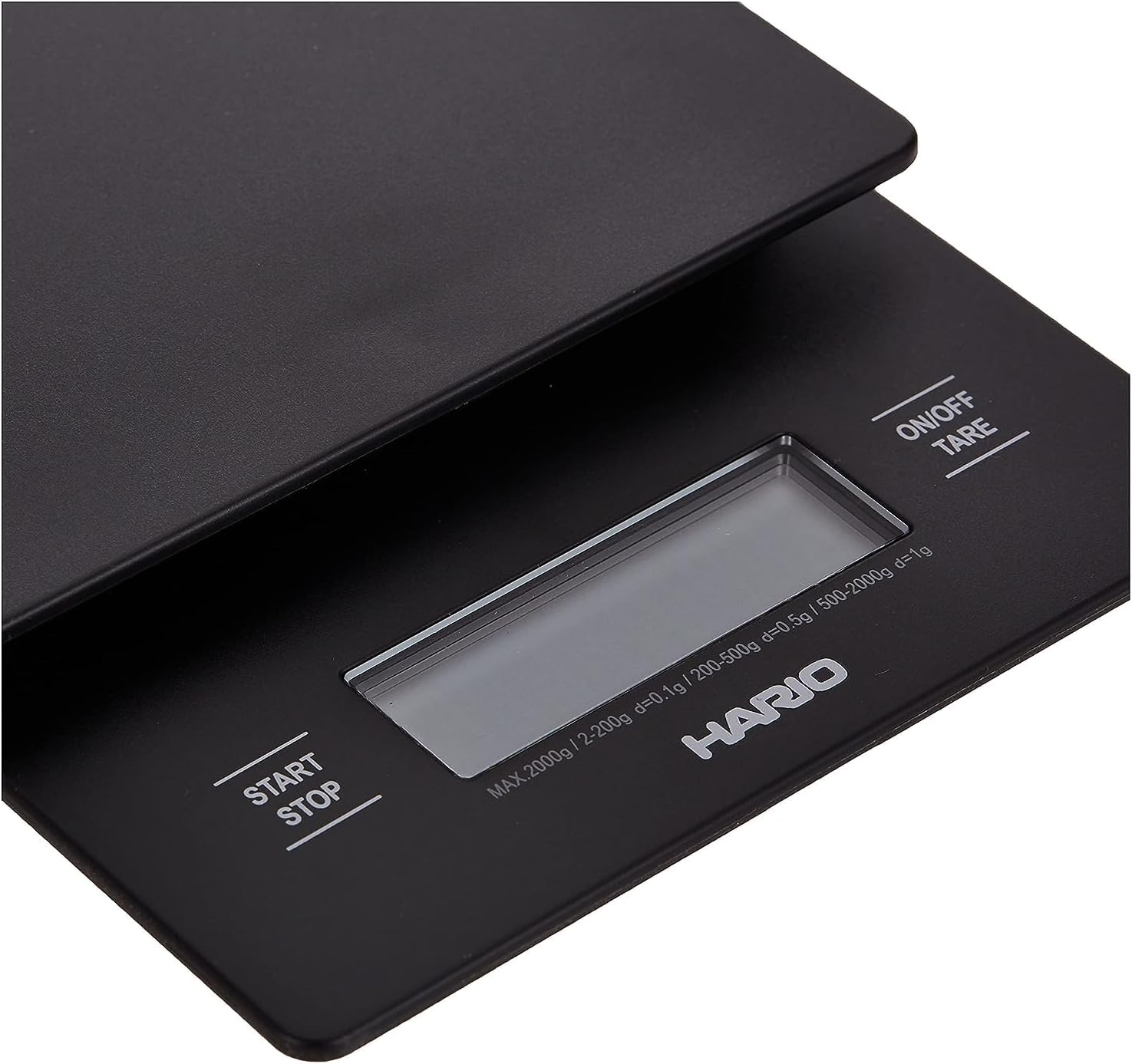
Figure 3: The scale being used with a HARIO V60 pour-over setup, demonstrating simultaneous weight and time measurement.
5. Maintenance
5.1 Cleaning
To ensure the longevity and accuracy of your scale, proper cleaning is essential. Avoid getting water into the internal components.
- Wipe the surface of the scale with a soft, damp cloth.
- Do not immerse the scale in water or use abrasive cleaners.
- Ensure the scale is completely dry before storage or next use.
5.2 Storage
Store the scale in a dry place away from extreme temperatures and humidity. Its compact design allows for easy storage.
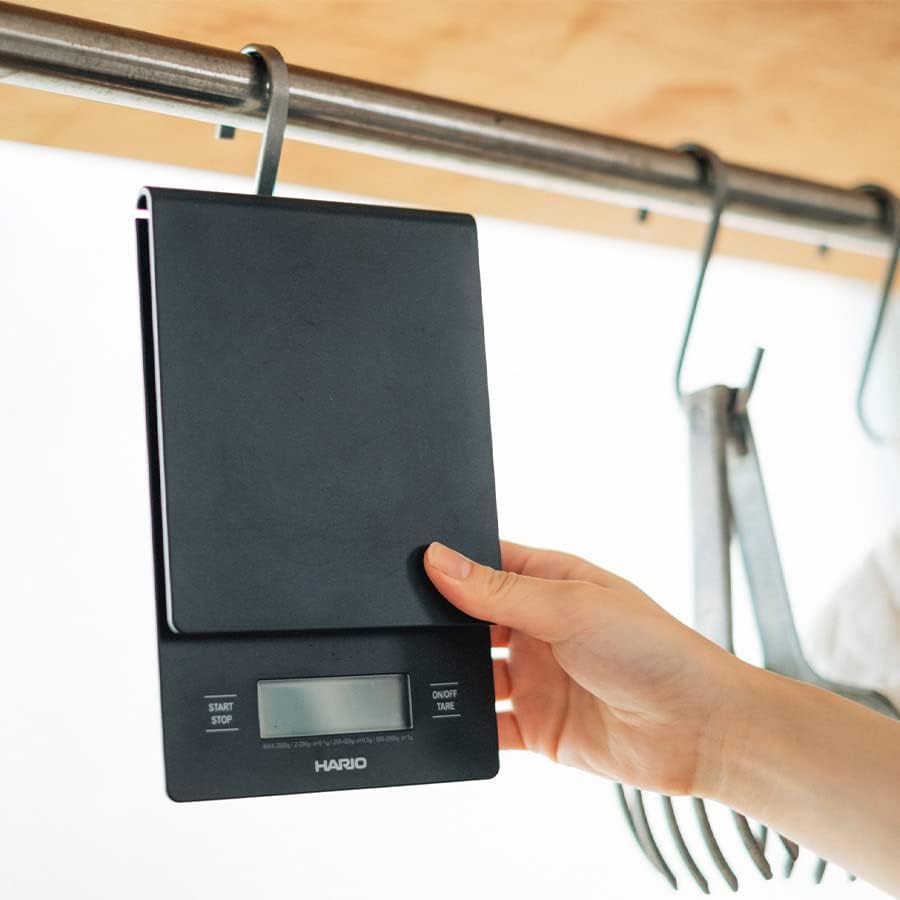
Figure 4: The compact design of the HARIO VSTN-INT-2000B scale, suitable for convenient storage.
6. Troubleshooting
If you encounter issues with your HARIO VSTN-INT-2000B scale, please refer to the following common troubleshooting steps:
- Scale not turning on: Check if the batteries are correctly installed and have sufficient charge. Replace batteries if necessary.
- Inaccurate readings: Ensure the scale is placed on a flat, stable surface. Avoid placing it near vibrating appliances. Re-tare the scale before each measurement.
- Display errors: If the display shows an error message, try removing the batteries, waiting for 30 seconds, and then reinserting them to reset the device.
7. Specifications
| Feature | Specification |
|---|---|
| Brand | HARIO |
| Model Number | VSTN-INT-2000B |
| Color | Black |
| Material | Stainless Steel |
| Display Type | Digital |
| Weight Limit | 2000 Grams |
| Readout Accuracy | 0.1 grams |
| Product Dimensions | 7.4" x 4.7" x 1.1" |
| Power Source | 2 AAA batteries |
8. Warranty and Support
For warranty information or technical support, please refer to the documentation included with your product or visit the official HARIO website. Keep your purchase receipt for warranty claims.

