Introduction
The Shark WANDVAC Cord-Free Handheld Vacuum combines lightweight portability with the suction power of a high-speed brushless motor. Weighing just 1.4 lbs., this handheld vacuum is designed for quick debris pickup and includes accessories for tackling pet hair, upholstery, and tight spaces. The charging dock provides convenient access and fast recharging between uses.
What's Included
The following components are included with your Shark WANDVAC Cordless Hand Vac:
- Shark WANDVAC Handheld Vacuum Unit
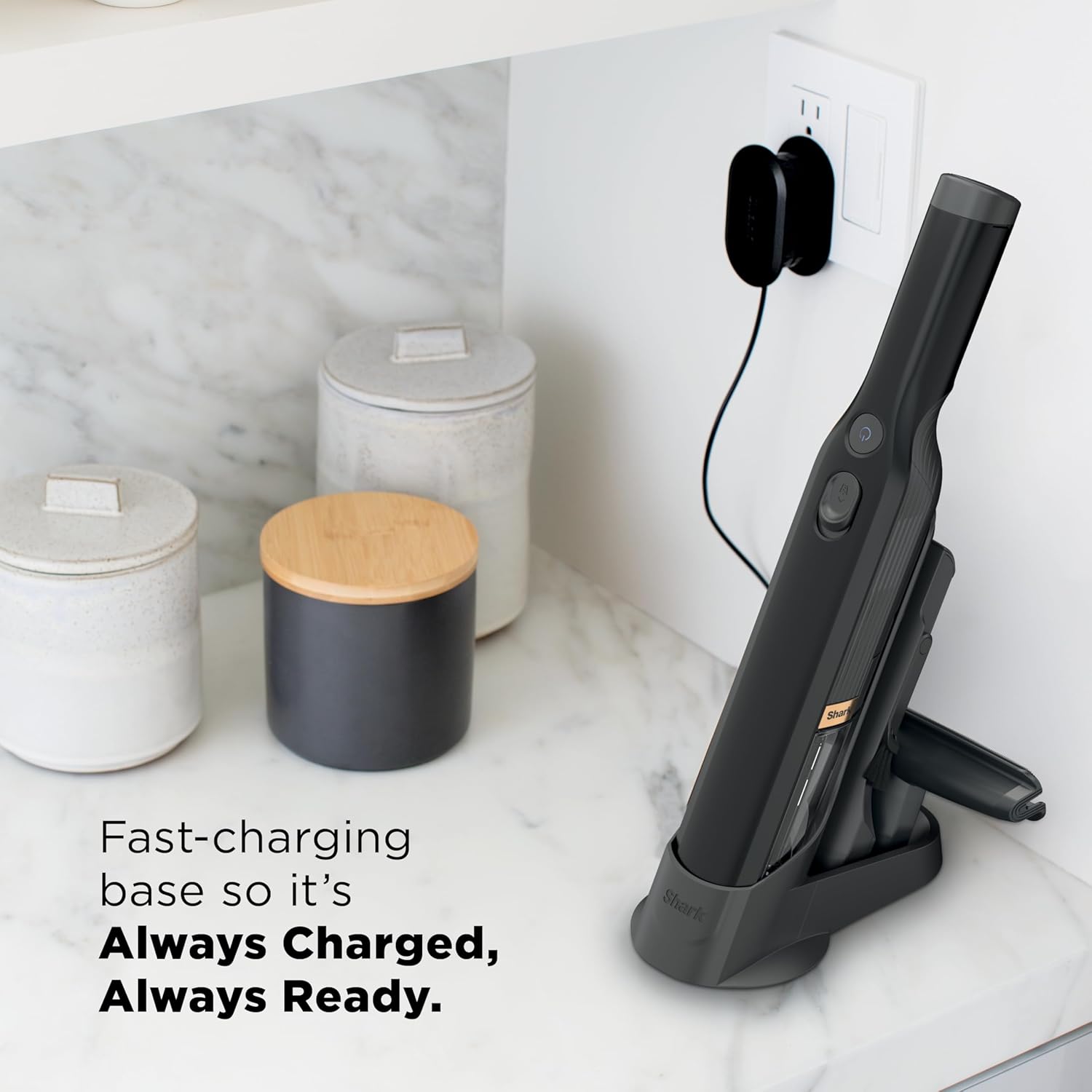
- Charging Dock
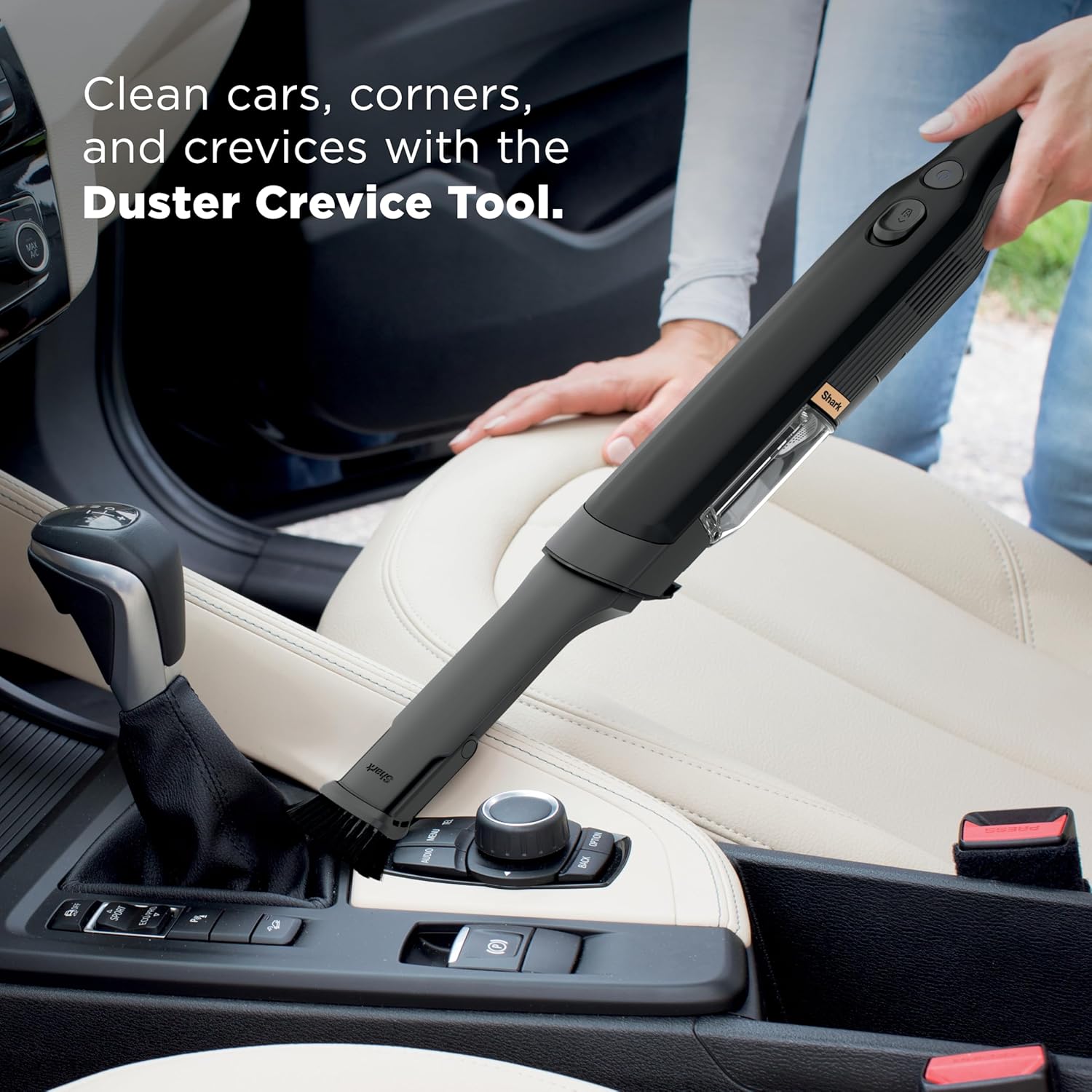
- Duster Crevice Tool
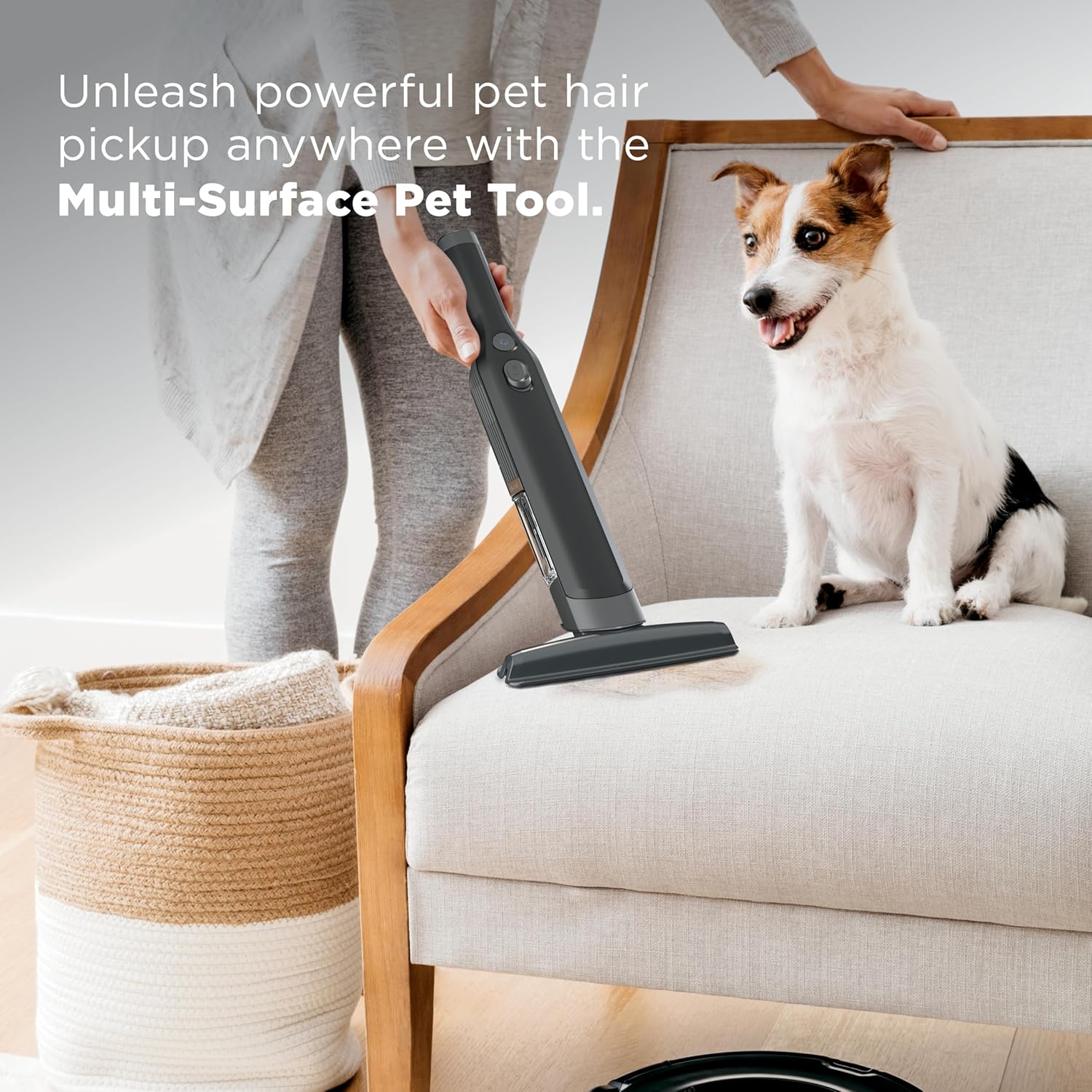
- Multi-Surface Pet Tool (also referred to as Mattress Tool)
- Lithium-Ion Battery (pre-installed)

Setup
- Charging the Vacuum: Place the handheld vacuum onto the charging dock. Ensure the contacts on the vacuum align with the contacts on the charging dock. The LED indicator light will flash white during charging and turn solid white when fully charged. A full charge takes approximately 2.5 hours.
- Attaching Accessories: The Duster Crevice Tool and Multi-Surface Pet Tool can be stored on the charging dock for convenience. To attach an accessory, slide it into the opening of the nozzle until it clicks into place.
Operating Instructions
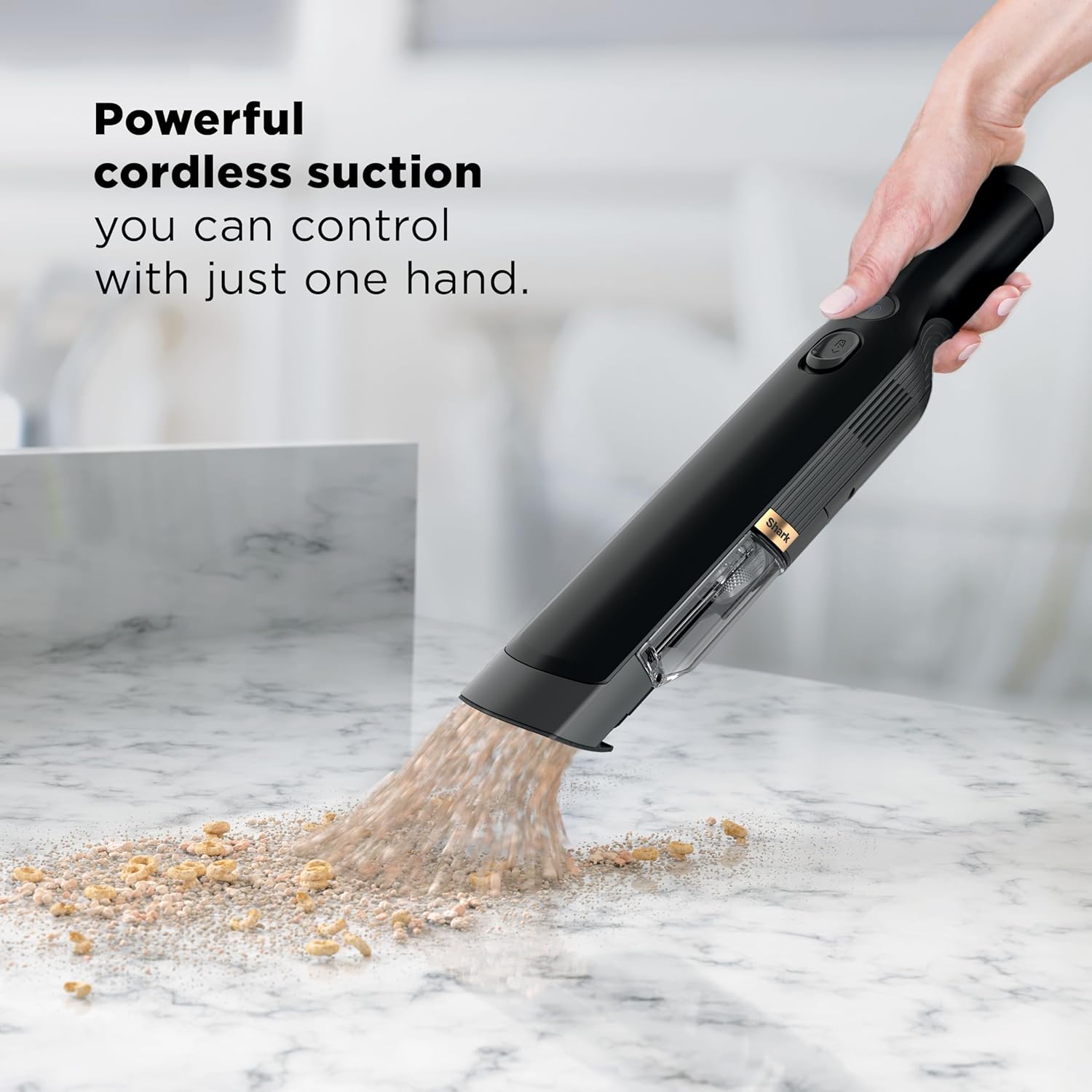
- Power On/Off: Press the On/Off button on the handle to start the vacuum. Press it again to turn off the vacuum.
- Boost Mode: For an added boost of suction power, press the Boost button. Press it again to return to standard cleaning mode.
- Using Attachments: Select the appropriate accessory for your cleaning task. The Duster Crevice Tool is ideal for tight spaces and car interiors. The Multi-Surface Pet Tool is effective for pet hair on upholstery and carpets.
Maintenance
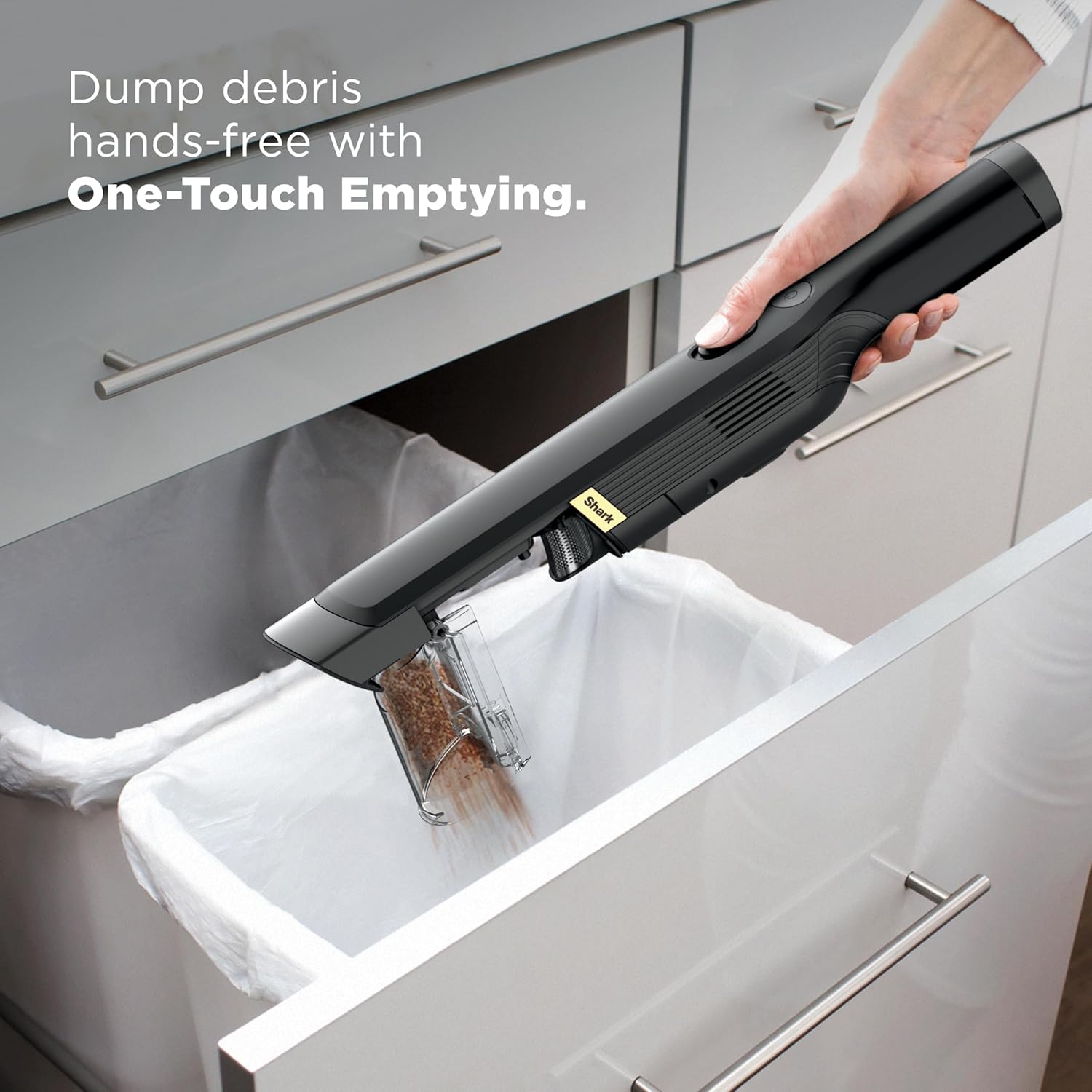
- One-Touch Emptying: To empty the dust cup, hold the vacuum over a trash receptacle and press the One-Touch Empty button. The dust cup will open, releasing debris.
- Cleaning the Filter: The filter housing is easily removable. Tap the filter lightly over a trash receptacle to remove dust and debris. For a deeper clean, rinse the filter with water only. Allow it to air-dry for at least 24 hours or until completely dry before reinstalling.

Troubleshooting
- No Power: Ensure the battery is fully charged. Check if the charging dock is properly connected to a power outlet.
- Reduced Suction: Empty the dust cup and clean the filter. Check the nozzle and accessories for any blockages.
- Battery Indicator Lights: Refer to the LED indicator on the handle for charging status and remaining battery life.
Specifications
| Feature | Detail |
|---|---|
| Brand | Shark |
| Model Name | WV201BK |
| Item Weight | 1.4 pounds |
| Product Dimensions | 16.6"L x 2.5"W x 2.4"H |
| Power Source | Battery Powered |
| Battery Type | Lithium-Ion |
| Charging Time | 2.5 Hours |
| Wattage | 80 watts |
| Filter Type | HEPA Filter |
| Special Features | Bagless, Compact, Portable, Spotless Cleaning |
Warranty and Support
For warranty information or product support, please refer to the documentation included with your purchase or visit the official Shark website. Keep your proof of purchase for any warranty claims.


