
Monster 2MNGM0169B0L2
Monster Alpha 9.0 RGB Wired Gaming Mouse User Manual
Model: 2MNGM0169B0L2
Introduction
Thank you for choosing the Monster Alpha 9.0 RGB Wired Gaming Mouse. This manual provides detailed instructions for setting up, operating, and maintaining your new gaming mouse. Please read this manual thoroughly before use to ensure optimal performance and longevity of your device.
Package Contents
Verify that all items are present in your package:
- Monster Alpha 9.0 RGB Wired Gaming Mouse
- Set of 9 Swappable Side Buttons
- User Manual (this document)
Product Overview
Familiarize yourself with the components of your Monster Alpha 9.0 Gaming Mouse:

Image: Top-down view of the Monster Alpha 9.0 RGB Wired Gaming Mouse, showcasing its ergonomic shape, main buttons, scroll wheel, and the array of swappable side buttons laid out beside it. The mouse features RGB lighting along its base.
- Left Click Button
- Right Click Button
- Scroll Wheel / Middle Click
- DPI Cycle Button
- Forward Button (Default)
- Back Button (Default)
- Swappable Side Buttons (G1-G9, customizable)
- RGB LED Lighting Strip
- Braided USB Cable
Setup
1. Connecting the Mouse
- Unpack the Monster Alpha 9.0 Gaming Mouse from its packaging.
- Plug the USB connector of the mouse into an available USB port on your PC.
- Your operating system will automatically detect and install the necessary drivers. This may take a few moments.
2. Installing the Customization Software
To unlock the full potential of your Monster Alpha 9.0 mouse, including customizable buttons, DPI settings, and RGB lighting, install the dedicated software.
- Visit the official Monster product support website to download the latest version of the Alpha 9.0 Gaming Mouse software.
- Run the installer and follow the on-screen instructions.
- Note: The software is compatible with Windows PC only and is not compatible with Mac (macOS).

Image: A screenshot of the Monster Alpha 9.0 gaming mouse software interface, showing options for button remapping, DPI settings, and RGB lighting customization across multiple profiles.
Operating Instructions
DPI Adjustment
The Monster Alpha 9.0 features a PMW3380 optical sensor with a true 16,000 DPI. You can adjust the DPI sensitivity to match your preference and game requirements.
- On-the-fly Adjustment: Use the dedicated DPI cycle button (usually located behind the scroll wheel) to cycle through preset DPI levels. The RGB lighting may change color to indicate the current DPI setting.
- Software Customization: For precise control, use the Monster Alpha 9.0 software to set specific DPI values in single increments, up to 16,000 DPI. You can also configure multiple DPI profiles.
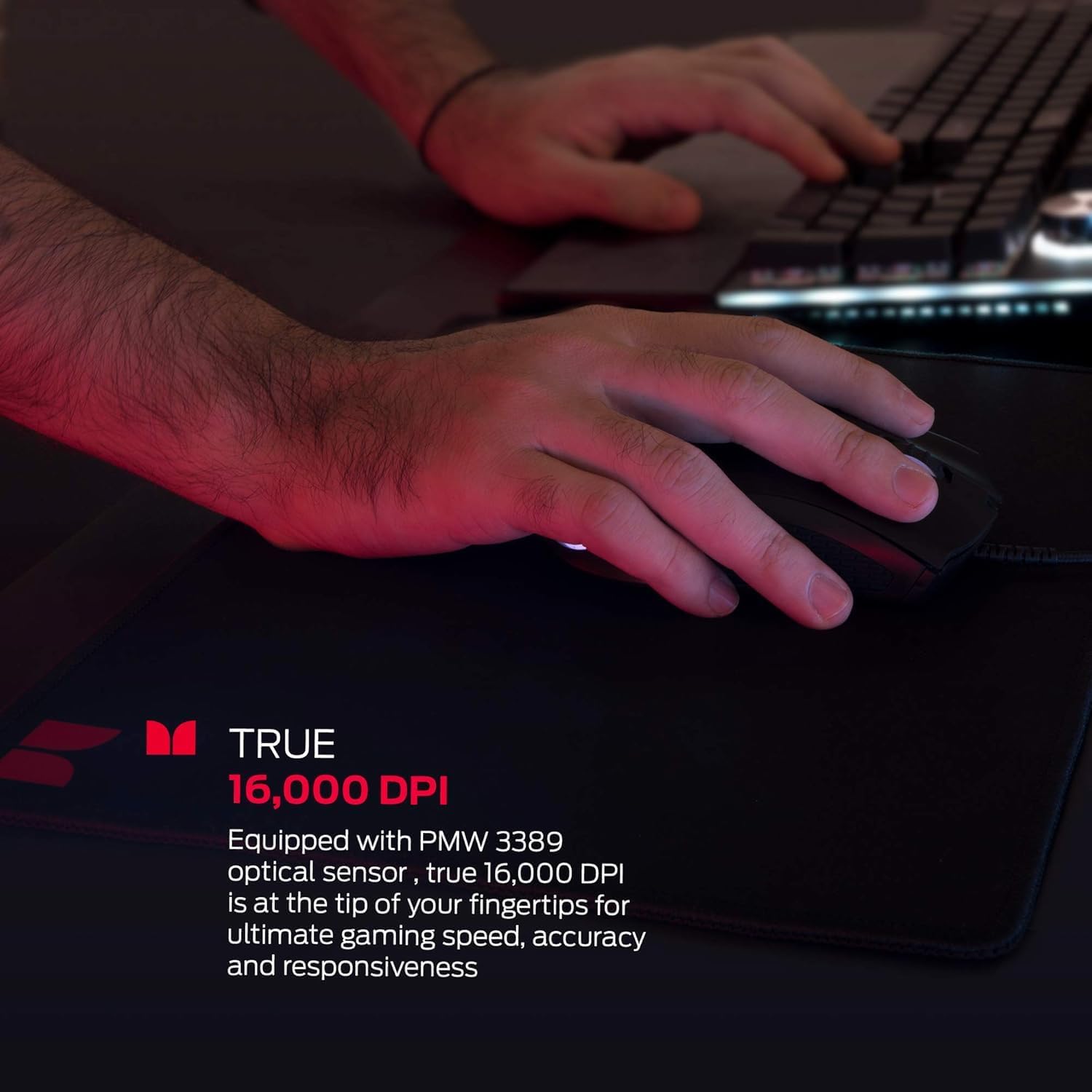
Image: A hand operating the Monster Alpha 9.0 gaming mouse on a black mouse pad, emphasizing the precision and responsiveness offered by its 16,000 DPI optical sensor.
Customizable Buttons
The mouse includes 9 additional swappable side buttons, allowing for extensive customization of your control scheme.
- Swapping Buttons: Gently pull to remove the existing side buttons. Align and press the desired replacement buttons into the slots until they click into place.
- Programming Buttons: Use the Monster Alpha 9.0 software to assign functions, macros, or key binds to each of the 9 side buttons, as well as other programmable buttons on the mouse.
- Profiles: The software allows you to save up to 3 different control profiles, enabling quick switching between configurations for different games or applications.
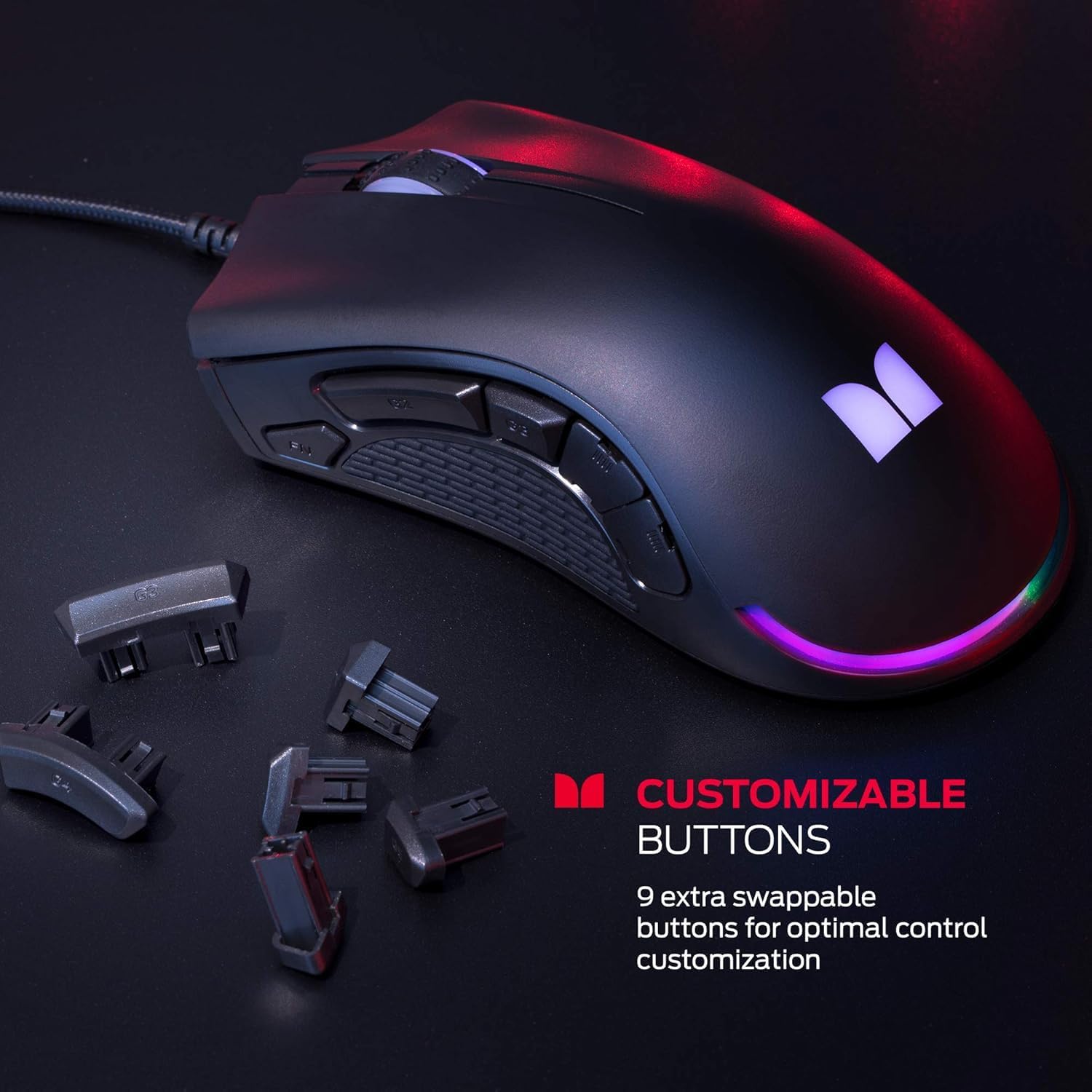
Image: The Monster Alpha 9.0 gaming mouse displayed with several sets of its 9 swappable side buttons, illustrating the customization options available for optimal control.
RGB LED Lighting
The mouse features dynamic RGB lighting that can be customized to enhance your gaming environment.
- Software Control: Use the Monster Alpha 9.0 software to select from various LED lighting effects, colors, and brightness levels. You can create unique color profiles to match your setup or mood.
- The lighting smoothly transitions, creating an immersive atmosphere.

Image: The Monster Alpha 9.0 gaming mouse illuminated with vibrant programmable RGB LED lighting, showcasing its dynamic color transitions and customizable aesthetic.
Ergonomic Design
The Monster Alpha 9.0 gaming mouse is designed for comfort during extended gaming sessions. Its shape fits naturally in the curve of your palm, reducing strain and allowing for competitive gameplay.

Image: A close-up view of the Monster Alpha 9.0 gaming mouse, highlighting its ergonomic contours designed to fit comfortably in the user's hand for prolonged use.
The mouse also features a durable nylon braided cable, designed to withstand wear and tear from frequent use.

Image: A detailed shot of the durable nylon braided cable extending from the Monster Alpha 9.0 gaming mouse, emphasizing its robust construction designed for longevity.
Maintenance
Cleaning Your Mouse
- Disconnect the mouse from your computer before cleaning.
- Use a soft, lint-free cloth lightly dampened with water or a mild cleaning solution to wipe the surface of the mouse.
- Avoid using harsh chemicals, abrasive cleaners, or solvents, as these can damage the mouse's finish.
- For optical sensor cleaning, use a cotton swab lightly dampened with isopropyl alcohol to gently clean the sensor lens. Ensure it is dry before reconnecting.
Storage
When not in use, store the mouse in a clean, dry environment away from extreme temperatures and direct sunlight.
Troubleshooting
| Problem | Solution |
|---|---|
| Mouse is not responding. |
|
| DPI settings or button assignments are not working. |
|
| RGB lighting is not displaying correctly. |
|
| Mouse movement is erratic or inaccurate. |
|
Specifications
| Feature | Detail |
|---|---|
| Model Name | Alpha 9.0 |
| Model Number | 2MNGM0169B0L2 |
| Sensor Type | PMW3380 Optical Sensor |
| DPI Range | Up to 16,000 DPI (Adjustable in single increments) |
| Buttons | Programmable, 9 Swappable Side Buttons |
| Lighting | RGB LED (Customizable via software) |
| Connectivity | Wired USB |
| Cable Type | Durable Nylon Braided Cable |
| Compatibility | PC (Windows OS). Not compatible with Mac (macOS). |
| Dimensions (LxWxH) | 4.92 x 2.71 x 1.61 inches |
| Weight | 7.6 ounces |
| Manufacturer | Lifeworks Technology Group, LLC. |
Warranty and Support
Warranty Information
Monster products are designed and manufactured to the highest quality standards. For detailed warranty information, please refer to the warranty card included with your product or visit the official Monster website. Keep your proof of purchase for warranty claims.
Customer Support
If you encounter any issues or have questions regarding your Monster Alpha 9.0 RGB Wired Gaming Mouse, please contact Monster customer support:
- Website: Visit the official Monster support page for FAQs, driver downloads, and contact options.
- Email/Phone: Refer to the contact information provided on the Monster website or your product packaging.
Related documents2MNGM0169B0L2


Ask a question about this manual
Ask about setup, troubleshooting, compatibility, parts, safety, or missing instructions. Manuals+ will review the question and use this page’s manual context to help answer it.