
1. Safety Information
Please read this manual carefully before using your Tecnogas TFUF85W refrigerator. Keep it for future reference. This appliance is intended for household use only.
- Electrical Safety: Ensure the appliance is connected to a properly grounded power outlet. Do not use extension cords or multiple socket adapters.
- Ventilation: Maintain adequate ventilation around the appliance to prevent overheating. Do not block ventilation openings.
- Flammable Materials: Do not store explosive substances or highly flammable materials inside the appliance.
- Children: This appliance is not intended for use by persons (including children) with reduced physical, sensory or mental capabilities, or lack of experience and knowledge, unless they have been given supervision or instruction concerning use of the appliance by a person responsible for their safety.
- Cleaning: Always unplug the appliance before cleaning or performing maintenance.
2. Product Overview
The Tecnogas TFUF85W is a compact single-door refrigerator designed for efficient food storage. It features an internal 4-star freezer cell and adjustable temperature control.
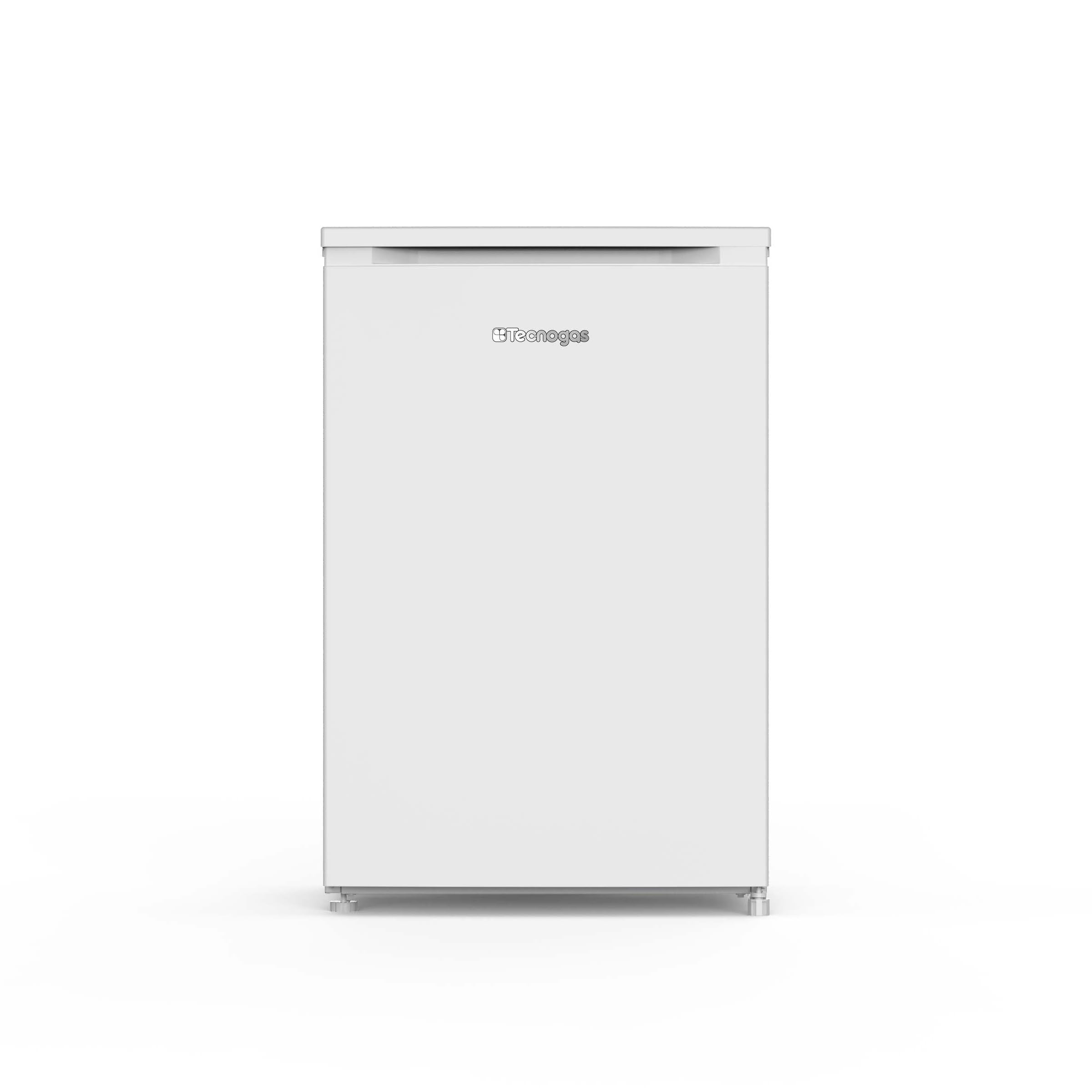
Exterior view of the Tecnogas TFUF85W Single Door Refrigerator.

Interior view of the Tecnogas TFUF85W refrigerator with the door open, showing shelves and door compartments.
3. Setup and Installation
3.1 Unpacking
Carefully remove all packaging materials. Inspect the appliance for any damage. Keep packaging materials out of reach of children.
3.2 Placement
- Place the refrigerator on a firm, level surface. Adjust the leveling feet if necessary to ensure stability.
- Allow sufficient space around the appliance for proper ventilation (at least 10 cm at the back and sides, and 30 cm above).
- Avoid placing the refrigerator in direct sunlight or near heat sources such as stoves, radiators, or heaters.
- Ensure the ambient temperature is within the recommended operating range for the appliance.
3.3 Electrical Connection
Before plugging in the appliance, ensure the voltage and frequency indicated on the rating plate match your household power supply. Plug the refrigerator into a dedicated, grounded wall socket.
3.4 Initial Use
After installation, wait at least 2-4 hours before plugging in the appliance to allow the refrigerant to settle. Clean the interior with a damp cloth before first use.

The Tecnogas TFUF85W refrigerator placed in a kitchen setting, demonstrating its compact size.

Technical diagram illustrating the dimensions and clearance requirements for the Tecnogas TFUF85W refrigerator.
4. Operating Instructions
4.1 Temperature Control
The refrigerator's temperature is controlled by a thermostat dial located inside the compartment. Turn the dial to adjust the cooling intensity. Higher numbers typically indicate colder temperatures.
- Setting 1-2: Less cold, suitable for light loads or cooler ambient temperatures.
- Setting 3-4: Normal operation, recommended for everyday use.
- Setting 5-7: Colder, suitable for heavy loads or warmer ambient temperatures.

A hand adjusting the internal thermostat dial of the refrigerator.
4.2 Food Storage Guidelines
- Store cooked foods and dairy products on upper shelves.
- Raw meat and fish should be stored on the lowest shelf to prevent dripping onto other foods.
- Vegetables and fruits should be stored in the crisper drawer.
- Ensure all food items are covered to prevent drying out and odor transfer.
- The 4-star freezer cell is suitable for freezing fresh food and long-term storage of pre-frozen items.
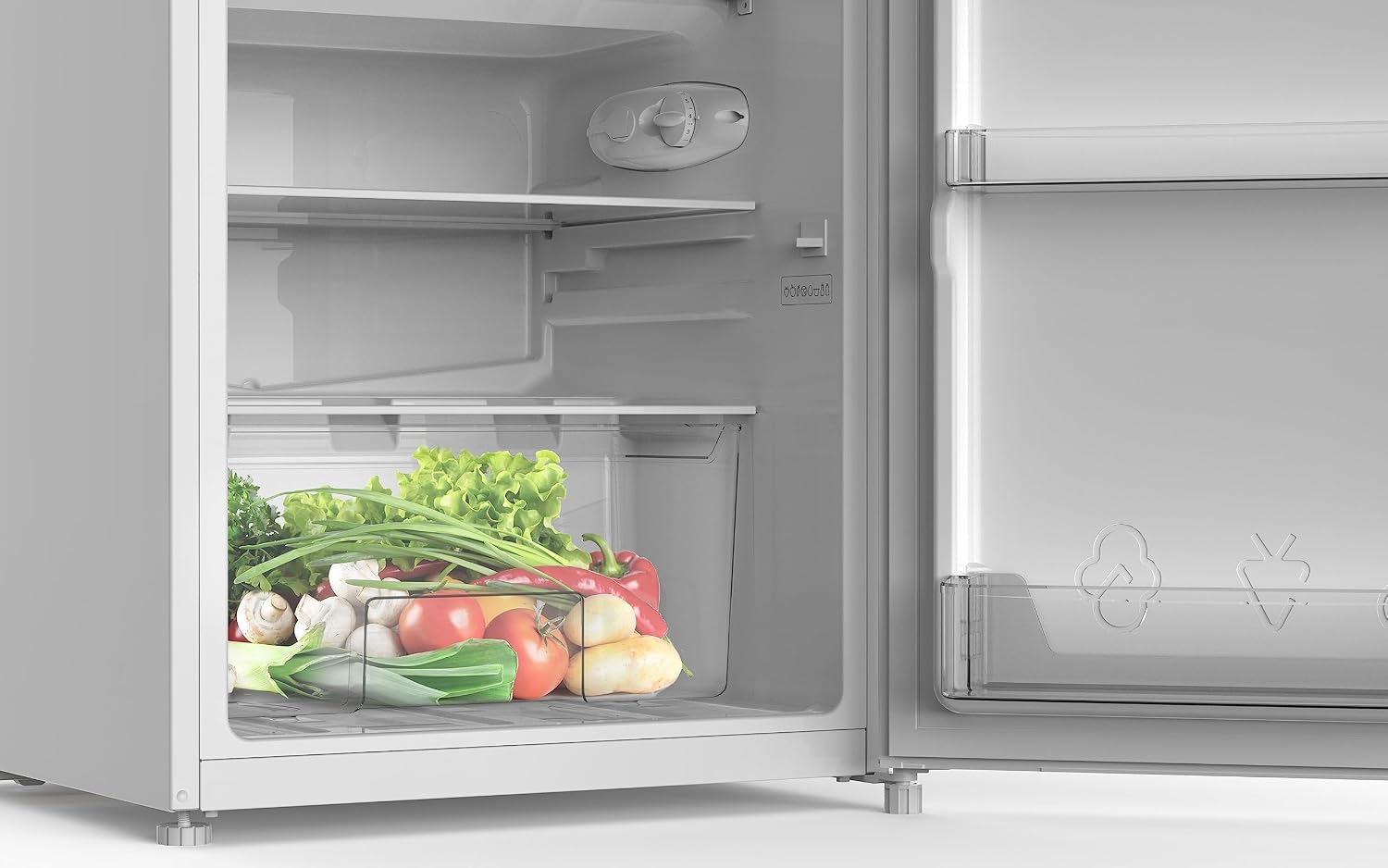
Interior of the refrigerator showing a crisper drawer filled with vegetables.

Interior of the refrigerator with various food items on shelves and in door compartments.
5. Maintenance and Cleaning
5.1 Cleaning the Interior
Unplug the appliance before cleaning. Wash the interior surfaces, shelves, and drawers with a solution of mild detergent and warm water. Rinse and dry thoroughly. Do not use abrasive cleaners or solvents.
5.2 Cleaning the Exterior
Clean the exterior with a soft cloth dampened with water and a mild detergent. Wipe dry. Regularly clean the condenser coils at the back of the appliance (if accessible) to maintain efficiency.
5.3 Defrosting the Freezer Cell
Although the product specifications state automatic defrost for both refrigerator and freezer, it is good practice to periodically check the 4-star freezer cell for ice buildup. If ice accumulates to a thickness of more than 5mm, manually defrost the freezer cell to maintain efficiency. To defrost, unplug the appliance, remove all food, and leave the door open. Place a towel at the bottom to collect water. Do not use sharp objects to remove ice.
6. Troubleshooting
Before contacting customer service, please check the following common issues:
| Problem | Possible Cause | Solution |
|---|---|---|
| Refrigerator not cooling | No power; thermostat set too high; door not closed properly; poor ventilation. | Check power supply; adjust thermostat; ensure door is sealed; clear ventilation. |
| Excessive noise | Appliance not level; objects touching the back; compressor noise (normal). | Adjust leveling feet; move objects; normal compressor sounds are expected. |
| Water on floor/inside | Drain hole blocked; door not sealed; high humidity. | Clear drain hole; check door seal; this can be normal in high humidity. |
| Door not closing properly | Appliance not level; food blocking; door gasket dirty/damaged. | Level the appliance; rearrange food; clean or replace gasket. |
7. Specifications
- Brand: Tecnogas
- Model: TFUF85W
- Installation Type: Freestanding
- Number of Doors: 1
- Height: 85 cm
- Freezer Cell: 4-star
- Defrost System: Automatic (Refrigerator and Freezer)
- Door Material: Glass
- Form Factor: Stand Alone
- Cooling Method: Compressor
- Adjustable Temperature Control: Yes
- Convertible Freezer: No
- Electrical: Yes
8. Warranty and Support
For warranty information, please refer to the warranty card included with your product or contact your retailer. For technical support or service, please contact Tecnogas customer service through their official website or the contact details provided in your purchase documentation.
When contacting support, please have your model number (TFUF85W) and serial number ready.