
1. Introduction
The Dyson V11 Plus cordless vacuum is engineered with the power, versatility, and run time to deep clean homes with pets. An LCD screen displays the run time countdown to the second, as well as the power mode and maintenance alerts. This manual provides essential information for the proper setup, operation, and maintenance of your Dyson V11 Plus.
2. Setup
Your Dyson V11 Plus comes with a wall-mounted docking station for convenient storage and charging. Ensure the docking station is securely installed in a suitable location with access to a power outlet. The vacuum components easily click together for quick assembly. To charge, simply place the vacuum into the wall-mounted dock.
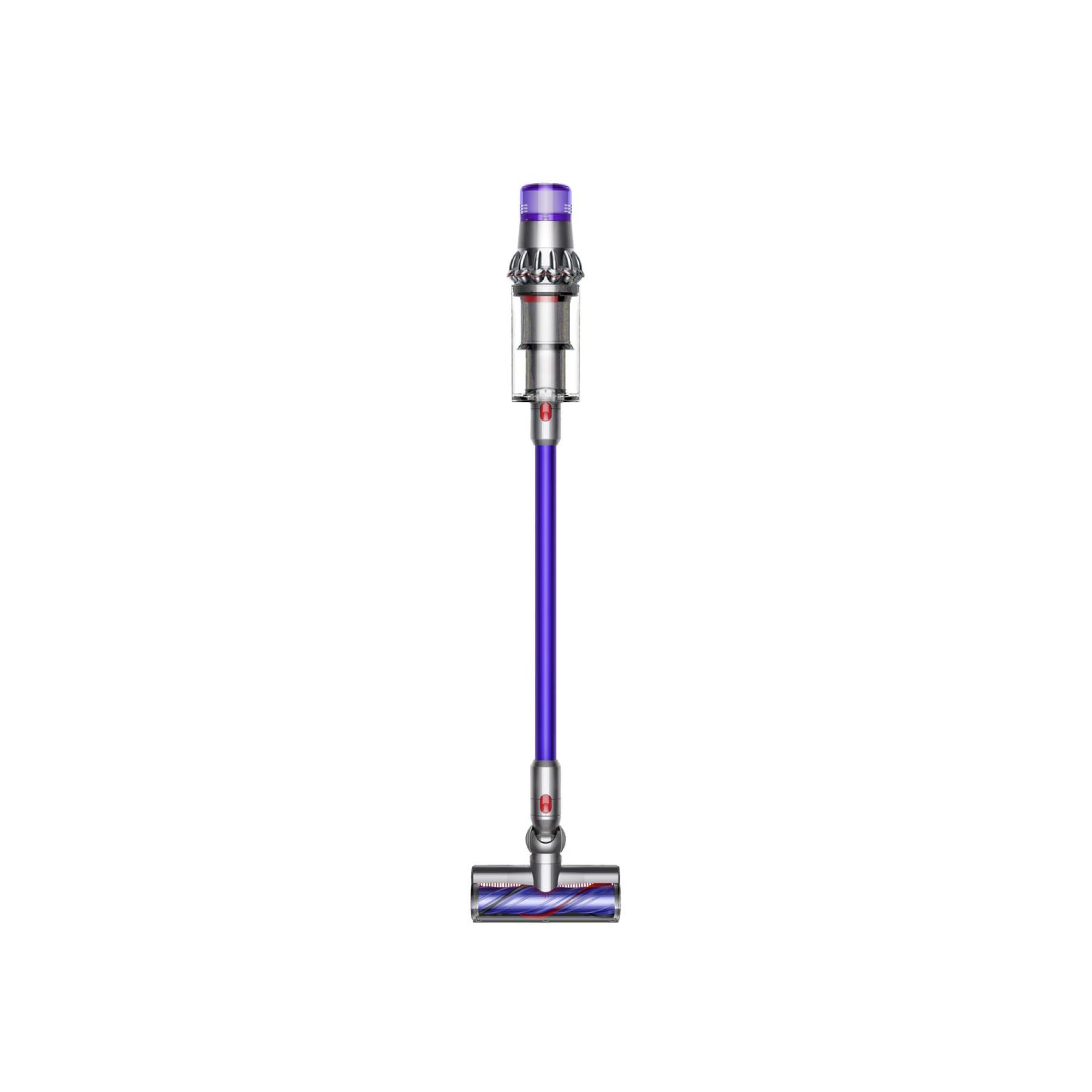
Image: The Dyson V11 Plus Cordless Vacuum Cleaner, shown in Nickel/Purple, docked on its wall-mounted charging station.
3. Operating the Vacuum
The Dyson V11 Plus features an intuitive LCD screen and multiple power modes for optimized cleaning.
- Power Modes: Select from three power modes: Eco, Auto/Med, and Boost. Eco mode provides longer run time for everyday cleaning, Auto/Med balances power and run time, and Boost offers maximum suction for intensive cleaning tasks.
- LCD Screen: The integrated LCD screen displays real-time information including the remaining run time, current power mode, and maintenance alerts (e.g., filter cleaning reminders).
- Versatility: The lightweight and cordless design allows for easy maneuverability across various surfaces, including carpets, hard floors, and upholstery.
4. Attachments
The Dyson V11 Plus comes with a range of attachments designed for specific cleaning needs:
- High Torque Cleaner Head: Automatically adapts suction power to different floor types for deep cleaning.
- Soft Roller Cleaner Head: Ideal for hard floors, picking up fine dust and large debris without scratching.
- Mini-Motorized Tool: Designed for removing pet hair and ground-in dirt from upholstery and tight spaces.
- Crevice Tool: For cleaning around edges and narrow gaps.
- Combination Tool: A two-in-one tool with a wide nozzle and brush for switching between cleaning and dusting tasks.
5. Maintenance
Dustbin Emptying
To maintain optimal suction, empty the dustbin regularly, especially when debris reaches the 'MAX' line. The hygienic 'point and shoot' mechanism allows for easy and mess-free emptying directly into a trash bin.
Filter Cleaning
The Dyson V11 Plus features a washable HEPA filter. For best performance, wash the filter at least once a month with cold water. Ensure the filter is completely dry (allow at least 24 hours) before reinserting it into the vacuum. The LCD screen will provide reminders when filter maintenance is due.
6. Specifications
| Feature | Detail |
|---|---|
| Brand | Dyson |
| Model Name | Dyson V11 Plus |
| Special Feature | Bagless |
| Filter Type | HEPA Filter |
| Is Cordless? | Yes |
| Capacity | 0.2 Gallons |
| Wattage | 500 watts |
| Battery Life | 60 minutes |
| Number of Power Levels | 3 |
| Item Weight | 6.6 pounds |
| Product Dimensions | 10.3"L x 9.8"W x 49.6"H |
7. Troubleshooting
If you encounter any issues with your Dyson V11 Plus, please refer to the following general troubleshooting steps:
- No Power: Ensure the battery is fully charged. Check that the charger is properly connected to both the vacuum and the power outlet.
- Reduced Suction: Empty the dustbin and clean the filter as described in the Maintenance section. Check for any blockages in the cleaner head, wand, or attachments.
- Flashing Lights/Error Codes: Consult the Dyson support website or contact customer service for specific error code interpretations and solutions.
8. Warranty and Support
For warranty information, product registration, and further support, please visit the official Dyson website or contact Dyson customer service. Keep your proof of purchase for warranty claims.


