
KOIOS K68
KOIOS K7H Digital Kitchen Scale User Manual
Model: K68
1. Product Overview
The KOIOS K7H Digital Kitchen Scale is designed for precise weighing in cooking and baking. Featuring a high-accuracy sensor, a wide measurement range of 0.1oz to 33lbs (3g to 15kg), and multiple unit conversions, it ensures accurate measurements for all your culinary needs. Its durable tempered glass surface is easy to clean, and it offers convenient Type-C charging in addition to AAA battery power.
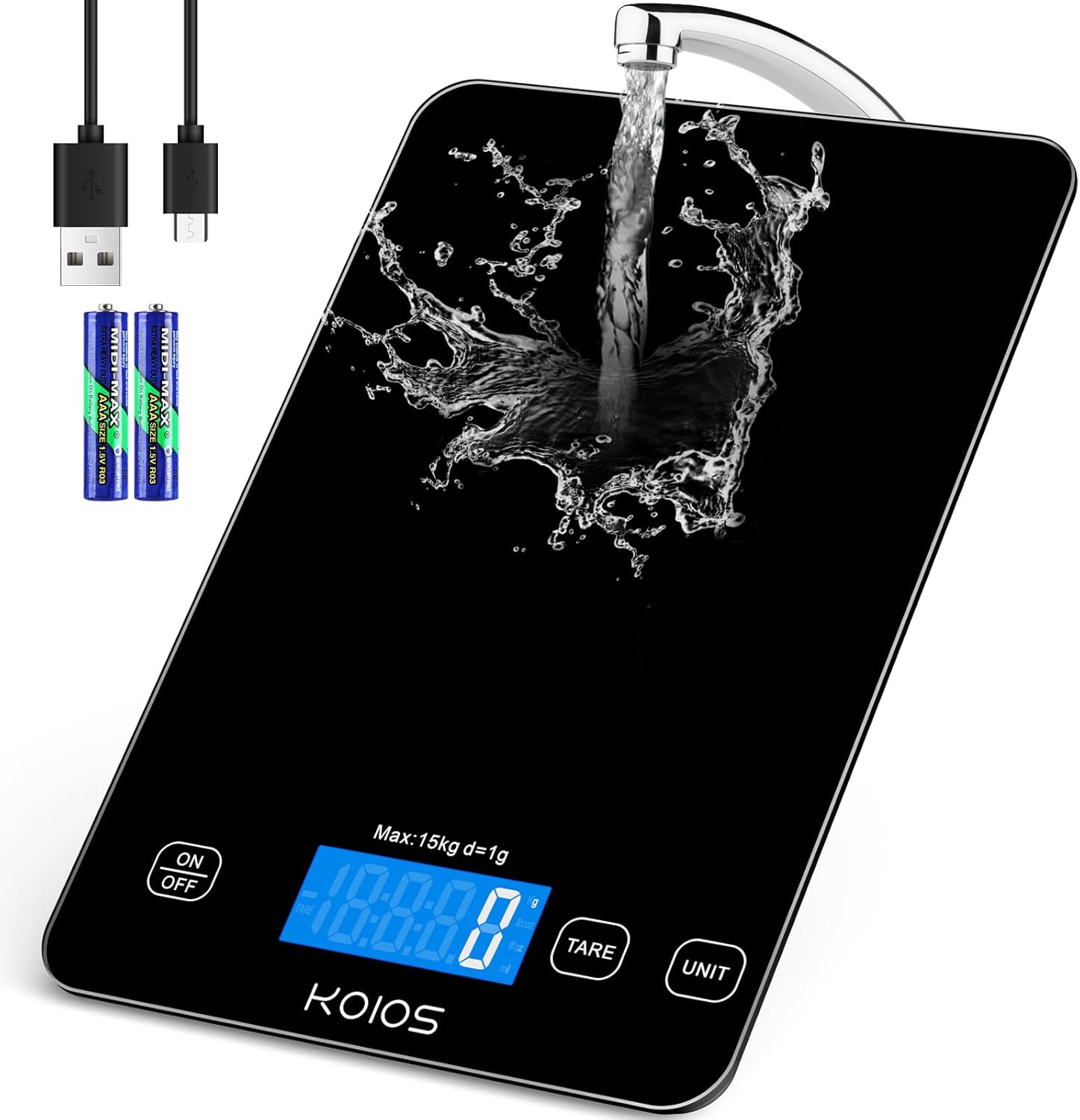
Figure 1: KOIOS K7H Digital Kitchen Scale. This image shows the sleek black design of the scale with its illuminated LCD display, highlighting its modern aesthetic.
2. Safety Precautions
- Always place the kitchen scale on a flat, stable, and level surface to ensure accurate readings.
- Keep the kitchen scale in a dry environment. Avoid exposure to water or excessive moisture to prevent damage to internal components.
- Do not immerse the scale in water. While the tempered glass surface is waterproof for easy cleaning, the entire unit is not designed for submersion.
- Remove all items from the scale surface when not in use to prevent unnecessary battery drain and maintain sensor integrity.
- Avoid dropping or subjecting the scale to strong impacts, as this may damage the sensitive internal sensors.
- Do not attempt to disassemble or repair the scale yourself. Refer to the warranty and support section for assistance.
3. Setup
3.1 Power Source
The KOIOS K7H scale can be powered by two AAA batteries or via a Type-C USB cable. Both options are provided for your convenience.
- Battery Installation: Open the battery compartment on the underside of the scale. Insert two AAA batteries, ensuring correct polarity (+/-).
- Type-C Charging: Connect the provided Type-C USB cable to the scale's Type-C port and plug the other end into a compatible USB power adapter (not included) or a computer USB port. A full charge typically lasts 2-3 months with regular use. The red light will remain on during charging.

Figure 2: Two Charging Ways. This image illustrates the flexibility of powering the scale using either AAA batteries or the included Type-C USB cable for recharging.
3.2 Initial Placement
Place the scale on a hard, flat, and stable surface. Uneven surfaces can affect measurement accuracy.
4. Operating Instructions
4.1 Power On/Off
- To turn on the scale, press the ON/OFF button once. The LCD display will illuminate.
- To turn off the scale, long press the ON/OFF button for 3 seconds.
- The scale features an automatic shut-off function. If the displayed weight remains unchanged for 3 minutes, the scale will turn off automatically to conserve power.
4.2 Unit Conversion
The KOIOS K7H scale supports 5 different units of measurement. To switch between units:
- With the scale powered on, press the UNIT button.
- The display will cycle through the available units: grams (g), kilograms (kg), pounds:ounces (lb:oz), fluid ounces (fl'oz), and milliliters (ml). Select your desired unit.

Figure 3: 5 Units Available. This image demonstrates the various measurement units the scale can display, making it versatile for different recipes.
4.3 Tare Function
The Tare function allows you to subtract the weight of a container or previously added ingredients, enabling you to measure subsequent ingredients accurately in the same bowl.
- Place an empty container on the scale. The display will show its weight.
- Press the TARE button. The display will reset to zero (0.0).
- Add your first ingredient. The display will show the weight of only that ingredient.
- To add another ingredient, press the TARE button again to reset the display to zero.
- Continue this process for multiple ingredients.

Figure 4: Multiple Tare Function. This visual guide illustrates the step-by-step process of using the tare function to measure multiple ingredients in one container.
4.4 Measurement Accuracy
The scale provides precise graduation of 1g or 0.1oz, with a minimum weight of 3g and a maximum capacity of 15kg (33lbs). For optimal accuracy, ensure items are placed centrally on the weighing platform.

Figure 5: High Accuracy. This image highlights the scale's ability to provide precise measurements for both small quantities (3g minimum) and larger items (up to 15kg).
5. Maintenance
5.1 Cleaning
The KOIOS K7H scale features a waterproof tempered glass surface, making cleaning simple and hygienic.
- Wipe the surface with a soft, damp cloth.
- For stubborn stains, a mild detergent can be used, followed by wiping with a clean, damp cloth.
- Ensure the scale is completely dry before storing or next use.

Figure 6: Waterproof Tempered Glass. This image shows the scale's tempered glass surface being cleaned with water, emphasizing its waterproof design for easy maintenance.

Figure 7: Easy to Clean. This image demonstrates the ease of cleaning the scale's surface with a simple wipe, ensuring hygiene in the kitchen.
5.2 Storage
The scale features a hidden hook design for convenient storage.
- Store the scale in a dry place away from extreme temperatures.
- Utilize the integrated hook for hanging storage to save counter space.
6. Troubleshooting
| Problem | Possible Cause | Solution |
|---|---|---|
| "LO-" displayed | Low battery. | Replace AAA batteries or recharge via Type-C USB cable. |
| "Err" displayed | Overload. The weight on the scale exceeds its maximum capacity (15kg/33lbs). | Remove some items from the scale immediately to prevent damage. |
| Inaccurate readings | Uneven surface, unstable placement, or external interference. | Ensure the scale is on a flat, stable surface. Avoid vibrations or drafts during measurement. Recalibrate if necessary (refer to advanced manual for calibration steps). |
| Scale does not turn on | No power or completely drained battery. | Check battery installation or connect to Type-C charger. Allow a few minutes for charging before attempting to turn on. |

Figure 8: Low Battery Alarm / Overload Alarm. This image shows the visual indicators for low battery ("LO-") and overload ("Err") on the scale's display, prompting user action.
7. Specifications
| Feature | Detail |
|---|---|
| Brand | KOIOS |
| Model Number | K68 |
| Weight Limit | 33 Pounds (15 kg) |
| Graduation | 1g / 0.1oz |
| Display Type | LCD with Backlight |
| Material | Tempered Glass |
| Power Source | 2 AAA Batteries (included) & Type-C USB Charging |
| Special Features | Auto Shut Off, Tare Function, 5 Unit Conversions |
| Product Dimensions | 9.6 x 6.49 x 0.94 inches |
| Item Weight | 1.4 Pounds |
8. Warranty and Support
KOIOS is committed to providing high-quality products and excellent customer service.
- Warranty: This product comes with a 12-month return and exchange policy.
- Customer Service: KOIOS offers lifetime customer service to assist with any technical issues or product inquiries.
- Contact Information:
- Phone: 1-855-558-8777
- Email: support@mykoios.com
- Website: www.mykoios.com
For additional resources, you may also visit the official KOIOS Store on Amazon: KOIOS Store.
Related documentsK68


Ask a question about this manual
Ask about setup, troubleshooting, compatibility, parts, safety, or missing instructions. Manuals+ will review the question and use this page’s manual context to help answer it.