
1. Introduction
The Ciciglow C019 Telephone Line Tester is designed for inspecting telephone line faults. This device supports FSK/DTMF dual system caller ID, features a wire-receiving function, and allows for redialing the last dialed number. This manual provides essential information for the proper setup, operation, maintenance, and troubleshooting of your C019 Telephone Line Tester.
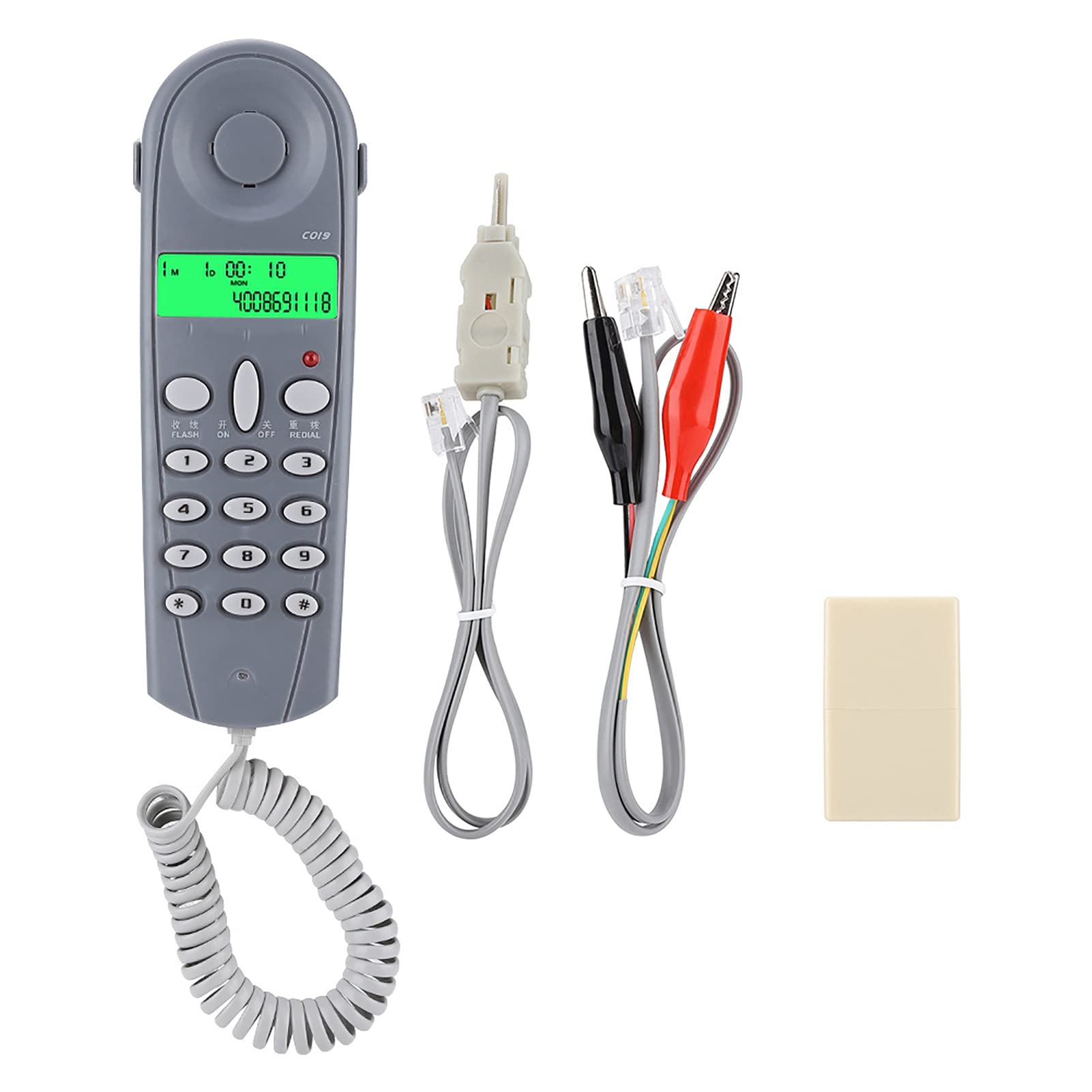
Figure 1.1: Front and back view of the Ciciglow C019 Telephone Line Tester.
2. Product Features
- Telephone line fault detection capability.
- Supports FSK/DTMF dual system caller ID.
- Integrated wire-receiving function.
- Last number redial function.
- Equipped with 3 external plug heads for versatile connection.
3. Package Contents
Verify that all items are present in the package:
- 1 x C019 Telephone Line Tester
- 2 x Telephone Cables
- 1 x Plug Head
4. Setup
To prepare the C019 Telephone Line Tester for use, follow these steps:
- Identify the telephone line requiring inspection.
- Select the appropriate plug head from the included accessories.
- Connect one end of a telephone cable to the C019 tester and the other end to the telephone line or jack. Ensure a secure connection.
- The device is now ready for operation.

Figure 4.1: Back view of the C019 tester with connection port.
5. Operating Instructions
The C019 Telephone Line Tester offers several functions for line inspection and communication. Refer to the buttons on the device for specific actions.
5.1. Checking Telephone Line Faults
To check for faults in the telephone line:
- Ensure the tester is properly connected to the telephone line.
- Observe the display for any error indicators or abnormal readings. The device will help identify common line issues.

Figure 5.1: Using the C019 tester to check telephone line faults.
5.2. FSK/DTMF Caller ID
The C019 tester supports both FSK and DTMF caller ID systems. When a call is received, the caller's information will be displayed on the screen, provided the service is active on the connected line.
5.3. Wire-Receiving Function
The wire-receiving function allows for specific testing related to the physical wiring. Consult the device's top section for this feature.
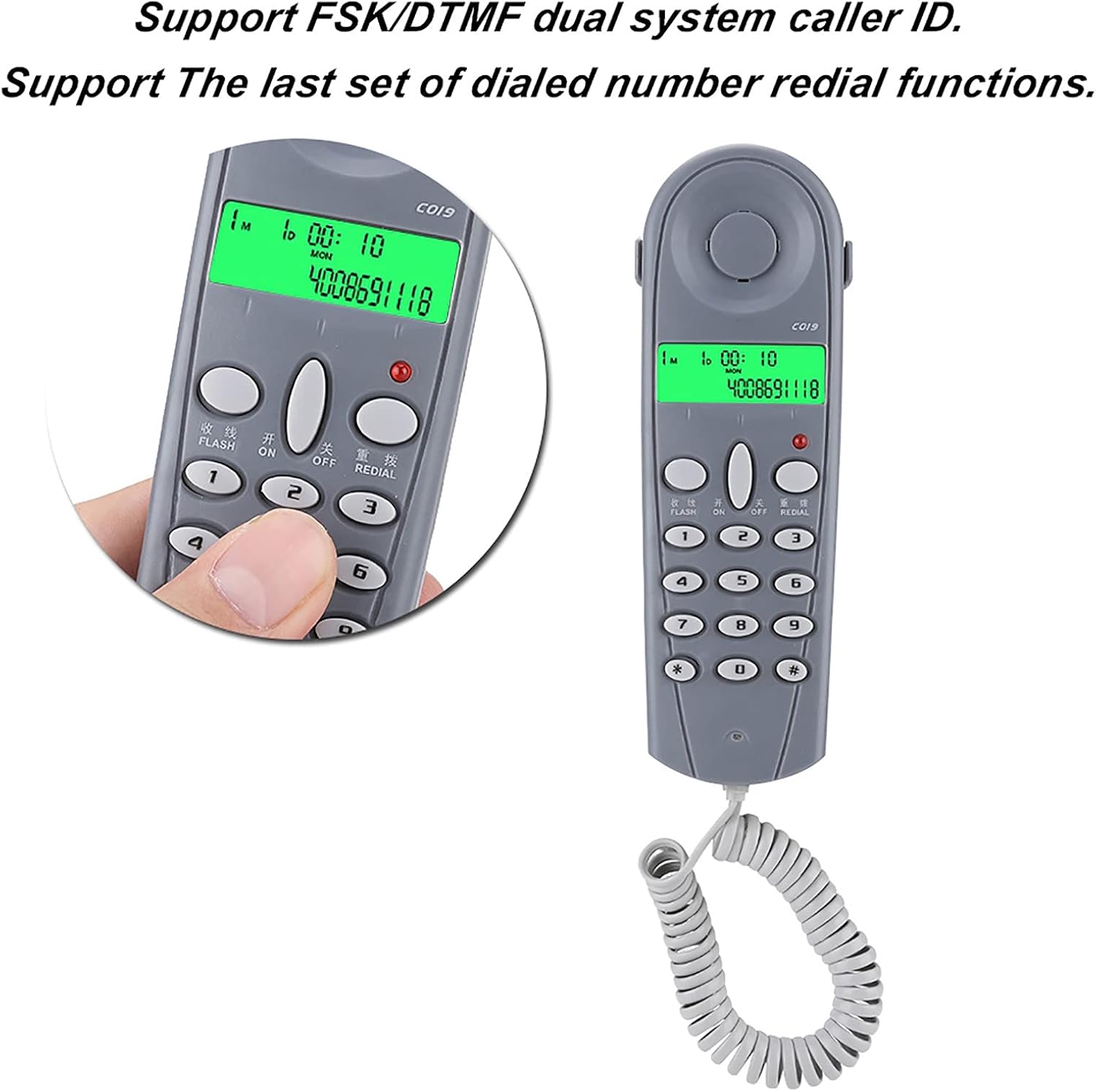
Figure 5.2: Detail of the wire-receiving function on the C019 tester.
5.4. Last Number Redial
To redial the last number called, press the 'REDIAL' button on the keypad. This function is useful for quickly re-establishing a connection.
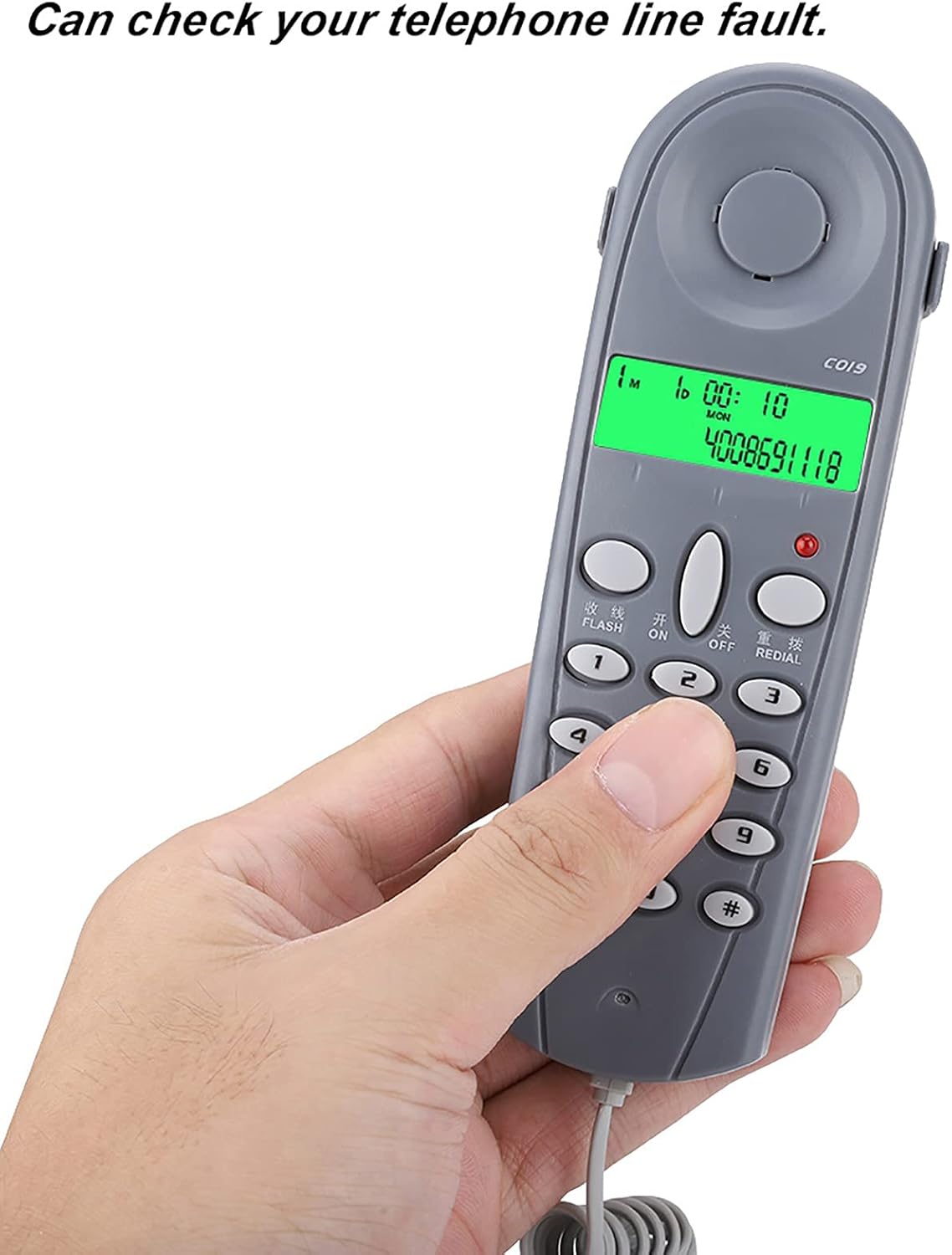
Figure 5.3: C019 tester displaying caller ID and showing redial button.
6. Maintenance
To ensure the longevity and proper functioning of your C019 Telephone Line Tester:
- Keep the device clean and free from dust and moisture. Use a soft, dry cloth for cleaning.
- Avoid exposing the tester to extreme temperatures or direct sunlight.
- Store the device in a safe place when not in use to prevent physical damage.
- Do not attempt to disassemble or repair the device yourself, as this may void any warranty and cause further damage.
7. Troubleshooting
If you encounter issues with your C019 Telephone Line Tester, consider the following common troubleshooting steps:
- No Display/Power: Ensure the device is correctly connected to a live telephone line, as it is corded and draws power from the line.
- Incorrect Readings: Verify that all cables are securely connected and that the telephone line itself is not severely damaged.
- Caller ID Not Working: Confirm that your telephone service provider supports FSK/DTMF caller ID and that the service is active on your line.
- Buttons Unresponsive: Check for any debris or obstruction around the buttons. If the issue persists, contact customer support.
For problems not resolved by these steps, refer to the support section.
8. Specifications
| Feature | Specification |
|---|---|
| Model | C019 Wired Telephone Line Tester |
| Weight | 133 grams |
| Dimensions (L x W x H) | Approx. 14.7 × 4.6 × 2.2 cm (5.79 × 1.81 × 0.87 inches) |
| Material | ABS |
| Display | No (refers to a complex graphical display, basic segment display is present) |
| Color | Blue-gray / Gray-white (optional) |
| Power Source | Corded Electric (powered by telephone line) |
9. Warranty and Support
For warranty information or technical support regarding your Ciciglow C019 Telephone Line Tester, please refer to the documentation provided at the time of purchase or contact your retailer. You may also visit the official Ciciglow website for further assistance and contact details.