
TONEMAC W28
TONEMAC W28 True Wireless Earphones User Manual
Model: W28
Introduction
Thank you for choosing the TONEMAC W28 True Wireless Earphones. These earphones are designed to provide a superior audio experience with advanced Bluetooth 5.3 connectivity, extended battery life, and a comfortable, secure fit. This manual will guide you through the setup, operation, and maintenance of your new earphones to ensure optimal performance and longevity.
Safety Information
- Do not disassemble or modify the earphones or charging case.
- Keep the device away from extreme temperatures, humidity, and liquids.
- Avoid prolonged exposure to high volume levels to prevent hearing damage.
- Use only the provided charging cable or a certified USB-C cable for charging.
- Dispose of the product responsibly according to local regulations.
Package Contents
Please check the package for the following items:
- TONEMAC W28 True Wireless Earphones (Left and Right)
- Charging Case
- USB-C Charging Cable
- User Manual
Product Overview
Familiarize yourself with the components of your TONEMAC W28 earphones and charging case.

Image: TONEMAC W28 True Wireless Earphones in their charging case, displaying the LED power indicator.
Charging Case with LED Display

Image: The digital power display on the charging case, showing separate indicators for the earbuds' battery levels and the case's battery percentage.
The charging case features an intuitive LED display that shows the battery percentage of the case and individual charging status for each earbud. This allows for easy monitoring of power levels.
Setup
Initial Charging
Before first use, fully charge the earphones and the charging case.
- Place both earbuds into the charging case.
- Connect the USB-C charging cable to the charging port on the case and plug the other end into a USB power adapter (not included) or a computer's USB port.
- Alternatively, place the charging case on a Qi-compatible wireless charging pad for wireless charging.

Image: Illustration showing both USB-C cable charging and wireless charging pad options for the TONEMAC W28 charging case.
The LED display on the case will show the charging progress. A full charge takes approximately 1.5 hours for the case. The earbuds provide up to 8 hours of playtime on a single charge, with the charging case extending total playtime to 48 hours.
Pairing with Your Device
The TONEMAC W28 earphones feature one-step auto-pairing for convenience.
- Ensure the earbuds are charged and placed inside the charging case.
- Open the lid of the charging case. The earbuds will automatically enter pairing mode.
- On your device (smartphone, tablet, etc.), enable Bluetooth and search for available devices.
- Select "TONEMAC W28" from the list of found devices.
- Once connected, the earbuds will automatically pair with this device whenever the case lid is opened.

Image: A hand holding the open charging case next to a smartphone screen showing "TONEMAC W28" as a connected Bluetooth device, illustrating the auto-pairing process.
Operating Instructions
Smart Touch Control
The TONEMAC W28 earphones feature intuitive touch controls on each earbud for managing music playback, calls, and voice assistant activation.
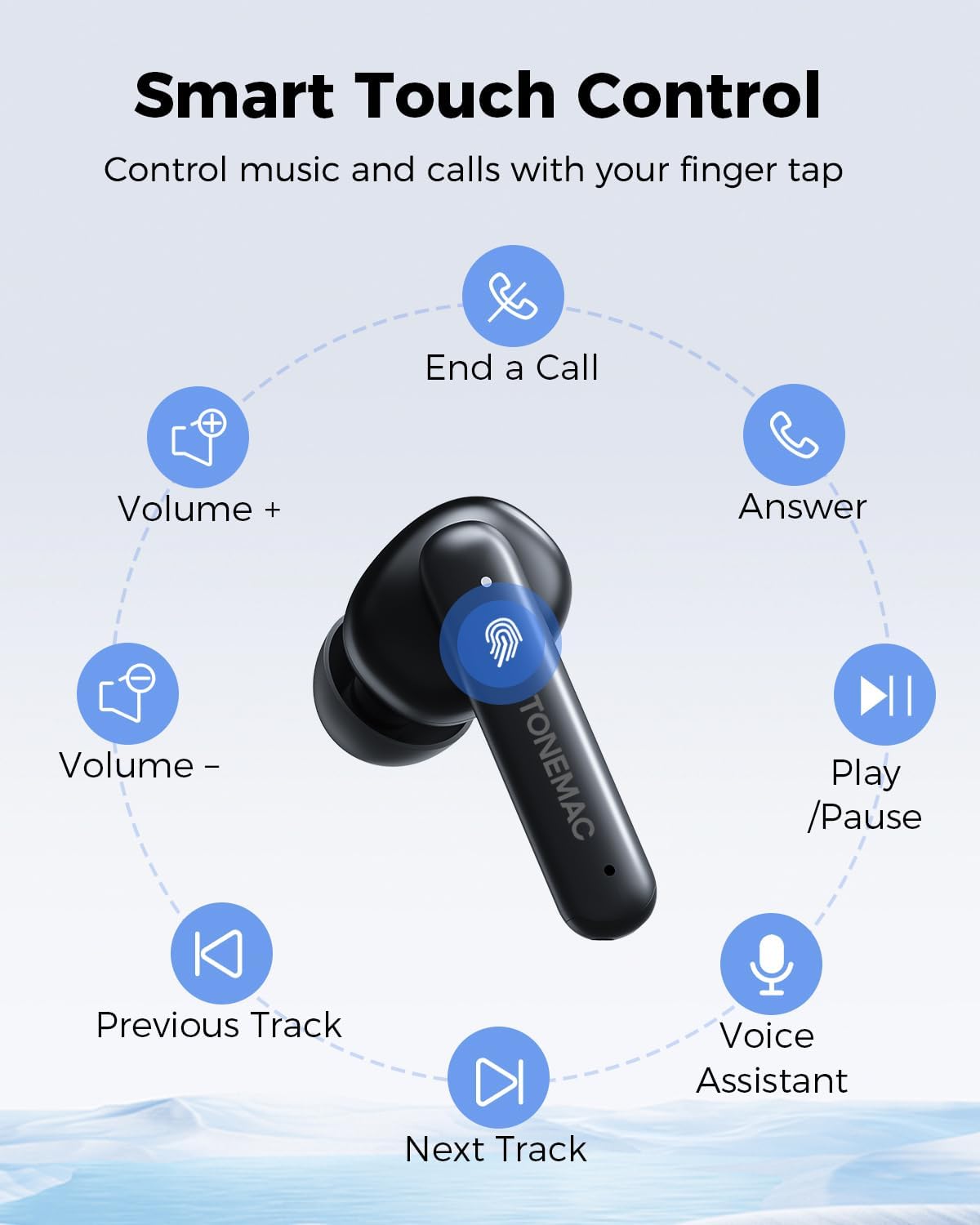
Image: A diagram illustrating the various touch control functions on the earbud, including play/pause, volume control, track skipping, call management, and voice assistant activation.
| Function | Action (Left/Right Earbud) |
|---|---|
| Play/Pause | Click the Touchpad once (L/R) |
| Next Track | Click the Touchpad twice (R) |
| Previous Track | Click the Touchpad twice (L) |
| Volume + | Long press the Touchpad (R) |
| Volume - | Long press the Touchpad (L) |
| Answer a Call | Click the Touchpad once (L/R) |
| End a Call | Click the Touchpad twice (L/R) |
| Decline a Call | Long press the Touchpad (L/R) |
| Voice Assistant | Triple-Click the Touchpad quickly (L/R) |
| Game Mode (Low latency) | Triple-Click the Touchpad quickly (L/R) |
Wearing the Earbuds
For optimal sound quality and comfort, ensure the earbuds are properly seated in your ears.

Image: A woman wearing the TONEMAC W28 earphones, demonstrating their ergonomic design and secure fit during physical activity. The image also highlights the compact size and IPX6 waterproof rating.
- Identify the Left (L) and Right (R) earbuds.
- Gently insert each earbud into the corresponding ear canal.
- Rotate the earbud slightly until it feels secure and comfortable.
Maintenance
Cleaning
Regular cleaning helps maintain sound quality and hygiene.
- Use a soft, dry, lint-free cloth to wipe the earbuds and charging case.
- For stubborn dirt, slightly dampen the cloth with water or a mild, non-abrasive cleaner.
- Do not use harsh chemicals or abrasive materials.
- Ensure the charging contacts on both the earbuds and case are clean and dry.
Storage
When not in use, store the earphones in their charging case to protect them and keep them charged.
- Store the device in a cool, dry place, away from direct sunlight and extreme temperatures.
- If storing for an extended period, charge the case and earbuds at least once every three months to preserve battery health.
Water Resistance (IPX6)
The TONEMAC W28 earphones are rated IPX6 waterproof, meaning they are protected against powerful water jets. This makes them suitable for workouts and outdoor activities where they might be exposed to sweat or light rain.
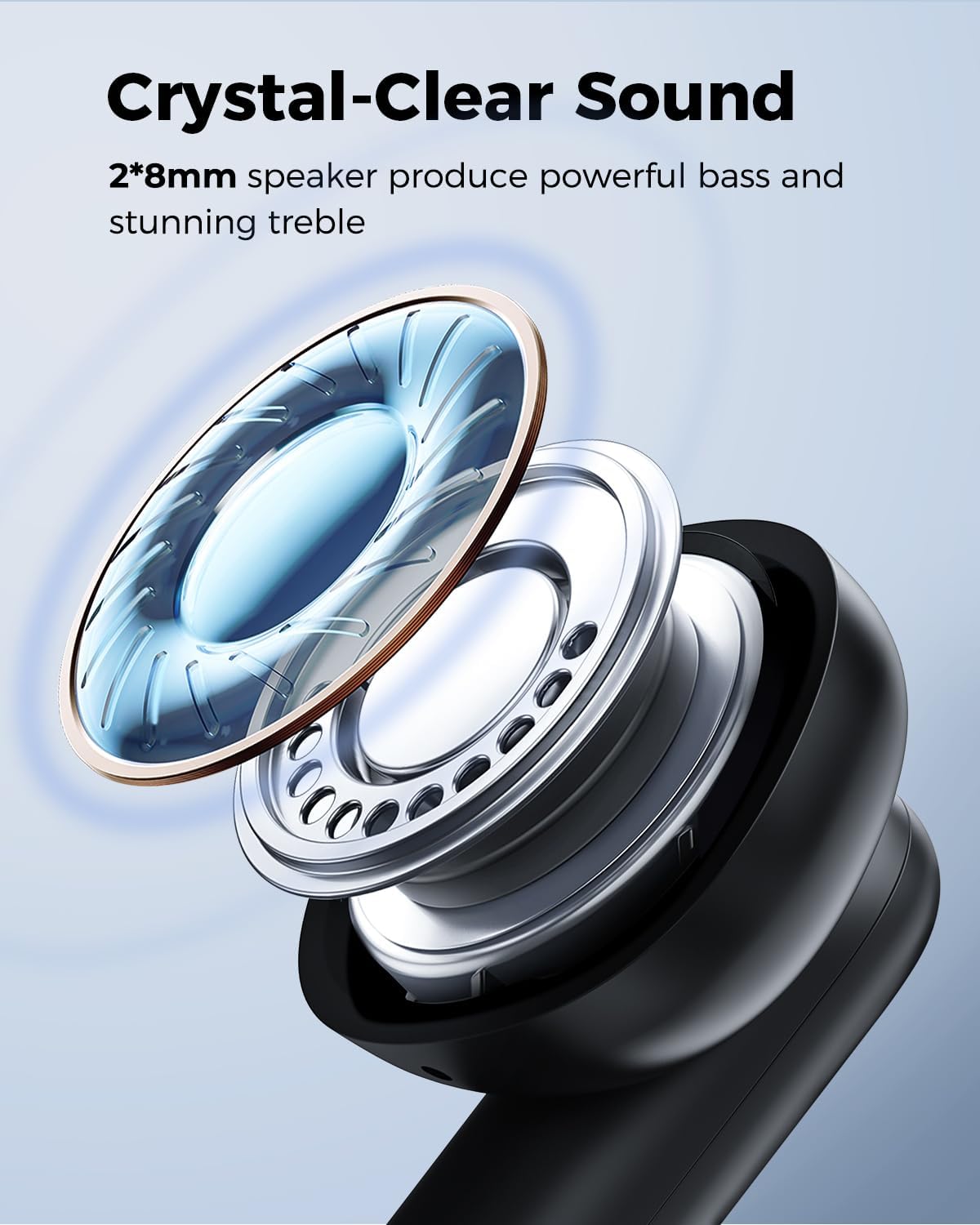
Image: A man sweating during a workout, with text indicating the IPX6 nano-coating protects the wireless earbuds from water and sweat damage.
- Do not submerge the earphones in water.
- The charging case is not waterproof. Keep it dry.
- After exposure to sweat or water, wipe the earbuds dry before placing them back in the charging case to prevent damage to the charging contacts.
Troubleshooting
| Problem | Possible Cause | Solution |
|---|---|---|
| Earbuds not pairing with device | Bluetooth is off; earbuds not in pairing mode; previously paired device interfering. | Ensure Bluetooth is on. Place earbuds in case, close, then open lid to re-enter pairing mode. Forget "TONEMAC W28" on your device and re-pair. |
| Only one earbud working | One earbud is not charged; earbuds not properly connected to each other. | Ensure both earbuds are charged. Place both earbuds back in the case, close the lid for 5 seconds, then open again. This should re-sync them. |
| Low volume or poor sound quality | Earbuds not properly seated; earbud grilles are dirty; device volume is low. | Adjust earbud position for a secure fit. Clean earbud grilles. Increase volume on both your device and the earbuds. |
| Charging case not charging | Cable issue; power source issue; wireless charging misalignment. | Try a different USB-C cable or power adapter. Ensure the case is centered on the wireless charging pad. |
| Connectivity issues (disconnections) | Interference; distance from device; low battery. | Reduce distance between earbuds and device. Avoid areas with strong Wi-Fi or other wireless signals. Ensure earbuds are sufficiently charged. |
Specifications
| Feature | Detail |
|---|---|
| Model Name | W28 |
| Connectivity Technology | Bluetooth 5.3 |
| Audio Driver Size | 8mm Bio-diaphragm Drivers |
| Earbud Battery Life | Up to 8 hours (single charge) |
| Total Playtime (with case) | Up to 48 hours |
| Charging Time (Case) | Approx. 1.5 hours |
| Charging Interface | USB-C, Qi Wireless Charging |
| Water Resistance Rating | IPX6 |
| Control Method | Touch |
| Material | Silicone |
| Item Weight | 4.9 ounces (total) |
| Product Dimensions | 1.57 x 1.97 x 1.18 inches |
Warranty and Support
TONEMAC products come with a standard manufacturer's warranty. For detailed warranty information, please refer to the warranty card included in your package or visit the official TONEMAC website. If you encounter any issues or have questions not covered in this manual, please contact TONEMAC customer support through the retailer's platform or the official brand website for assistance.
For further assistance, you may also refer to the official TONEMAC store on Amazon: TONEMAC Store
Related documentsW28

Ask a question about this manual
Ask about setup, troubleshooting, compatibility, parts, safety, or missing instructions. Manuals+ will review the question and use this page’s manual context to help answer it.