
Introduction
The Rossetta Astronaut Galaxy Projector (Model HJ-XKD07) is designed to transform any room into a captivating celestial environment. It features 33 distinct lighting effects, combining aurora projections with twinkling green stars. This versatile device functions as a dimmable LED night light and includes a remote control for convenient operation and a timer for automatic shut-off. It is intended to create a serene and immersive atmosphere for relaxation or as a decorative element.
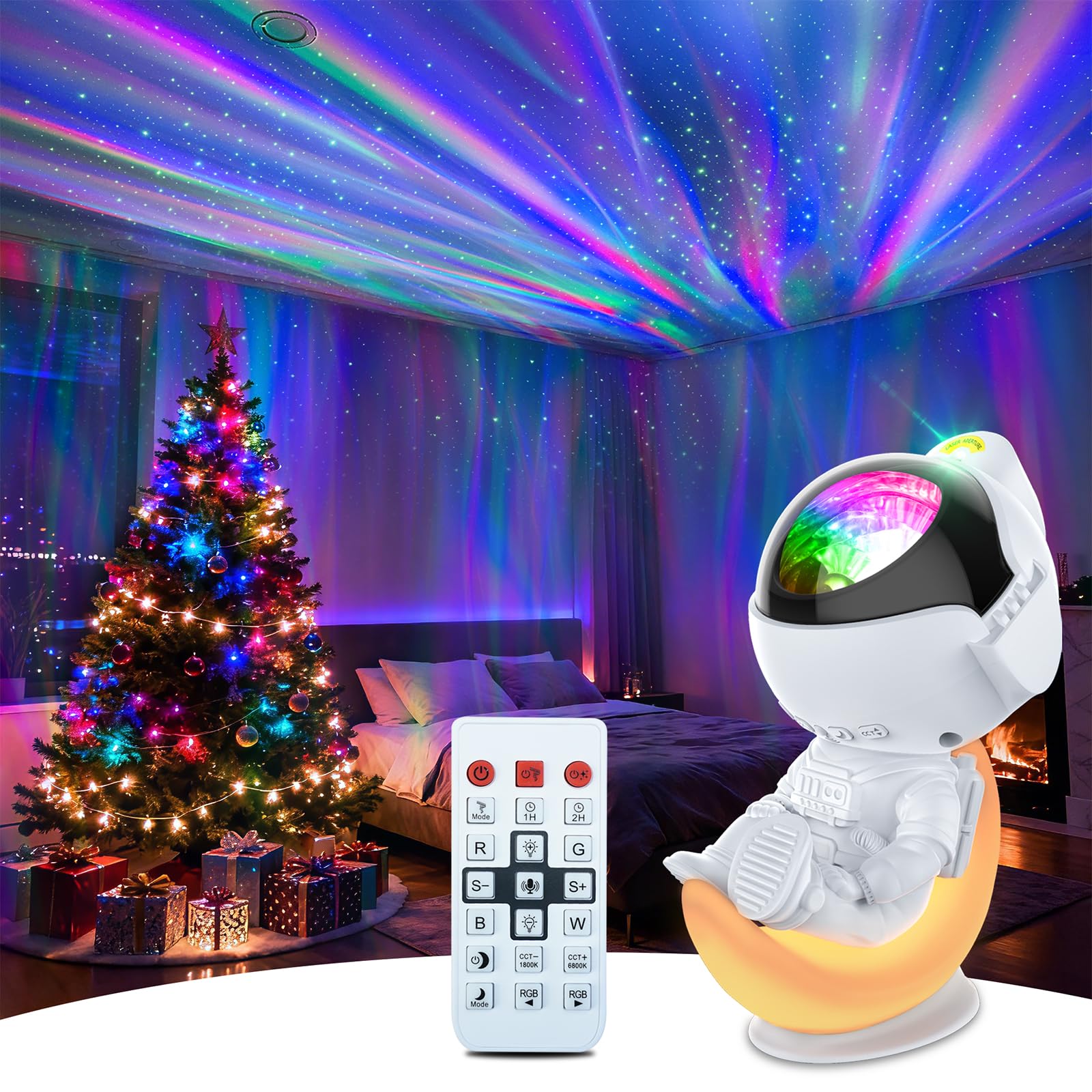
Image: The Rossetta Astronaut Galaxy Projector in Aurora White, displaying its design and projected effects.
What's in the Box
- Astronaut Projector
- Remote Control
- Power Cable (USB-C)
- User Manual
Setup
- Unpack the Projector: Carefully remove all components from the packaging.
- Power Connection: Connect the provided USB-C power cable to the projector and a 5V/2A power adapter (not included). Plug the adapter into a standard electrical outlet.
- Remote Control Setup: Insert 2 AAA batteries (not included) into the remote control. Ensure correct polarity.
- Placement: Position the projector on a stable, flat surface. For optimal projection, place it where the light can reach the desired wall or ceiling area without obstruction. The astronaut's head can be adjusted to direct the projection angle.
Operating Instructions
The projector can be controlled using the buttons on the device or the included remote control.
- Power On/Off: Press the power button on the projector or the "ON/OFF" button on the remote control.
- Nebula/Aurora Effects: Use the "NEBULA" button on the remote to cycle through 33 different aurora lighting effects.
- Star Projection: Use the "STAR" button on the remote to turn the green star projection on or off.
- Moon Light: The projector features a moon light. Use the dedicated moon button on the remote to control its color and state.
- Brightness Adjustment: Use the brightness buttons (up/down arrows) on the remote to adjust the intensity of the projection.
- Rotation Speed: Adjust the rotation speed of the aurora effects using the speed buttons on the remote.
- Sound-Activated Mode: Activate the sound function from the remote. The light effects will change in response to music or clapping hands.
- Timer Function: Set the automatic shut-off timer for 1, 2, or 6 hours using the timer buttons on the remote. The projector will automatically turn off after the selected duration.
- Remote Control Usage Note: For best performance, point the remote control directly at the projector and avoid obstructions like a TV.
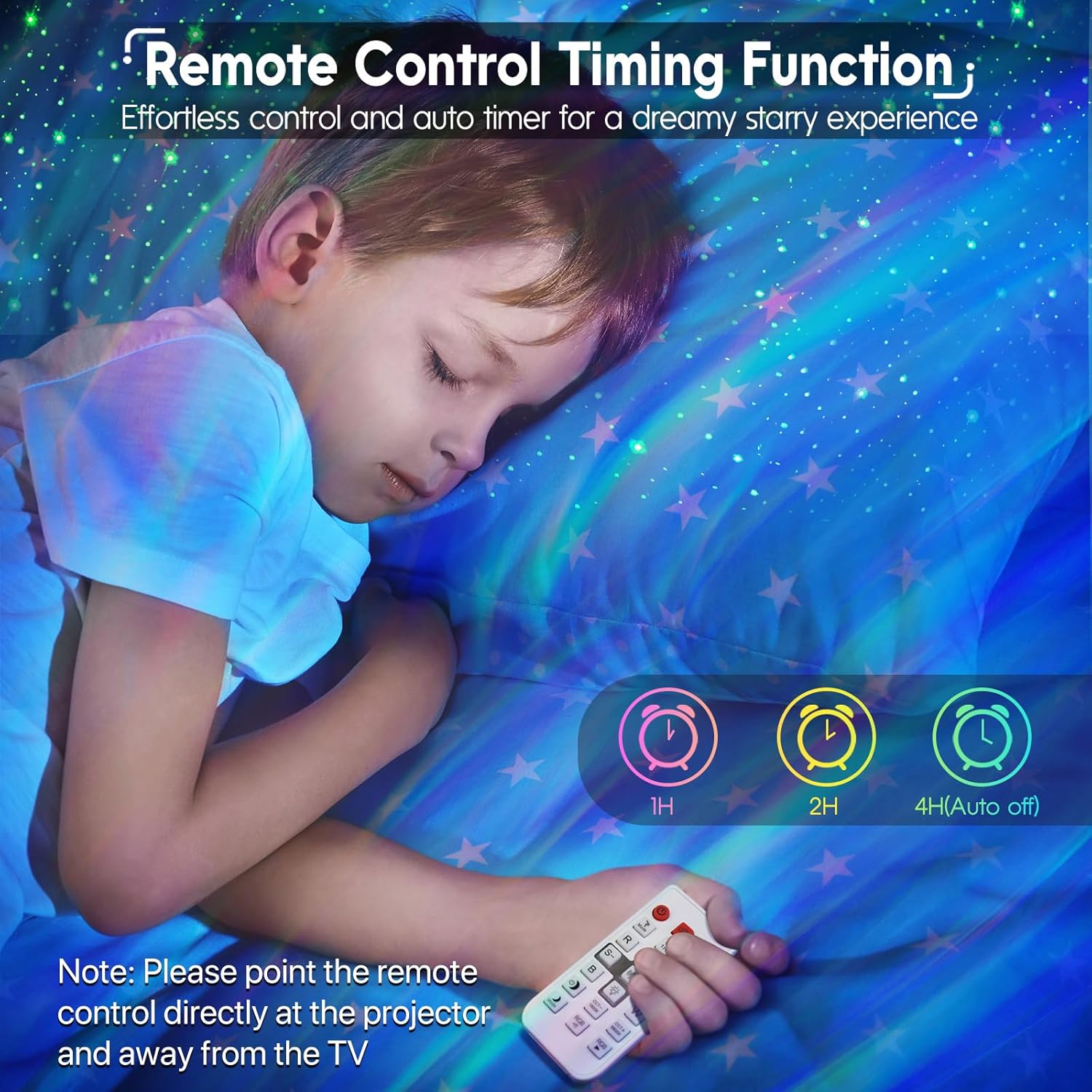
Image: Remote control for the Rossetta Astronaut Galaxy Projector, showing timer options.
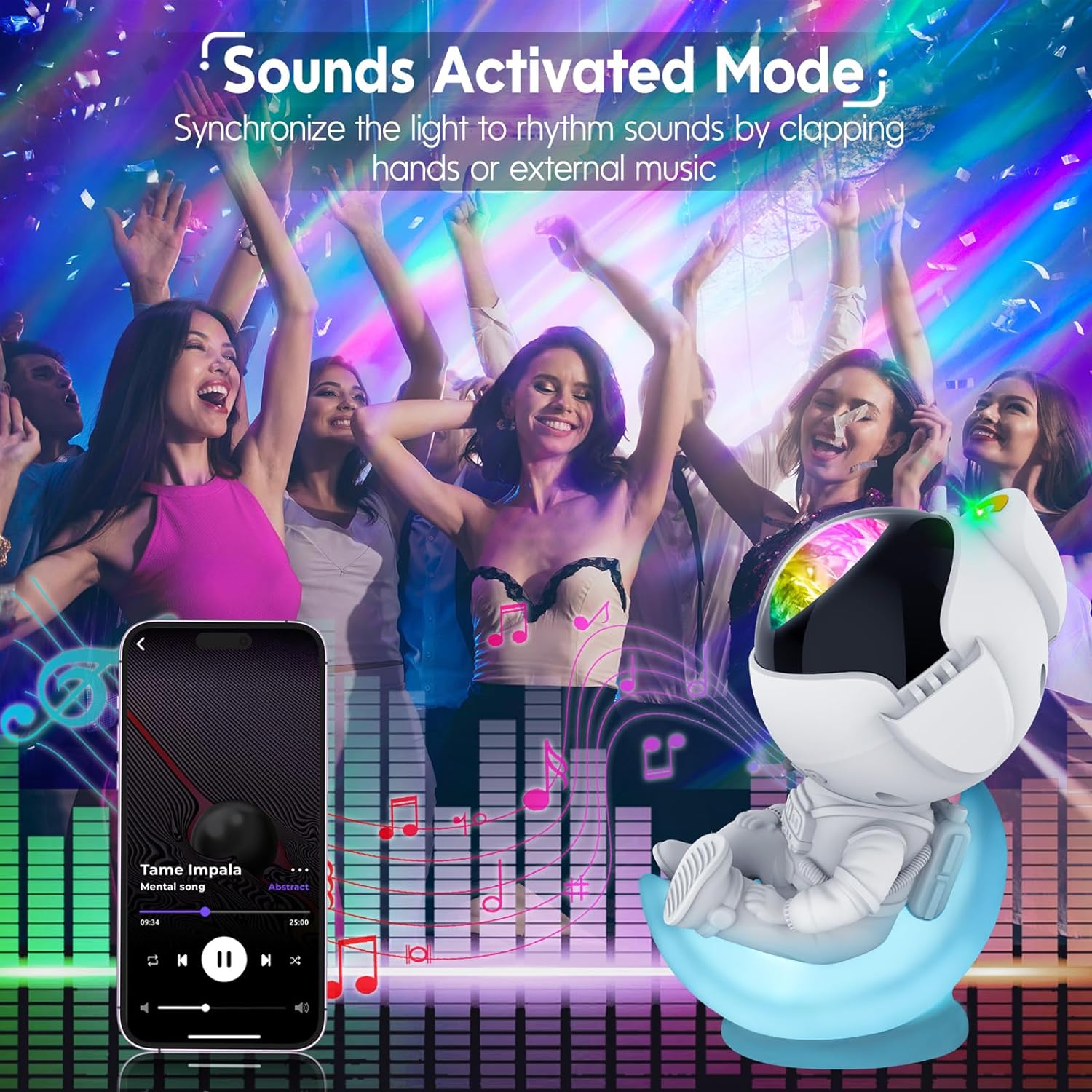
Image: The projector creating a starry night light in a child's bedroom.
Maintenance
- Cleaning: Gently wipe the projector's surface with a soft, dry cloth. Do not use abrasive cleaners or solvents.
- Lens Care: Keep the projection lens clean to ensure clear images. Use a lens cleaning cloth if necessary.
- Storage: When not in use for extended periods, store the projector in a cool, dry place away from direct sunlight.
Troubleshooting
- Projector Does Not Turn On:
- Ensure the power cable is securely connected to both the projector and a functional 5V/2A power adapter.
- Verify the power adapter is plugged into a live electrical outlet.
- Remote Control Not Working:
- Check if the AAA batteries are inserted correctly and are not depleted. Replace if necessary.
- Ensure there are no obstructions between the remote and the projector. Point the remote directly at the projector.
- Projection is Dim or Unclear:
- Adjust the brightness settings using the remote control.
- Ensure the projection lens is clean and free from dust or smudges.
- Verify the room is sufficiently dark for optimal projection.
- Moon Light Turns On Randomly or Cannot Be Turned Off:
- If the moon light exhibits unexpected behavior, try unplugging the device from the power source for a few seconds and then plugging it back in to reset it. If the issue persists, contact customer support.
Specifications
| Model Number | HJ-XKD07 |
| Brand | Rossetta |
| Color | Aurora White |
| Product Dimensions | 8.26"D x 5.5"W x 4.52"H |
| Item Weight | 1.32 Pounds |
| Power Source | Corded Electric |
| Voltage | 5 Volts (DC) |
| Wattage | 7.5 watts |
| Light Source Type | LED |
| Control Method | Remote, Touch |
| Connectivity Protocol | USB C |
| Additional Features | 6 Hours Auto Off, Color Changing, Dimmable, Timer |
| Indoor Outdoor Usage | Indoor use only |
Warranty and Support
Warranty: The Rossetta Astronaut Galaxy Projector includes a 1-year limited warranty and service. Use of the projector is subject to the terms and conditions of this warranty.
Customer Support: For any questions, issues, or warranty claims, please refer to the contact information provided in the original product packaging or visit the official Rossetta website for assistance.