
Oprunsy PTC-SH009R
Oprunsy 1500W Space Heater User Manual
Model: PTC-SH009R
1. Introduction
Thank you for purchasing the Oprunsy 1500W Space Heater. This manual provides important information for the safe operation, maintenance, and troubleshooting of your new appliance. Please read it thoroughly before use and retain it for future reference.

Image: The Oprunsy 1500W Space Heater, a compact black unit, is shown emitting warm air, illustrating its primary function.
2. Important Safety Information
Always follow basic safety precautions when using electrical appliances to reduce the risk of fire, electric shock, and injury to persons.
- Read All Instructions: Before operating the heater, read all instructions carefully.
- Placement: Place the heater on a firm, level surface. Do not place it on soft surfaces like beds or rugs where openings may be blocked.
- Clearance: Maintain a minimum distance of 3 feet (0.9 meters) from combustible materials such as furniture, pillows, bedding, papers, clothes, and curtains.
- Overheat Protection: The heater is equipped with an automatic overheat protection system that shuts off the unit if it overheats. If this occurs, unplug the heater, wait 30 minutes for it to cool, and then plug it back in.
- Tip-Over Protection: A safety switch automatically turns off the heater if it is accidentally tipped over. Ensure the heater is on a stable surface.
- Child Lock: The heater features a child lock function to prevent accidental operation by children.
- V-0 Flame Retardant Material: Constructed with V-0 flame retardant materials for enhanced safety.
- Power Cord: Do not run the power cord under carpeting or cover it with throw rugs, runners, or similar coverings. Arrange the cord away from traffic areas where it will not be tripped over.
- Do Not Cover: Never cover the heater or block the air inlets/outlets. This can cause overheating and fire.
- Moisture: Do not use the heater in wet or damp locations, such as bathrooms or laundry areas.
- Supervision: Close supervision is necessary when any heater is used by or near children or invalids and whenever the heater is left operating and unattended.

Image: Illustration showing the heater's built-in Overheat Protection and Tip-over Protection mechanisms for enhanced safety.

Image: Visual representation of the heater's V-0 Flame Retardant material and the Child Lock feature, highlighting safety aspects.
3. Product Overview
3.1 Components and Controls
The Oprunsy Space Heater features an intuitive control panel and a compact design for easy use and portability.

Image: The top view of the heater showing the control panel and a convenient carry handle for portability.
3.2 Key Features
- 2S Speedy Heating: Utilizes PTC Ceramic Technology for rapid heat generation.
- Multiple Modes: Offers 1500W High Heat, 900W Low Heat, ECO mode, and Natural Wind (Fan) mode.
- Digital Thermostat: Adjustable temperature range from 59°F to 95°F (15°C to 35°C).
- 24-Hour Timer: Programmable auto shut-off timer.
- Quiet Operation: Operates at less than 50 dB, providing tranquil warmth.
- Memory Function: Retains last used settings upon restart.
- Compact and Portable: Dimensions of 6.29(L) x 4.72(W) x 8.54(H) inches with a built-in carry handle.
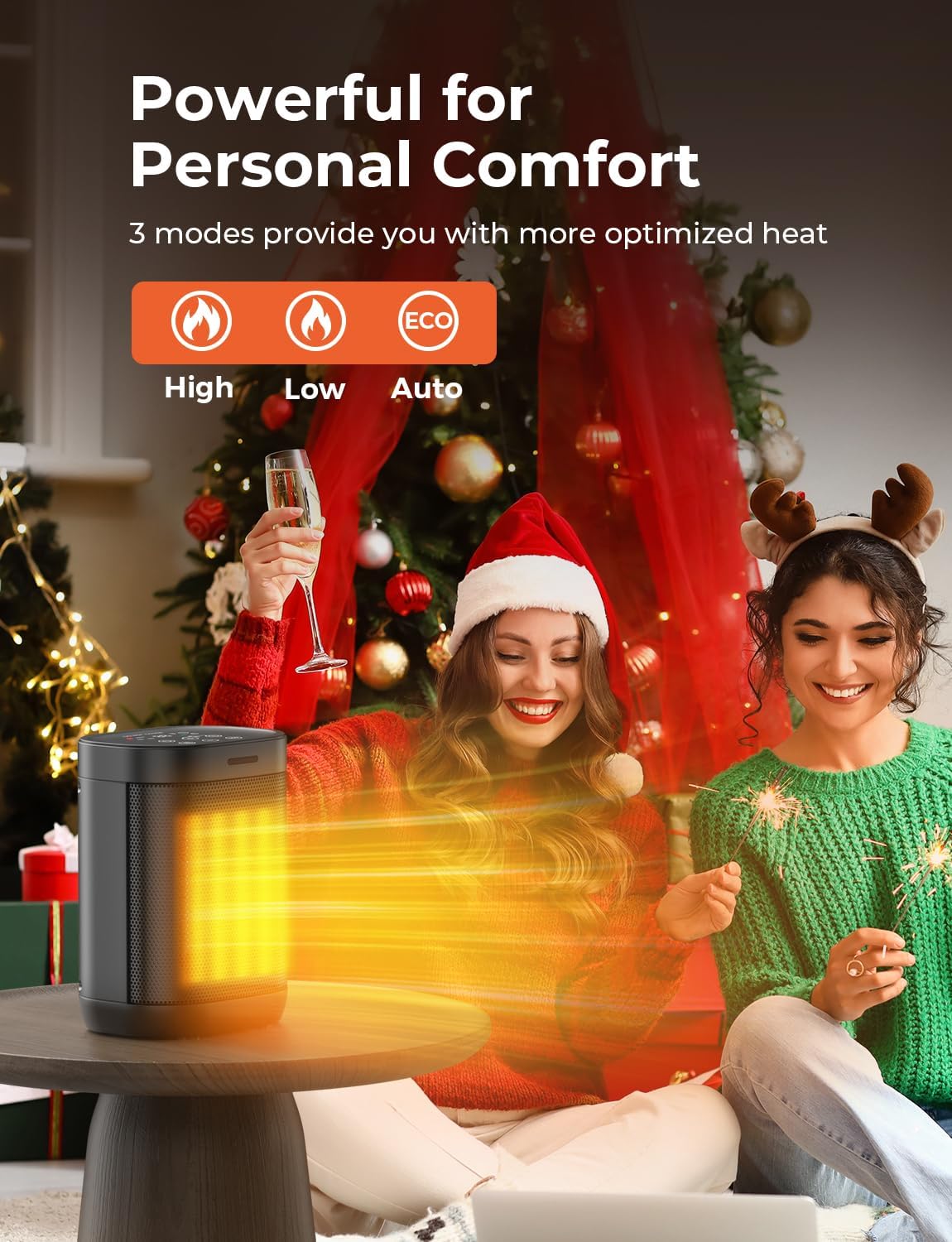
Image: The heater displaying its three main modes: High, Low, and Auto (ECO), indicating versatile heating options.

Image: An internal view of the heater highlighting its 1500W instant heating capability, along with icons for energy saving and ambient intelligence.
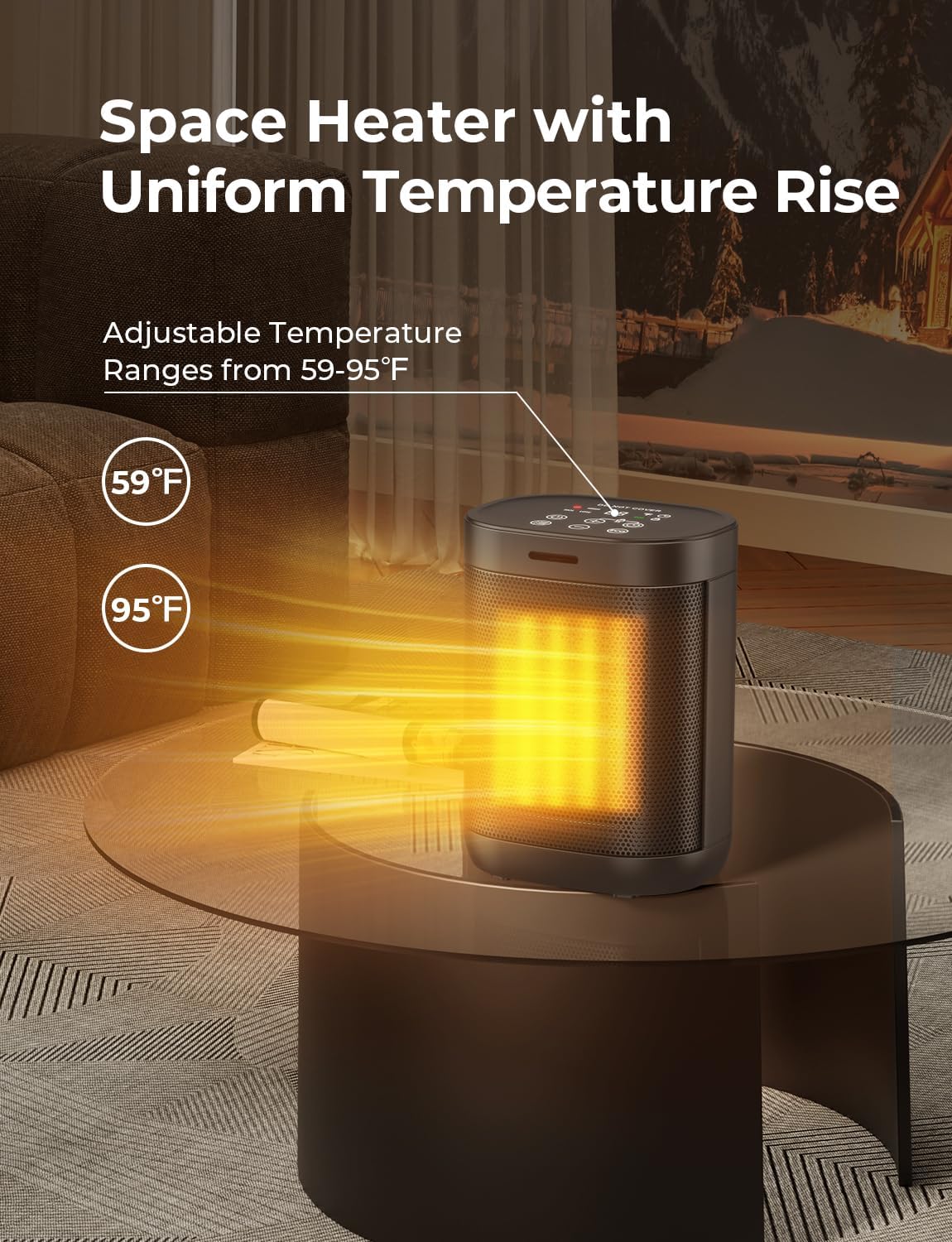
Image: The heater demonstrating its ability to maintain a uniform temperature, with an adjustable range from 59°F to 95°F.

Image: A depiction of the heater operating quietly at night, with noise levels shown to be very low (e.g., 20 dB), suitable for undisturbed sleep.
4. Setup
- Unpack: Carefully remove the heater from its packaging. Retain the packaging for storage or future transport.
- Inspect: Check the heater for any signs of damage. Do not operate if damaged.
- Placement: Place the heater on a stable, flat, and heat-resistant surface. Ensure it is at least 3 feet (0.9 meters) away from walls, furniture, and other objects.
- Power Connection: Plug the power cord into a grounded 120V AC electrical outlet. Ensure the outlet is not overloaded with other appliances.
5. Operating Instructions
Familiarize yourself with the control panel for optimal use.

Image: A detailed view of the heater's control panel, showing the various buttons and the digital display for temperature and mode settings.
5.1 Power On/Off
- Press the Power Button (
 ) to turn the heater on or off. The display will illuminate upon power-on.
5.2 Mode Selection
Press the Mode Button () to cycle through the available modes:
- High Heat (1500W): Provides maximum heating power.
- Low Heat (900W): Provides moderate heating power.
- ECO Mode: The heater will automatically adjust its power output to maintain a set temperature, optimizing energy consumption. Note: Temperature adjustment is only available in LOW or HIGH modes. ECO mode operates at a fixed temperature (e.g., 79°F as per some user feedback) and is designed for energy saving.
- Natural Wind (Fan) Mode: Circulates air without heat.
5.3 Temperature Adjustment
- In High or Low heat mode, use the "+" and "-" buttons to set your desired temperature between 59°F and 95°F.
- The digital display will show the current and target temperature.

Image: A visual representation of the heater's adjustable temperature range, from 59°F to 95°F.
5.4 Timer Function
- Press the Timer Button () to set the auto shut-off timer from 1 to 24 hours. Each press increases the timer by one hour.
- The display will show the remaining time before shut-off.

Image: A close-up of the heater's display showing the "24H" timer setting, indicating its auto shut-off capability.
5.5 Child Lock
- To activate the Child Lock, press and hold the Child Lock Button (often combined with another function or a dedicated lock icon) for a few seconds until the lock indicator appears on the display.
- To deactivate, repeat the process.
6. Maintenance
Regular cleaning and proper storage will ensure the longevity and efficient operation of your heater.
6.1 Cleaning
- Before Cleaning: Always unplug the heater from the power outlet and allow it to cool completely before cleaning.
- Exterior: Use a soft, damp cloth to wipe the exterior surfaces of the heater. Do not use abrasive cleaners or solvents.
- Air Inlets/Outlets: Use a vacuum cleaner with a brush attachment to gently remove dust and lint from the air inlets and outlets. Do not insert any objects into the openings.
- Do Not Immerse: Never immerse the heater in water or any other liquid.
6.2 Storage
- When not in use, store the heater in a cool, dry place.
- It is recommended to store the heater in its original packaging to protect it from dust and damage.
7. Troubleshooting
If you experience issues with your heater, please refer to the following common problems and solutions:
| Problem | Possible Cause | Solution |
|---|---|---|
| Heater does not turn on. | Not plugged in; Power switch off; Overheat protection activated; Tip-over switch activated. | Ensure plug is firmly in outlet; Turn power switch on; Unplug, wait 30 mins, then replug; Place on flat, stable surface. |
| Heater stops heating unexpectedly. | Overheat protection activated; Tip-over switch activated; Timer function engaged. | Unplug, wait 30 mins, then replug; Ensure heater is upright on a stable surface; Check timer settings. |
| No heat in ECO mode. | ECO mode maintains a fixed temperature; Room temperature is already at or above the ECO mode's set point. | Switch to HIGH or LOW heat mode for continuous heating or if you need to set a specific temperature. |
| Reduced airflow or heating efficiency. | Dust or lint blocking air inlets/outlets. | Clean air inlets and outlets as described in the Maintenance section. |
If the problem persists after trying these solutions, please contact customer support.
8. Specifications
| Feature | Detail |
|---|---|
| Brand | Oprunsy |
| Model Number | PTC-SH009R |
| Heat Output | 1500 Watts (High), 900 Watts (Low) |
| Voltage | 120 Volts |
| Burner Type | PTC Ceramic Technology |
| Product Dimensions | 6.3"D x 4.73"W x 8.54"H |
| Item Weight | 2.68 pounds |
| Number of Speeds | 4 (High, Low, ECO, Fan) |
| Special Features | Child Lock, Digital Display, Electronic Thermostat, Energy Efficient, Flame Resistant, Tip-over & Overheat Protection |
| Recommended Uses | Bedroom, Desk, Home, Office |
| Indoor/Outdoor Usage | Indoor |
9. Warranty and Support
Oprunsy stands behind the quality of its products. For specific warranty details, please refer to the warranty card included with your purchase or visit the official Oprunsy website. If you have any questions, require technical assistance, or need to report an issue, please contact Oprunsy customer support through the contact information provided on the product packaging or the brand's official website.
You can also visit the Oprunsy Store on Amazon for more information: Oprunsy Store
Ask a question about this manual
Ask about setup, troubleshooting, compatibility, parts, safety, or missing instructions. Manuals+ will review the question and use this page’s manual context to help answer it.