
1. Product Overview
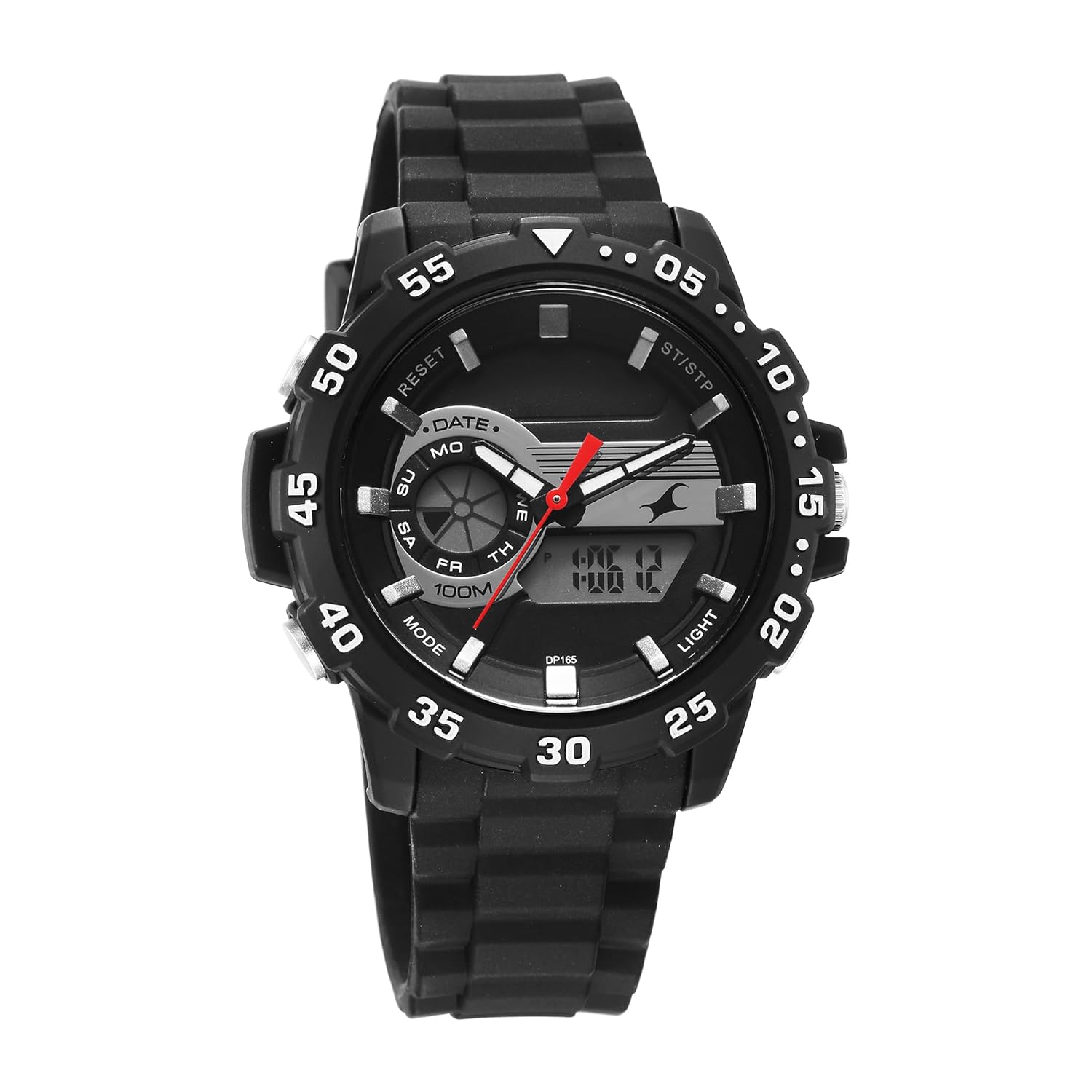
This Fastrack Analog-Digital watch combines traditional analog timekeeping with modern digital functionalities. It is designed for everyday wear and features a durable silicon strap. Key functions include a 10 ATM water resistance rating, alarm, stopwatch, EL backlight, calendar, and hourly chime.
Please read this manual thoroughly to understand the operation and care of your new watch.
2. Setup
2.1 Initial Battery Activation
Your watch comes with a pre-installed Lithium Polymer battery. If the watch is not running upon receipt, gently push the crown (button on the right side, typically used for analog time setting) inwards if it is pulled out. For digital display, ensure no protective film is covering the screen.
2.2 Identifying Watch Components
Familiarize yourself with the watch's buttons and crown:
- Crown: Used for setting analog time.
- Mode Button: Cycles through digital display modes (Time, Alarm, Stopwatch, Date).
- Reset Button: Used for resetting stopwatch, adjusting settings.
- ST/STP Button: Used for starting/stopping stopwatch, confirming settings.
- Light Button: Activates the EL backlight for the digital display.

3. Operating Instructions
3.1 Setting Analog Time
- Pull the crown out to the first position.
- Rotate the crown to move the hour and minute hands to the desired time.
- Push the crown back in to its original position to start the analog timekeeping.
3.2 Setting Digital Time and Date
- Press the Mode button repeatedly until the digital display shows the time setting mode (usually indicated by flashing digits).
- Press the Reset button to select the digit or setting you wish to adjust (e.g., seconds, hour, minute, month, date, day).
- Use the ST/STP button to increase the selected value. Hold it down for faster adjustment.
- Once all settings are correct, press the Mode button to exit the setting mode and return to normal time display.
3.3 Using the Alarm Function
- Press the Mode button until the digital display shows the Alarm mode (often indicated by "AL").
- Press the Reset button to select the hour or minute digits.
- Use the ST/STP button to set the desired alarm time.
- Press the Mode button to confirm and exit.
- To activate/deactivate the alarm, while in Alarm mode, press the ST/STP button. An alarm icon will appear/disappear to indicate its status.
3.4 Using the Stopwatch
- Press the Mode button until the digital display shows the Stopwatch mode (often indicated by "ST" or "STOP").
- Press the ST/STP button to start the stopwatch.
- Press the ST/STP button again to stop the stopwatch.
- Press the Reset button to clear the stopwatch to zero.
- Press the Mode button to exit Stopwatch mode.
3.5 EL Backlight
Press the Light button (typically located on the top left or bottom right) to illuminate the digital display for a few seconds in low-light conditions.
3.6 Calendar and Chime
- Calendar: The watch automatically displays the current date and day in the digital mode. Adjustments are made during the digital time setting process.
- Chime: To activate or deactivate the hourly chime, navigate to the normal time display. Press and hold the Reset button. A chime icon will appear/disappear to indicate its status.
4. Maintenance
4.1 Cleaning Your Watch
Wipe the watch case and strap with a soft, dry cloth. For silicon straps, a damp cloth with mild soap can be used, followed by thorough drying. Avoid using chemical cleaners or abrasive materials.
4.2 Water Resistance (10 ATM)
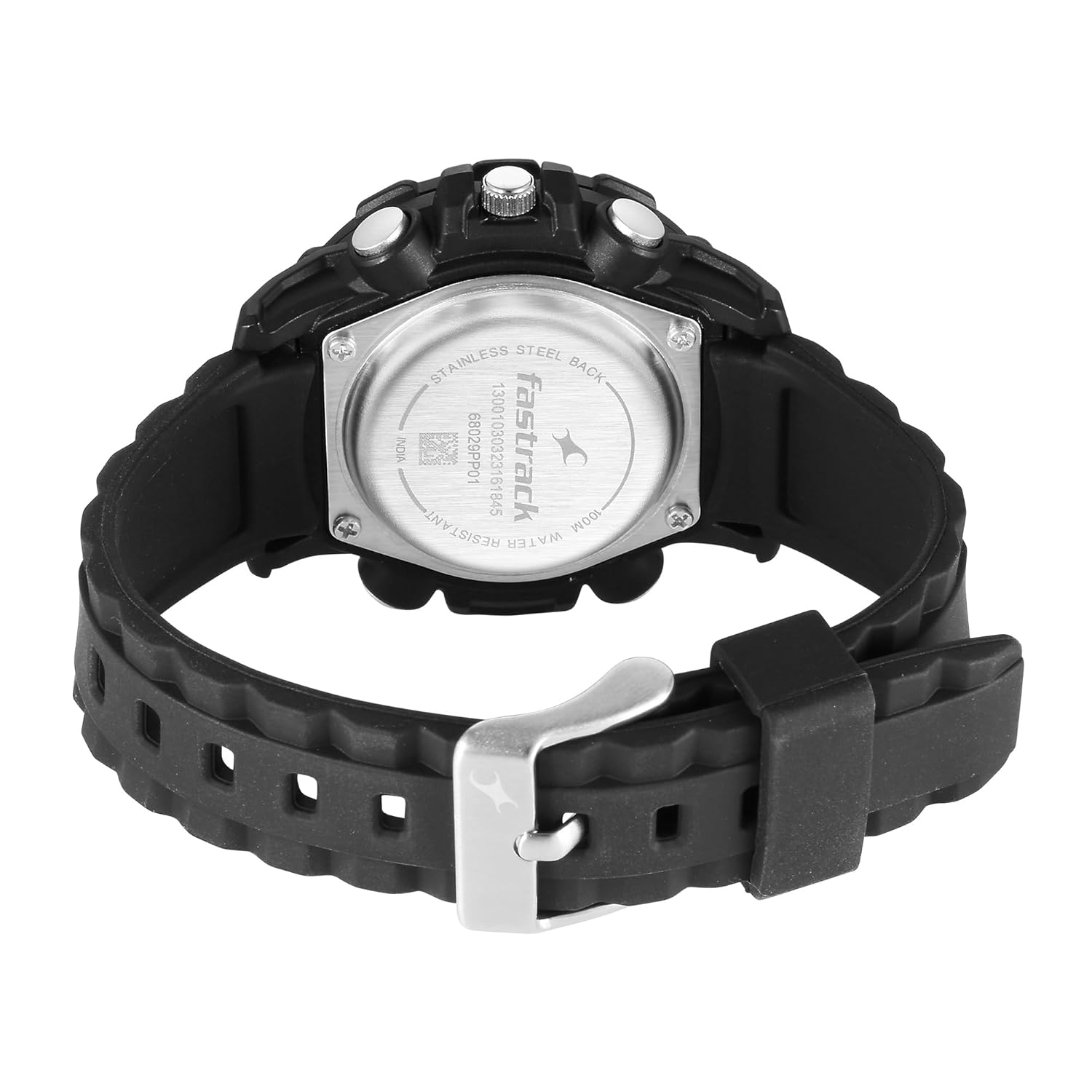
This watch is rated for 10 ATM (100 meters) water resistance. This means it is suitable for swimming, showering, and snorkeling. However, it is not suitable for high-impact water sports, diving, or prolonged submersion at significant depths. Do not operate any buttons or the crown while the watch is wet or submerged, as this can compromise the water seal.
4.3 Battery Replacement
When the digital display dims or the watch stops functioning, the battery may need replacement. Battery replacement should be performed by a qualified watch technician to ensure the water resistance seal is maintained. The watch uses 1 Lithium Polymer battery.
5. Troubleshooting
- Analog hands not moving: Ensure the crown is pushed in completely. If the issue persists, the battery may be low or depleted, or the movement may require service.
- Digital display is blank or dim: The battery may be low or depleted. Replace the battery.
- Buttons are unresponsive: Ensure the watch is not in a locked mode (if applicable, though not a feature on this model). If wet, dry the watch thoroughly before attempting to use buttons. If still unresponsive, seek professional service.
- Time is inaccurate: Re-set both analog and digital times as per instructions. If inaccuracy persists, the watch may require service.
6. Specifications
| Brand | Fastrack |
| Model Name | 68029PP01 |
| Display Type | Analog-Digital |
| Power Source | Battery Powered |
| Water Resistance | 10 ATM (100 meters) |
| Battery Type | 1 Lithium Polymer battery (included) |
| Product Dimensions | 14 x 7 x 10 cm |
| Item Weight | 150 g |
| Manufacturer | Titan Co Ltd No |
| Country of Origin | India |
7. Warranty and Support
This Fastrack watch is covered by a standard manufacturer's warranty against manufacturing defects. For specific warranty terms and conditions, please refer to the warranty card included with your purchase or contact Fastrack customer support directly.
For service or support, please contact the manufacturer:
- Manufacturer: Titan Co Ltd No, Titan Co Ltd No -03 Sipcot Industries Complex Hosur 635126
- Brand Website: www.fastrack.in (Please note: This link is an example and may not be the exact support page.)
Keep your purchase receipt as proof of purchase for warranty claims.