
1. Introduction
This manual provides detailed instructions for the installation, operation, and maintenance of your JOOAN 2K Outdoor Security Camera W8-U X. Please read this manual thoroughly before using the product to ensure proper functionality and safety. This camera is designed to provide comprehensive surveillance with its dual-lens system, offering both a fixed wide-angle view and a pan-tilt-zoom (PTZ) view for enhanced monitoring.
2. Safety Information
- Ensure the power supply meets the camera's requirements (5V DC). Using an incorrect power adapter may damage the device.
- Do not expose the camera to extreme temperatures, humidity, or corrosive environments.
- Avoid placing the camera near strong electromagnetic fields.
- Keep the camera and its components out of reach of children.
- For outdoor installation, ensure all connections are waterproofed to prevent water ingress.
- Do not attempt to disassemble or repair the camera yourself. Contact customer support for assistance.
3. Package Contents
- JOOAN 2K Outdoor Security Camera W8-U X
- Power Cable (USB-C)
- Mounting Screws and Wall Plugs
- User Manual (this document)
Note: A 5V power adapter is required but not included in the package. Your smartphone adapter (5V 1.5A, 2A, or 3A) can be used.
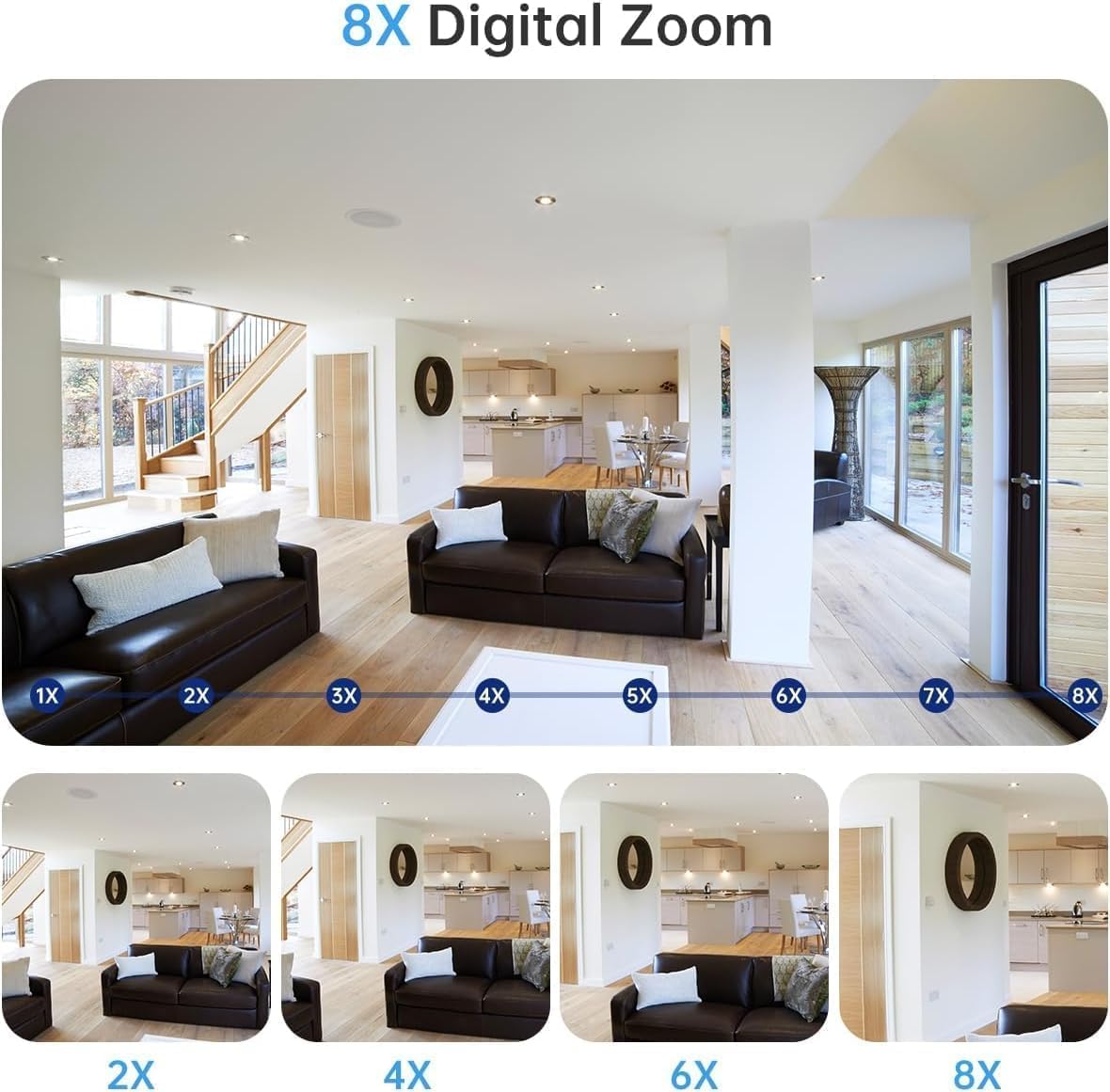
Image: Contents of the camera package, showing the camera, power cable, and mounting accessories. A power adapter is explicitly marked as not included.
4. Product Overview
4.1 Key Features
- Dual-Lens System: Features one fixed lens for a wide overview and one rotatable (PTZ) lens for detailed monitoring.
- 2K Resolution: Provides clear and sharp video footage.
- 360-Degree View: The PTZ lens offers 355° horizontal pan and 90° vertical tilt for comprehensive coverage.
- Motion Detection & Auto-Tracking: Automatically detects movement and tracks subjects, sending instant alerts.
- Two-Way Audio: Built-in microphone and speaker allow for real-time communication.
- Three Night Vision Modes: Black & White, Full-Color, and Intelligent (auto-switching) night vision.
- IP66 Weatherproof: Designed to withstand various weather conditions for outdoor use.
- Flexible Storage: Supports Micro SD card (up to 256GB, not included) and optional cloud storage.
- Dual-Band Wi-Fi: Compatible with both 2.4GHz and 5GHz Wi-Fi networks for stable connection.
4.2 Camera Components

Image: The JOOAN 2K Outdoor Security Camera, highlighting its dual-lens design.
- Upper Lens: Fixed wide-angle lens.
- Lower Lens: PTZ (Pan-Tilt-Zoom) rotatable lens with LED lights.
- Antennas: For Wi-Fi connectivity.
- Microphone: For audio input.
- Speaker: For two-way audio output and alerts.
- Reset Button: Used for resetting the camera to factory settings.
- Micro SD Card Slot: For local video storage.
- Power Port: For connecting the 5V power cable.
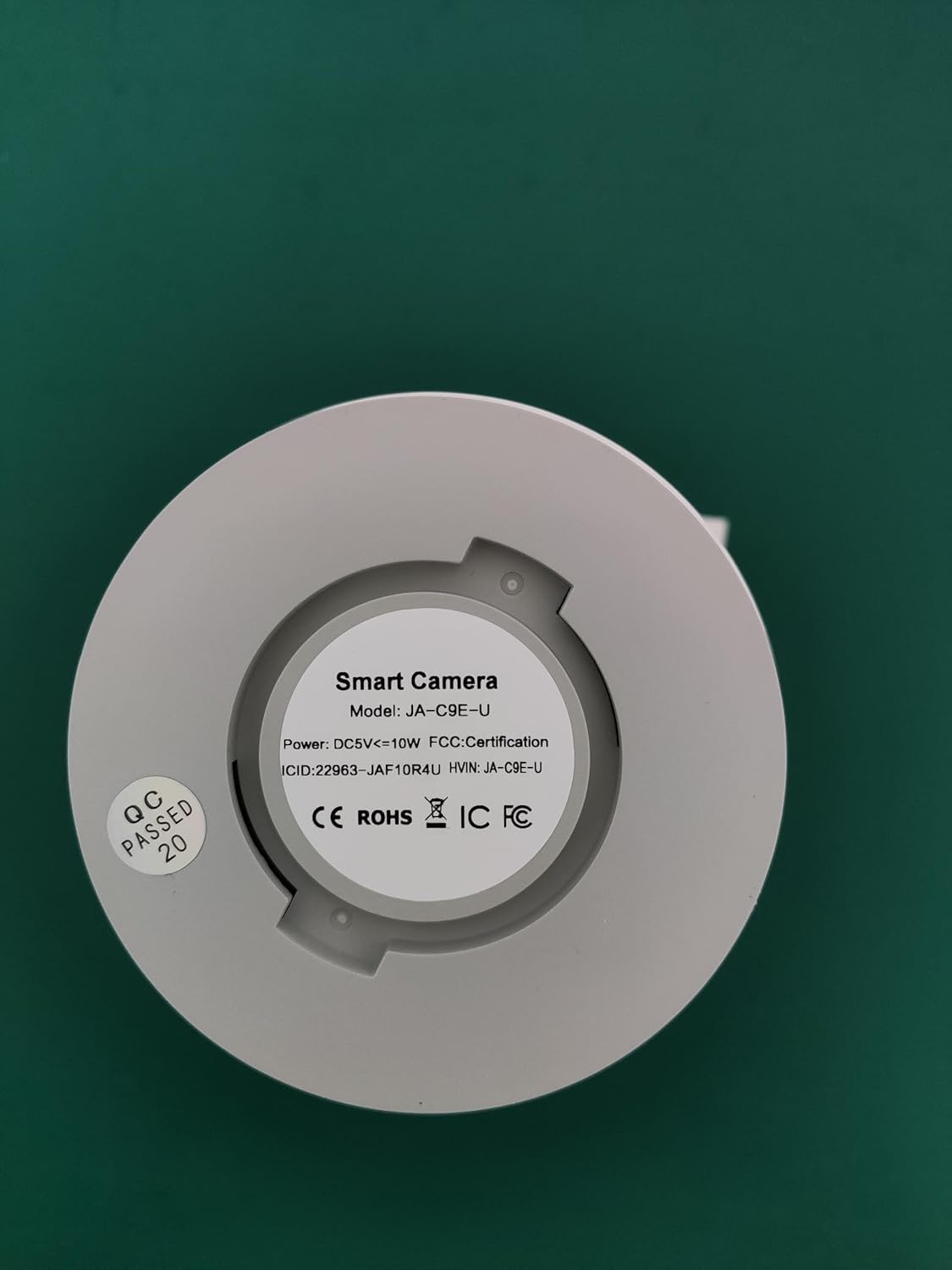
Image: The base of the camera, displaying the model number W8-U X and other product details.
5. Setup
5.1 Download and Register the App
- Download the "cam720" app from the App Store (iOS) or Google Play (Android).
- Register a new account using your email address. A verification code will be sent to your email.
5.2 Power On and Reset the Camera
- Connect the camera to a 5V power adapter (not included) using the provided power cable.
- Wait for the camera to power on.
- Locate the reset button (usually a small pinhole) on the camera. Use a pin or paperclip to press and hold the reset button for approximately 3-5 seconds until you hear a "Di-Di" sound, indicating the camera has reset.
5.3 Connect to Wi-Fi
- Open the "cam720" app and tap "Add a device" or the "+" icon.
- Select "Wi-Fi connection" and follow the on-screen prompts.
- When prompted, connect your phone to the camera's Wi-Fi hotspot, which typically starts with "JAA-**".
- Return to the app and enter the password for your home Wi-Fi network (2.4GHz or 5GHz).
- Ensure your phone and the camera are close to the Wi-Fi router during the initial setup.
Video: A step-by-step guide on connecting the camera to your Wi-Fi network using the mobile application.
5.4 Physical Installation
The camera can be installed in various locations, including wall-mounted, ceiling-mounted, or placed on a flat surface. Choose a location that provides optimal viewing angles and is within Wi-Fi range.
- Wall/Ceiling Mount: Use the provided mounting screws and wall plugs to securely attach the camera bracket to the desired surface. Then, attach the camera to the bracket.
- Flat Surface: Place the camera on a stable, flat surface.

Image: Illustration of different installation methods for the camera, including flat placement, wall mounting, and ceiling mounting.
6. Operation
6.1 Live View and Playback
- Once connected, open the "cam720" app to access the live video feed from your camera.
- To view recorded footage, navigate to the playback section within the app. Ensure you have either a Micro SD card installed or cloud storage enabled.
6.2 PTZ Control and Digital Zoom
The app allows you to remotely control the pan (horizontal) and tilt (vertical) movements of the lower lens to adjust the viewing angle. You can also use digital zoom to get a closer look at specific areas.
Image: Mobile application interface demonstrating the pan, tilt, and digital zoom controls for the camera.
Video: Demonstrates the 360-degree view and auto-tracking capabilities of the camera, along with two-way audio and floodlight features.
6.3 Two-Way Audio
Use the two-way audio feature to listen to the environment around the camera and speak through its built-in speaker. This is useful for communicating with visitors or deterring intruders.
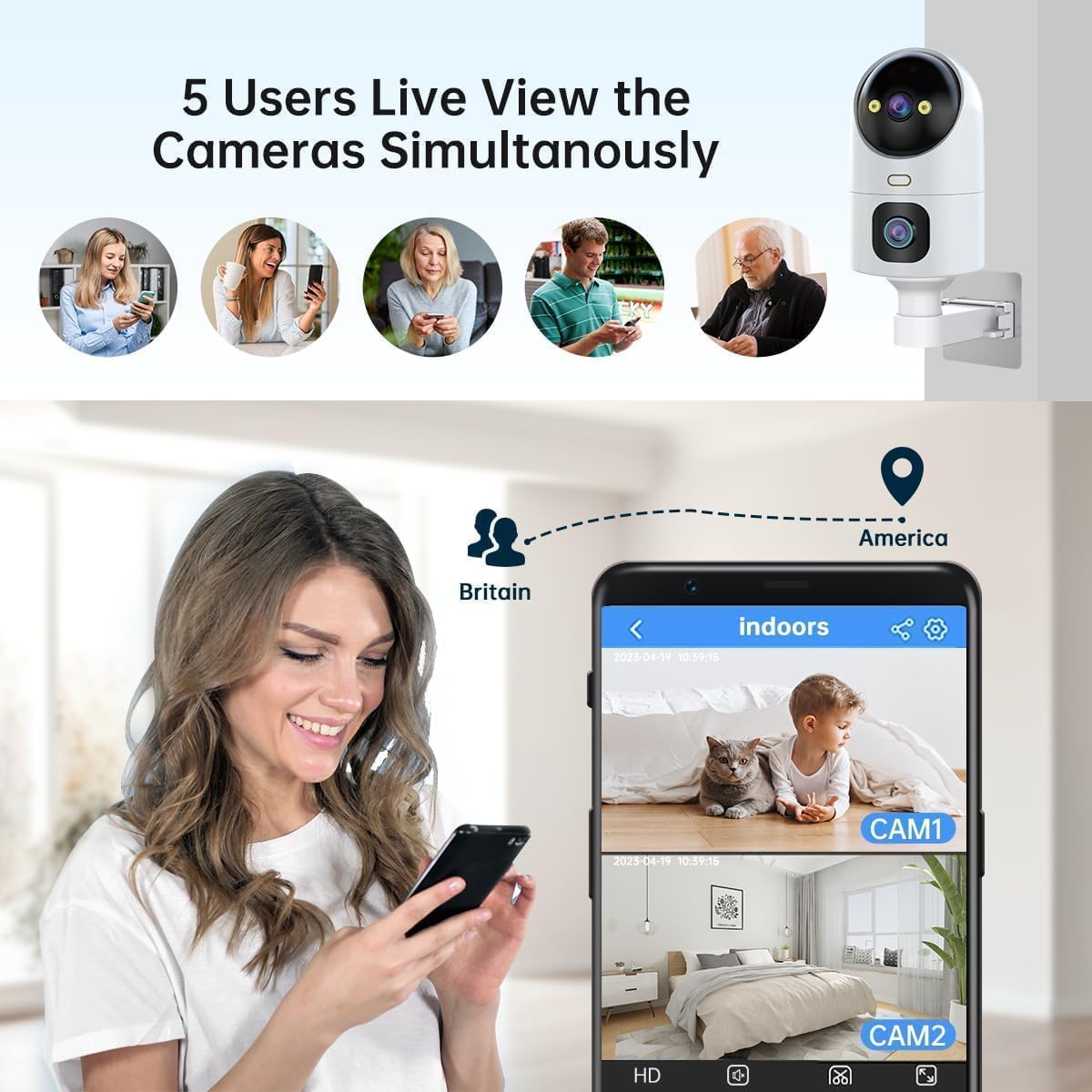
Image: Visual representation of the two-way audio function, allowing communication through the camera.
6.4 Motion Detection and Alerts
Configure motion detection settings in the app:
- Detection Method: Choose between sound and motion detection.
- Detection Area: Define specific zones for motion detection to avoid false alarms.
- Sensitivity: Adjust the sensitivity level of motion detection.
- Alarm Sound: Set custom alarm sounds and adjust volume.
- Alerts: Receive instant notifications on your mobile device when motion is detected.

Image: Motion detection feature with light and sound alerts, showing a person triggering an alarm and a mobile notification.

Image: Visualizing the detection and alert system, including sound and motion detection with customizable setup options.
6.5 Night Vision Modes
The camera offers three night vision modes:
- Black & White Night: Standard infrared night vision.
- Full-Color Night: Utilizes built-in spotlights to provide color images in low-light conditions.
- Intelligent Night Vision: Automatically switches between B/W and color night vision based on detected motion or light conditions.

Image: Comparison of the three night vision modes available on the camera.
6.6 Storage Management
- Micro SD Card: Insert a Micro SD card (8GB-256GB) into the designated slot for continuous local recording. The camera supports 24/7 loop recording.
- Cloud Storage: The camera offers a free 30-day trial of cloud storage. After the trial, subscription options are available for continued cloud recording.

Image: Storage options including Micro SD card and cloud storage, with details on capacity and features.
Image: Illustrates the process of inserting a Micro SD card into the camera.
6.7 Sharing and Remote Access
- Share Camera: Share live view access with up to 6 users simultaneously. The main account holder can manage settings and permissions.
- Transfer Account: You can transfer the main account ownership to another user within the app.

Image: Demonstrates the family sharing feature, allowing multiple users to view the camera feed.
Video: Highlights the dual-lens functionality and 360-degree view of the 2K outdoor security camera.
7. Maintenance
7.1 Cleaning
To maintain optimal image quality, regularly clean the camera lens with a soft, dry cloth. Avoid using harsh chemicals or abrasive materials that could scratch the lens.
7.2 Firmware Updates
Periodically check the "cam720" app for available firmware updates. Keeping your camera's firmware up-to-date ensures you have the latest features, security patches, and performance improvements.
8. Troubleshooting
- Camera not powering on: Ensure the 5V power adapter is correctly connected and functioning. Check the power cable for any damage.
- Unable to connect to Wi-Fi:
- Ensure your Wi-Fi network is 2.4GHz or 5GHz.
- Verify the Wi-Fi password is correct.
- Place the camera closer to the router during setup.
- Reset the camera and try the connection process again.
- No recording or playback:
- Check if a Micro SD card is properly inserted and formatted.
- Ensure cloud storage is active if you are relying on it.
- Verify recording settings in the app.
- Poor image quality:
- Clean the camera lens.
- Ensure sufficient lighting, especially for color night vision.
- Check your internet connection speed.
- Motion detection not working:
- Verify motion detection is enabled in the app.
- Adjust detection sensitivity and area settings.
9. Specifications
| Feature | Detail |
|---|---|
| Model Number | W8-U X |
| Resolution | 2K (2304*1296) |
| Connectivity | Wireless (2.4GHz & 5GHz Wi-Fi) |
| Pan/Tilt Range | 355° Pan, 90° Tilt |
| Night Vision | Black & White, Full-Color, Intelligent |
| Audio | Two-Way Audio |
| Storage Options | Micro SD Card (up to 256GB), Cloud Storage |
| Weather Resistance | IP66 |
| Power Input | 5V DC (Adapter not included) |
| Dimensions | 18.1 x 9.6 x 9.3 cm |
| Item Weight | 460 g |

Image: The camera's IP66 weather-resistant design, suitable for various outdoor conditions.
10. Warranty and Support
Your JOOAN 2K Outdoor Security Camera W8-U X comes with a 1-year manufacturer's warranty. For technical support, warranty claims, or any questions regarding your product, please refer to the contact information provided on the product packaging or the official JOOAN website.


