
1. Introduction
This manual provides instructions for the safe and efficient use of your Wisecoco Neon Strip Light. This flexible, waterproof LED strip is designed for decorative lighting in various indoor and outdoor settings. Please read this manual thoroughly before installation and operation.
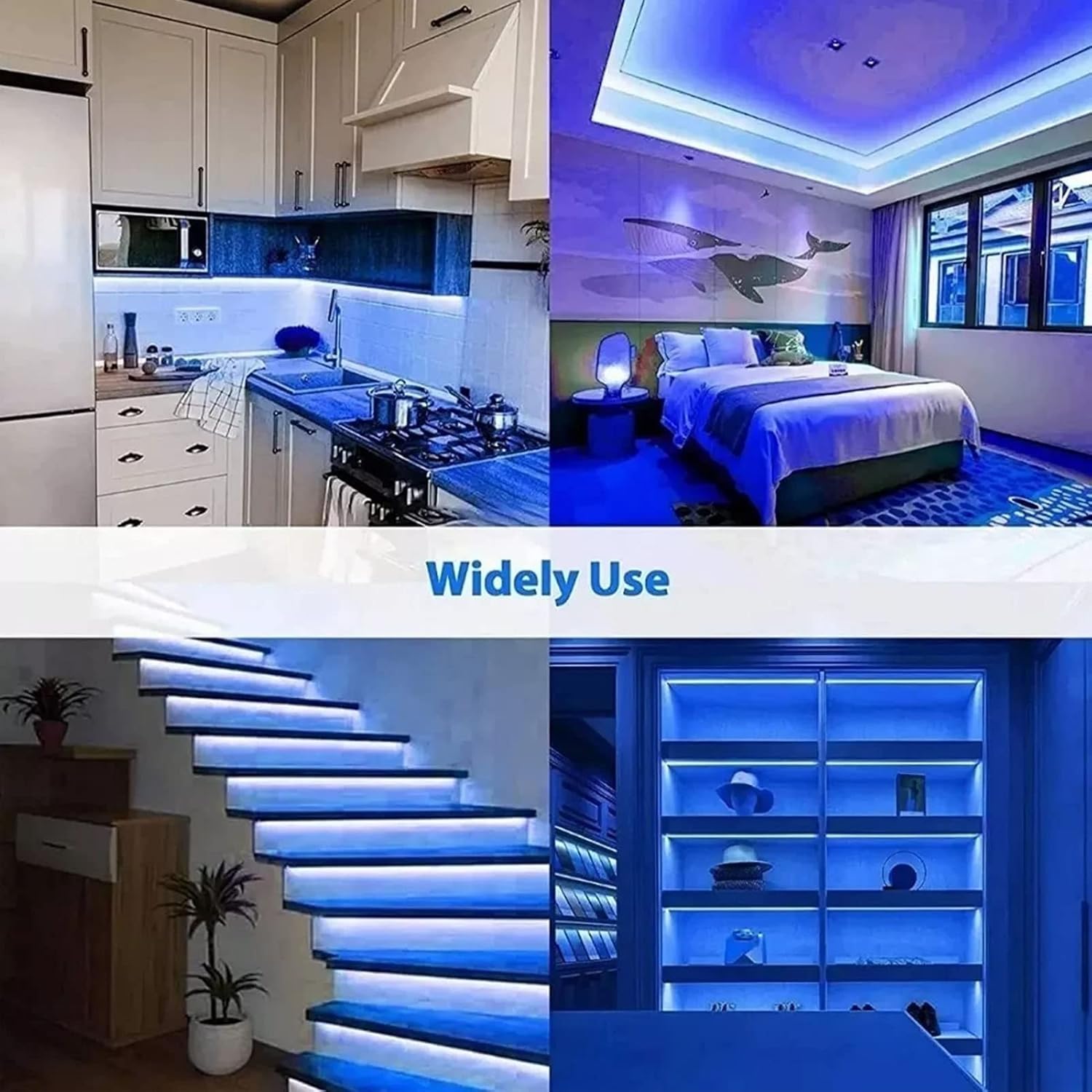
Image: Various applications of the Wisecoco Neon Strip Light.
2. Safety Information
- Ensure the power supply is disconnected before installation or maintenance.
- Only use the provided power supply with the light strip. Using an incompatible power supply may cause damage or fire.
- Do not cut the strip unless specifically instructed and equipped with appropriate tools for resealing. Improper cutting can compromise waterproofing and electrical safety.
- While the strip is IP67 waterproof, avoid prolonged submersion or exposure to high-pressure water jets unless specifically rated for such conditions.
- Keep out of reach of children.
- Do not cover the light strip with flammable materials when in operation.
3. Package Contents
Verify that all items are present in the package:
- 1 x Neon Light Strip (5 meters, Blue)
- 1 x Power Supply (US Plug)
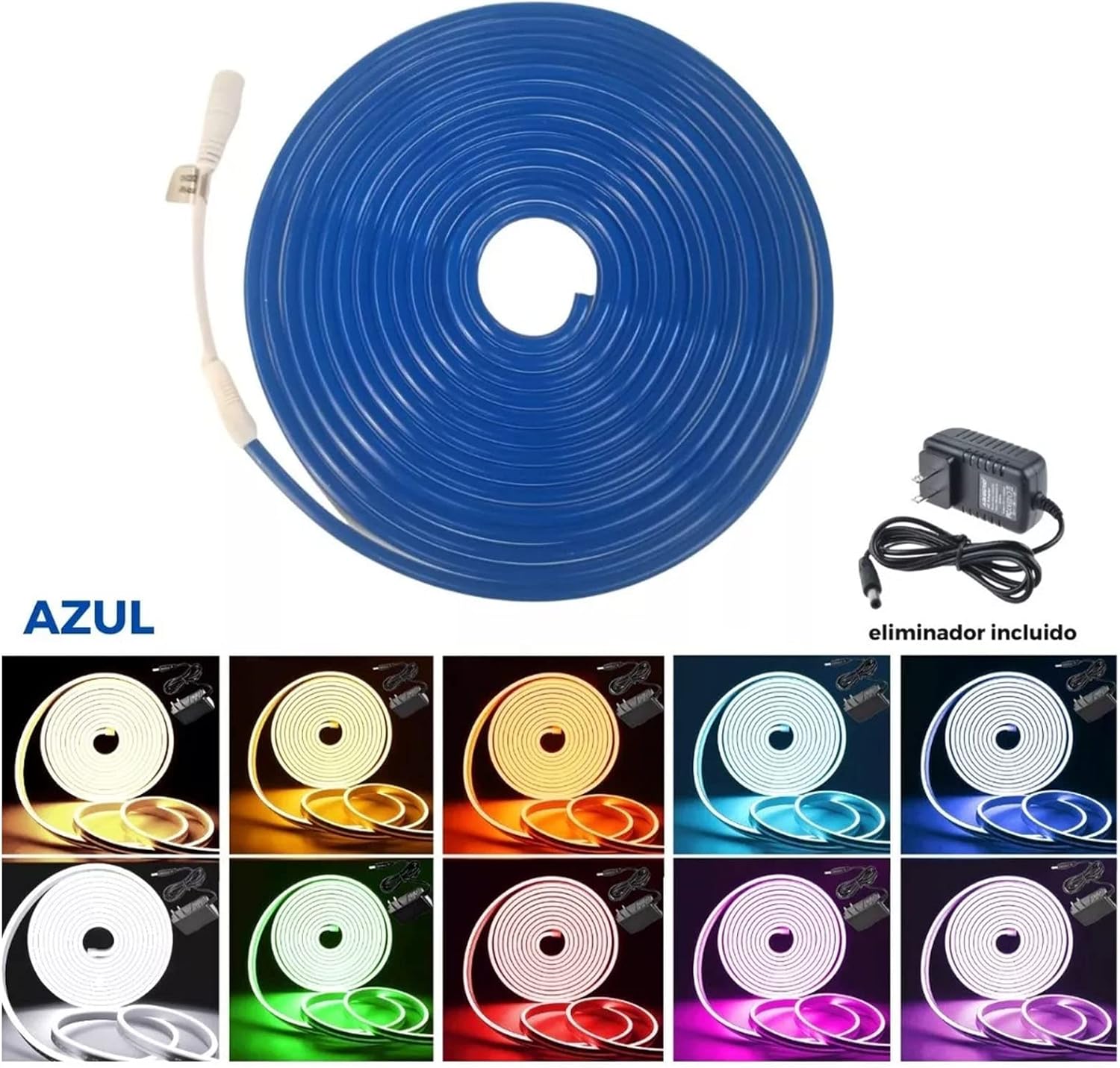
Image: Package contents including the neon strip and power supply.
4. Setup
- Uncoil the Light Strip: Carefully uncoil the entire 5-meter light strip from its packaging. Avoid sharp bends or kinks that could damage the internal wiring.
- Prepare the Mounting Surface: Ensure the surface where you intend to install the light strip is clean, dry, and smooth. Dust, dirt, or moisture can affect adhesion if using adhesive mounting.
- Connect the Power Supply: Locate the connector on the end of the neon strip. Align it with the output connector of the provided 12V power supply and push firmly to ensure a secure connection.
- Mount the Light Strip: Depending on your application, you can use appropriate mounting clips (not included) or a suitable adhesive to secure the strip in place. Plan your layout before permanently fixing the strip.
- Plug In: Once the strip is securely mounted and connected to the power supply, plug the power supply into a standard US electrical outlet.

Image: Coiled neon strip light before installation.
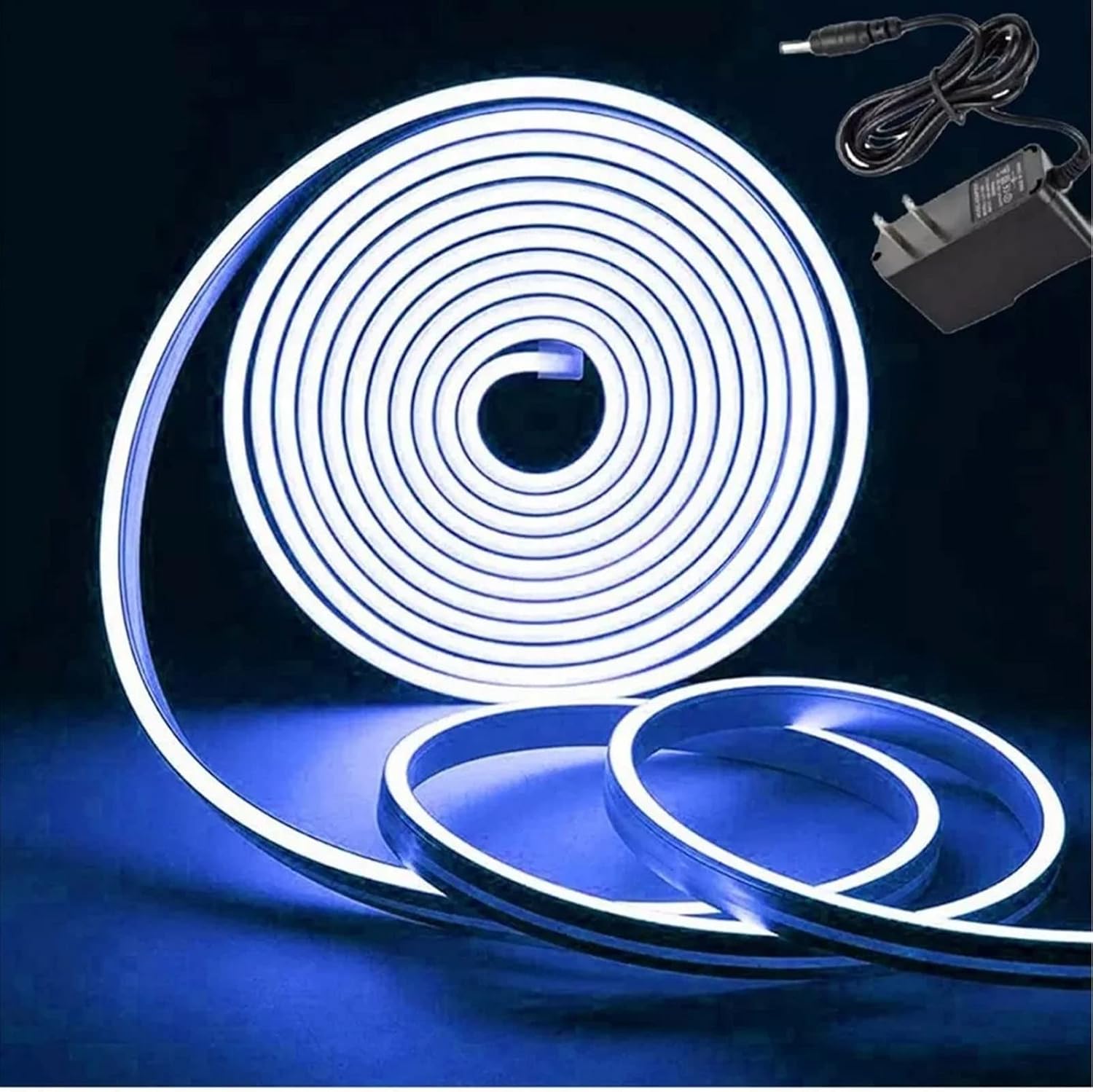
Image: Illuminated neon strip light connected to its power adapter.
5. Operating
To operate the Wisecoco Neon Strip Light, simply plug the power supply into a functional electrical outlet. The light strip will illuminate. To turn off the light, unplug the power supply from the outlet.
Note: The product specifications indicate a 'Control Method: App'. If an app is available for this model, please refer to the app's specific instructions for advanced control features such as dimming or scheduling. No app details are provided in this manual.
6. Maintenance
- Cleaning: Disconnect power before cleaning. Use a soft, dry cloth to gently wipe the surface of the light strip. For stubborn dirt, a slightly damp cloth can be used, ensuring no water enters the electrical connections.
- Connection Check: Periodically inspect the connection between the light strip and the power supply to ensure it remains secure.
- Waterproofing: The IP67 rating provides protection against dust and temporary immersion in water. Avoid using abrasive cleaners or harsh chemicals that could degrade the silicone material and compromise its waterproof integrity.
- Storage: If storing the light strip for an extended period, ensure it is clean, dry, and coiled loosely to prevent damage.
7. Troubleshooting
- Light Does Not Turn On:
- Ensure the power supply is securely plugged into a working electrical outlet.
- Check that the connection between the light strip and the power supply is firm.
- Test the outlet with another device to confirm it has power.
- Light is Dim or Flickering:
- Verify that the power supply is correctly connected and not loose.
- Ensure the power supply is the original one provided with the strip.
- Check for any visible damage to the strip or power cable.
- Section of Strip Not Lighting Up:
- This may indicate internal damage. If the strip has been cut or bent sharply, this could be the cause. Contact support if the issue persists and the strip has not been modified.
8. Specifications
| Item Type | Neon Strip Light |
| Lamp Bead Model | 2835 |
| Protection Level | IP67 |
| Output Voltage | 12V |
| Product Size | Approx. 6 x 12mm (0.24 x 0.47in) |
| Length | Approx. 5 meters (16.4 ft) |
| Weight | 420 g (14.8 oz) |
| Color | Blue |
| Brand | Wisecoco |
| Special Feature | Waterproof |
| Power Source | Corded Electric |
| Material | Silicone |
| Control Method | App |
| Model Number | Wisecoco67a4bvr9pf-12 |
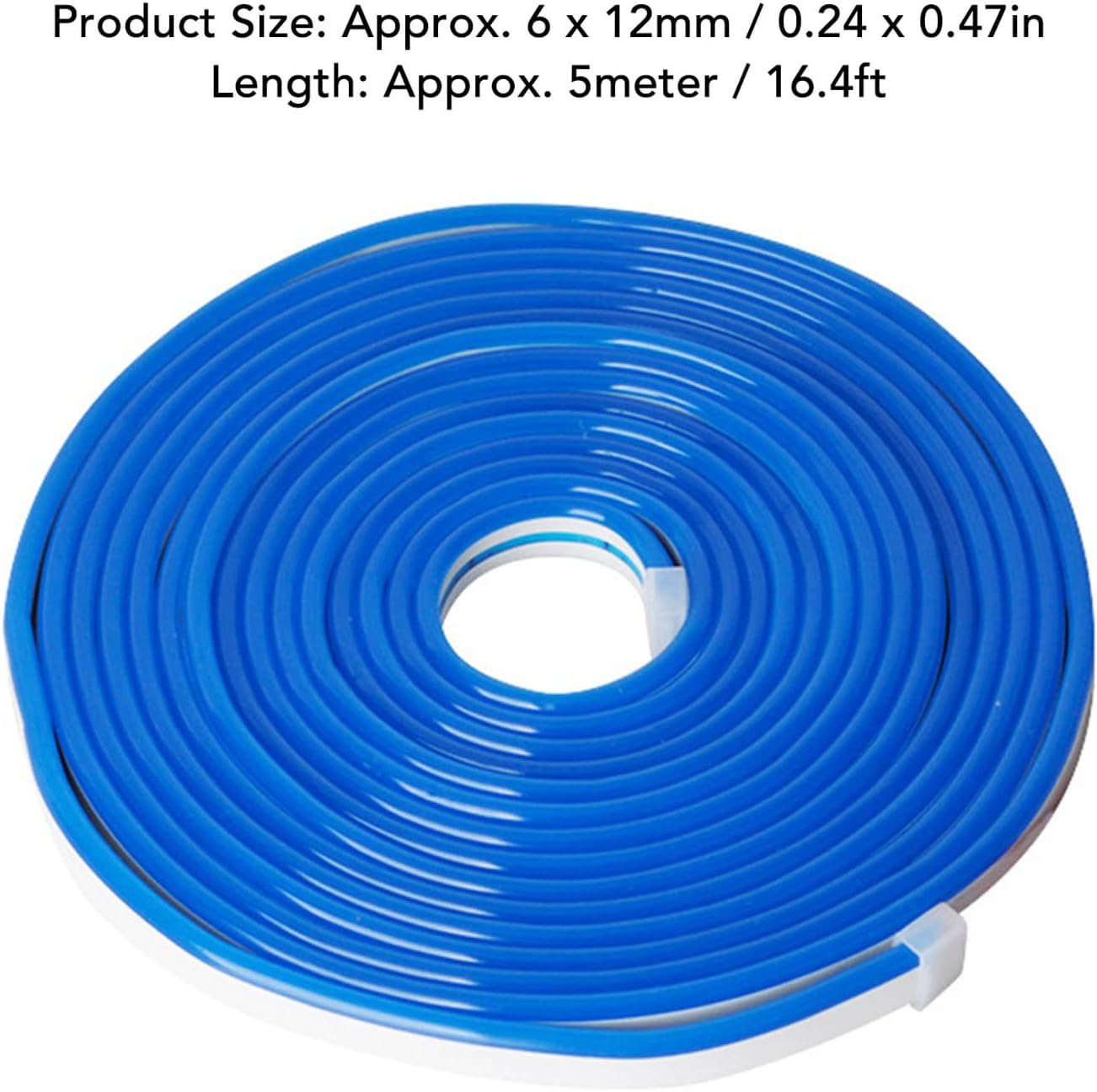
Image: Product dimensions and length.
9. Warranty
Specific warranty details are not provided in this manual. Please refer to the product packaging or the retailer's website for information regarding warranty coverage and terms. Keep your proof of purchase for any warranty claims.
10. Support
For technical assistance or customer support, please contact the retailer or manufacturer directly. Contact information can typically be found on the product packaging or the official Wisecoco website.