
1. Introduction
This manual provides essential instructions for the proper setup, operation, and maintenance of your UBON CM-617 Wired Lavalier Microphone. Please read this manual thoroughly before using the product to ensure optimal performance and longevity.
2. Product Overview
The UBON CM-617 is a compact, wired lavalier microphone designed for clear audio capture. It features an omnidirectional pickup pattern, making it suitable for various recording scenarios. The microphone connects via a standard 3.5mm jack, offering broad compatibility with many devices.

Image 2.1: The UBON CM-617 wired lavalier microphone, showing the microphone head, clip, cable, and 3.5mm jack connector.
3. Setup Instructions
- Identify the 3.5mm Jack: Locate the 3.5mm audio input port on your recording device (smartphone, laptop, computer). This port is typically marked with a headphone or microphone icon.
- Connect the Microphone: Insert the 3.5mm jack of the UBON CM-617 microphone firmly into the audio input port of your device. Ensure a secure connection.
- Clip Placement: Attach the microphone clip to your clothing, approximately 6-8 inches (15-20 cm) from your mouth. This distance helps capture clear audio while minimizing breath sounds.
- Device Settings: On some devices, you may need to select the external microphone as the audio input source in your sound settings or recording application. Refer to your device's manual for specific instructions.

Image 3.1: Close-up view of the 3.5mm audio jack, which is used to connect the microphone to compatible devices.
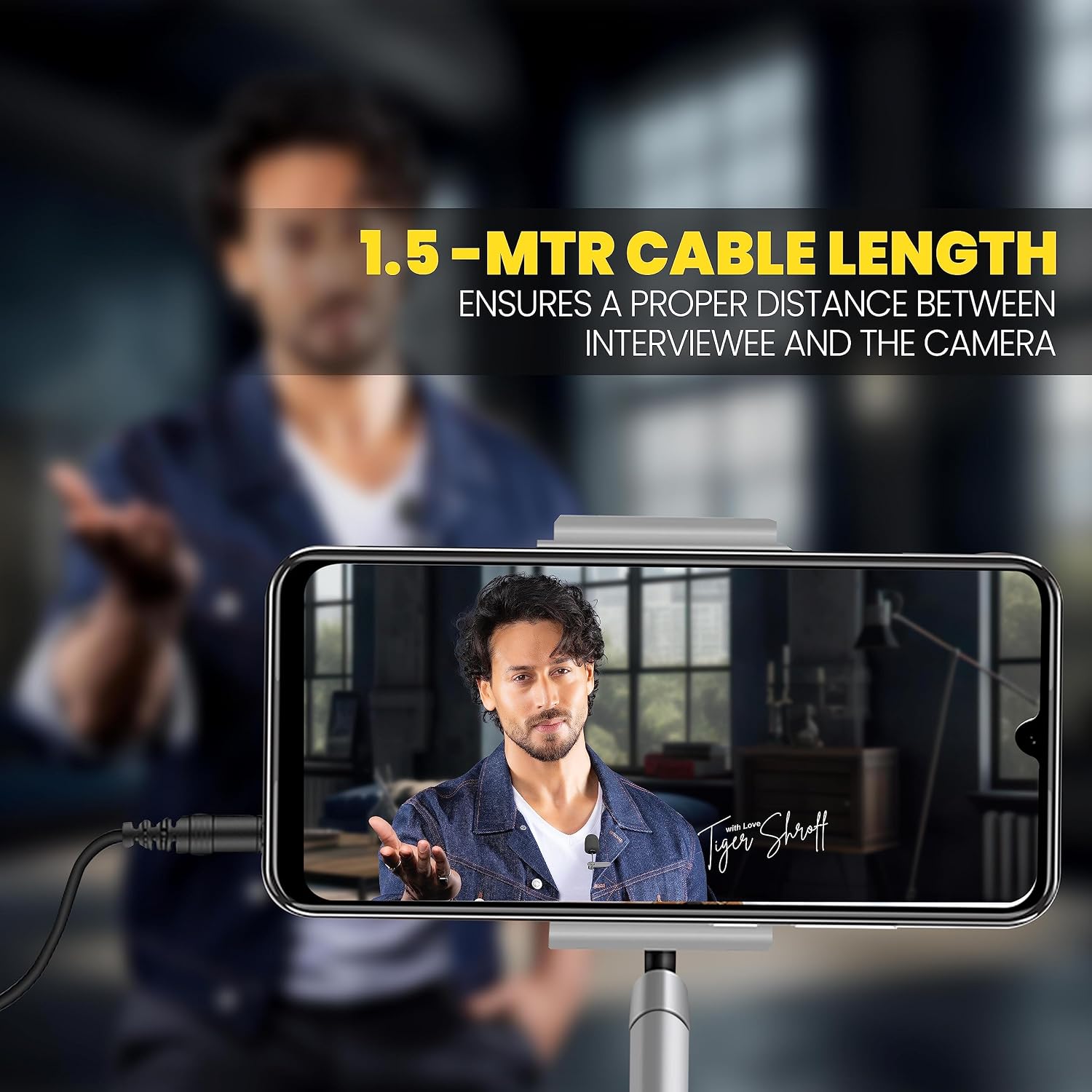
Image 3.2: A person demonstrating the use of the UBON CM-617 microphone, clipped to their clothing and connected to a smartphone, illustrating proper cable length and mic placement.
4. Operating Instructions
Once connected and configured, the UBON CM-617 microphone is ready for use.
- Recording: Open your preferred audio recording application (e.g., voice recorder, video camera app, podcasting software) and begin recording. The microphone will capture audio from all directions due to its omnidirectional pattern.
- Optimal Performance: For best results, ensure the microphone is not obstructed and is positioned correctly. The 1.5-meter cable provides flexibility for various setups.
- Noise Reduction: The microphone incorporates intelligent noise reduction technology to help minimize ambient background noise, focusing on your voice.
- Versatile Use: The CM-617 is suitable for a wide range of applications including meetings, music recording, interviews, vlogging, and podcasting.
- Sensitive Microphone: The highly sensitive microphone element is designed for high-definition audio recording.
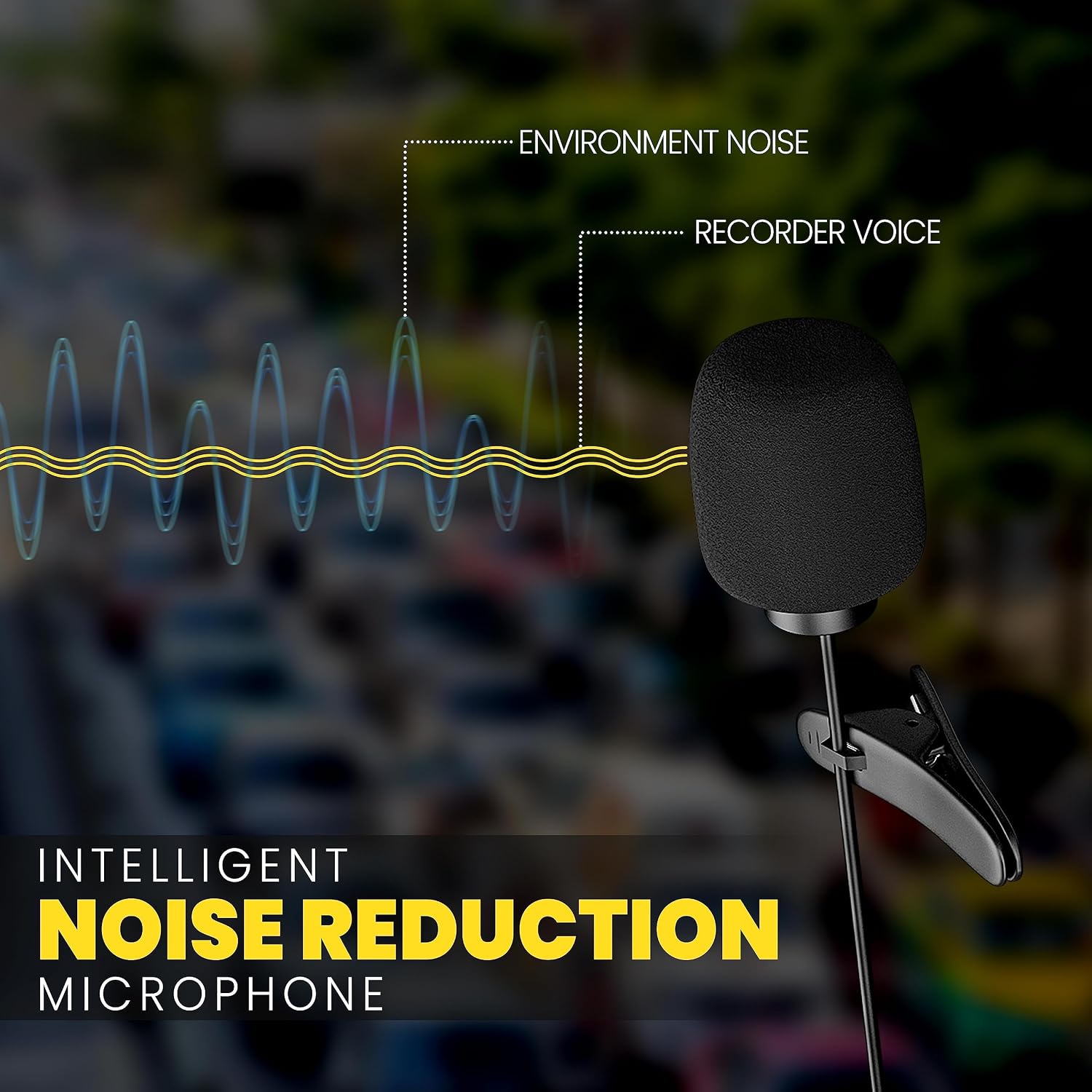
Image 4.1: A visual representation of the microphone's intelligent noise reduction feature, distinguishing between environmental noise and recorded voice for clearer audio.

Image 4.2: Depicts multiple scenarios where the microphone can be used, such as meetings, music recording, interviews, vlogging, and podcasting.

Image 4.3: An exploded diagram showing the internal components of the microphone capsule, highlighting its sensitive design for high-quality audio capture.
5. Maintenance
- Cleaning: Gently wipe the microphone head and cable with a soft, dry cloth. Avoid using liquid cleaners or abrasive materials.
- Cable Care: Do not pull on the cable excessively or bend it sharply. Store the cable neatly coiled to prevent tangles and damage.
- Storage: When not in use, store the microphone in a clean, dry place away from extreme temperatures and direct sunlight.
6. Troubleshooting
- No Sound/Low Volume:
- Ensure the 3.5mm jack is fully inserted into your device.
- Check your device's audio input settings to confirm the external microphone is selected.
- Increase the input volume or gain settings on your recording device or software.
- Test the microphone with another compatible device to rule out device-specific issues.
- Poor Sound Quality/Static:
- Ensure the microphone is positioned correctly and not too far from the sound source.
- Check for any physical damage to the cable or connector.
- Avoid recording in environments with excessive background noise, despite the noise reduction feature.
- Ensure there are no strong electromagnetic interferences nearby.
7. Specifications
| Feature | Detail |
|---|---|
| Brand | UBON |
| Model | CM-617 |
| Connectivity Technology | Auxiliary |
| Connector Type | 3.5 mm Jack |
| Compatible Devices | Laptop, Personal Computer, Smartphone |
| Polar Pattern | Omnidirectional |
| Microphone Form Factor | Lavalier |
| Cable Length | 1.5 meters |
| Impedance | 2200 Ohm |
| Signal-to-Noise Ratio | 58 dB |
| Frequency Response | 16 KHz |
| Item Weight | 20 g |
| Special Feature | Portable |
8. Warranty and Support
For warranty information and customer support, please refer to the packaging or contact UBON customer service directly. Keep your purchase receipt as proof of purchase.
For further assistance, visit the official UBON website or contact their support channels.